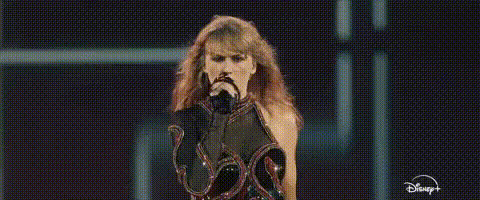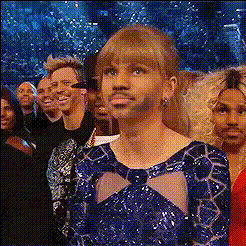
taylor-swift-talking
Overview
Unleash your creativity with the Taylor Swift Video Face Swap template, specifically designed for fan edits and imaginative projects. This tool allows you to insert Taylor Swift's likeness into your videos, creating a unique and engaging viewing experience. Transform raw footage into captivating clips that are perfect for sharing across social media platforms.
What It Does
Utilizing advanced face swapping technology, this template lets you superimpose Taylor Swift's face onto characters in your video footage. It's part of the powerful suite of Face Swap tools available at Magic Hour, providing seamless integration and realistic results. Pair this with our Image to Video solutions to expand your creative possibilities even further.
Who It's For
This template is ideal for Taylor Swift fans, content creators, video editors, and social media enthusiasts who love to experiment with video transformations. It's also useful for artists looking to create immersive and entertaining AI-generated videos that capture audience attention and drive engagement with innovative content.
Summary
The Taylor Swift Video Face Swap template is a standout choice for transforming your video projects. By using tools like the AI GIF Generator, you add a layer of personal touch to any video. Perfect for crafting personalized fan content or creating viral social media clips, this template ensures visually striking results every time.
How to Use
Choose Template

Customize Inputs

Generate Video

Use Cases
Fan Edits
- Add to music videos
- Create themed Instagram stories
- Design exclusive fan art edits
Creative Projects
- Produce short films
- Craft viral social media content
- Enhance storytelling with familiar faces
Social Media Engagement
- Personalized Snapchat filters
- TikTok challenges with a twist
- Interactive reels and stories
Best Practices
Select High-Quality Videos
Always start with high-resolution video files to achieve the best face swap results. This ensures clarity and a professional look.Adjust Lighting and Angles
Maintain consistent lighting and appropriate angles in your videos to ensure a smooth and realistic swap.Experiment with Varied Content
Try applying the face swap effect on different types of scenes and characters to see which style best suits your project goals.