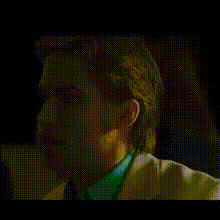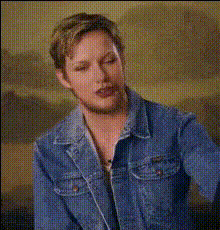
ryan-gosling-smiling-1
Overview
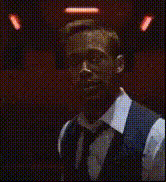
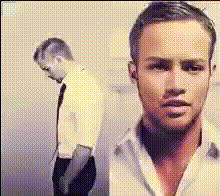
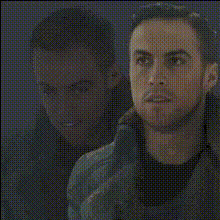
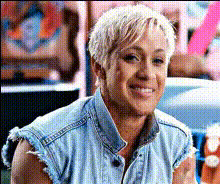
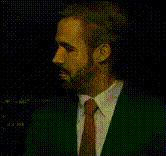
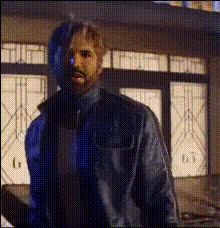
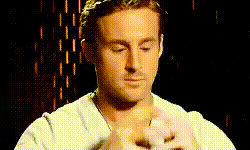
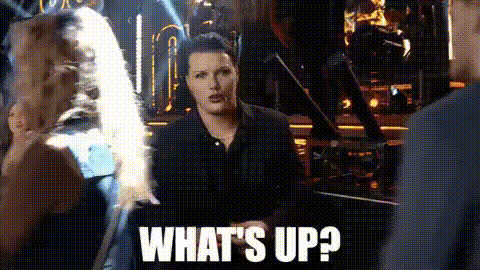
Elevate your video content with the "Ryan Gosling Smiling" face swap template. This tool seamlessly integrates Ryan Gosling's iconic smile into your videos, adding a touch of Hollywood glamor. Perfect for content creators looking to increase engagement through compelling visual transformations.
What It Does
The Video Face Swap template allows users to overlay Ryan Gosling's smiling face onto their existing video content. This transformation provides a professional touch that can be used in marketing campaigns, social media content, or any video requiring a high-profile look.
Explore similar features with our Video Face Swap and enhance your editing toolkit.
Who It's For
This template is ideal for video content creators, marketers, and social media managers seeking to increase viewer engagement. It's a great fit for those looking to add celebrity appeal to their content without the cumbersome traditional editing methods.
Check out the AI GIF Generator for expanding your social media engagement strategies.
Summary
Get ready to transform your video projects with our "Ryan Gosling Smiling" face swap template. This tool is designed to make it easy to add a touch of stardom to everyday video content with just a few clicks.
For more transformative video options, take a look at our Image-to-Video product.
How-To
Choose Your Template

Customize Your Inputs

Generate and Download

Use Cases
Social Media Influencers
Marketing Campaigns
Video Storytelling
Best Practices
Optimal Lighting
Ensure your original video has good lighting to make the face swap look more natural and convincing.Alignment Matters
Take time to adjust the face alignment meticulously for the best results; small adjustments can significantly enhance realism.Explore Other Tools
Combine this template with others like AI Voice Changer for a complete transformation effect.