ryan-gosling-closeup-1
Overview
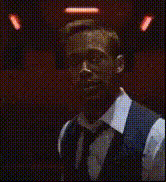
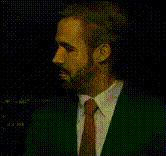
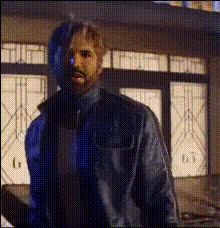
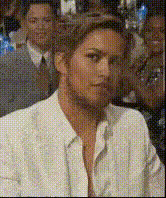
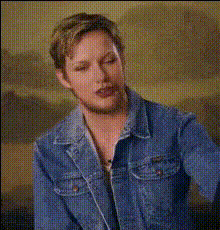
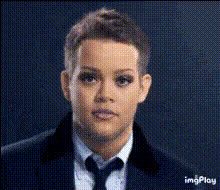
Introducing the Ryan Gosling Close-up Video Face Swap template—your go-to for creating engaging and amusing content. This template enables you to swap faces in videos, inserting Ryan Gosling's face into any close-up scene with precision. Whether you're working on a comedic project, social media content, or just experimenting, this template offers seamless video editing capabilities.
What It Does
The Ryan Gosling Close-up template leverages advanced face swapping technology to insert Ryan Gosling's face into your chosen video scene. It ensures high-quality video processing, maintaining natural expressions and facial movements for a realistic outcome. Ideal for any project that needs a dash of humor and celebrity appearance.
Combine this with our Video Face Swap and AI Image Editor products to refine your edits and explore additional creative possibilities.
Who It's For
This template is perfect for content creators who want to add a playful twist to their videos. Whether you're a marketer looking to break the internet with funny ads, a social media influencer who wants to spice up posts, or a video editor exploring creative possibilities, this template delivers results that draw attention.
Exploring entertainment options? Pair this with the Lip Sync product to give your swapped face a voice that matches the visual flair.
Summary
The Ryan Gosling Close-up Video Face Swap template is your ticket to creating viral, humorous content. Suitable for a range of uses from marketing campaigns to personal projects, it transforms any video encounter into an unforgettable experience.
Leverage the power of our AI GIF Generator to convert your face swap videos into share-worthy GIFs, broadening the reach of your creative projects.
How To
Choose Your Template

Customize Your Inputs

Generate Your Video

Use Cases
Social Media Content
- Stand out in crowded feeds.
- Add a celebrity twist to everyday moments.
Marketing Campaigns
- Enhance brand recall.
- Make adverts entertaining.
Personal Entertainment
- Perfect for parties.
- Great for sharing laughs.
Best Practices
Select High-Quality Video
Ensure that your original video is high resolution and features well-lit, clear scenes for the best face swap results.Fine-Tune Placement
Use the customization menu to adjust face positioning and size for a natural look.Use Supportive Tools
Combine with AI Talking Photo to add voice and animation, or AI Clothes Changer for even more customization.