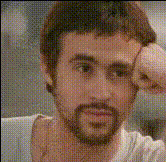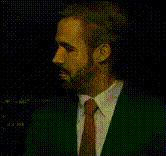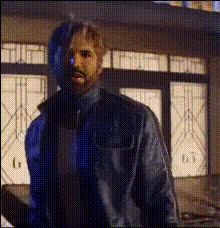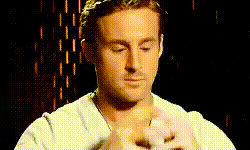
ryan-gosling-acting
Overview
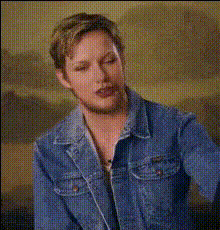
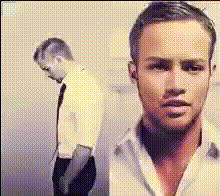
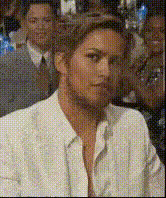
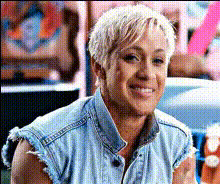
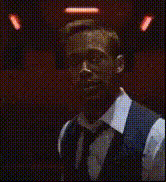
With the Ryan Gosling Acting template, you can transform your ordinary video footage into something extraordinary by swapping any face with that of the famous actor, Ryan Gosling. This Video Face Swap template is perfect for creators looking to infuse a touch of Hollywood into their projects.
What It Does
This template leverages advanced face swapping technology to overlay Ryan Gosling's face onto any chosen characters in your video clip. The result is a natural, visually consistent transformation that maintains emotional expression and movement fidelity. Pair it with our AI Video Generator for enhanced video creativity.
Who It’s For
Ideal for content creators, filmmakers, and meme enthusiasts, this template offers a fun, engaging way to reimagine scenes with a twist. Whether you're making parody videos, promotional content, or just having fun, the Ryan Gosling face swap widens your creative possibilities. Discover more options with our AI Talking Photo tool for expressive enhancements.
Summary
The Ryan Gosling Acting template is a versatile tool that brings the charm of Hollywood to your video projects effortlessly. By intelligently integrating facial transformations, it allows for seamless and believable swaps, making your videos unique. Experiment with this Video Face Swap in dynamic contexts for maximum impact.
How to Use the Ryan Gosling Acting Template
Choose Your Template

Customize Your Inputs

Generate Your Video

Use Cases
Parody and Comedy Videos
- Perfect for funny clips
- Great for viral video attempts
Promotional Content
- Engage audiences more effectively
- Stand out in social media ads
Film and TV Concept Testing
- Test audience reactions
- Prototype new character angles
Social Media Content
- High potential for shares and engagement
- Adapts well to platforms like TikTok
Best Practices
Use High-Quality Source Material
For best results, ensure the source video is of high quality to maintain realism in the face swap.Align Skin Tones and Lighting
Adjust settings to match skin tones and lighting conditions for seamless integration.Focus on Expressive Shots
Select video scenes with clear, expressive facial features for a more convincing swap.Experiment with Angles
Test various angles to find the most convincing view for the swapped face.