the-nice-guys-ryan-gosling
Overview
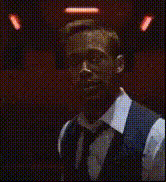
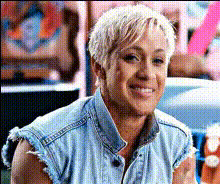
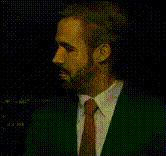
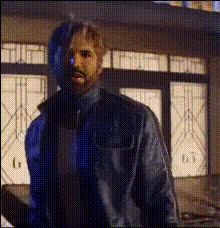
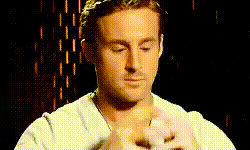
Step into Ryan Gosling's shoes—literally! Our Video Face Swap template lets you create entertaining scenes with the charm of "The Nice Guys." Easily swap your face with Gosling's and become the star of your own comedy clip.
What It Does
This template utilizes advanced Video Face Swap technology to overlay your face onto Ryan Gosling's body in various scenes. Supported by robust rendering engines, this tool ensures high-quality, believable swaps optimized for both fun personal use and professional content creation.
Who It's For
This template is ideal for digital creators, marketers, and anyone seeking to add a comedic twist to their media content. Whether you're a YouTuber, social media influencer, or just having fun with friends, swap faces within moments using our intuitive AI Video Generator.
Summary
Create memorable, funny scenes by switching faces with one of Hollywood's favorite actors. Perfect for engaging social media posts, meme videos, or personalized comedy skits. Dive into digital transformations with our easy-to-use templates.
How To
Choose Your Scene

Customize Your Swap

Generate and Download

Use Cases
Humor and Memes
Custom Content Creation
Fan Creations
Best Practices
Use High-Resolution Images
Ensure the images you upload are high-resolution to maintain the quality of the swap.Match Facial Angles
For the best results, try to use photos that closely match the angle and expression of Ryan Gosling in the scene.Experiment with Different Clips
Test out various scenes and settings to find the best match for your swapped image.