ryan-gosling-face-swap
Overview
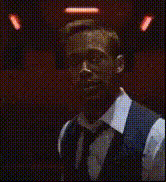
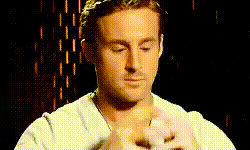
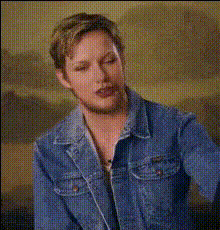
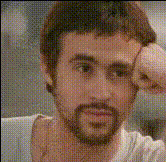
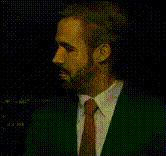
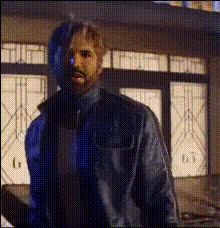
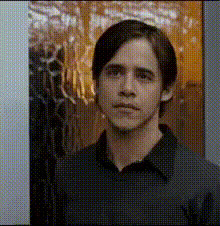
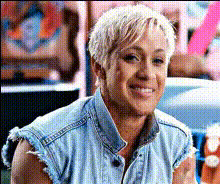
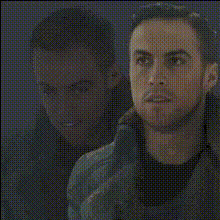
Swap anyone's face with Ryan Gosling’s in your videos, creating eye-catching and entertaining clips that captivate and amuse. This Video Face Swap tool transforms your footage by digitally placing Ryan Gosling's likeness over existing faces, ideal for personal projects or viral online content.
What It Does
This tool enables users to manipulate video content by overlaying a high-quality digital mask of Ryan Gosling’s face onto video subjects. It's powered by advanced facial recognition and Face Swap technology, ensuring seamless integration and realistic effects. Results can be exported in popular formats for easy sharing across social media and messaging platforms.
Who It's For
This template is perfect for content creators looking to add a humorous twist to their videos, filmmakers experimenting with character substitution, or anyone interested in exploring creative transformations for personal fun or professional projects.
Summary
Enhance your storytelling with a touch of Hollywood by integrating Ryan Gosling’s face into your video projects. This tool is part of our Video Face Swap suite, offering innovative ways to refresh your content with ease and precision.
How To
Choose Your Template

Customize Your Video

Generate Your Video

Use Cases
Social Media Engagement
- Enhance your social media profile
- Boost engagement and shares
- Start viral challenges
Creative Storytelling
- Experiment with video narrative
- Create unforgettable characters
- Develop dynamic scenes
Surprise Friends
- Personalized birthday messages
- Fun jokes amongst friends
- Surprise announcements
Best Practices
Choose High-Quality Source Videos
Ensure your source material is well-lit and clear to achieve the best face swap results.Mark Key Frames
If your video has dynamic movement, mark key frames to maintain consistent face placement.Test Different Angles
Experiment with videos shot from multiple angles to understand how the face swap reacts under various conditions.