ryan-kelly-smiling-peace
Overview
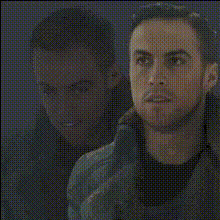
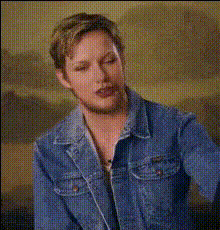
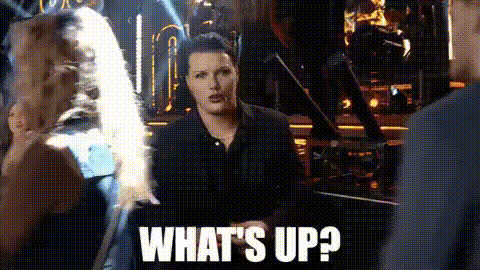
Transform your videos with the unique charm of Ryan Kelly's smiling face using the Video Face Swap template. This tool is designed for anyone looking to create entertaining and personalized video content. Whether you're aiming to inject humor or a personal touch, this template can help elevate your video projects.
What It Does
The Ryan Kelly Smiling Peace template allows you to swap the face in a video with Ryan Kelly's iconic smiling visage. It's part of our Video Face Swap collection, enabling easy integration of playful transformations into your recordings. The output is compatible with a range of video editing software, allowing further enhancements if needed.
Who It's For
This template is ideal for social media influencers, content creators, and anyone looking to add a whimsical twist to their videos. It's a great choice for producing engaging social media ads or personalized greetings, and for those in the entertainment and marketing fields seeking to capture their audience's attention.
Summary
By utilizing the Ryan Kelly Smiling Peace template, you'll access a straightforward method to personalize your video projects. This template leverages advanced features from our Face Swap technology, ensuring high-quality results with minimal effort.
How-To
Choose

Customize

Generate

Use Cases
Social Media Content
- Short, humorous videos
- Personalized video messages
Marketing Campaigns
- Memorable video ads
- Branded content with a twist
Entertainment
- Live stream enhancements
- Funny memes and skits
Best Practices
Clear Input Videos
Ensure the original video has a clear, front-facing view for the best face swap results.Consistent Lighting
Good lighting enhances the quality of the face swap, making it appear more natural.Software Integration
Consider using AI Image Editor for additional tweaks post-generation.