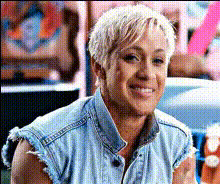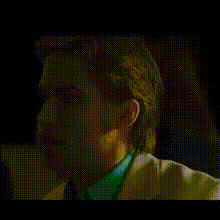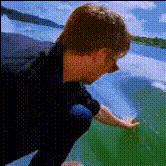
ryan-gosling-drinking
Overview
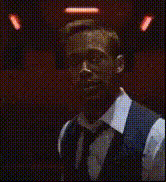
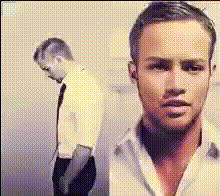
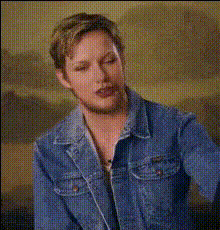
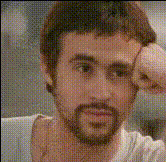
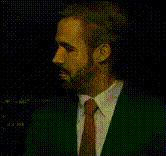
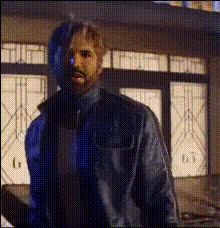
Experience a touch of Hollywood fun with the Ryan Gosling Drinking face swap template. This template allows creators to insert Ryan Gosling's face into any video drinking scenario, making for humorous and entertaining content. It's an ideal way to bring an element of celebrity charm into your projects without the use of complex editing software.
What It Does
The Video Face Swap feature of this template enables users to replace a face in their video with Ryan Gosling's. Utilizing the template, you can upload your video file, and the system will seamlessly integrate the actor's recognizable visage into your scenes. Whether it's a casual gathering or a funny skit, this template transforms your footage noticeably, all ready for sharing on social media or with friends.
Who It's For
This template is perfect for content creators, meme enthusiasts, or marketing professionals looking to add an amusing element to their videos. Whether you're aiming to spice up your social media ads or create engaging meme videos, the Ryan Gosling Drinking face swap is a powerful tool to enhance viewer engagement.
Summary
Featuring Ryan Gosling in your videos has never been easier with our Video Face Swap. This template offers a straightforward way to infuse humor and celebrity appeal into your projects, especially appealing for producing viral content and playful videos. Use it in conjunction with our AI GIF Generator or explore our AI Talking Photo for further creative possibilities.
How To
Choose the Template

Customize Your Video

Generate and Download

Use Cases
Viral Social Media Content
- Celebrity-themed skits
- Funny reaction videos
Memes and Gags
- Meme creation
- Short parodies
Marketing Campaigns
- Product launches
- Event promotions
Best Practices
Select High-Quality Source Videos
Ensure the original video is of high quality to achieve the best results in the face swap.Focus on Lighting
Maintain consistent lighting between the face of Ryan Gosling and the original subject for a more natural look.Adjust Face Fit
Take advantage of the template's tools to adjust face alignment and fit smoothly within the scene.