Luxury Paws
- Model
- Nano Banana 2
- Image
- 832 × 1270 px
Prompt
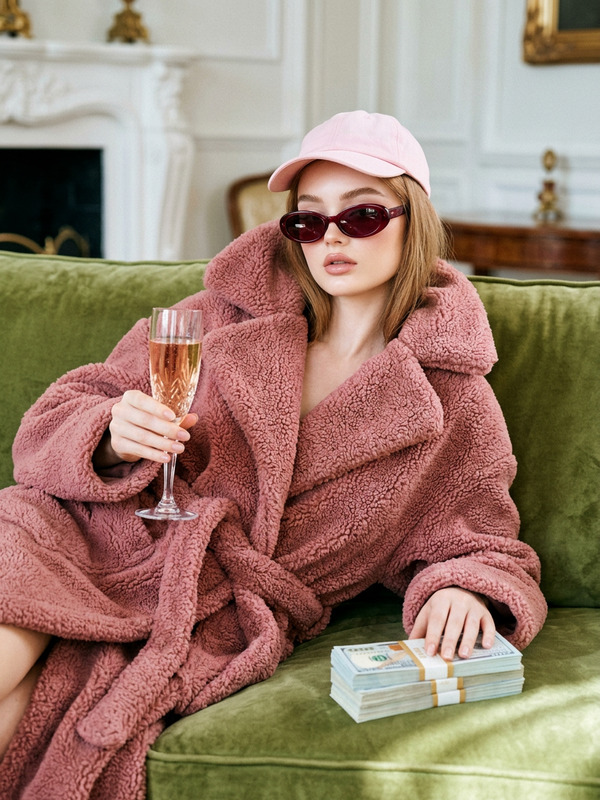
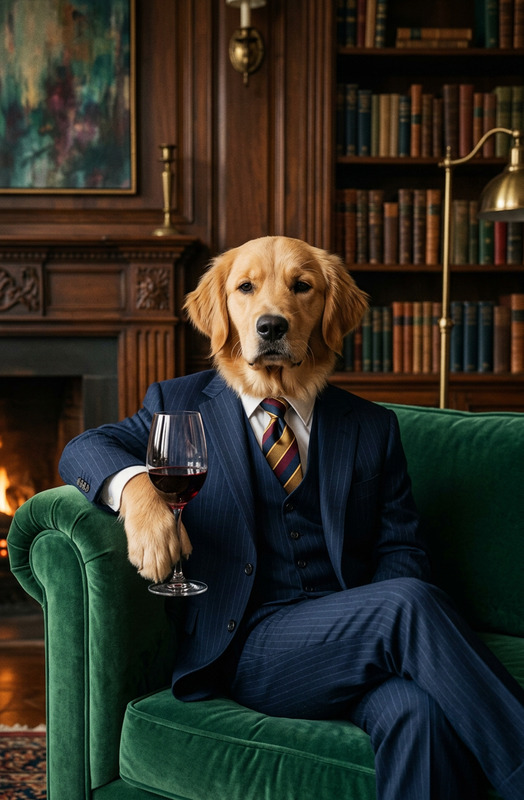
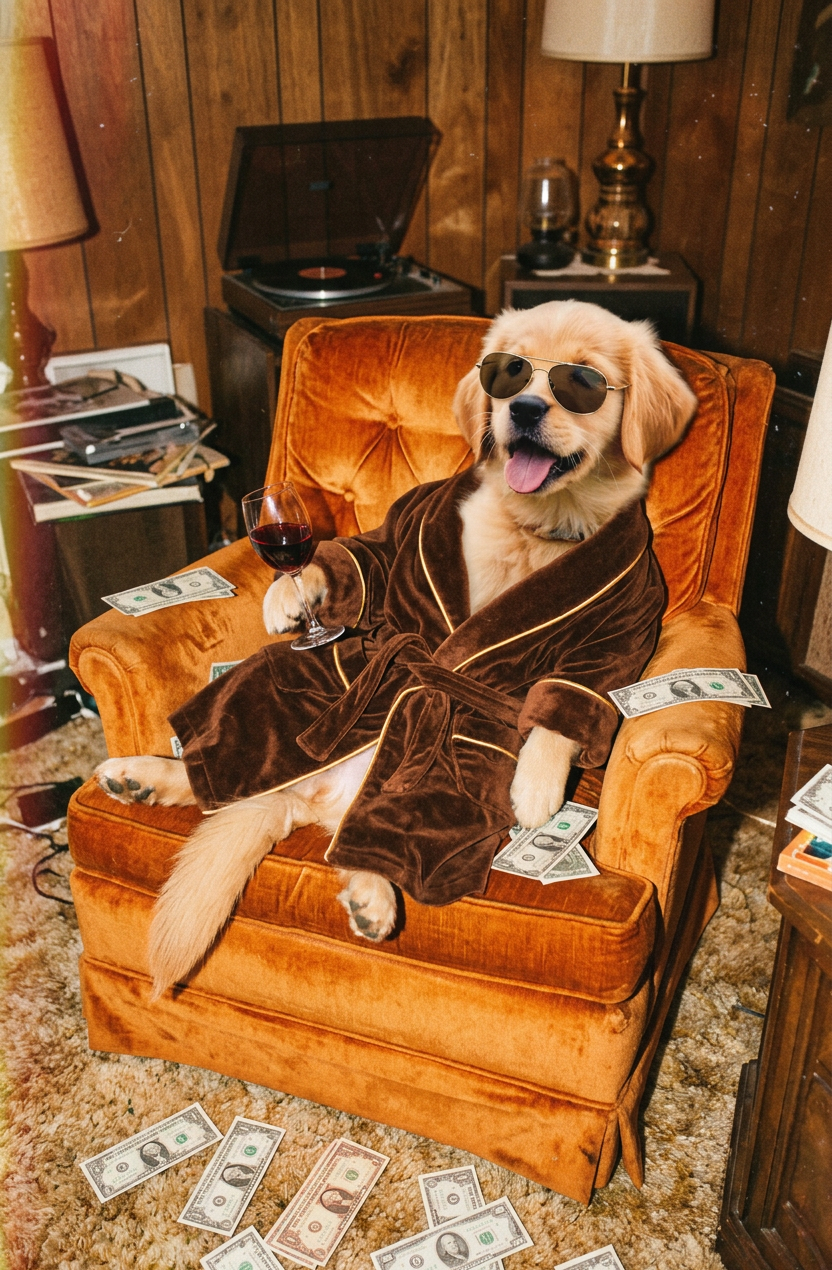
A humorous and vintage flash-photography image of a subject. The subject is lounging extravagantly on an orange velvet armchair inside a messy retro 1970s living room. It is wearing aviator sunglasses and a luxurious brown velvet bathrobe. The subject holds a glass of red wine in its paw, and cash dollar bills are scattered all around it on the sofa and floor. The photo has a 35mm film aesthetic, featuring heavy vintage film grain, slight motion blur, warm color grading, and a subtle red light leak effect on the edges. Low-angle shot, cinematic and nostalgic vibe
Any aspect ratio
Overview
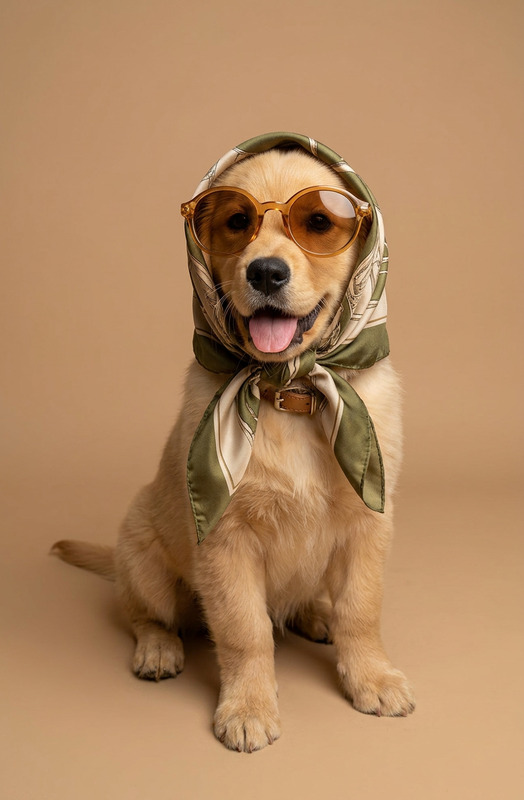
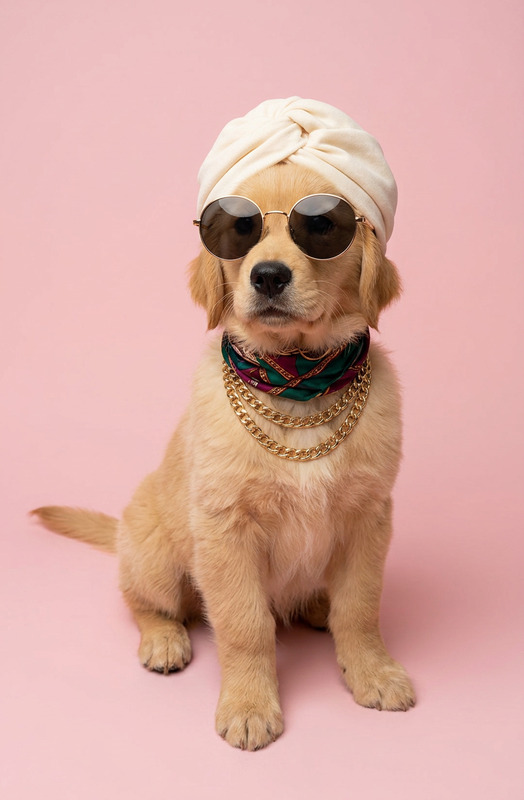
Step into the world of vintage sophistication with the Luxury Paws template. Designed for the AI Image Editor, this template offers a charming blend of humor and nostalgia. Immerse your imagery in the cinematic vibe of the 1970s, featuring velvet, retro decor, and the opulent randomness of cash and red wine. Bring your furry friends to the forefront with whimsical editing power.
What It Does
The Luxury Paws template offers a unique opportunity to inject humor and charm into your pet imagery. Using the nano-banana-2 model, it transforms your photos with a 35mm film aesthetic, enriching them with heavy vintage grain and warm colors. This template allows you to recreate the luxurious vibe of the 1970s in your images, enhancing them with cinematic quality.
Who It’s For
Designed for pet lovers, photographers, and content creators, the Luxury Paws template is perfect for anyone looking to elevate their pet photography or create engaging visual content. Ideal for social media influencers and nostalgic enthusiasts aiming to capture the charisma of vintage photography in a humorous setting.
Summary
The Luxury Paws template combines vintage aesthetics with pet photography to deliver a standout, stylized image. Use it alongside our AI Clothes Changer to further customize your subject's attire or explore our AI Image Generator for additional creative opportunities. Make your furry friends' photos truly memorable with a touch of retro luxury.
How to Use
Choose the Luxury Paws Template

Customize Your Image

Generate and Download

Use Cases
Social Media Content
- Instagram aesthetic shots
- Engaging Facebook stories
Pet Photography Portfolio
- Diverse portfolio additions
- Client-specific projects
Creative Collages
- Personalized arts and crafts
- Unique gallery displays
Best Practices
Capture High-Quality Photos
Start with a well-taken, high-resolution photo of your pet to maximize the template's effects.Experiment with Angles
Try different perspectives to find the most impactful look that aligns with the low-angle shot suggested in the template.Combine with Other Tools
Consider using tools like the Face Swap for added fun and creativity.