Luxury Night Ride

Luxury Night Ride

ai-image-editor

1 clip
12 uses

Any aspect ratio

Prompt

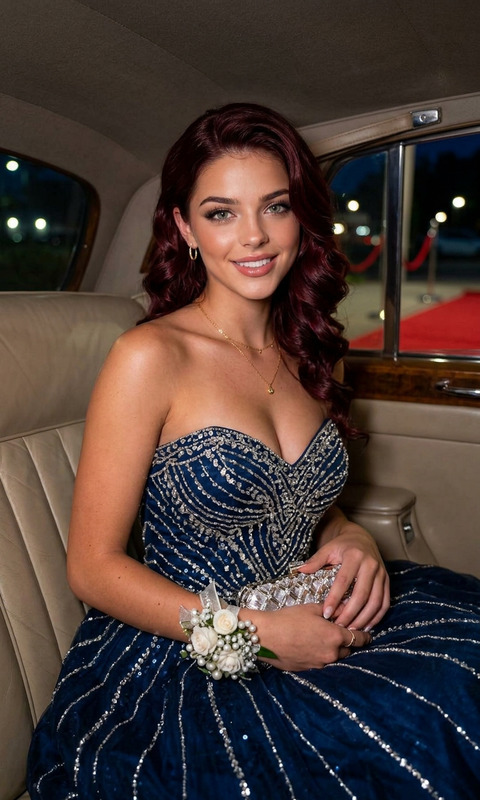
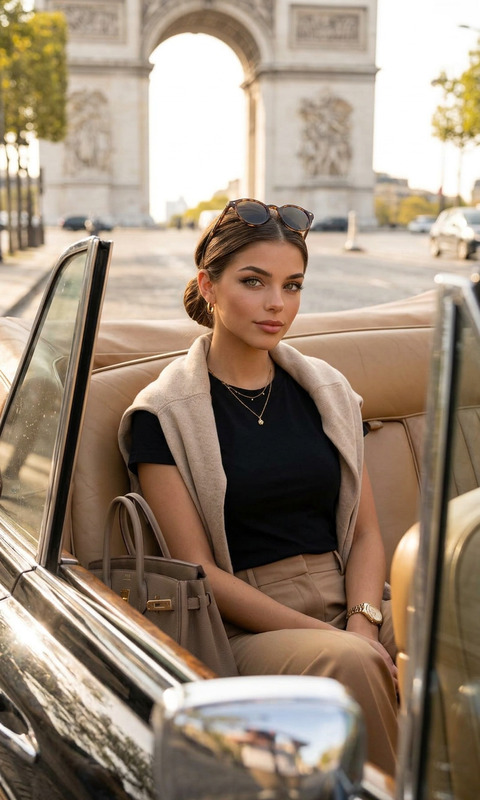
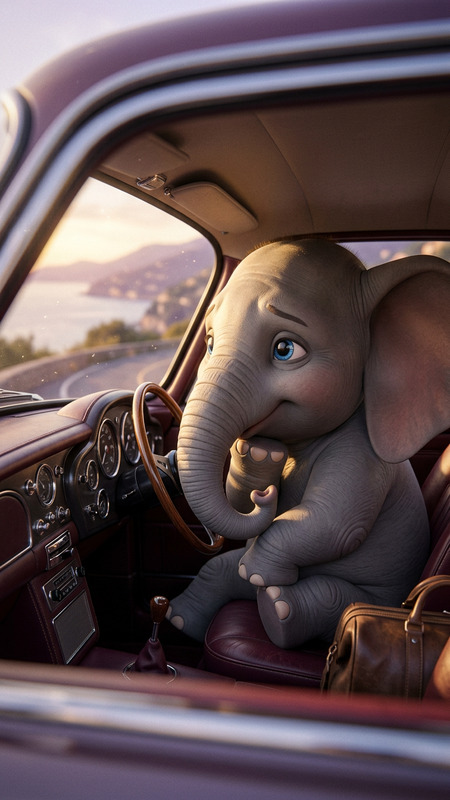
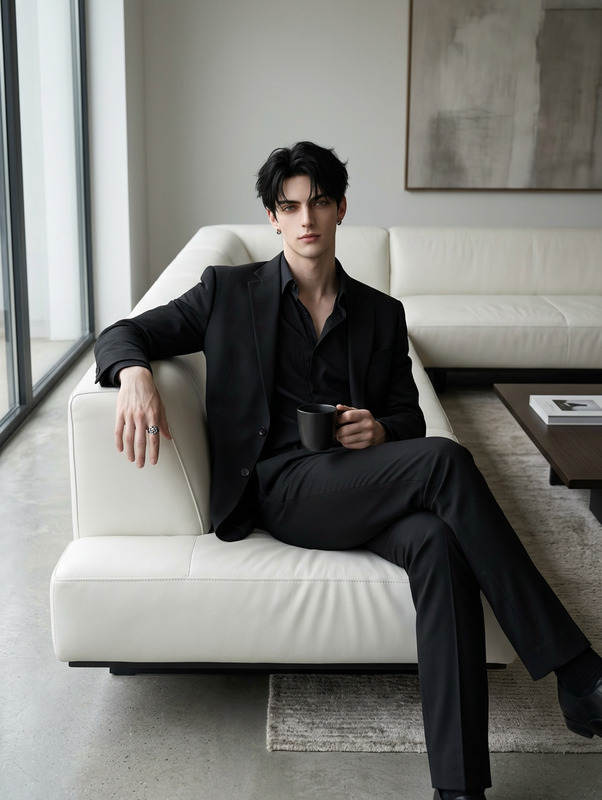
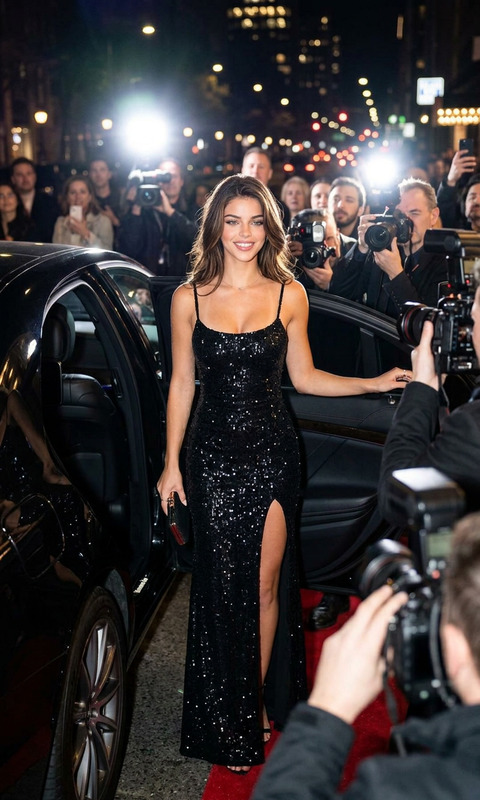
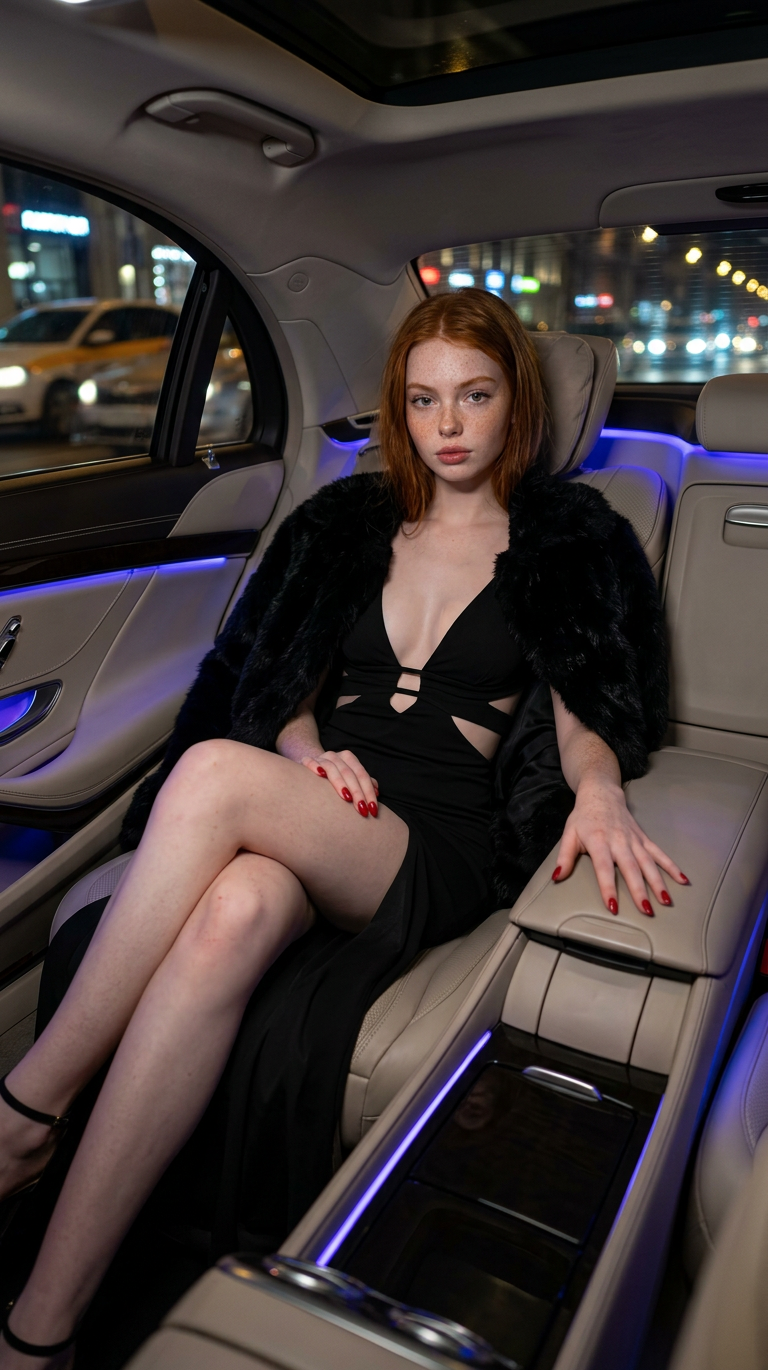
Subject seated in the back of a luxury car at night, wearing a black evening dress with deep neckline and cut-out detail, paired with a faux-fur jacket and red nails. Elegant posture with legs crossed, one hand on the console. Premium leather interior, ambient blue-purple LED lighting, blurred city lights outside. Cinematic luxury style, high-end photography, soft atmospheric glow, ultra-detailed.

Cinematic Photo Relighting with AI Image Editor

Turn flat, poorly lit photos into cinematic “magic hour” shots in seconds. This template uses the AI Image Editor to relight your image, enhance depth, and add a warm, filmic glow—without manual masking or Photoshop skills.

Use it to:

  • Upgrade product shots, portraits, and social content
  • Match a brand’s visual style or campaign mood
  • Create consistent “golden hour” lighting for ads, landing pages, and thumbnails

What This Template Does

This template is built to help you:

  • Simulate golden hour lighting: Warm tones, soft shadows, and directional light for a cinematic look
  • Enhance contrast and depth: Subtle local contrast to make subjects pop without looking over-processed
  • Preserve subject details: Favors faces, clothing, and key objects so the subject remains sharp and recognizable
  • Clean up messy backgrounds: De-emphasizes distractions while keeping the overall scene realistic

Rather than applying a flat filter, it uses AI-based relighting and editing to interpret the scene and adjust light, color, and mood in context.


How to Use This Template in Magic Hour

  1. Open the template in Magic Hour
    Start from this template inside AI Image Editor. It will load with the core prompt logic pre-configured.

  2. Upload your base image

    • Portraits, lifestyle photos, and product shots work best
    • Higher resolution images give the AI more detail to work with
  3. Adjust the creative direction (via text instructions)
    You can refine the edit by describing what you want:

    • “Soft, cinematic golden hour lighting on the subject’s face”
    • “Warm backlight, subtle lens glow, slightly richer shadows”
    • “More natural skin tones, less orange overall”
  4. Review, then iterate

    • If the image feels too warm, ask for “cooler, more neutral skin tone”
    • If the background is still distracting, ask to “soften and slightly blur the background”
    • If you want a more stylized look, ask for “cinematic, filmic color grading”
  5. Export for your channel

    • Save the output for ads, social posts, product pages, or presentations
    • For social/video workflows, you can later combine this with motion tools like Image to Video or Text to Video

How to Remix This Template (Create Your Own Variant)

You can treat this template as a starting point and build your own “house style” for lighting and grading.

To remix it inside Magic Hour:

  1. Duplicate the template
    Use the “remix” or “duplicate” option in Magic Hour’s template system to create your own version based on this one.

  2. Change the aesthetic goal in your instructions
    For example, you can adapt it to:

    • Moody studio portrait: “Soft, directional studio lighting, darker background, subtle vignetting, neutral skin tones”
    • E-commerce product look: “Bright, clean lighting, minimal shadows, neutral background, color-accurate product”
    • Editorial/magazine style: “High-contrast, rich colors, cinematic shadows, subtle film grain”
  3. Create brand-specific variations

    • Add direction like “align with [brand] color palette: desaturated greens, muted oranges”
    • Specify mood: “aspirational and polished” or “casual and documentary-style”
    • Save these as separate internal templates for consistent team use
  4. Chain your remixed images into other tools


Best Use Cases for This Template

This template is optimized for creators and teams who care about visual quality and speed:

  • Marketing & growth teams

    • Turn average UGC into on-brand creative for paid ads
    • Make landing page images visually consistent without a reshoot
    • Reuse older assets by upgrading lighting to match a new campaign style
  • Product & startup teams

    • Create investor decks with consistent, polished visuals
    • Quickly improve founder portraits with realistic lighting
    • Upgrade product screenshots or hardware photos for launch pages
  • Content creators & influencers

    • Make profile photos and thumbnails stand out with cinematic depth
    • Maintain a consistent “golden hour” aesthetic in feed posts
    • Pair with Thumbnail Maker for high-performing YouTube covers
  • Photographers & designers


Related Magic Hour Tools You Can Combine with This Template

For more advanced pipelines, you can connect this template with other Magic Hour tools:


Tips for Best Results

  • Start with decent source quality

  • Keep your instructions specific but concise

    • Good: “Warm, soft directional light from the left, cinematic but still realistic.”
    • Less effective: Very long, contradictory descriptions (e.g., “super high contrast but soft and flat and dark and bright”).
  • Protect realism where it matters

    • For portraits, mention “natural skin tones” or “preserve facial structure” if realism is crucial.
    • For stylized campaigns, you can push it further: “dramatic, high-contrast, strong golden backlight.”
  • Batch for consistency

    • Use the same remixed template on a full set of campaign images to maintain a single lighting and color narrative across channels.

Going Further: From Still Image to Full Creative System

This template is a small but powerful building block in a larger AI-first creative stack:

By remixing and extending this template, you can effectively define a reusable, AI-powered visual language for your brand—without needing a full-time design or post-production team.

More Like This

Insufficient credits