Night Drive Intimate Glow

Night Drive Intimate Glow

ai-image-editor

1 clip
3 uses

Any aspect ratio

Prompt

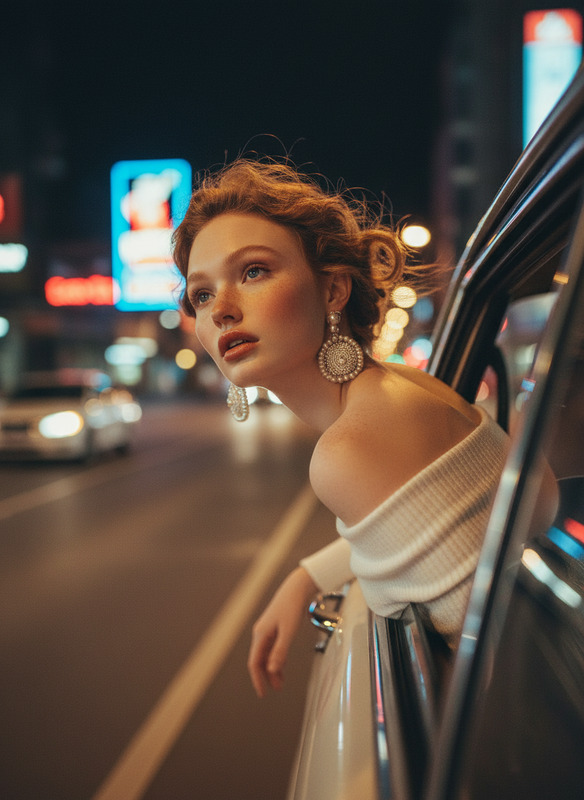
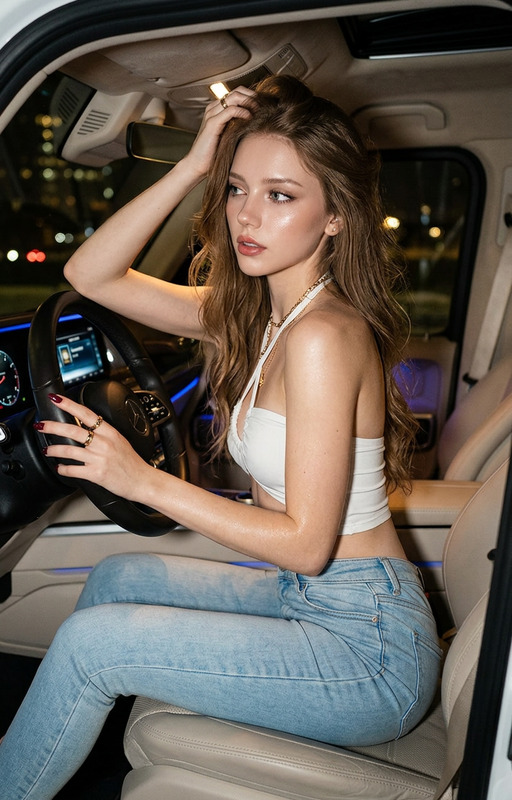
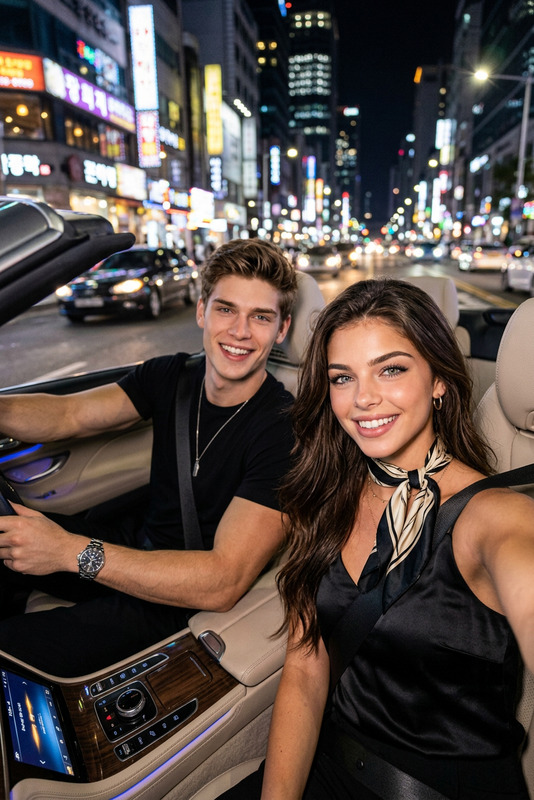
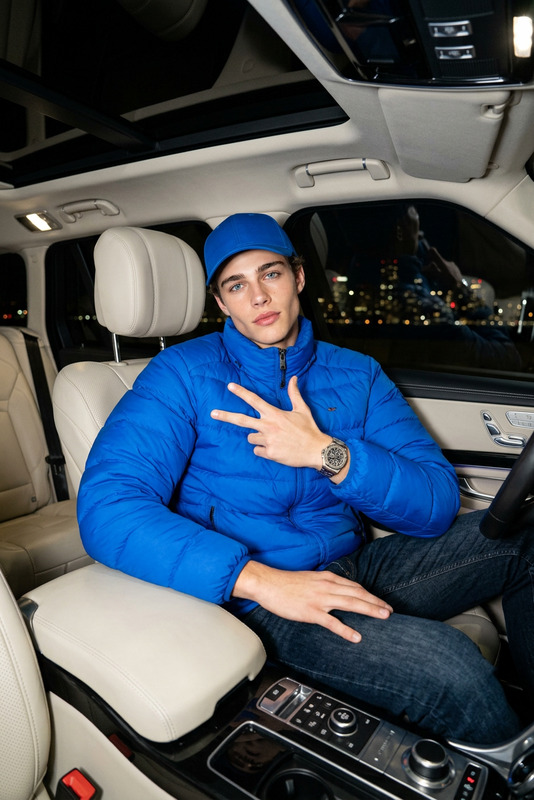
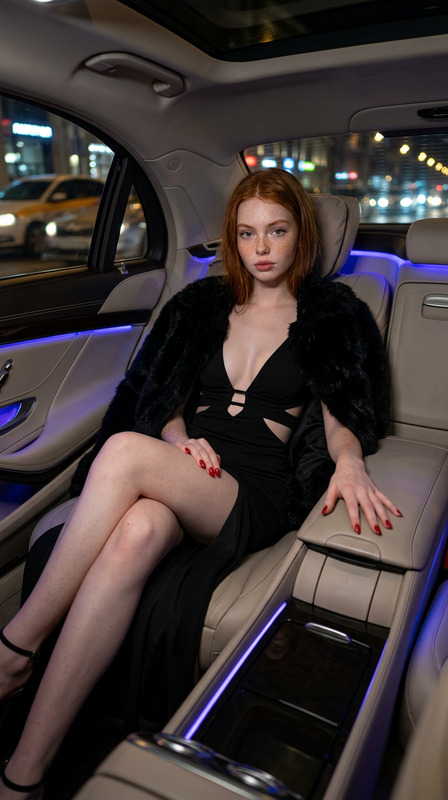
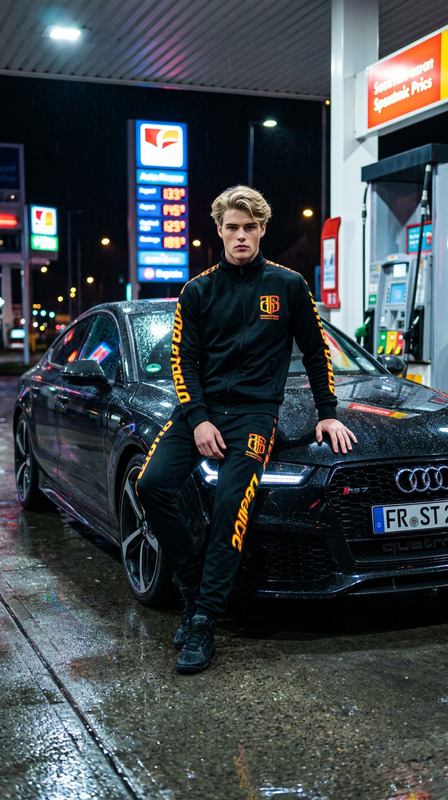
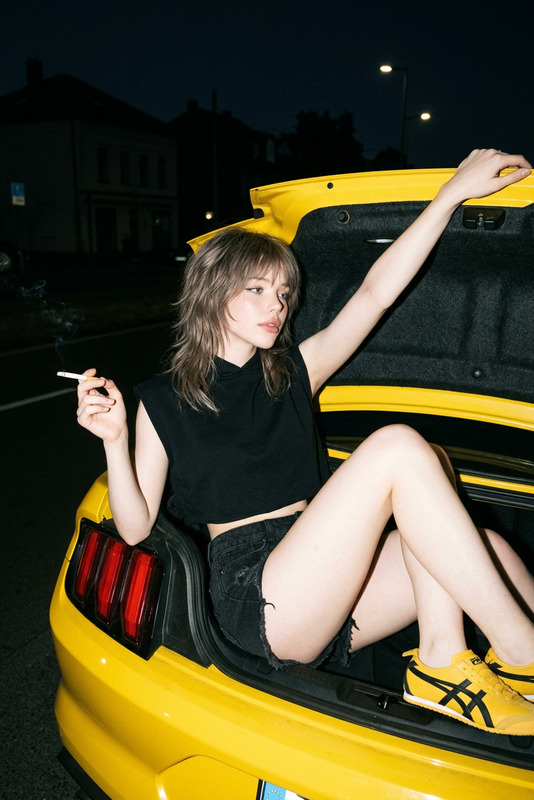
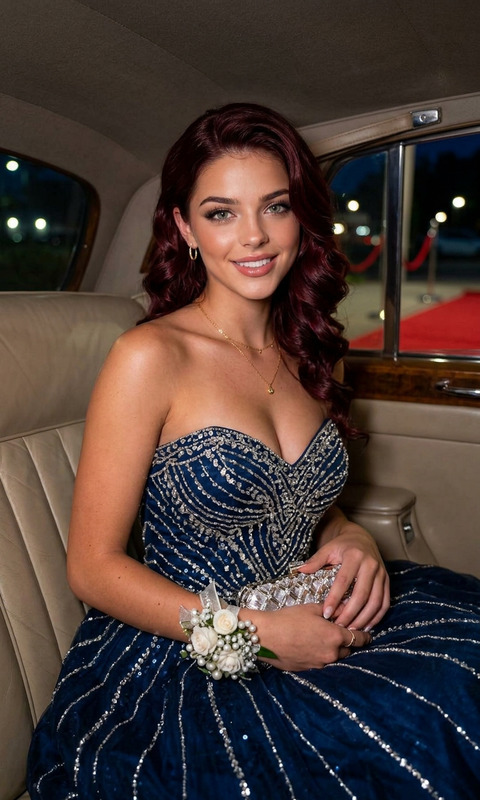
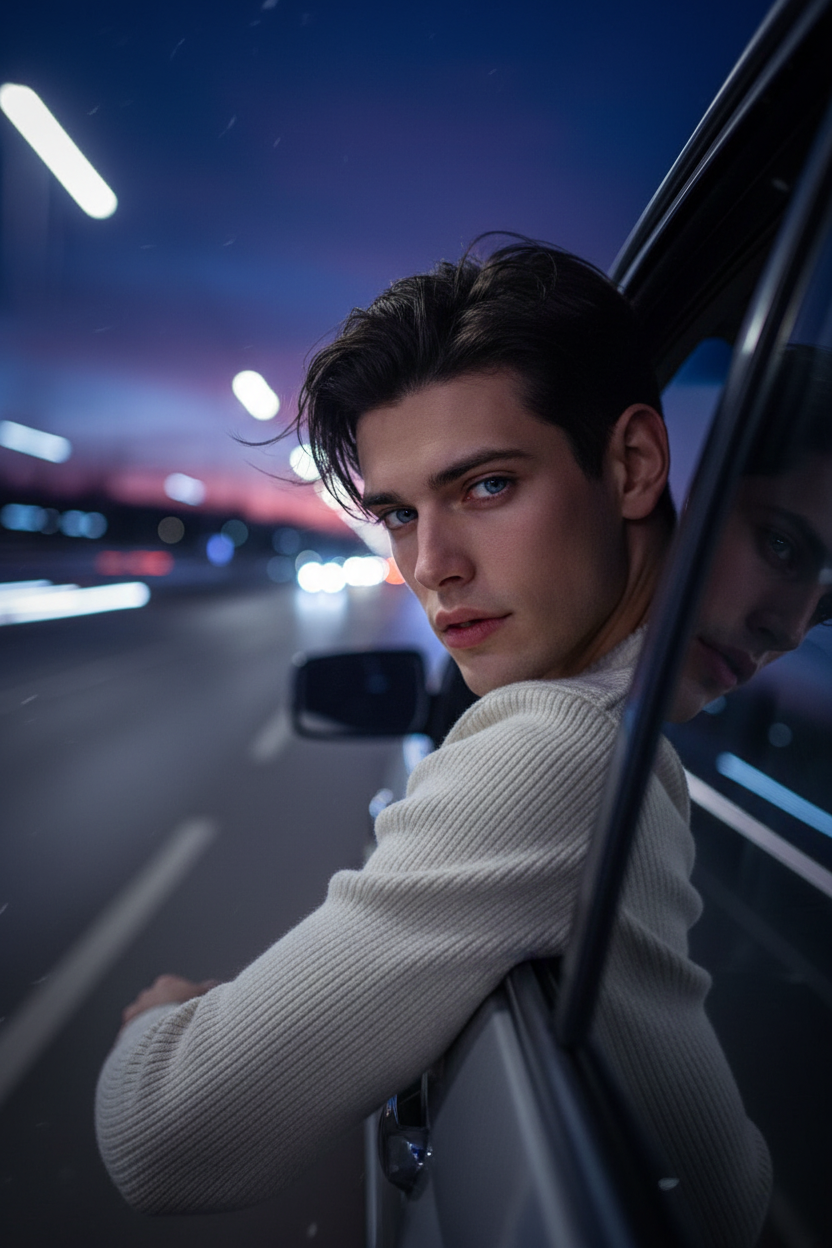
Use the exact face of the uploaded person and preserve all facial features without alteration. Subject sits inside a moving car at night, leaning slightly toward the window with wind flowing through the hair, turning back toward the camera with a relaxed, intimate, slightly playful expression. Wearing a loose off-shoulder cream knit sweater (female) or fitted cream knit sweater (male). Cinematic night-drive scene with dimly lit road, deep navy sky, soft pink accents, glowing streetlight trails, dreamy dark blue color palette, shallow depth of field, ultra-realistic, high detail, cinematic portrait photography.

AI Image Editor Template: Turn Any Photo Into High-Impact, On-Brand Creative in Minutes

Use this template to transform, clean up, and repurpose any image with the AI Image Editor. It’s designed for creators, marketers, and product teams who need production-ready visuals—fast—without jumping between multiple tools.


What This Template Does Best

This AI Image Editor template is ideal for:

  • Ad creatives & social content

    • Reframe or extend images for different placements (Square → Story → Banner)
    • Swap backgrounds, adjust composition, and remove distractions
    • Rapidly A/B test visual directions for campaigns
  • Product & brand visuals

    • Clean product shots and remove unwanted objects
    • Place products into lifestyle scenes that match your brand
    • Generate multiple variants from one base image
  • Content & storytelling

    • Upgrade thumbnails, blog headers, and hero images
    • Turn rough mockups into polished illustrations
    • Create visuals for pitch decks, landing pages, and investor updates

Because this template is built on the core AI Image Editor, you can start from any photo—product shots, UGC, stock images, screenshots—and quickly iterate toward a final asset that’s ready to ship.


How to Remix This Template in Magic Hour

You don’t need to code or start from scratch. To create your own version of this template in Magic Hour:

  1. Open the AI Image Editor
    Go to the AI Image Editor product page and launch the editor.

  2. Upload your base image

    • Use a product photo, portrait, brand key visual, or screenshot.
    • For highest quality results, start with a sharp, well-lit image (see research from Adobe and MIT on how input quality strongly influences generative edits).
  3. Decide your goal for the edit
    Common high-performance patterns:

    • Cleaner version (remove objects, fix background, sharpen details)
    • New context (change the scene, mood, or environment)
    • Brand alignment (colors, style, or composition closer to your brand)
    • Format change (ad creative, hero image, thumbnail, or card layout)
  4. Apply focused edits
    In the editor, you can:

  5. Save your template as a repeatable workflow

    • Reuse the same editing flow across product lines, campaigns, or client projects.
    • Keep a consistent “look” by basing new edits on this template and simply swapping in new source images.
  6. Chain with other Magic Hour tools (optional)
    Once you have a polished image from this template, you can:


Proven Use Cases for Teams and Creators

1. Performance marketing & growth teams
Use this template to rapidly generate and iterate on ad creatives:

  • Localize visuals for different regions while keeping the same base layout
  • Spin out variations for paid social, display, and programmatic
  • Upgrade UGC photos to brand-safe, visually consistent assets

Combine with:

2. Product, UX, and startup teams

  • Quickly mock up UI screens, dashboard shots, or app-in-hand visuals
  • Generate polished visuals for pitch decks, landing pages, and App Store screenshots
  • Create multiple visual directions to test with users or stakeholders

Helpful tools to pair with this template:

3. Content, media, and education

  • Turn rough reference images into clean diagrams or blog illustrations
  • Create series-based visuals for newsletters and courses
  • Build reusable visual systems for podcasts, content franchises, and recurring formats

Complement with:


Advanced Remix Ideas with Magic Hour

Once you’re comfortable with the core template, you can create more sophisticated workflows:


Quality, Consistency, and Best Practices

To get reliable, production-grade output from this template:

  • Start with the highest-quality source image you can
    Pair with Old Photo Restoration or Photo Colorizer if your input is old, damaged, or low-quality.

  • Define a visual system, then stick to it
    Once you find a look (color palette, lighting style, background type) that works for your brand, reuse this template and swap inputs rather than redesigning every time.

  • Use upscaling for final export
    Before using the image in print, paid campaigns, or large placements, run the result through AI Image Upscaler or Video Upscaler if you’ve turned it into a video.

  • Respect rights and likeness
    When editing real people or third-party content, ensure you have appropriate permissions and comply with your organization’s brand, legal, and privacy guidelines. This aligns with emerging industry standards from organizations like Partnership on AI and major platforms’ AI usage policies.


Related Magic Hour Tools Worth Exploring

If you like this AI Image Editor template, you’ll likely find these useful for your pipeline:


How to Get Started Now

  1. Open the AI Image Editor.
  2. Upload a photo you actually plan to use (product shot, hero image, or key social asset).
  3. Apply the editing flow from this template to clean, reframe, and restyle the image.
  4. Save your edited result and reuse the same workflow as your go-to template for future images.

Use this template as the backbone of your visual pipeline in Magic Hour—then remix and extend it with other tools as your needs and campaigns evolve.

More Like This

Insufficient credits