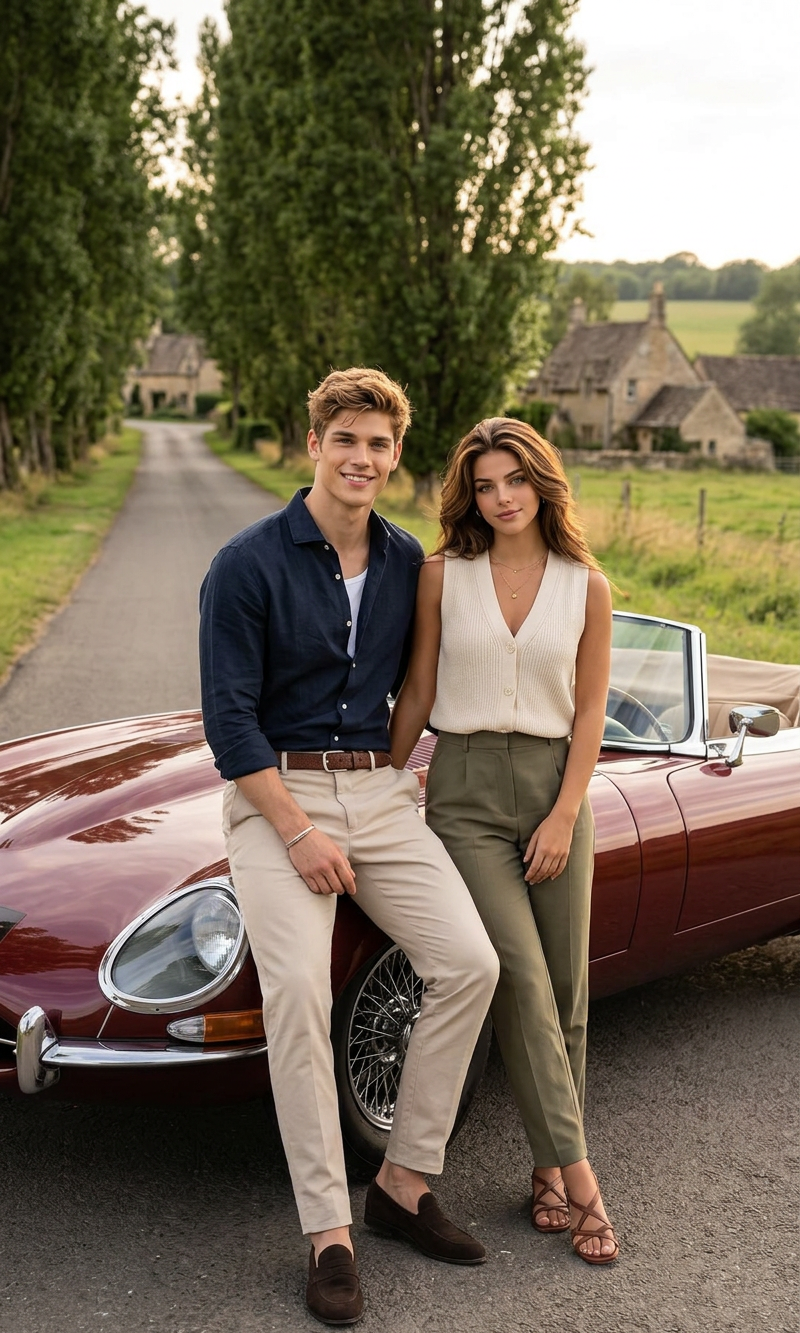
Roadside Moment
- Model
- Nano Banana 2
- Image
- 800 × 1333 px
Prompt
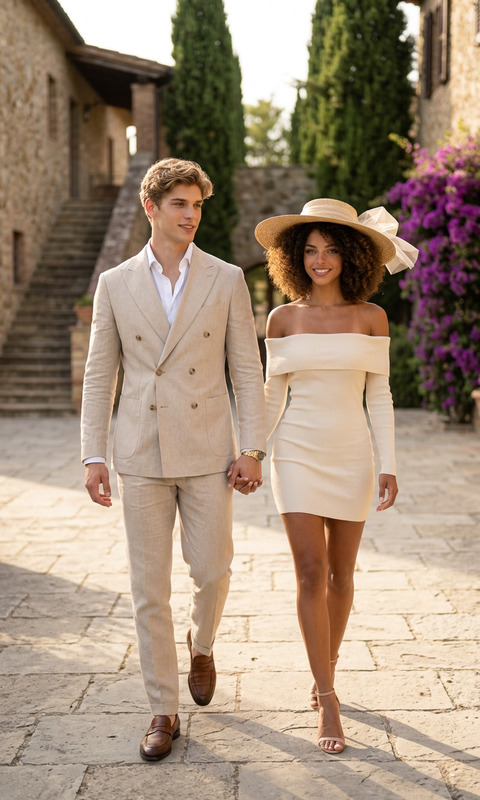
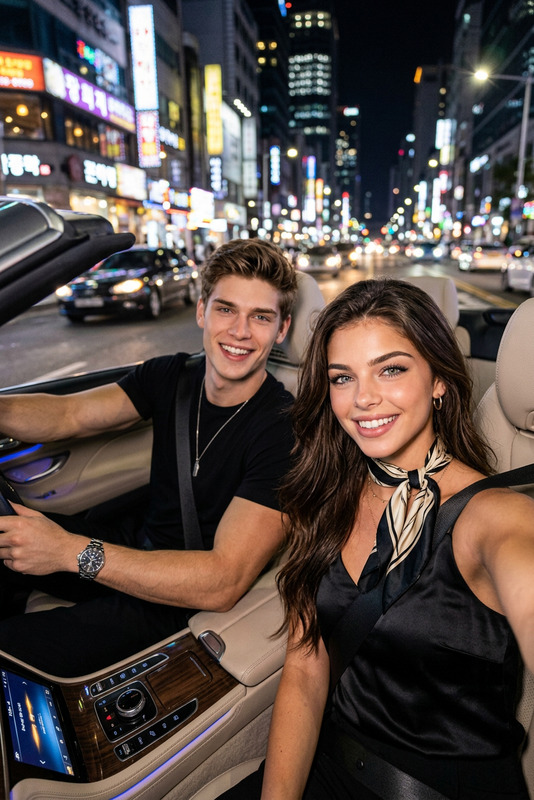
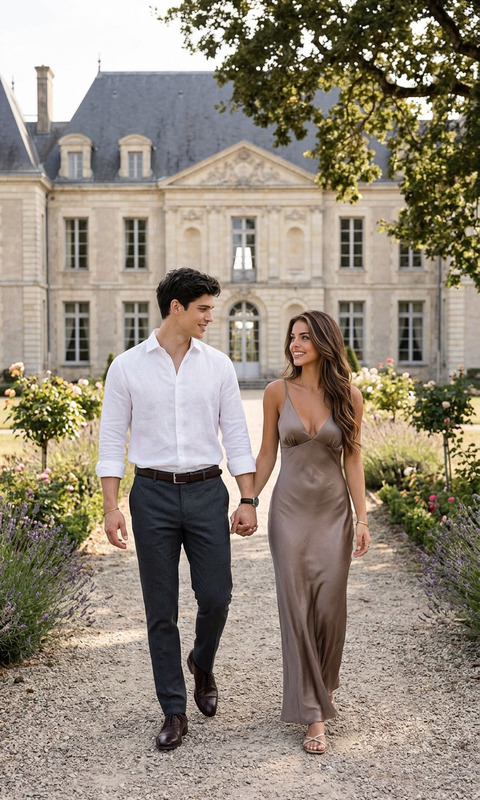
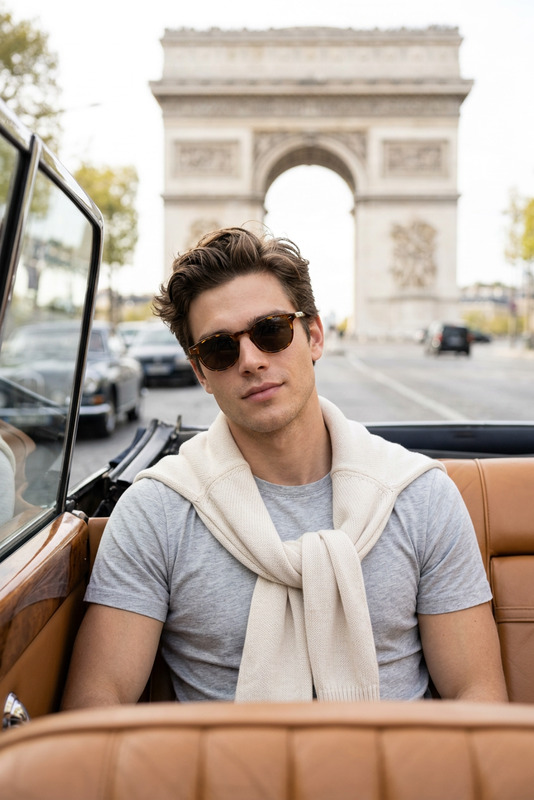
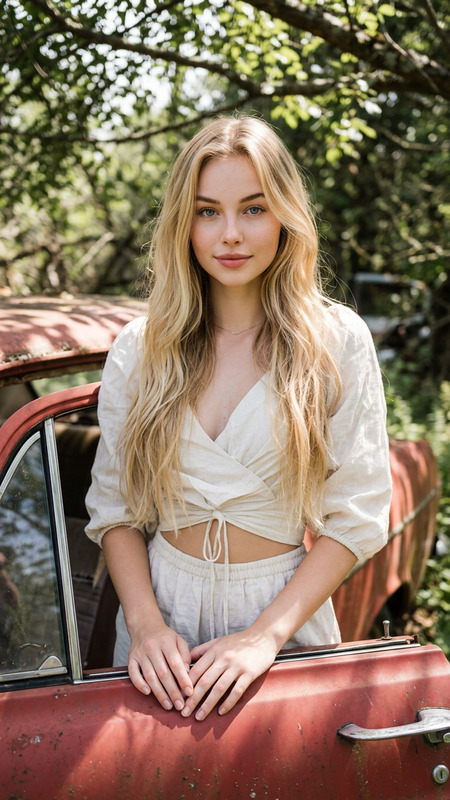
Full-length cinematic editorial fashion photograph of a stylish, attractive couple posing against the hood of a vintage maroon convertible luxury sports car on a narrow country road. The man has wavy sandy blond hair and a warm smile, wearing an unbuttoned dark navy linen shirt, beige tailored trousers, and dark brown suede loafers. The woman has voluminous, curly afro hair and a serene expression, dressed in a sleeveless cream vest, olive green high-waisted trousers, and brown strappy sandals. They are set against a scenic backdrop of a long asphalt road lined with a canopy of tall, mature poplar trees, with rustic stone European cottages and rolling green fields visible in the distance under the soft, golden light of late afternoon.
Any aspect ratio
Overview
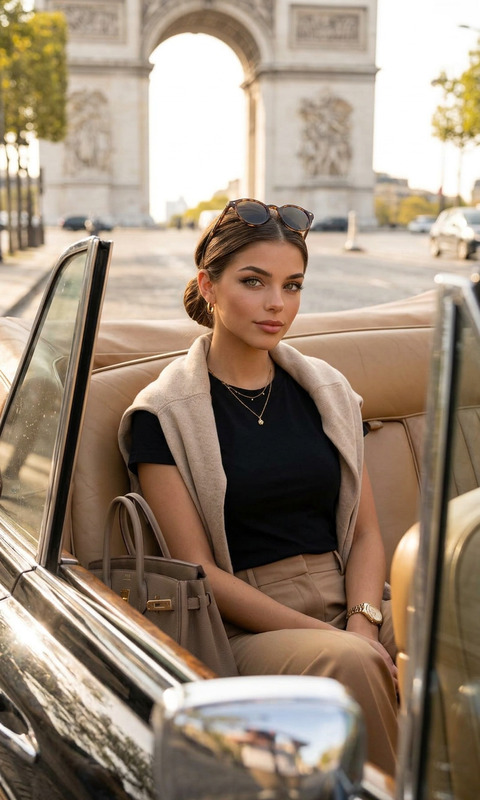
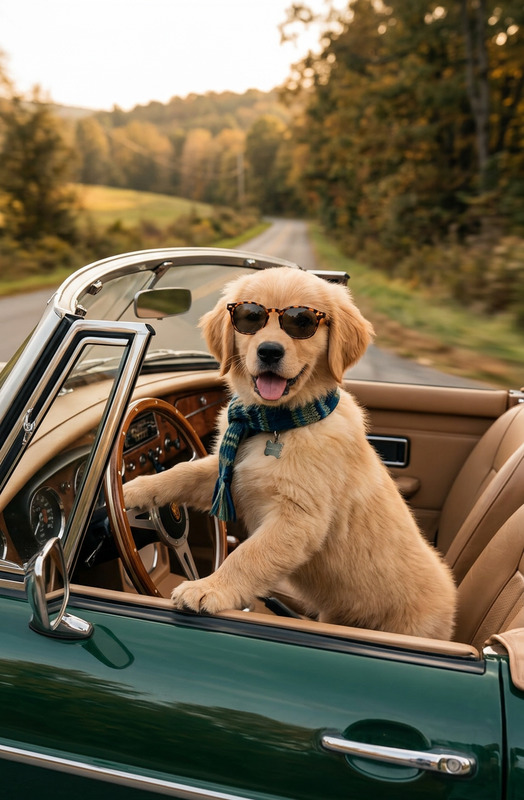
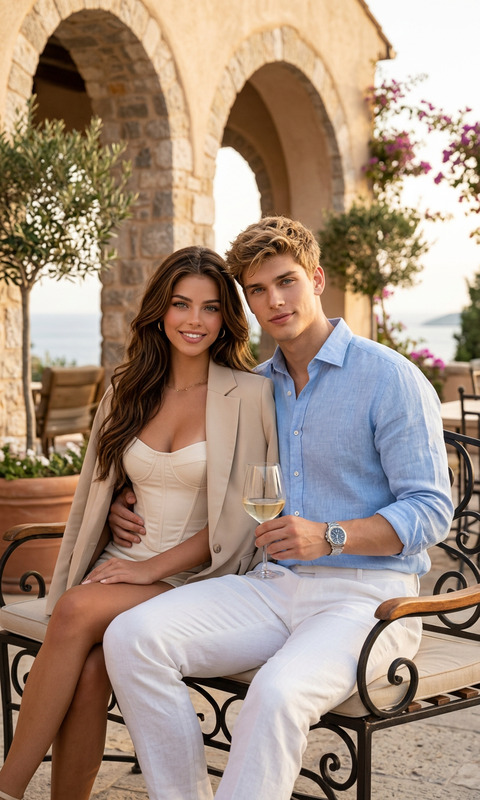
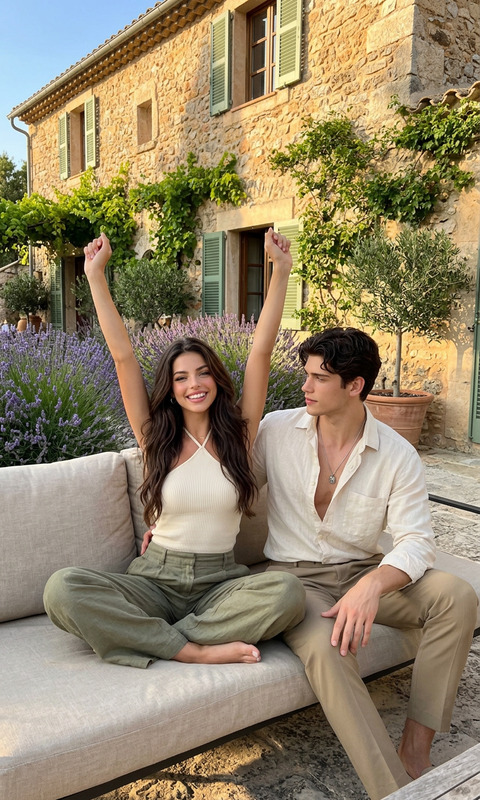
The "Roadside Moment" template transforms your images into cinematic fashion editorials using advanced AI capabilities. This AI Image Editor utilizes the powerful nano-banana-2 model to enable striking and sophisticated visuals. Highlighting the elegance of a vintage roadside tableau, it's perfect for those seeking high-impact, stylish photos.
What it Does
Designed to create editorial-quality images, this template enhances the drama and allure of a roadside scene with a stylish couple posed by a vintage car. It enriches the visuals with details such as the golden hues of a late afternoon, the textures of the clothing, and the charm of a country road flanked by poplar trees. Explore further capabilities with our AI Image Generator.
Who It's For
Ideal for fashion photographers, bloggers, and brands looking to produce high-quality, stylish imagery. This template is also for digital artists and content creators who want to experiment with fashion editorials in unique outdoor settings, utilizing our AI Profile Picture Generator for complementary personal branding.
Summary
The "Roadside Moment" template offers a sophisticated way to enhance your images with cinematic flair. Perfect for creating editorial features and fashion campaigns, this tool is your go-to for high-quality picture refinement. Delve into more personalization with our AI Face Editor.
How to Use
Choose the Template

Customize Your Inputs

Generate Your Image

Use Cases
Fashion Editorial Shoots
- Dynamic sceneries for fashion narratives
- Complementary lighting and color grading
Brand Campaigns
- Stylized backdrop for product ads
- Memorable campaign imagery
Social Media Content
- Increased engagement from high-quality posts
- Unique, eye-catching visuals
Best Practices
Fine-Tune Lighting
Adjust the lighting conditions in your prompt to enhance mood and detail.Attention to Detail
Specify attire and expressions to add depth and interest.Set the Scene
Construct a vivid background that complements the main subjects.