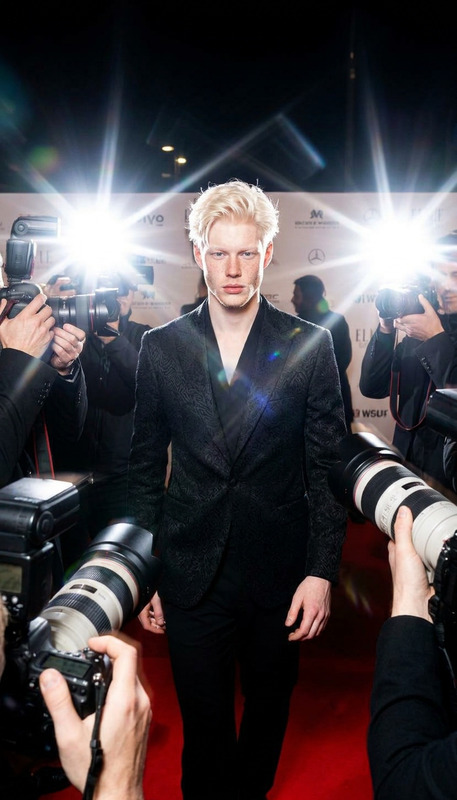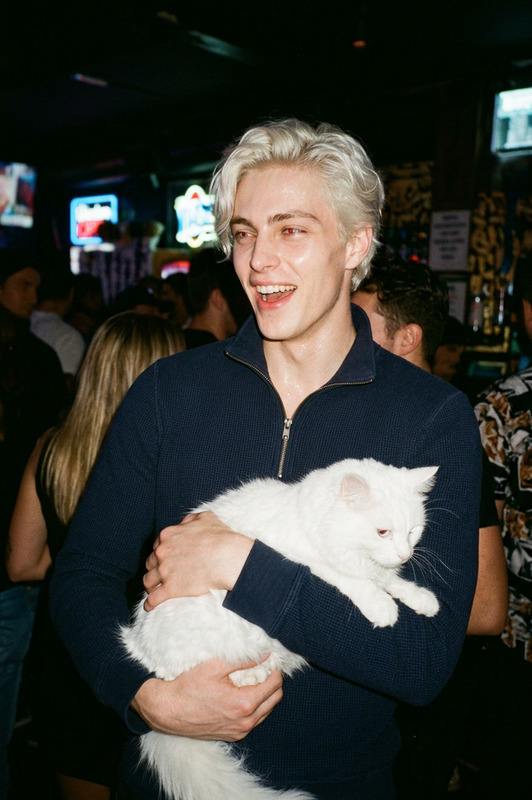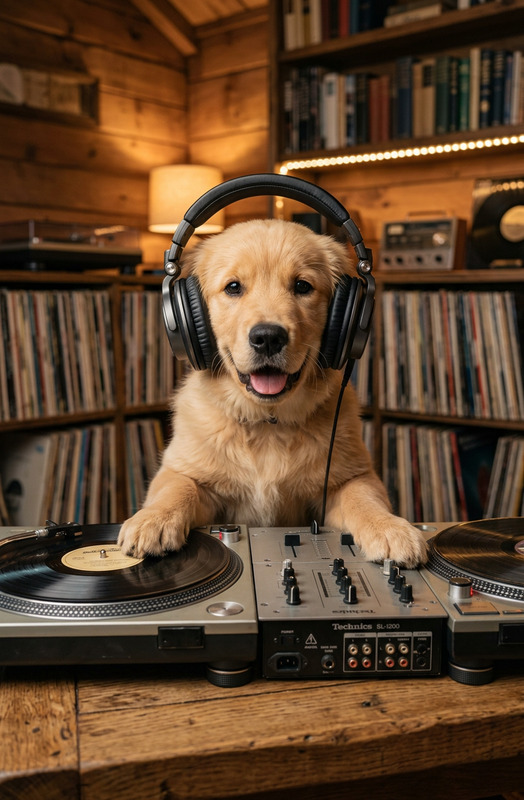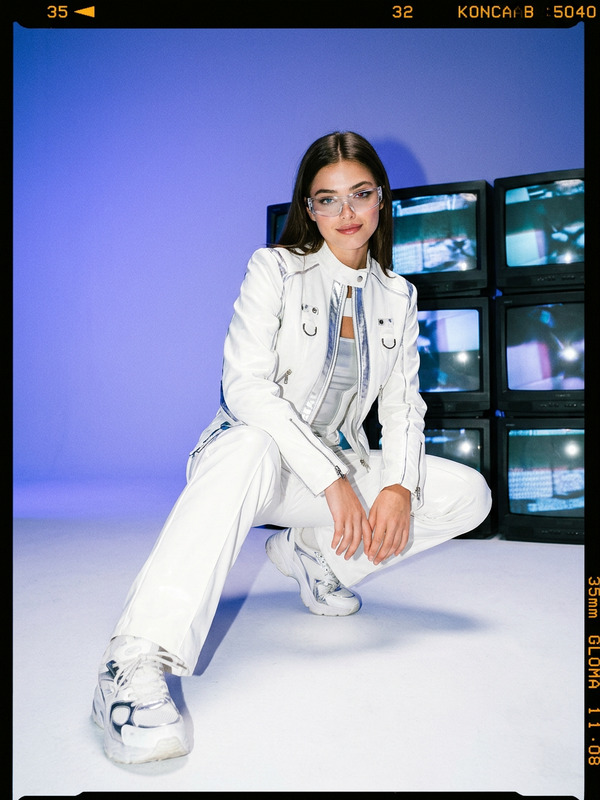
DJ Flash Party
- Model
- Nano Banana 2
- Image
- 768 × 1365 px
Prompt
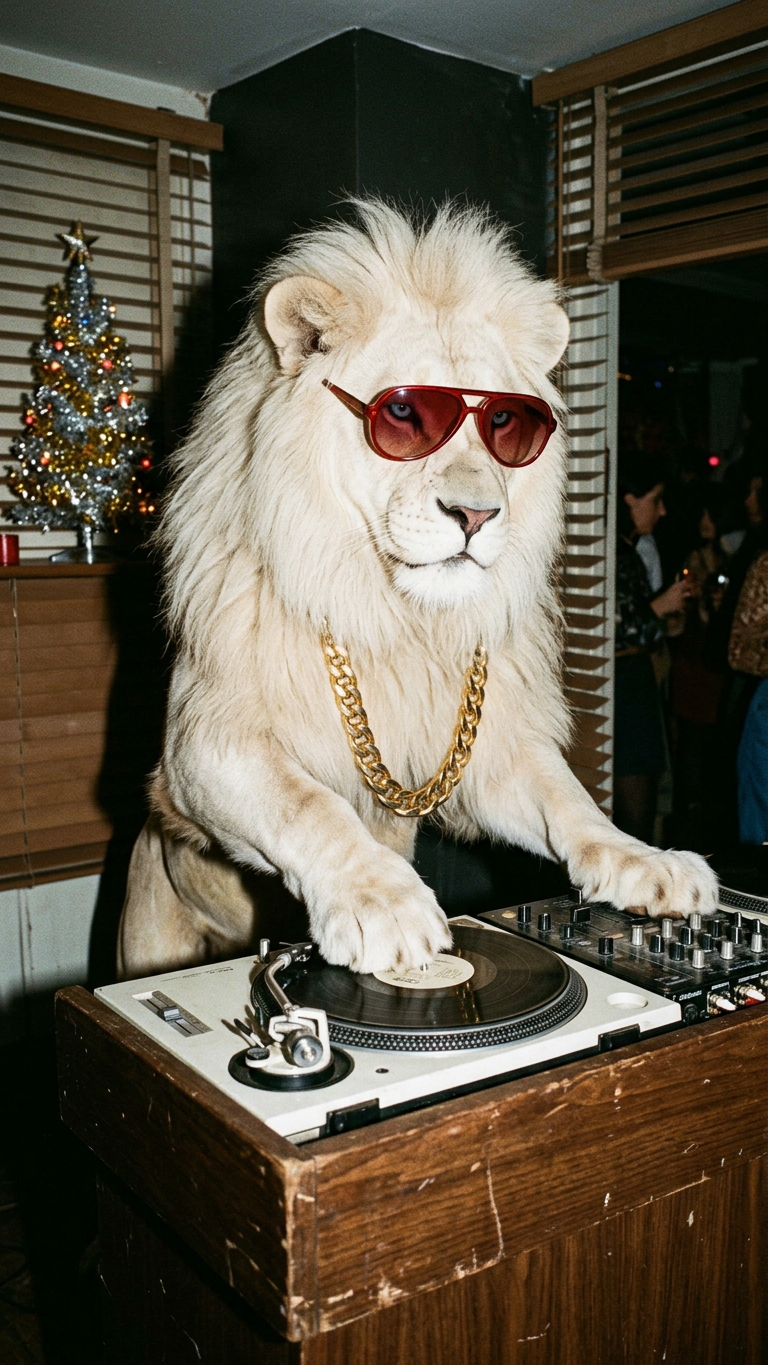
Medium shot of a subject standing on hind legs at a wooden DJ booth, serious focused expression, wearing red aviator sunglasses and a thick gold chain. One hand scratching a vinyl record on a white turntable setup. Vintage indoor party setting with wall blinds casting shadows, small lit tinsel tree, wooden desk. Harsh direct on-camera flash, strong shadow behind, high contrast, 90s analog aesthetic, film grain, paparazzi style, sharp focus.
Any aspect ratio
Overview
The DJ Flash Party template brings a vibrant, nostalgic aesthetic to your event visuals. Utilizing the AI Image Editor powered by the advanced nano-banana-2 model, this template allows you to create striking images with a 90s analog feel. Ideal for events, promotional materials, and more, it captures the essence of a lively DJ set in a vintage indoor setting.
What It Does
Designed to enhance your visual storytelling, this template edits images with a film grain, high contrast, and paparazzi-style flash effects. The result is a sharp-focused, energetic visual that replicates a DJ in action at a vintage-inspired party. The AI Image Editor component makes it possible to adjust key elements such as lighting, shadows, and subject details to craft the ideal party scene.
Who It's For
This template is perfect for event planners, DJs, and content creators who want to add a dynamic, retro flair to their visuals. Whether you're promoting a nightclub event, crafting social media content, or producing a themed slideshow, the DJ Flash Party template offers a creative edge that draws attention.
Summary
With AI Image Editor and the nano-banana-2 model, the DJ Flash Party template transforms mundane images into engaging, eye-catching visuals that capture the spirit of a lively DJ party. Perfect for a range of creative applications, it helps infuse your projects with energy and nostalgia.
How To
Choose the DJ Flash Party Template

Customize Your Image

Generate Your Visual

Use Cases
Event Promotions
- Nightclub flyers
- Concert teasers
- Social media ads
Themed Photo Shoots
- Fashion shoots
- Music artist promos
- Editorial spreads
DJ Branding
- Profile pictures
- Mix covers
- Brand launch visuals
Best Practices
Focus on Lighting
Accentuate the 90s analog aesthetic by carefully adjusting the light and shadow balance in your images.Personalize Accessories
Incorporate distinctive accessories and elements that resonate with your brand or event theme.Maintain Consistency
Ensure a coherent visual style across all images in your project for a professional-looking presentation.