Spring Calm
- Model
- Nano Banana 2
- Image
- 922 × 1152 px
Prompt
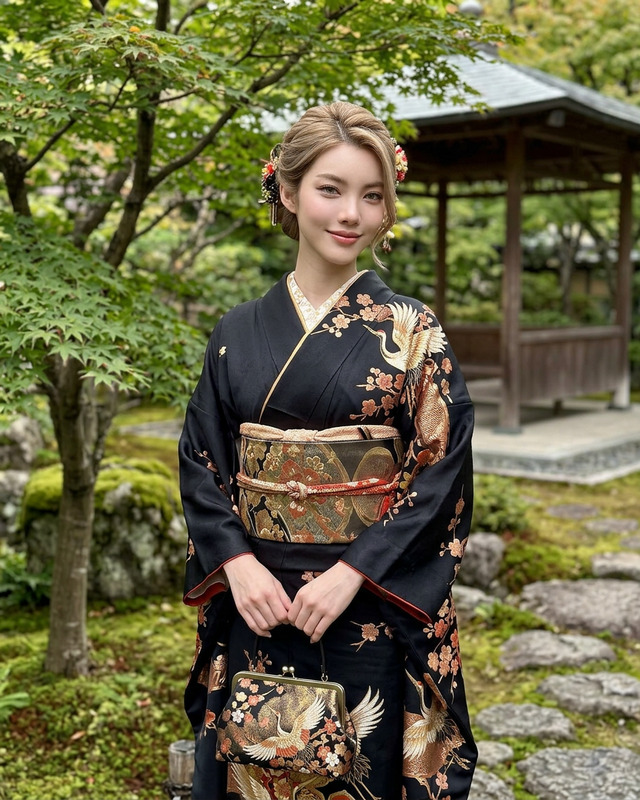
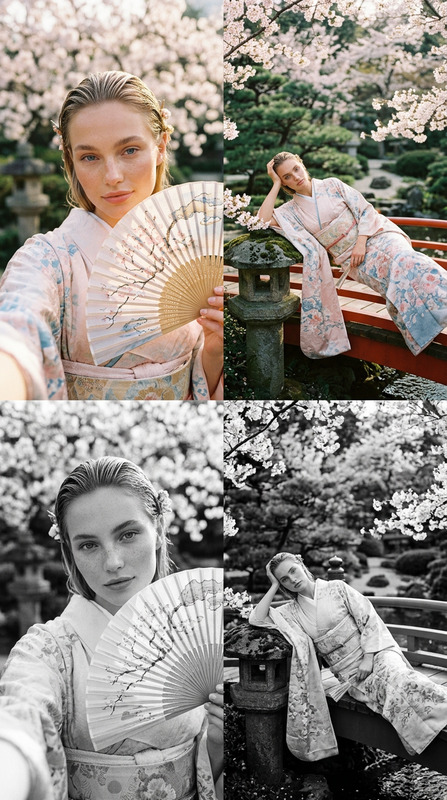
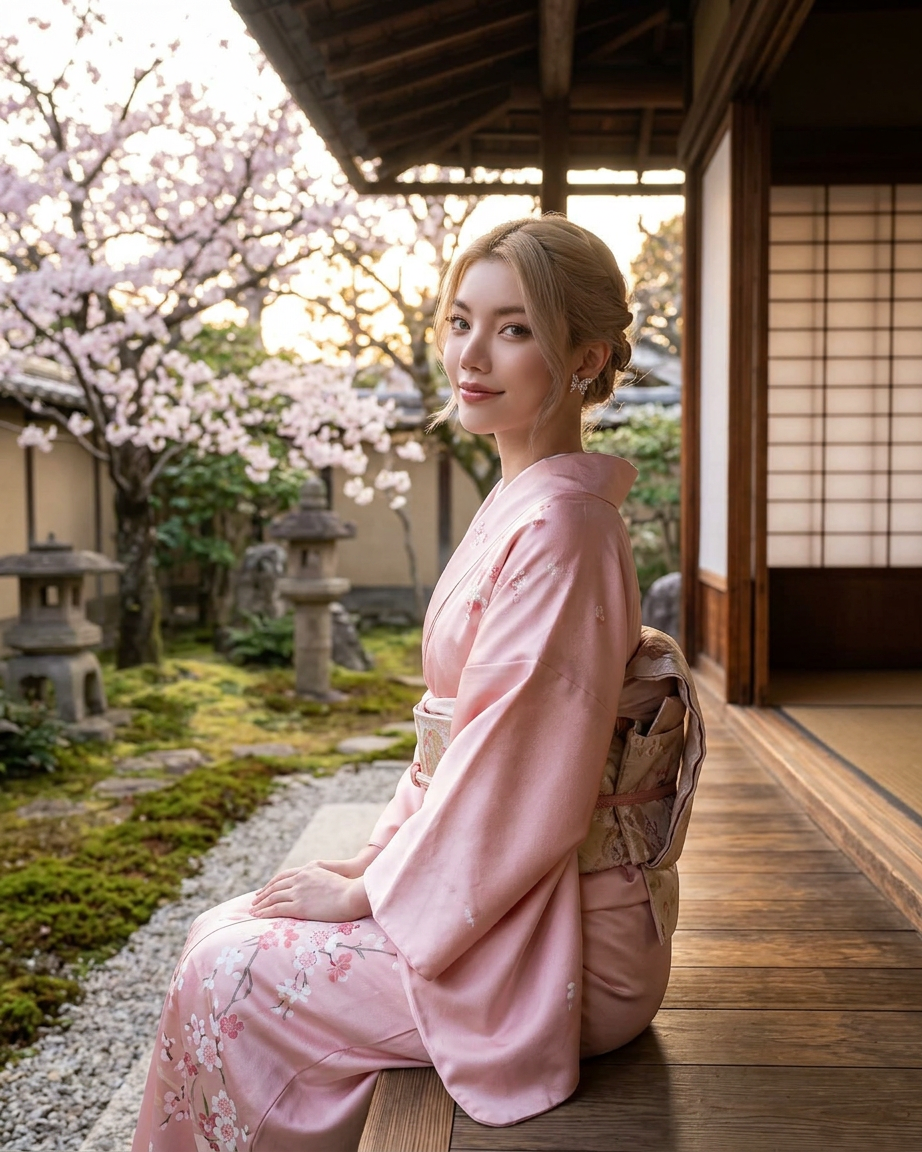
A cinematic, medium-shot of an elegant woman sitting gracefully on a wooden veranda of a traditional Japanese house. The woman is facing away from the camera but looking back over one shoulder with a gentle gaze. The woman is wearing a soft pink silk kimono adorned with delicate cherry blossom patterns and a matching floral obi belt tied at the back. The woman's dark hair is styled in an elegant braided updo with soft strands framing the face. In the background, a serene Zen garden features blooming pink cherry blossom trees, stone lanterns, and lush foliage, all softly blurred. Warm, diffused natural sunlight, photorealistic, high detail.
Any aspect ratio
Overview
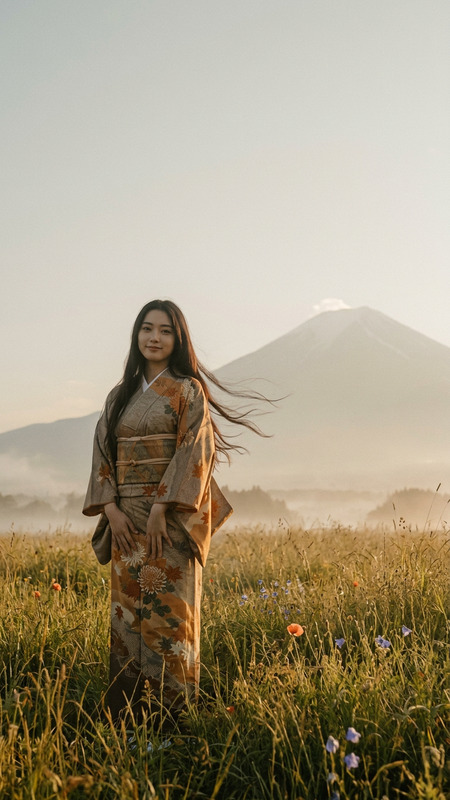
Experience the tranquility and elegance of traditional Japanese aesthetics with the Spring Calm template. Designed using the advanced capabilities of the nano-banana-2 model, this AI Image Editor template allows you to create mesmerizing visuals capturing serene scenes with high-definition detail.
What It Does
The Spring Calm template provides a stunning, cinematic medium-shot image of a woman in a serene Japanese setting. It utilizes the AI Image Editor to produce photorealistic visuals that emphasize delicate details like the cherry blossom patterns on the kimono and the warm, diffused lighting. This template offers creative control to mold every visual element into your artistic vision.
Who It's For
This template is perfect for creatives, marketers, and brands looking to incorporate a tranquil and sophisticated aesthetic into their projects. Whether you are in the fashion industry, cultural promotions, or content creation, the Spring Calm template will enhance your visual presentations, differentiating you with its refined look.
Summary
Embrace the fusion of traditional beauty and cutting-edge AI technology with the Spring Calm template. Capture serene moments with cinematic realism and elevate your brand's aesthetic. For those unfamiliar with AI Image Editor capabilities, this template is an excellent introduction to creating stunning, detailed visual content. Learn more about this and other exciting features on AI Image Generator.
How To
Choose Your Template

Customize Your Scene

Generate and Save Your Image

Use Cases
Fashion Campaigns
- High fashion editorials
- Cultural showcases
- Designer portfolios
Luxury Branding
- Luxury product promotions
- Brand storytelling
- High-end advertisements
Content Creation
- Social media visuals
- Blog feature images
- Artistic collaborations
Best Practices
Optimize Lighting Settings
Experiment with the lighting elements to bring out the best photorealistic details and maintain natural warmth.Use High-Resolution Outputs
Ensure settings are adjusted for high-resolution outputs to help maintain the image quality when used in different formats.Align with Brand Aesthetics
Customize the kimono patterns or background elements to align more closely with your brand's color palette and style.