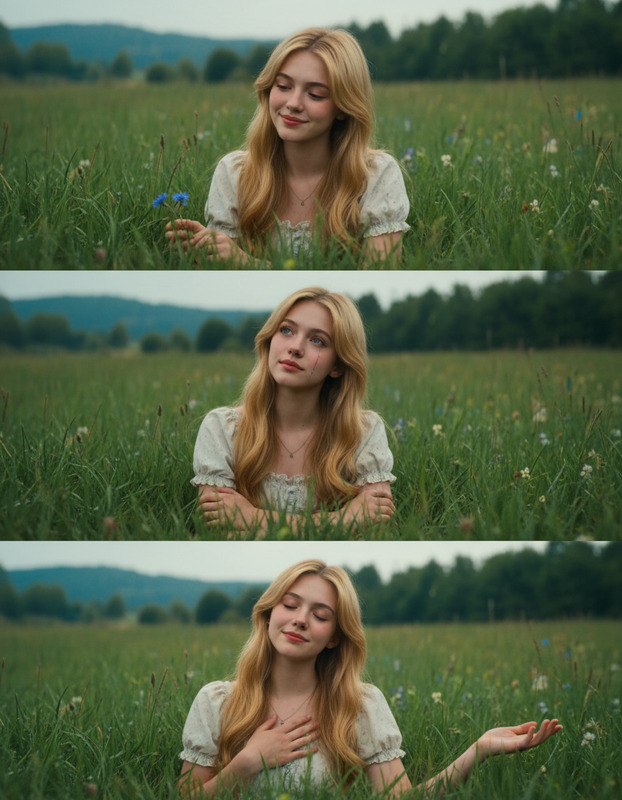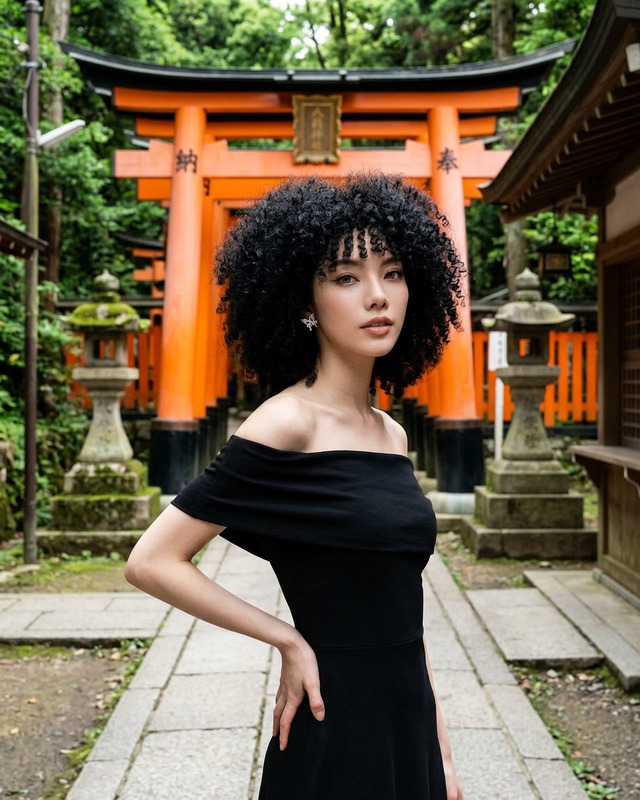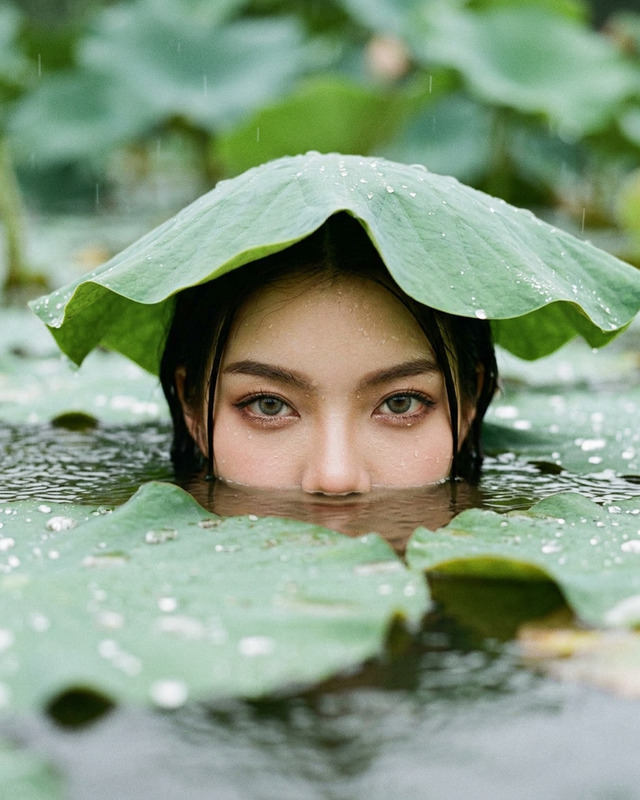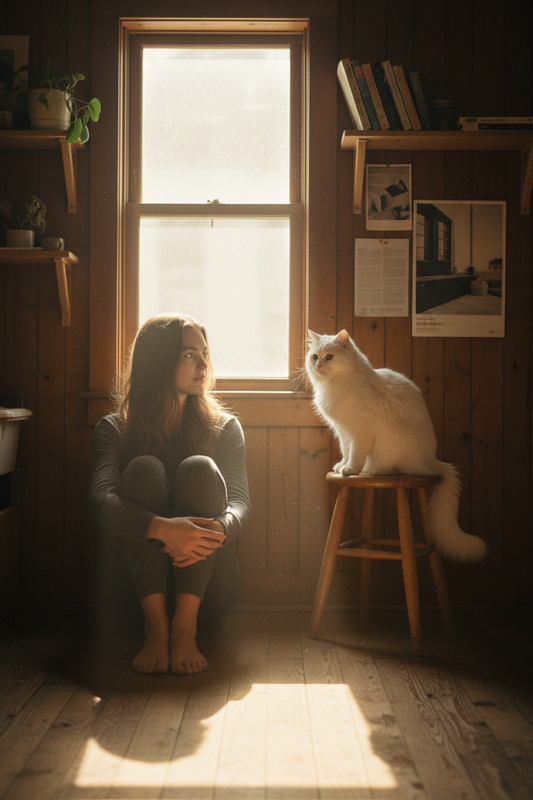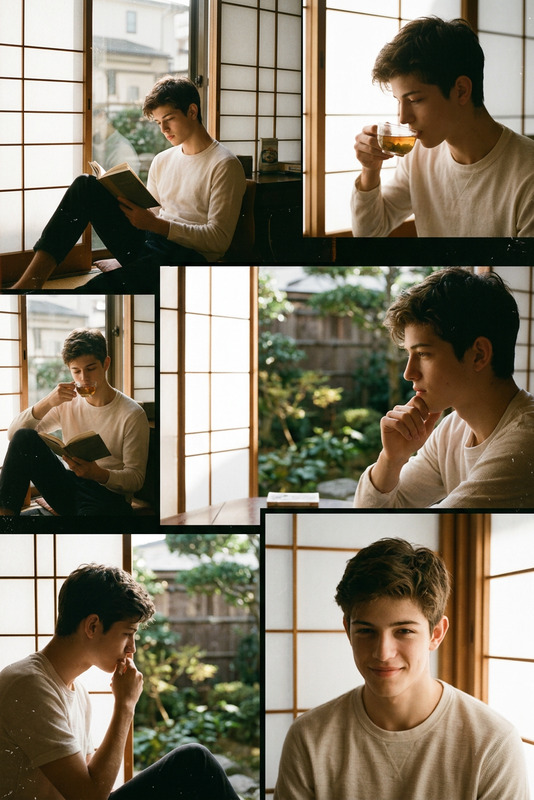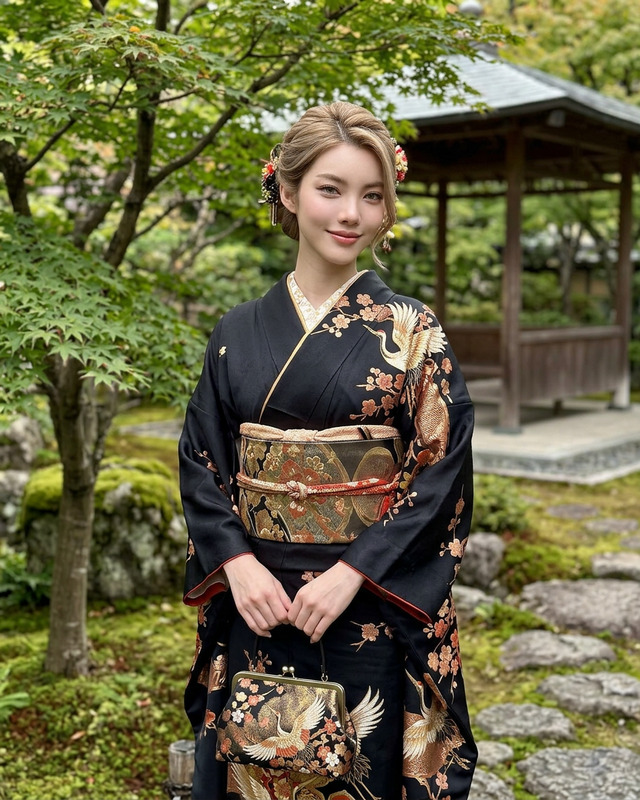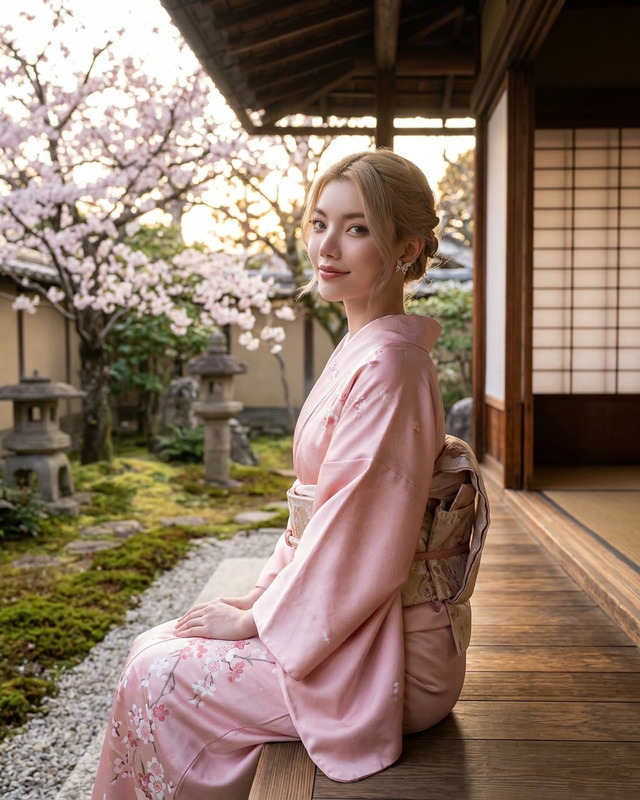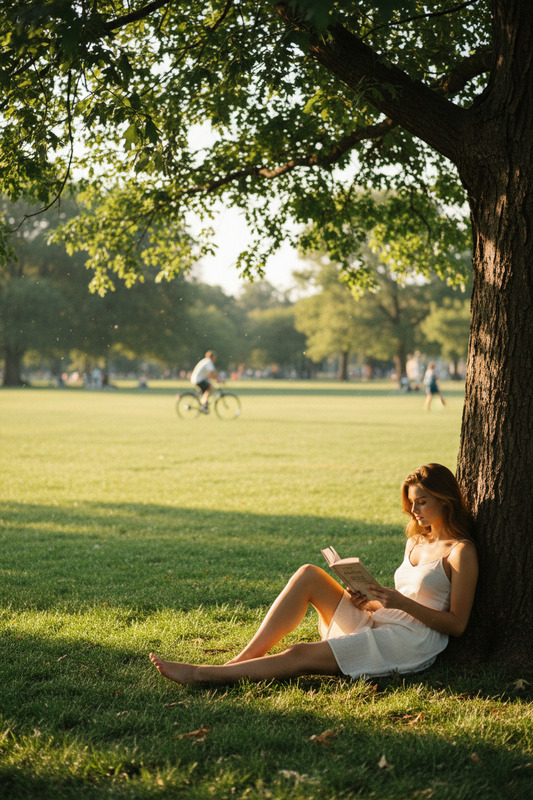
Fuji Meadow Quiet Moment
ai-image-editor
Any aspect ratio
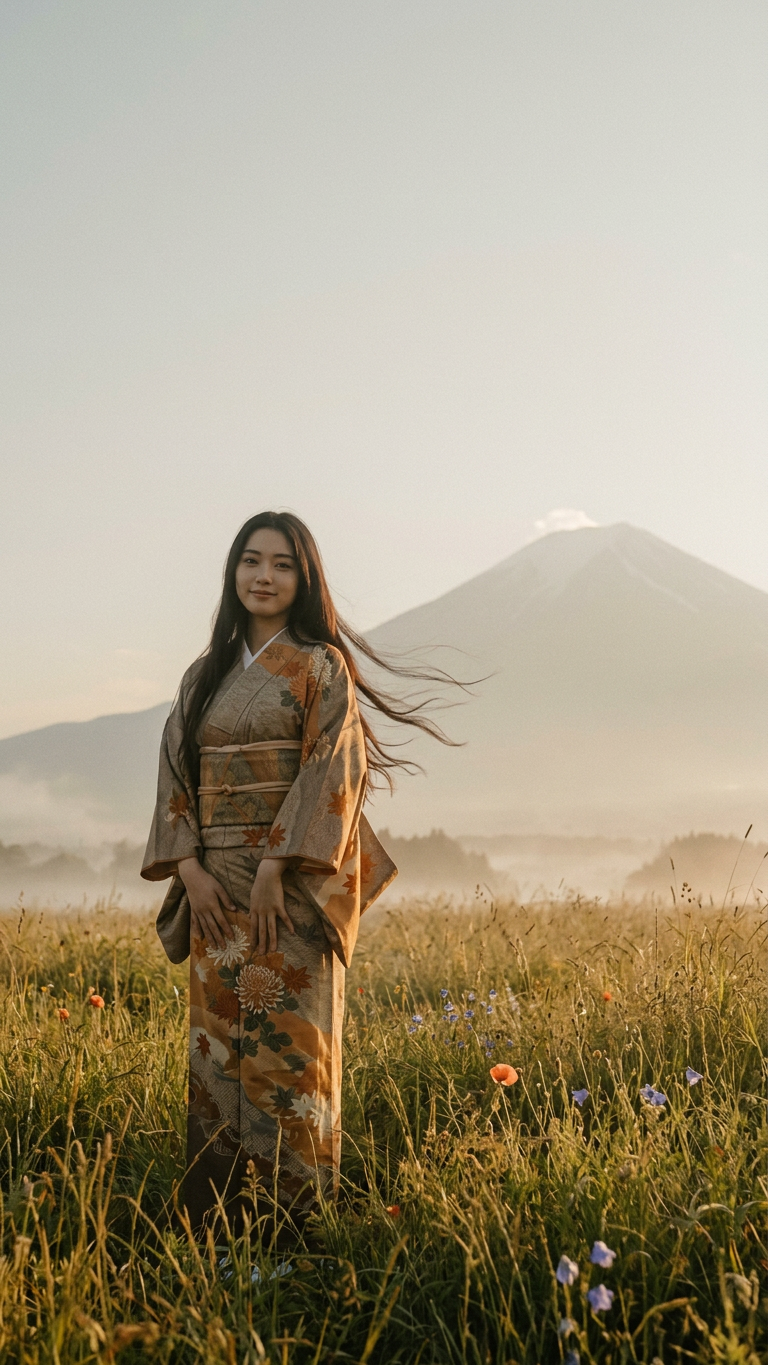
Subject: Japanese with curvaceous figure, standing in meadow before Mount Fuji; relaxed stance, other resting on kimono; gentle breeze lifting hair; soft gaze toward camera, serene warm eyes, subtle closed-lip smile. Golden hour lighting, tall wild grasses, scattered wildflowers, light morning mist, atmospheric haze, layered depth. Long shot, subject small in lower third, off-center left, Mount Fuji anchoring right, large negative space above. Cinematic arthouse still inspired by Wong Kar-wai; lo-fi analog film aesthetic, lifted blacks, muted desaturated tones, warm amber-sepia cast, flat contrast, soft haze, subtle grain, slight lens flare, soft rim light, no harsh shadows.
AI Image Editor Template: Turn Any Photo into High-Impact, On‑Brand Visuals in Minutes
This template shows how to use Magic Hour’s AI Image Editor to transform a single image into multiple polished variations—without Photoshop, manual masking, or prompt engineering.
Use it as a starting point to:
- Clean up or enhance photos for campaigns
- Change backgrounds and lighting for different channels
- Produce on‑brand variants for A/B tests
- Remix existing assets into fresh creative for ads, socials, or product launches
You can duplicate this template inside Magic Hour, swap in your own image, and quickly remix it into a custom workflow for your brand or project.
What This Template Does
With this AI Image Editor–based template, you can:
Edit existing photos instead of generating from scratch
Upload any image and apply targeted edits: change background, adjust style, remove objects, or add new elements.Create multiple versions of the same asset
Build a series of variants for different platforms (social, ads, website, thumbnails) while keeping the core subject consistent.Refine quality and consistency across assets
Clean up noise, fix small issues, and style-match images for a unified brand look. Pair this with the AI Image Upscaler to keep assets sharp in higher resolutions.Reuse this setup as a remixable workflow
Clone the template, swap out the base image and prompts, and you have a repeatable pipeline for new campaigns or products.
How to Remix This Template in Magic Hour
You can recreate and customize this template in a few minutes:
Start from the existing template
- Open this template in Magic Hour.
- Click to duplicate it into your workspace so you can edit freely.
Swap in your own source image
- Replace the example image with a product photo, headshot, illustration, or brand asset.
- Ideal inputs include:
- Product photos you want to restyle or re-background
- Portraits or headshots you want to enhance or adapt
- Brand visuals that need multiple context-specific versions
Edit with AI Image Editor as the core step
- Use AI Image Editor to:
- Change or remove backgrounds (pair with Image Background Remover when needed)
- Add or remove objects from the scene (see also the AI Remover and Remove Object from Photo tools)
- Harmonize colors and style across a set of images
- Apply creative transformations (stylized, cinematic, illustrated, etc.)
- Use AI Image Editor to:
Layer in optional enhancements (recommended)
You can remix the template into a more powerful mini‑pipeline by chaining other Magic Hour tools:- For brand and campaign content
- Use AI Art Generator or AI Illustration Generator to generate custom backgrounds or overlays.
- Use AI Logo Generator or AI Icon Generator to embed consistent branding.
- For people and portraits
- Use AI Face Editor for subtle facial refinements.
- Use AI Headshot Generator or AI Selfie Generator if you need more professional or stylized versions.
- Experiment with Gender Swap or AI Face Generator concepts for creative campaigns.
- For product or fashion shots
- Combine with AI Clothes Changer, AI Outfit Generator, or AI Fashion Generator to test different apparel or styling.
- Use Full Body Generator to create complementary full‑body visuals.
- For brand and campaign content
Save as your own reusable template
- Once the edits and tool chain match your needs, save this as your internal “image editing pipeline” template.
- Next time you only need to swap the input image and textual instructions—everything else is already wired.
High-Impact Use Cases for This Template
This AI Image Editor template is designed for creators and teams who want to move fast while keeping quality high. Here are some practical workflows you can build by remixing it:
1. Marketing & Growth Teams
- Generate multiple ad creative variants from one product photo
- Create channel-specific visuals (Instagram, LinkedIn, landing pages, email banners) from a single base image
- Use alongside the Thumbnail Maker for YouTube and social video thumbnails
You can also connect this with:
- AI Meme Generator for fast social tests
- Album Cover Generator or Book Cover Generator for content/product launches
2. Creators & Content Studios
- Turn one photoshoot into dozens of stylized versions using the editor plus tools like AI Anime Generator, Disney AI Generator, or Animated Characters Generator
- Clean up, enhance, and restyle photos, then animate them later with:
3. Product & Startup Teams
- Rapidly prototype brand directions by editing the same core visuals in different styles, lighting, or environments
- Keep all edited assets consistent with your visual system using repeated templates rather than one-off designs
- Connect with:
- AI QR Code Generator for trackable assets
- AI Logo Generator for early-stage brand experiments
Advanced Remixes: From Static Image to Motion & Voice
Because this template is built around image editing, it can be a “first step” for richer AI media workflows:
From edited image to video
- Use your edited outputs with:
- Video-to-Video to stylize or transform existing footage
- Animation to bring characters or objects to life
- Image to Video or Text to Video for quick storyboards or explainers
- Use your edited outputs with:
From edited portraits to talking avatars
- Start with this template to perfect your image
- Then plug the result into:
- AI Talking Photo
- Lip Sync or Face Swap Video
- Pair with AI Voice Generator or AI Voice Cloner for fully synthetic spokespersons
From cleaned assets to upscaled, production-ready deliverables
- Run edited images through:
- AI Image Upscaler for print or high‑resolution web
- Unblur Image and Old Photo Restoration for archival or documentary content
- Then export to video with Video Upscaler if you’re assembling sequences or motion graphics
- Run edited images through:
Quality, Restoration, and Cleanup Workflows
If your goal is more corrective than creative, you can remix this template into a dedicated image‑repair pipeline:
- Use AI Image Editor as the central step
- Add:
- Watermark Remover for cleaning your own branded assets
- Photo to Sketch for stylized documentation or design references
- Photo Colorizer to modernize black-and-white photos
This combination is especially useful for agencies handling legacy or user-generated content at scale.
Creative Exploration: Stylized & Themed Edits
You can also use this template as a controlled sandbox for creative directions:
Stylized campaigns
- Combine AI Image Editor with:
- Keep your core subject while drastically changing context and style for different segments or seasons.
Backgrounds and environments
- Generate new scenes with:
- AI Background Generator
- AI Interior Design Generator
- Architecture Generator
- Fantasy Map Generator for game or lore content
- Generate new scenes with:
Niche / fandom content
- Build audience-specific visuals using:
All of these can be chained after your core image edits to keep the subject consistent while you explore drastically different aesthetics.
Who This Template Is For
This AI Image Editor template is designed for:
- Creators & influencers needing fast, repeatable visuals that look professionally edited
- Marketers & growth teams running many small experiments across channels and formats
- Startups & product teams testing brand directions before investing in custom design
- Studios & agencies standardizing image pipelines for clients, with a remixable base they can adapt per project
If you routinely work with images and need more versions, higher quality, or consistent branding—without bottlenecking on manual design—this template is meant to be your starting point.
Next Steps
- Open this template in Magic Hour.
- Duplicate it into your workspace.
- Replace the example image with your own asset.
- Adjust the editing instructions and add any complementary tools from:
- AI Image Editor (core)
- AI Image Generator and AI Photo Generator for new assets
- AI Background Generator, Image Background Remover, and AI Remover for precise scene control
- AI Image Upscaler, Unblur Image, and Old Photo Restoration for maximum quality
Once customized, save your remix as a new template and reuse it across campaigns, clients, or internal projects—turning this single AI Image Editor example into your own production‑ready image pipeline.