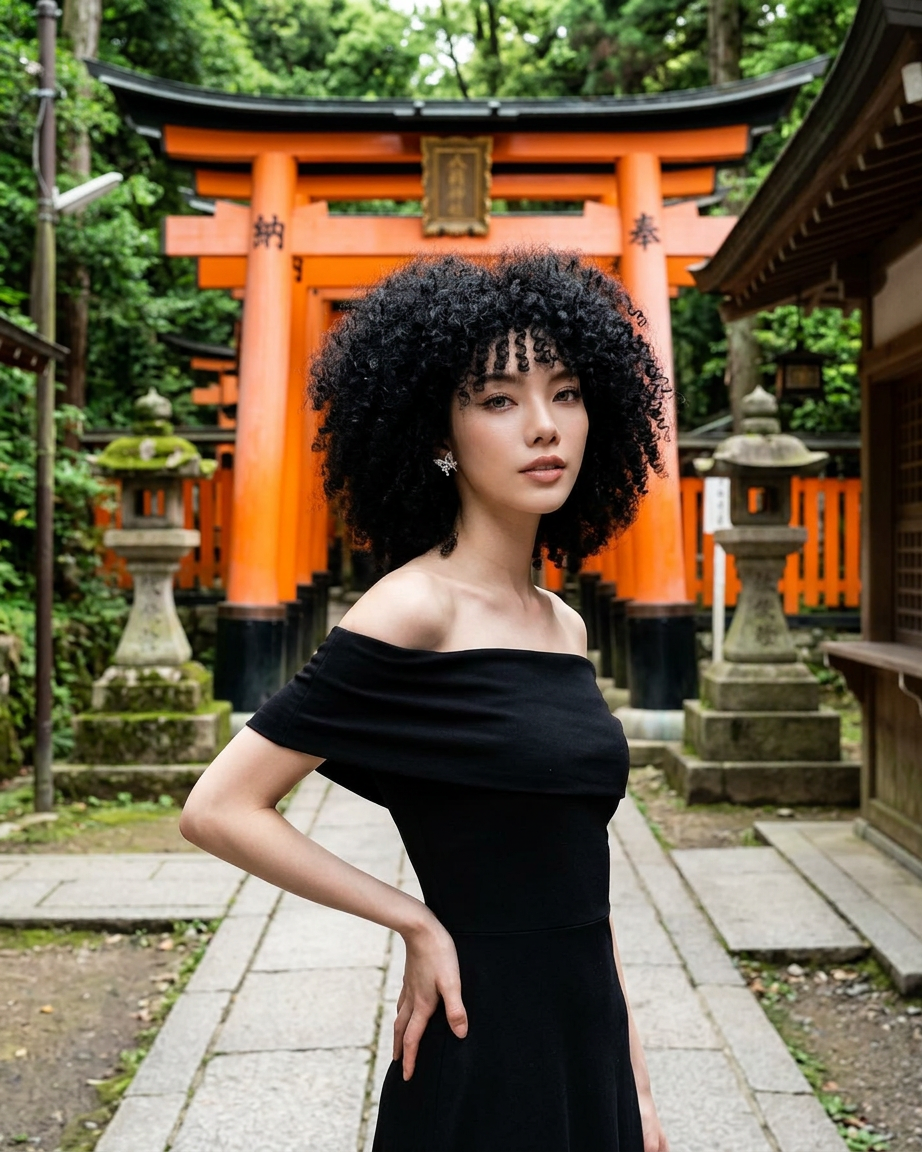
Kyoto Frame
- Model
- Nano Banana 2
- Image
- 922 × 1152 px
Prompt
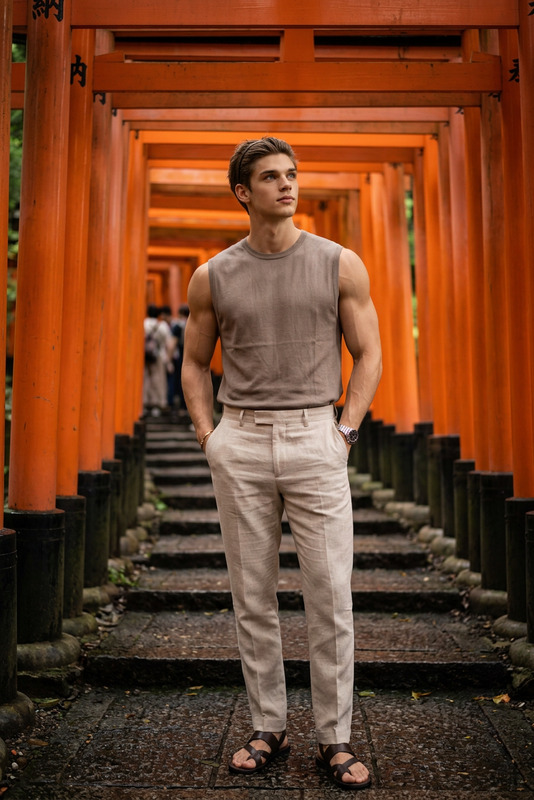
A cinematic, medium shot of a beautiful woman with voluminous, curly black afro-textured hair and bangs. She is wearing an elegant, form-fitting black off-the-shoulder dress. She is posing with one hand on her hip, standing on a stone pathway at the entrance of a traditional Japanese shrine. In the background are vibrant orange torii gates (Fushimi Inari style) framed by mossy stone lanterns and a lush forest. Soft, natural daylight, photorealistic, high detail.
Any aspect ratio
Overview
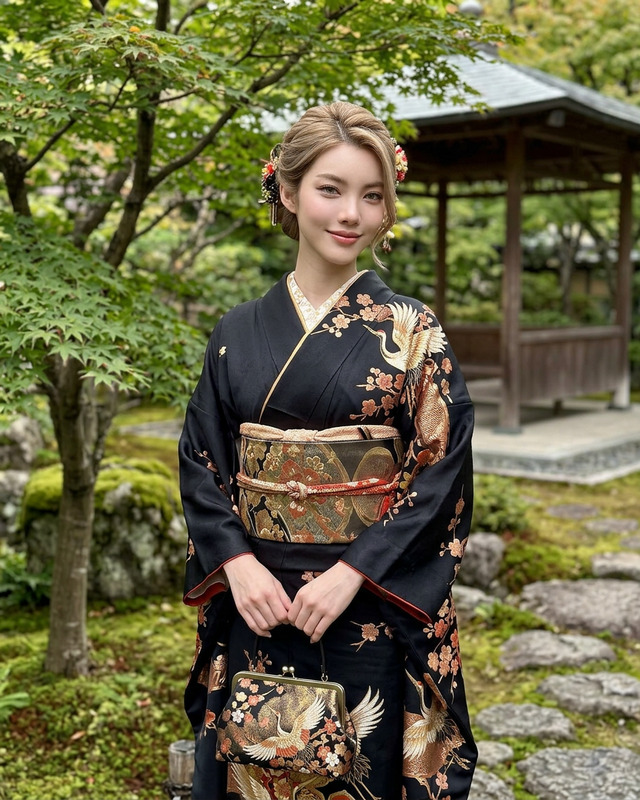
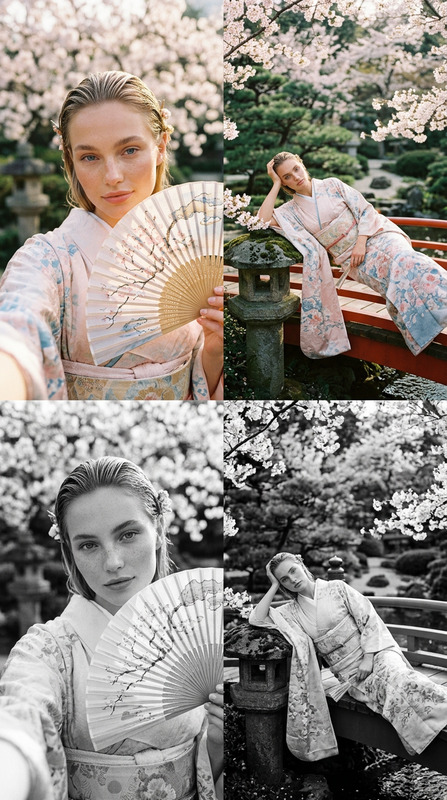
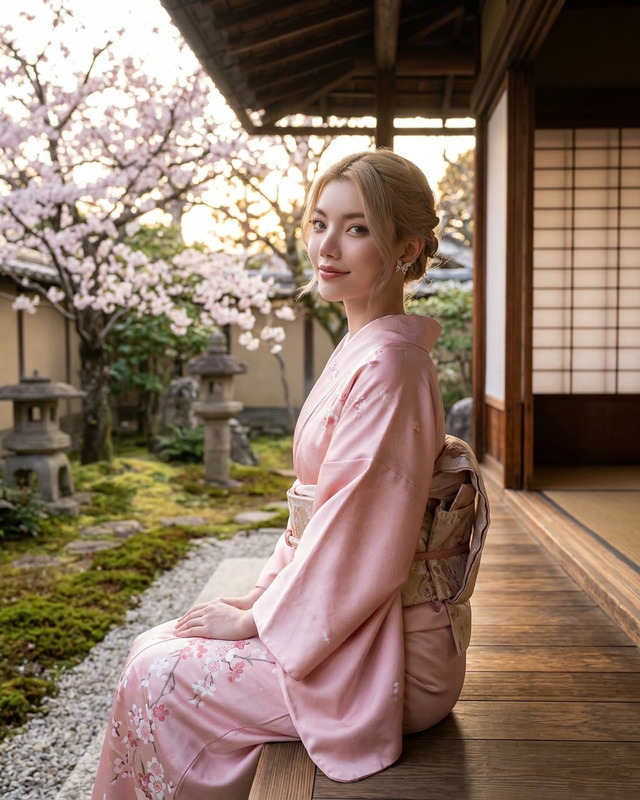
Kyoto Frame is an AI Image Editor designed to capture the essence of traditional Japanese aesthetics. This template employs the nano-banana-2 model to create visually striking images that blend cultural elegance with contemporary style.
What It Does
The Kyoto Frame AI Image Editor enables creators to produce high-quality, photorealistic images with a cinematic feel. By leveraging advanced machine learning models, this template offers a rich depiction of scenes set against iconic Japanese backgrounds. The result is a vibrant, high-detail image that stands out in any visual project.
Who It's For
This template is ideal for anyone in creative or digital industries seeking to infuse their projects with unique traditional elements. Freelance designers, production studios, and marketing teams can use the Kyoto Frame to create standout promotional materials, social media posts, or even personalized artwork fitted with authentic cultural backdrops.
Summary
Kyoto Frame offers a streamlined workflow for producing stunning images that communicate a distinct narrative. By capturing the serene beauty of Japanese shrines combined with detailed photorealistic effects, the template serves as a versatile tool for diverse AI Image Editor needs.
How to Use Kyoto Frame
Choose the Template

Customize Your Inputs

Generate the Image

Use Cases
Social Media Campaigns
- Instagram posts
- Facebook ads
Marketing and Promotions
- Brochures
- Event posters
Creative Portfolios
- Photography series
- Design showcases
Best Practices
Prioritize Subject Positioning
Ensure the subject is well-positioned within the frame to highlight the curated background for maximum impact.Utilize Natural Lighting Effects
Experiment with different lighting settings to enhance the realism and mood of your image.Experiment with Color Balancing
Adjust color settings to bring out the vibrant hues of the torii gates and forest backdrop.