AI Image Editor · 7732e71413af130246e0579d35abcb
- Model
- Nano Banana 2
- Image
- 922 × 1152 px
Prompt
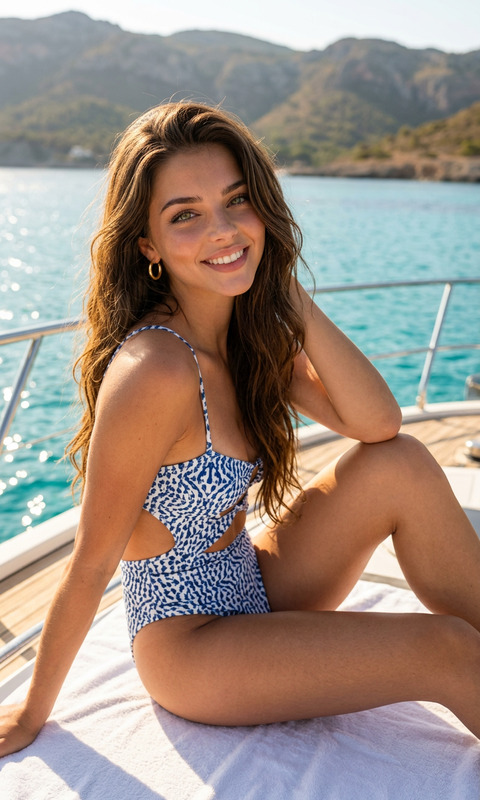
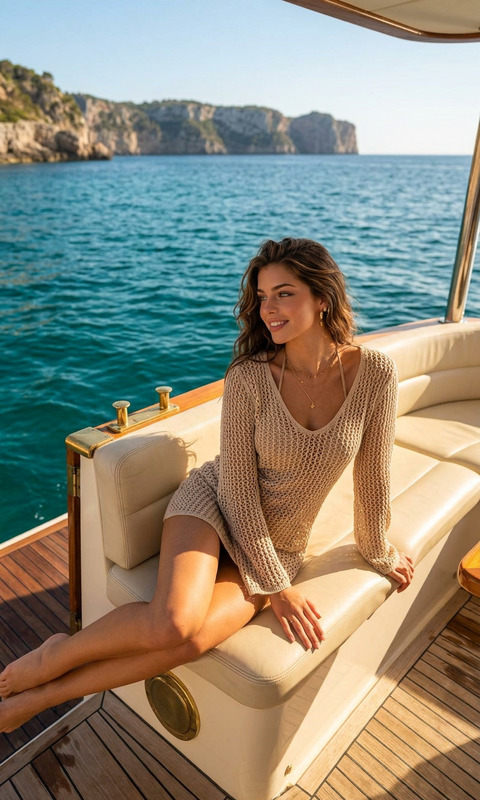
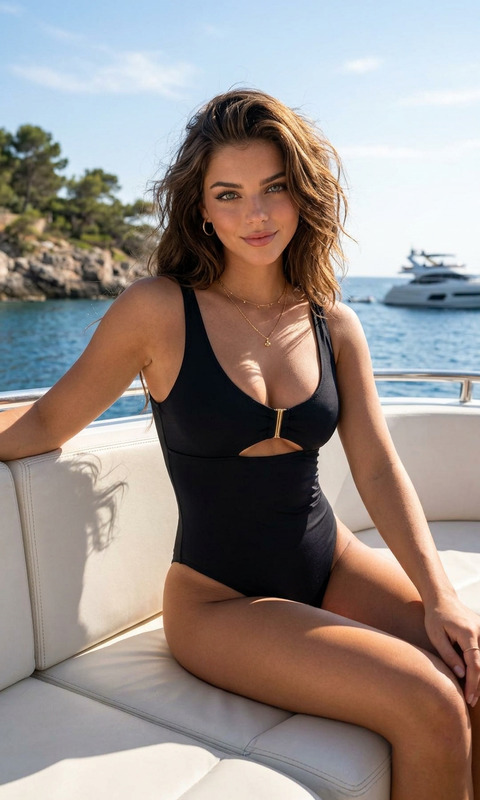
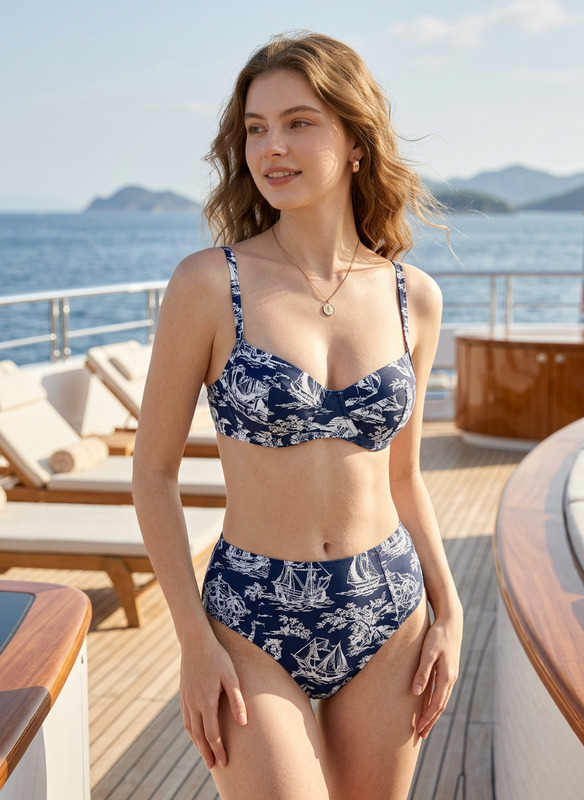
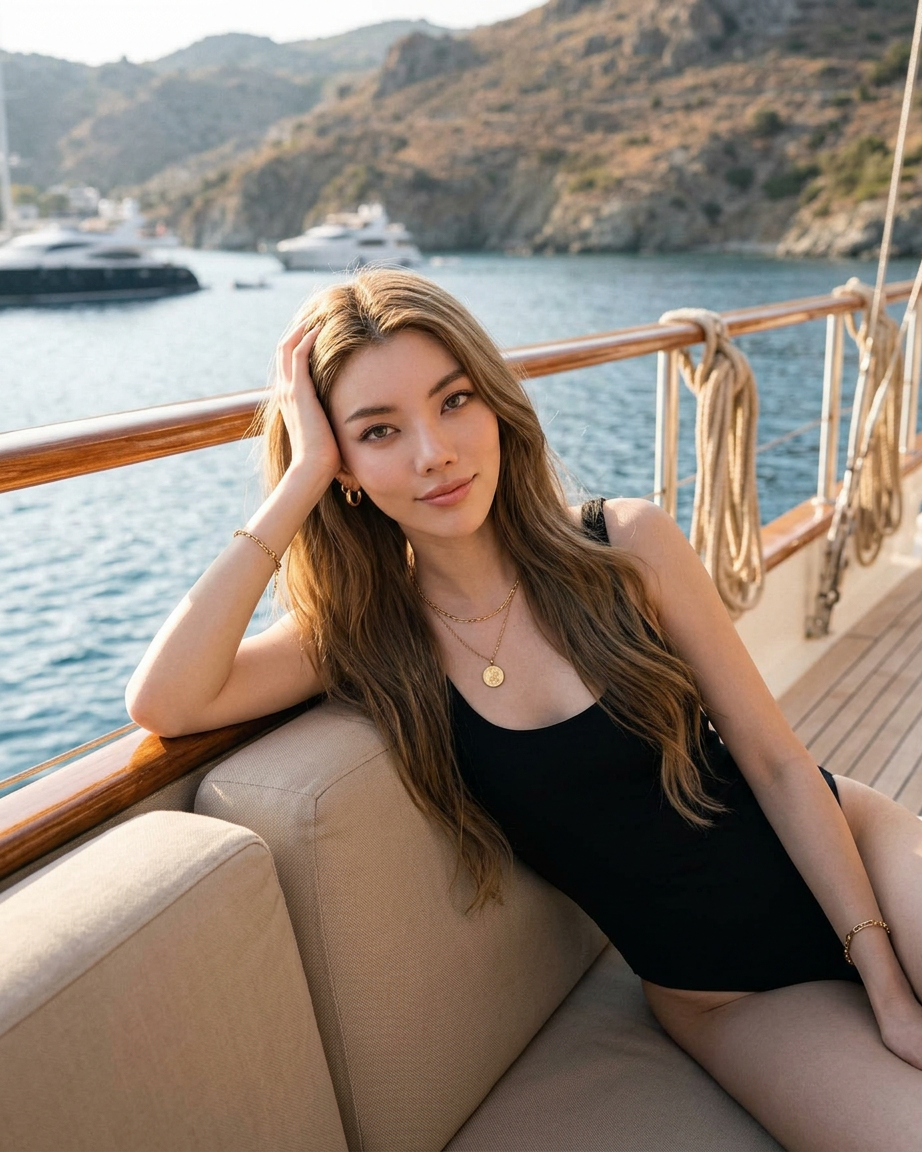
A cinematic, medium full-length shot of a beautiful East Asian woman lounging elegantly on a beige outdoor sofa cushion on the deck of a luxury yacht. The subject has long, wavy light brown hair flowing naturally, and she is resting her head on her right hand, looking directly into the camera with a calm, confident expression. She is wearing a classic, minimalist black one-piece swimsuit, paired with a delicate gold layered necklace with a coin pendant, small hoop earrings, and a gold bracelet. The teak wood deck of the yacht stretches into the background, leading toward a blurred coastline and calm blue ocean under bright, warm natural sunlight. Photorealistic, high detail, high-fashion summer resort lifestyle photography.
Any aspect ratio
Overview
The AI Image Editor template is crafted to transform ordinary images into stunning artworks. With the nano-banana-2 model driving the edits, users can produce photorealistic, high-detail images perfect for showcasing high-fashion lifestyle photography. This tool allows creators to finely edit every detail, ensuring their vision is captured with precision.
What It Does
The AI Image Editor enables users to enhance their images by modifying elements such as lighting, color, and background. With this tool, photos can achieve a professional, cinematic look suitable for various platforms. Ideal for both personal projects and professional portfolios, this editor ensures high-quality outputs that meet diverse needs. Explore our AI Image Editor to start refining your images today.
Who It's For
This tool is perfect for photographers, graphic designers, and marketers who need to enhance imagery quickly without compromising quality. It's tailored for creators looking for AI Product Photography solutions or those involved in Product Videos creation. Whether for social media posts, advertising campaigns, or personal projects, the AI Image Editor offers versatility and sophistication.
Summary
The AI Image Editor provides a comprehensive suite of editing features powered by the nano-banana-2 model. By using this template, users can achieve high-quality, artistic visuals easily. Whether refining an existing photo or crafting a new visual narrative, this tool supports a range of creative needs.
How to Use the AI Image Editor Template
Choose the Template

Customize Your Image

Generate Your Final Image

Use Cases
Fashion Photography
Social Media Content
Product Showcase
Best Practices
High-Quality Source Images
Start with high-resolution images to ensure the final output is crisp and clear.Experiment with Lighting
Use the lighting adjustments to create different moods and atmospheres in your images.Focus on Composition
Pay attention to the composition in your image to create balanced and visually appealing shots.