Taxi Window
- Model
- Nano Banana 2
- Image
- 843 × 1264 px
Prompt
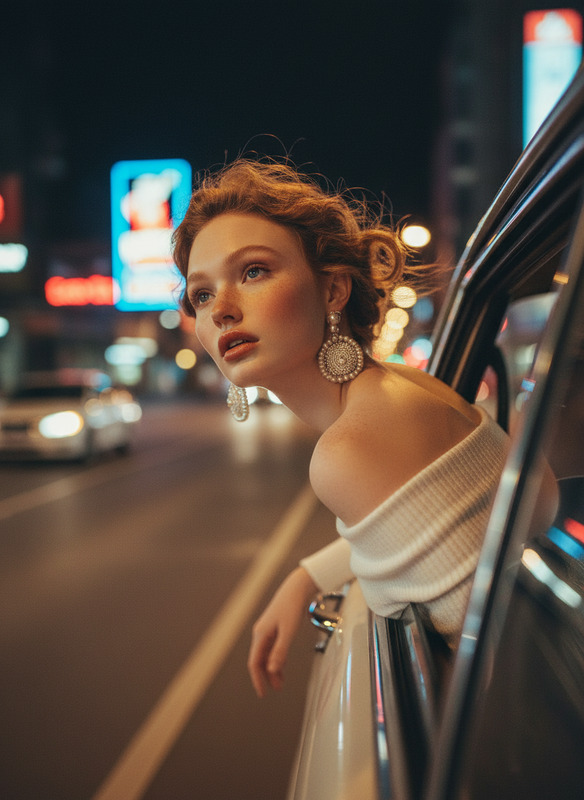
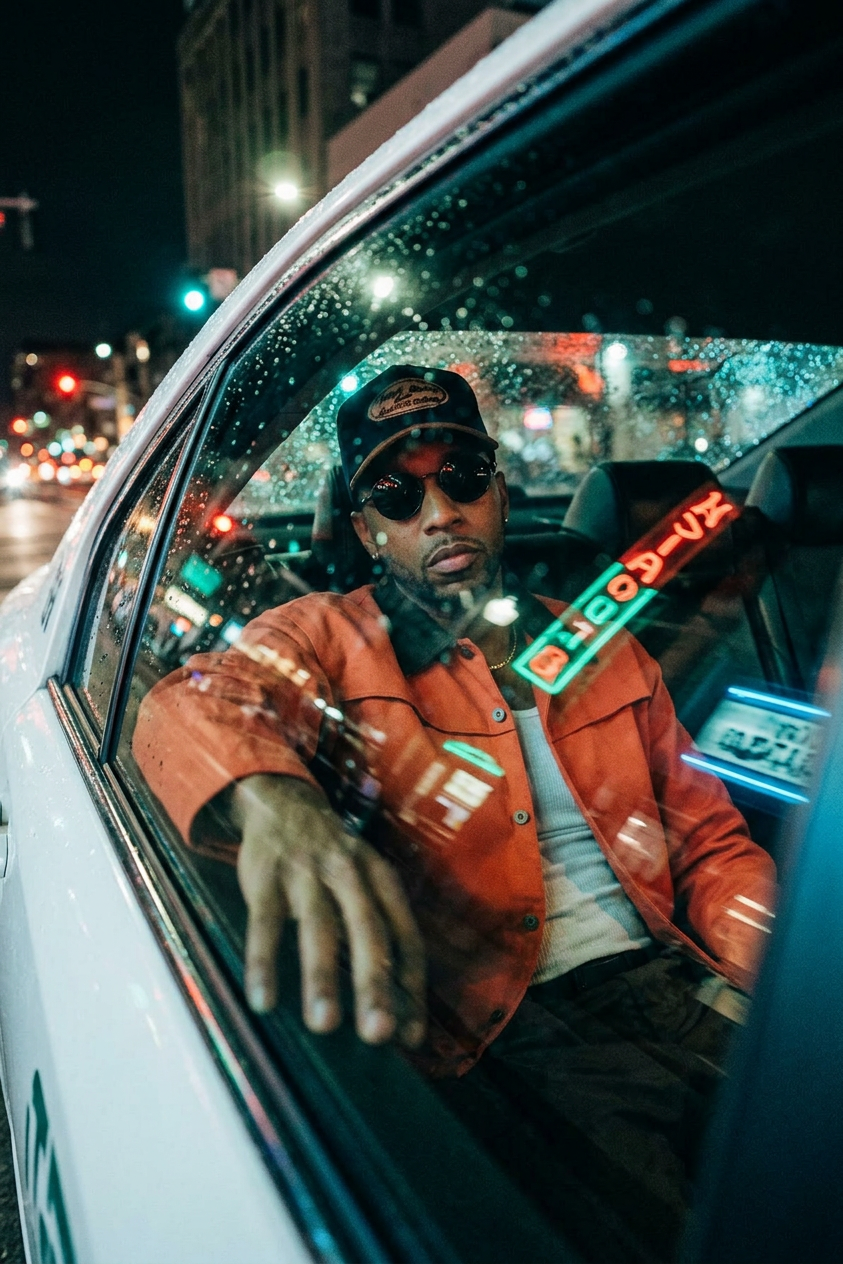
Medium close-up shot from outside a reflective car window. Subject is seated in the rear right passenger seat, leaning back against the headrest, looking directly toward the camera through the glass. One hand rests on the interior window frame. Wearing a light-colored crew-neck t-shirt and dark-tinted round sunglasses. Nighttime taxi interior with a blurred urban background—traffic lights and neon signs forming vibrant bokeh. Rain droplets and condensation texture the glass surface. Cinematic teal-and-orange color grading with strong red and green neon reflections cast across the subject and window. High-contrast lighting with deep shadows and warm hazy highlights. Dense 35mm film grain, heavy reflections, lens flares, subtle chromatic aberration.
Any aspect ratio
Overview
The Taxi Window template takes your visual storytelling to the next level, allowing you to craft stunning images reminiscent of cinematic cityscapes. Perfect for creating ads that captivate viewers at night, this template integrates the AI Image Editor capabilities with the robust nano-banana-2 model to deliver high-detail, reflective compositions.
What It Does
By utilizing the AI Image Editor, the Taxi Window template enables you to generate realistic and engaging images of individuals captured through a taxi's window. The emphasis is on the subject's expression and the atmospheric elements, such as rain droplets and neon reflections, which enhance the mood. The template adds cinematic flair, thanks to attributes like 35mm film grain and chromatic aberration.
Who It's For
This template is ideal for advertisers, filmmakers, and designers looking to create visually striking images that exude moody city vibes. It caters to those who require high-quality visuals for digital marketing campaigns, particularly in bustling urban environments. It's also useful for brands focusing on urban culture and lifestyle.
Summary
The Taxi Window template offers a comprehensive solution for producing high-impact visuals leveraging the power of the nano-banana-2 model. By integrating with the AI Image Editor, users have access to a range of features that bring dramatic, film-inspired scenes to life, enhancing any marketing strategy.
How to Use
Choose the Template

Customize Your Image

Generate and Download

Use Cases
Urban Lifestyle Advertising
- Fashion-forward photographs
- Brand promotions in city settings
Film and Media Posters
- Thriller or drama genre imagery
- Promotional movie stills with a cinematic feel
Social Media Content
- Instagram stories or posts
- Eye-catching thumbnails for videos
Best Practices
Focus on Lighting
Experiment with different lighting and reflection effects to create a captivating mood. Consider the impact of neon lights and rain droplets for added drama.Leverage Color Grading
Use the provided teal-and-orange color grading to add depth and a cinematic quality to your images.Enhance Texture and Detail
Incorporate film grain and chromatic aberration to create authentic and textured visuals that stand out.