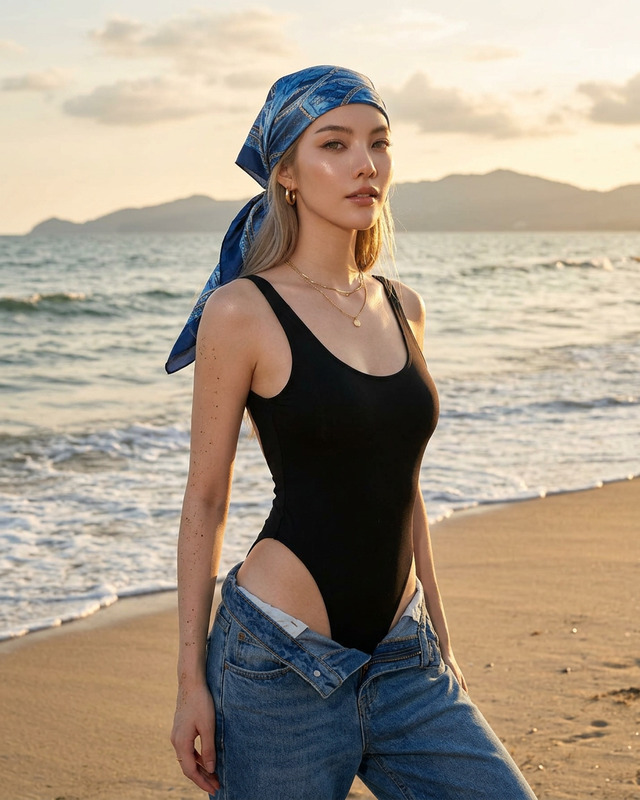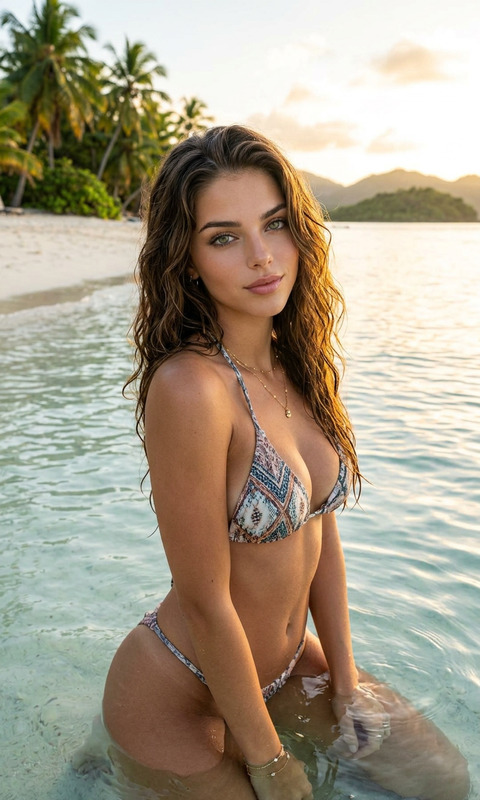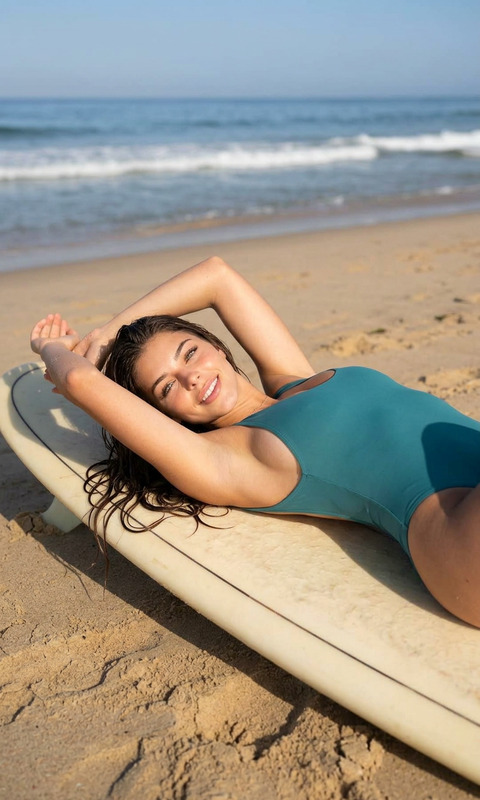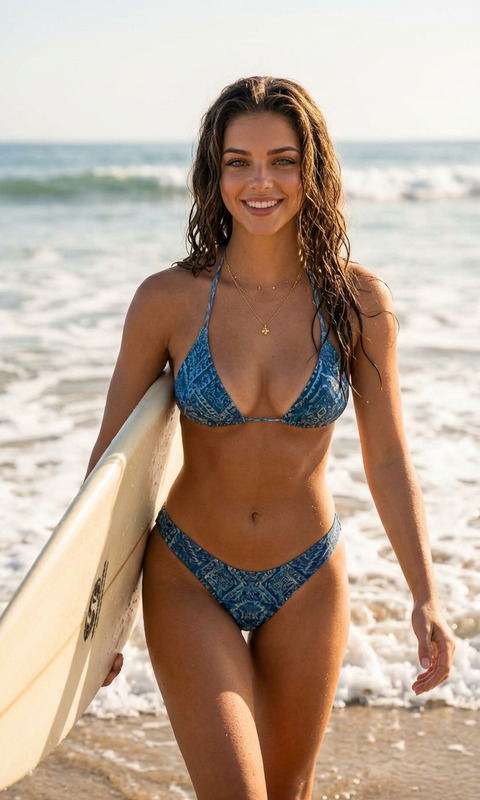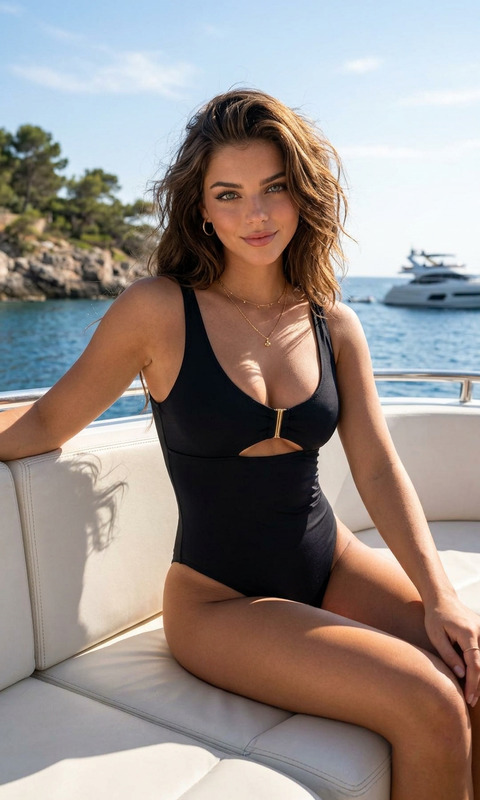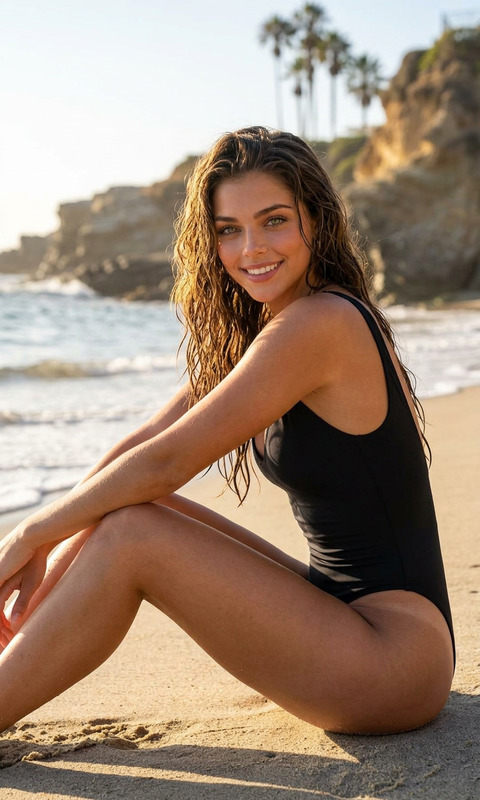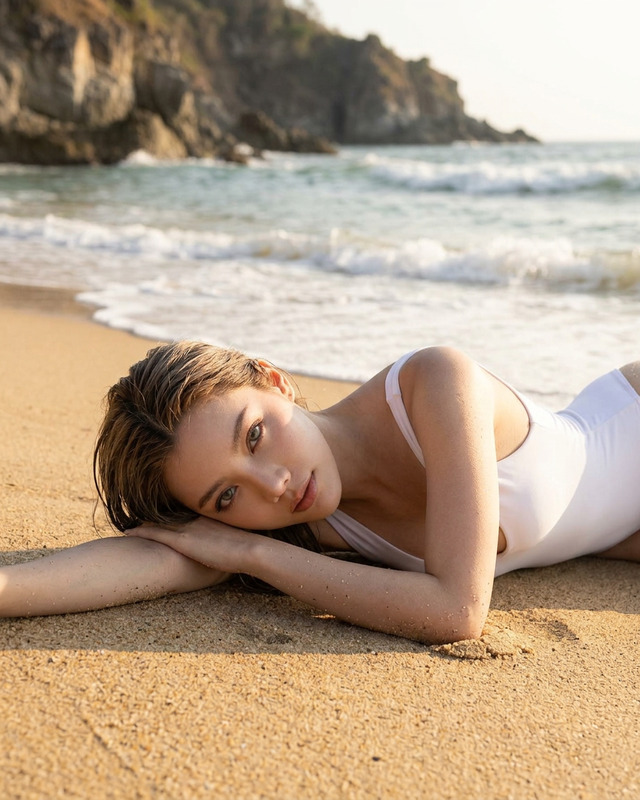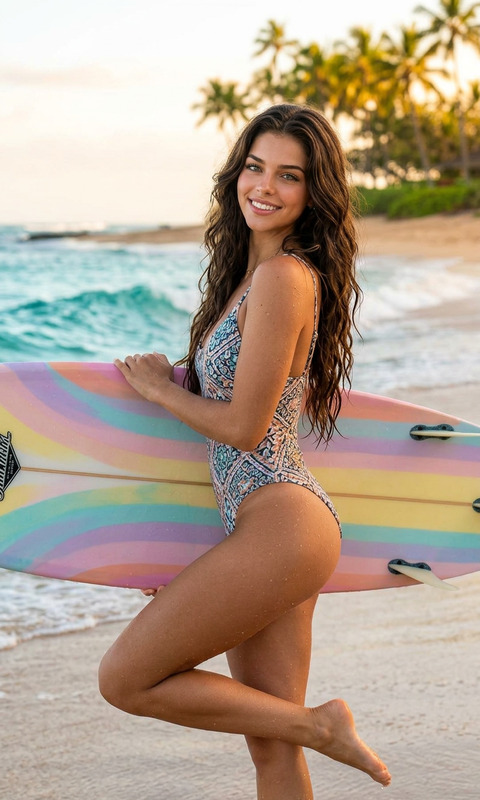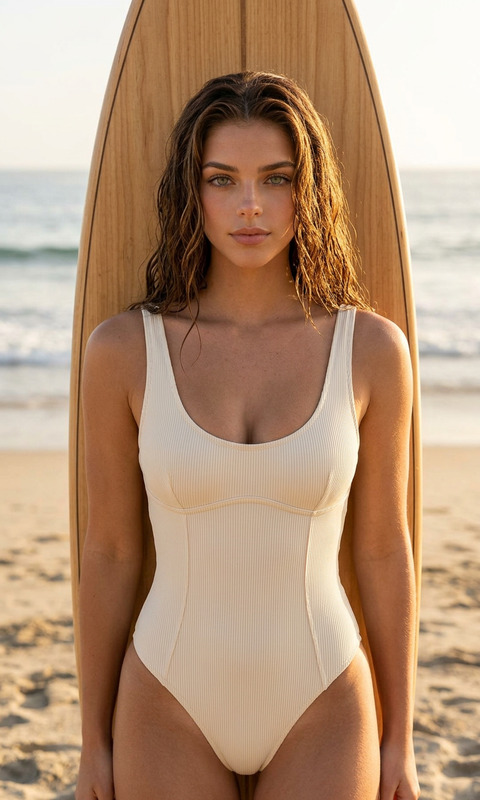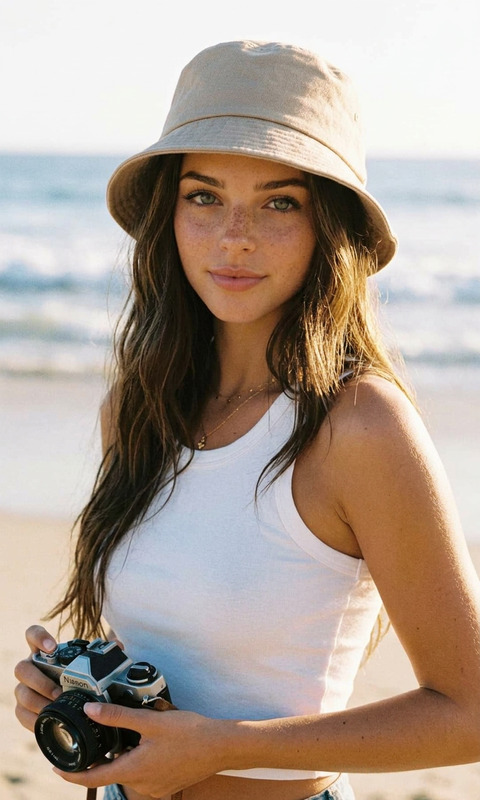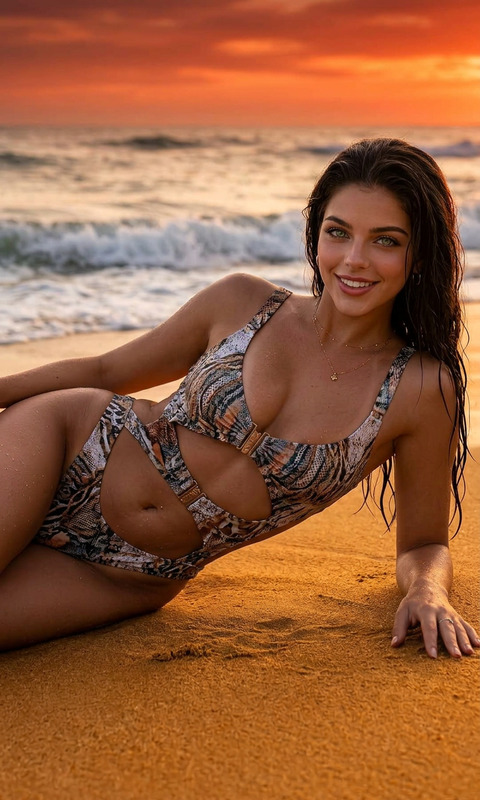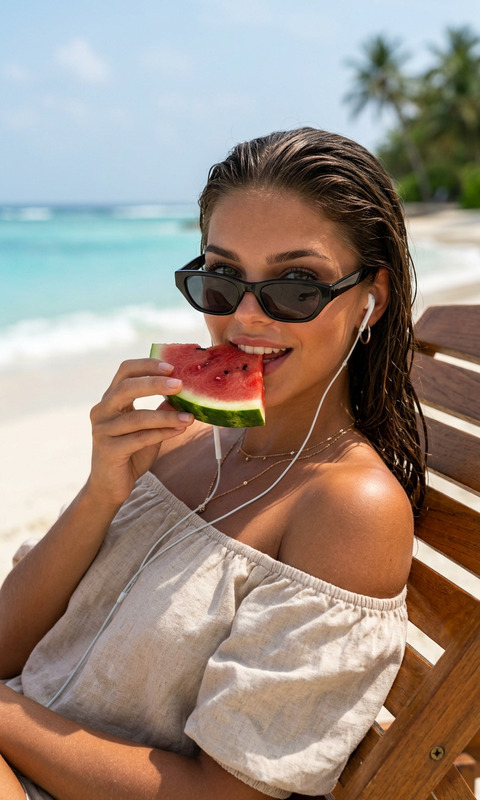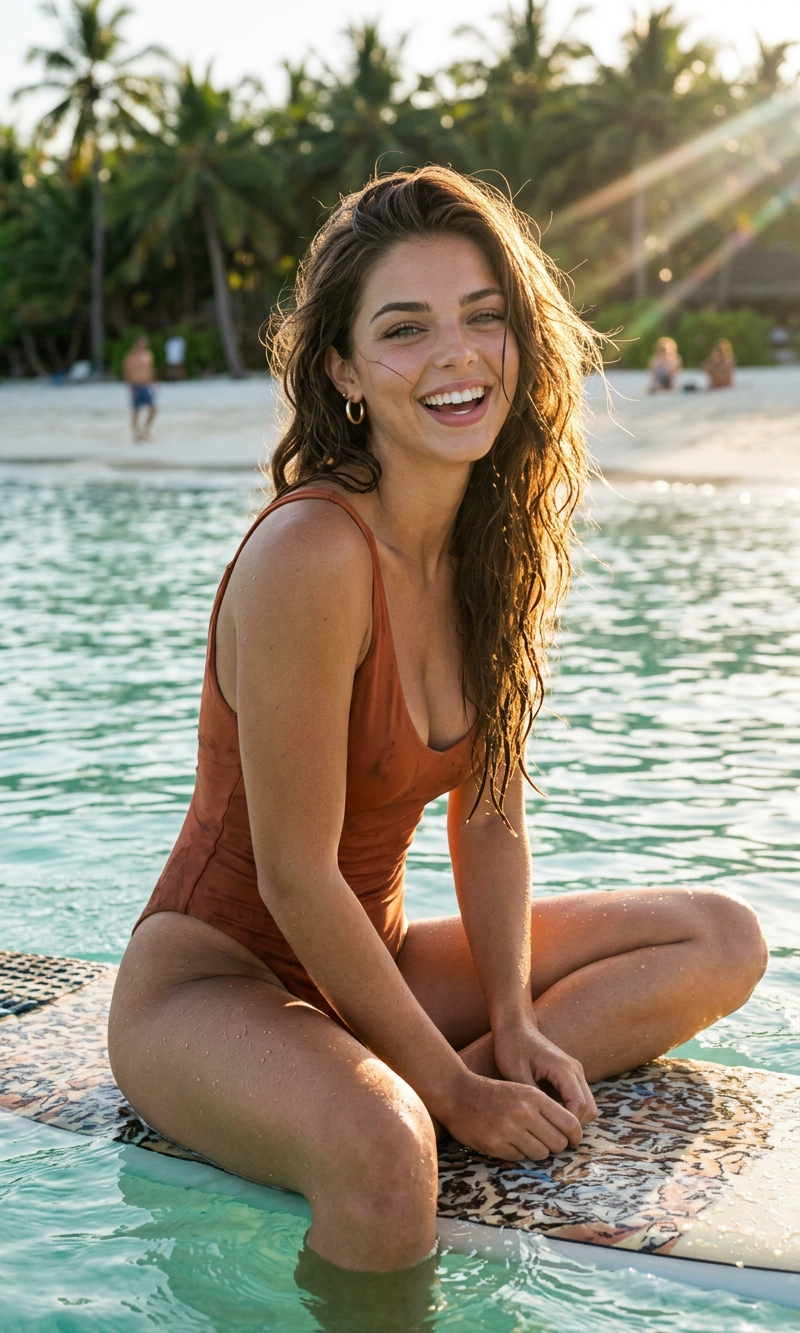
Just Floating
- Model
- Nano Banana 2
- Image
- 800 × 1333 px
Prompt
A cinematic, minimalist beach portrait of a woman sitting on a surfboard in shallow ocean water during golden hour, wearing a neutral-toned one-piece swimsuit. Wet slicked-back hair, natural smile, relaxed candid expression. Soft sunlight with lens flare streaks across the frame, muted earthy tones, calm sea in background, editorial fashion photography style, realistic skin texture, shallow depth of field, serene summer atmosphere, high-end lifestyle campaign aesthetic, vertical composition, soft shadows, film photography look.
Any aspect ratio
Overview
The "Just Floating" AI Image Editor template offers creators a sophisticated way to transform images with a cinematic touch. Designed using the advanced nano-banana-2 model, this template captures the essence of minimalism and high-end fashion photography directly at your fingertips.
What It Does
This template specializes in producing stunning, minimalist beach portraits with a focus on natural beauty and serene settings. The AI-centric approach allows you to apply a film photography look with realistic skin textures and editorial fashion nuances. Ideal for creating high-quality images with a soft sunlight glow and muted earthy tones.
Who It's For
"Just Floating" is perfect for photographers, creative directors, and marketers working on lifestyle and fashion campaigns. It's designed for those who want to create or enhance images with a cinematic and editorial quality without needing extensive photo-editing skills.
Summary
With the "Just Floating" template, elevate your imagery to new heights. Bring alive the serene essence of golden hour beach settings with an editorial flair. Discover more tools that enhance your creative projects like the AI Image Editor and explore similar features within our Full-Body Generator.
How-To
Choose the Template

Customize Your Image

Generate and Download

Use Cases
Lifestyle Campaigns
- Natural and serene aesthetics
- Cinematic visuals
- High-fashion editorial style
Editorial Fashion Photography
- Realistic skin textures
- Film photography look
- Soft, ambient lighting
Social Media Content
- Eye-catching visuals
- Consistent aesthetic themes
- Increased engagement
Best Practices
Focus on Composition
Ensure that your original image has a strong composition which can be further refined using the template's features for optimal effect.Adjust Light and Shadows
Play around with the soft sunlight and shadow settings to match your subject's mood with the overall tone of your project.Maintain Consistency
When working on a series of images or a campaign, use similar settings across images to create a cohesive visual story.