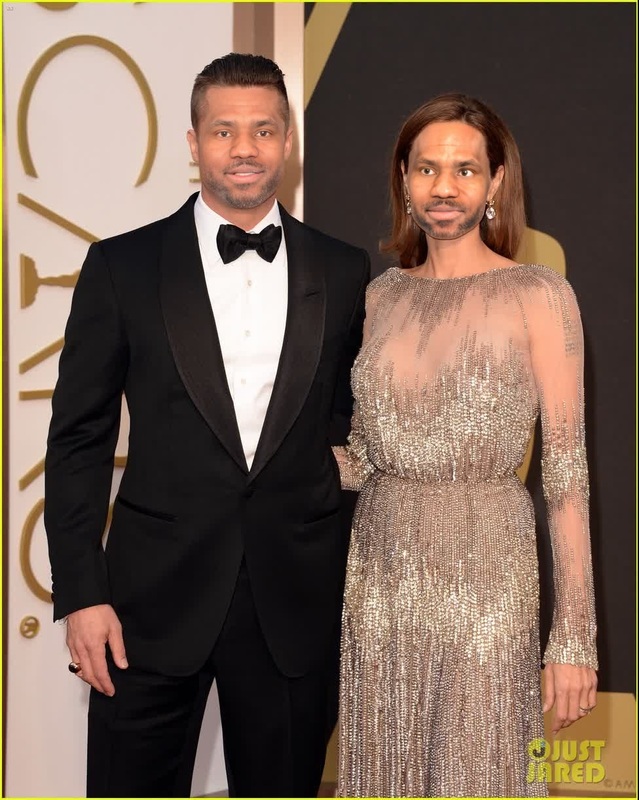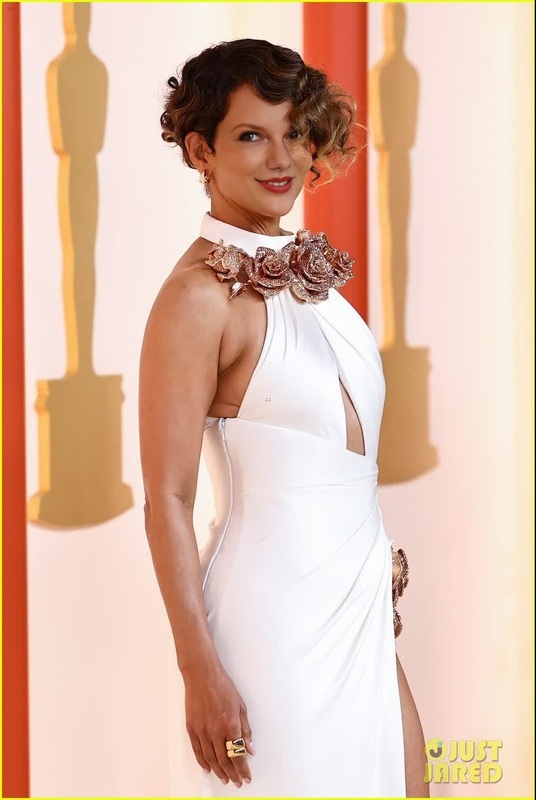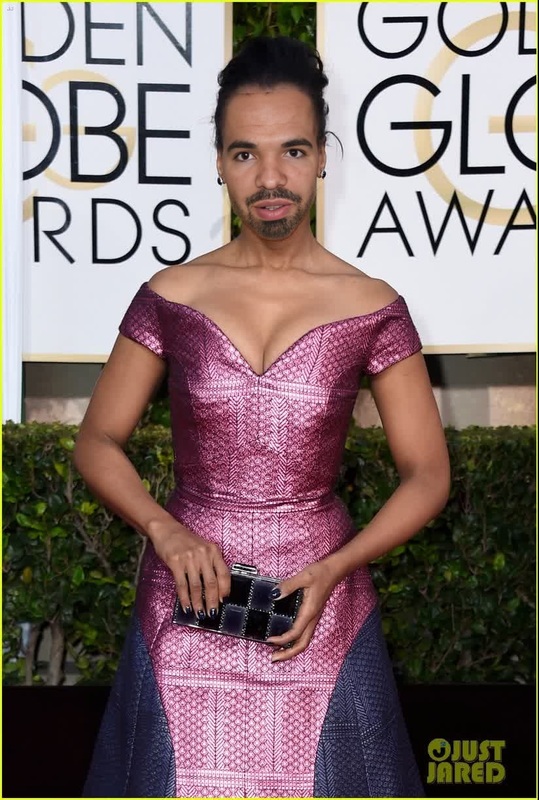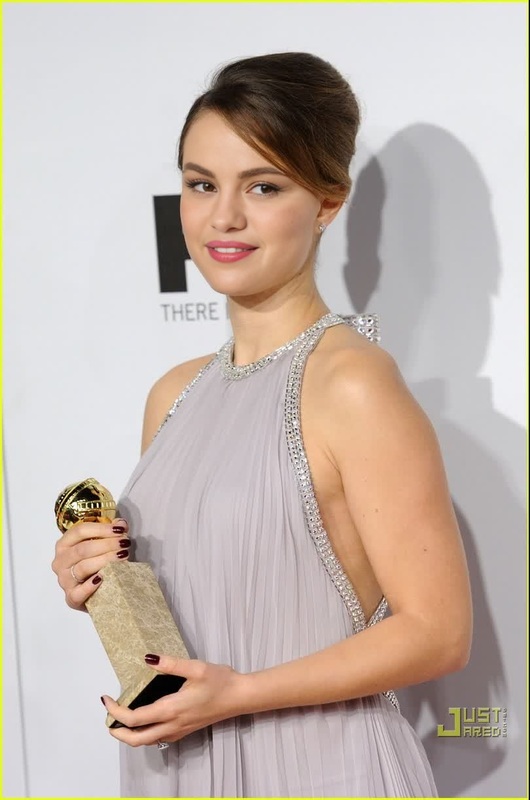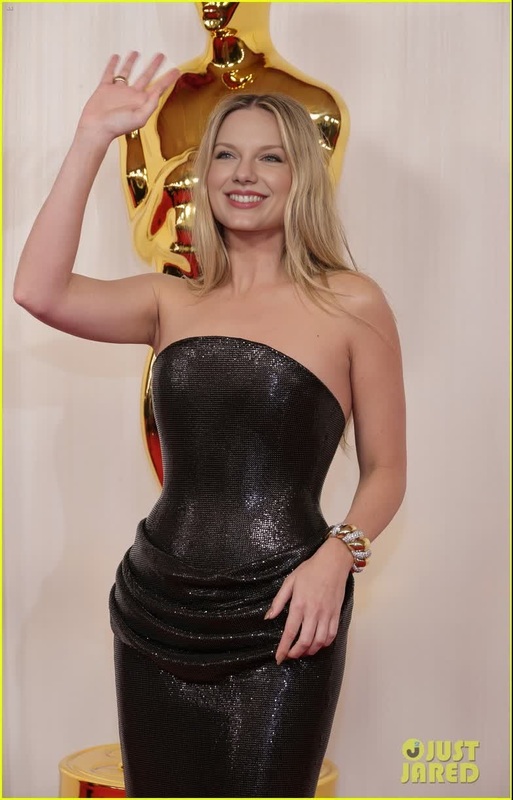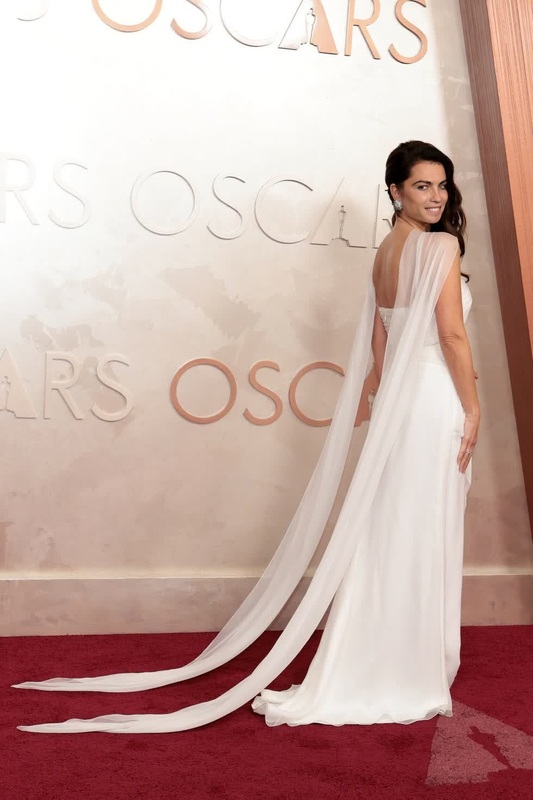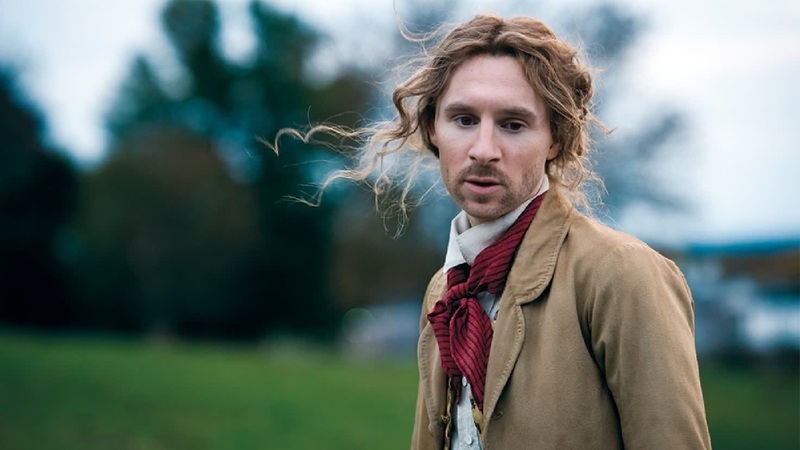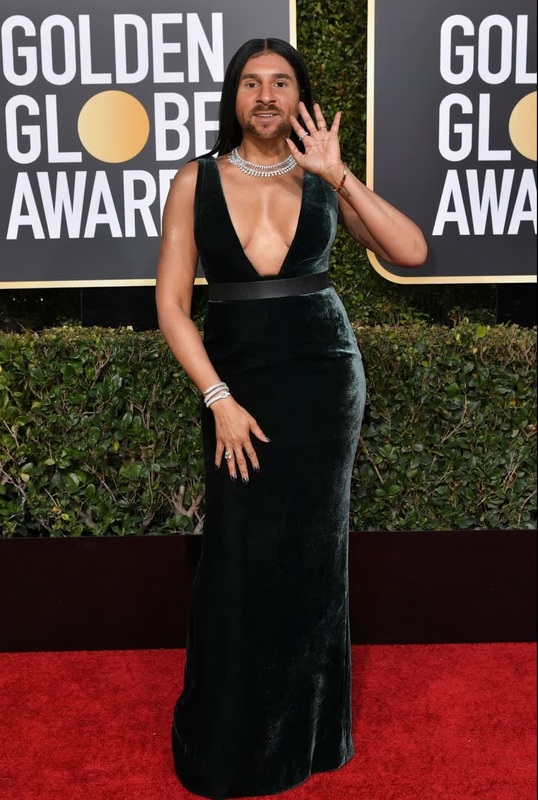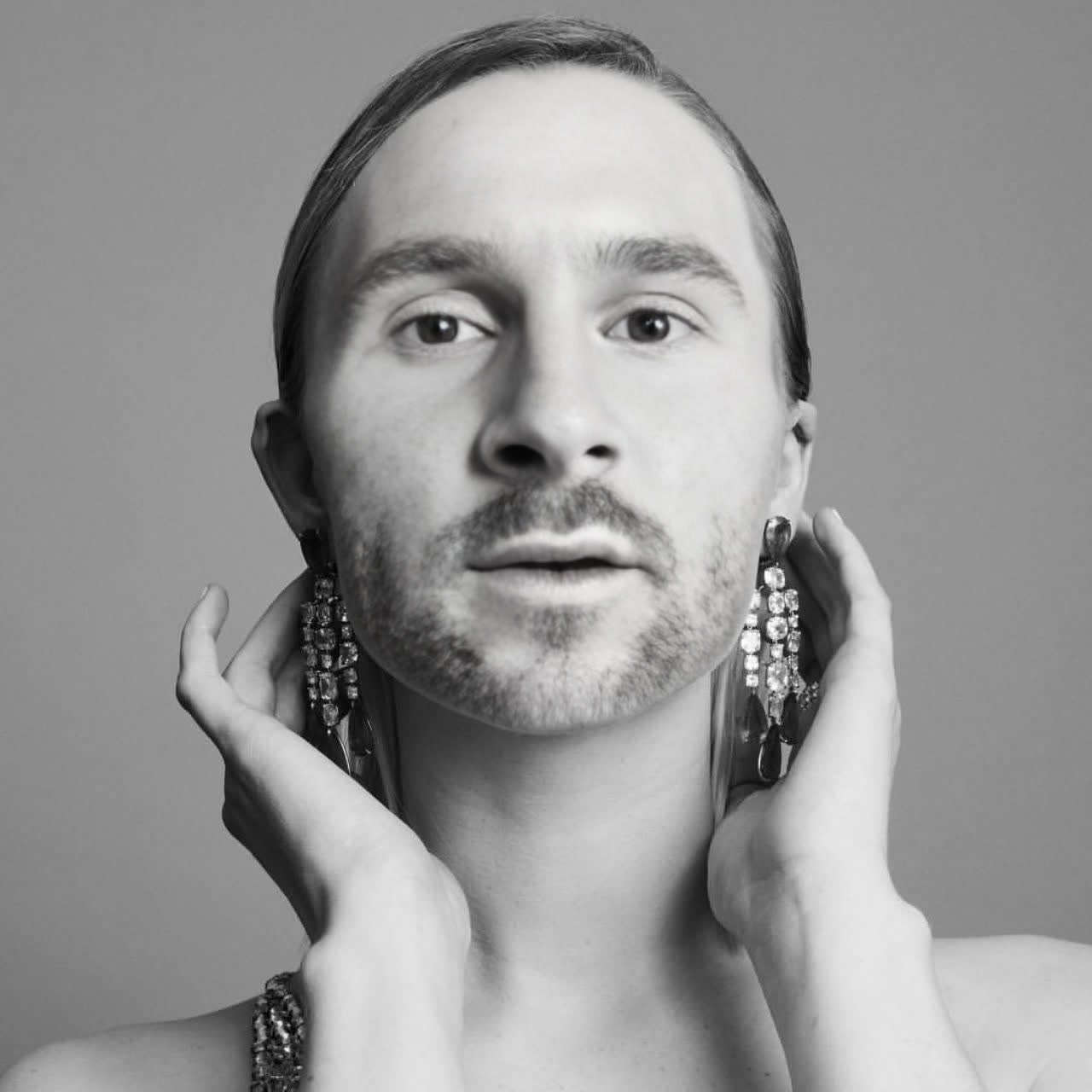
Saoirse Ronan Golden Globes Portrait
- Image
- 1280 × 1280 px
Any aspect ratio
Overview
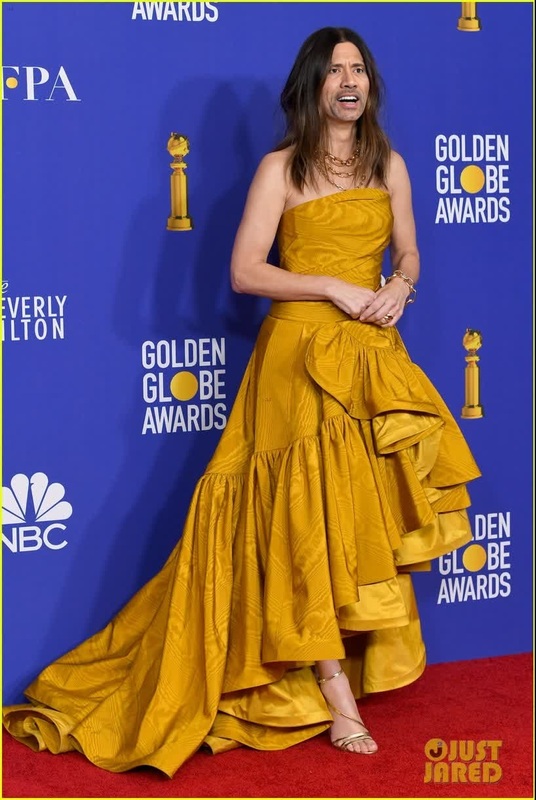
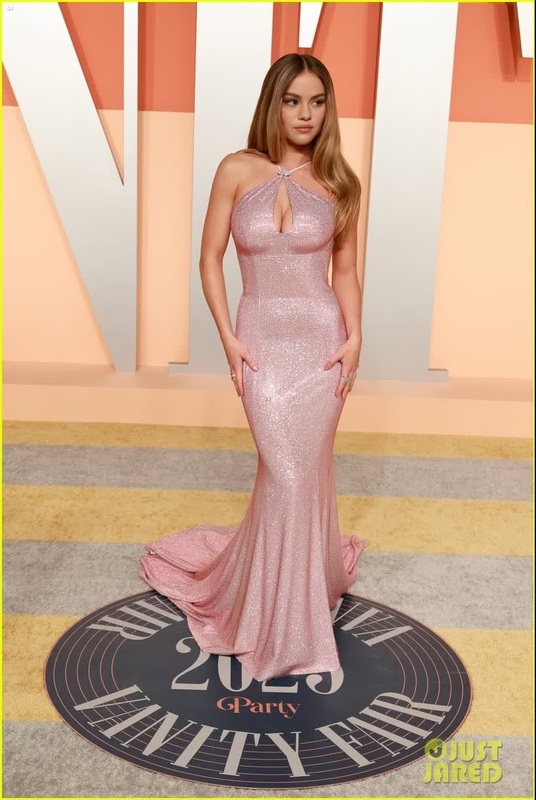
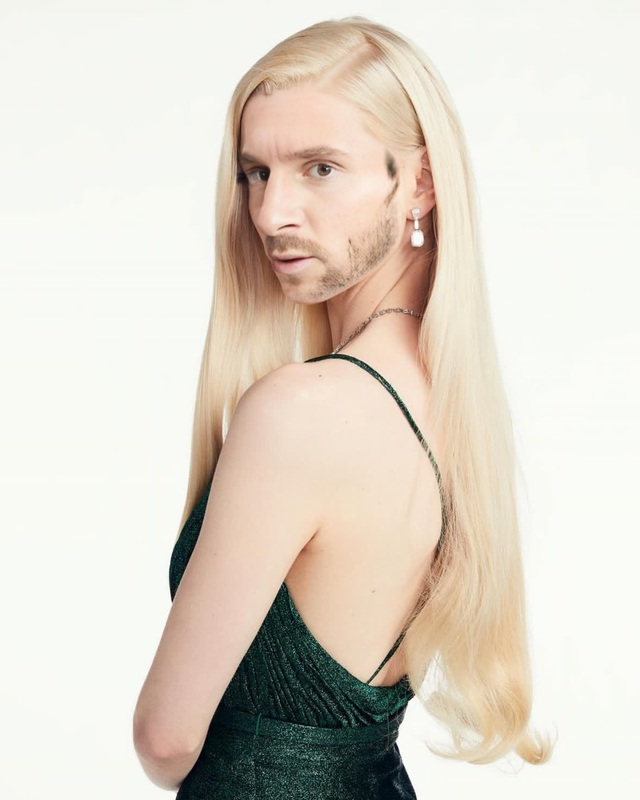
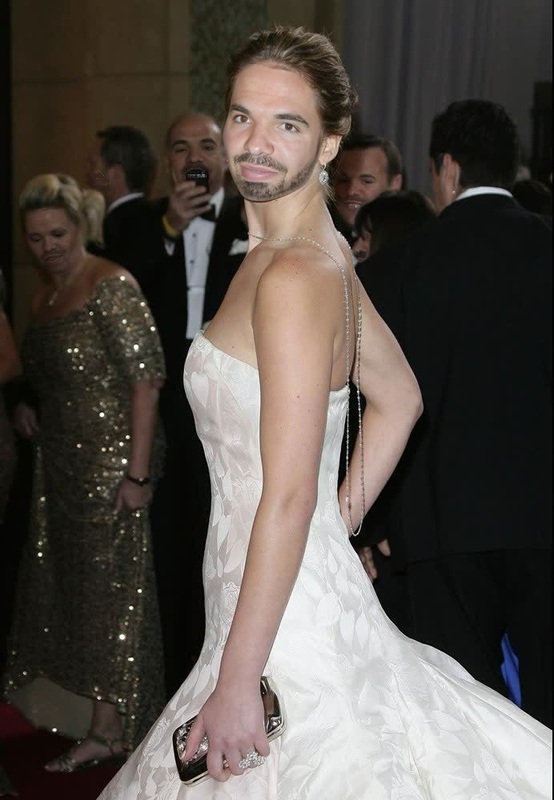
Bring a touch of Hollywood glamour to your personal videos with the Saoirse Ronan Golden Globes Portrait template. Perfect for enthusiasts of video transformations, this Video Face Swap offers an exciting way to swap your face into an iconic celebrity look.
What It Does
This template utilizes cutting-edge face swap technology to overlay your facial features with the recognizable face of actress Saoirse Ronan from the Golden Globes. The resulting video is a seamless blend, capturing the elegance and charm of her iconic look.
You'll be using our advanced Image-to-Video technology, ensuring that your transition is smooth and realistic.
Who It's For
Whether you're a content creator, a social media enthusiast, or just looking to have fun with personal video projects, this template is for you. It's perfect for those wanting to explore the world of face swapping and create engaging content with ease.
Summary
The Saoirse Ronan Golden Globes Portrait video template empowers you to transform ordinary selfies into captivating celebrity moments. Explore our comprehensive suite of creative tools, such as the AI Clothes Changer, to further enhance your videos.
How-To
Choose Saoirse Ronan Template

Customize with Your Photo

Generate Your Video

Use Cases
Social Media Content
Event Promotions
Fun Personal Projects
Best Practices
Use High-Quality Images
For the best results, ensure the selfie you upload is clear, well-lit, and high-resolution.Align Your Face Accurately
Follow the guide markers precisely to ensure your face aligns well with the template.Check Lighting Conditions
Good lighting on your original photo helps the rendered video look more natural.