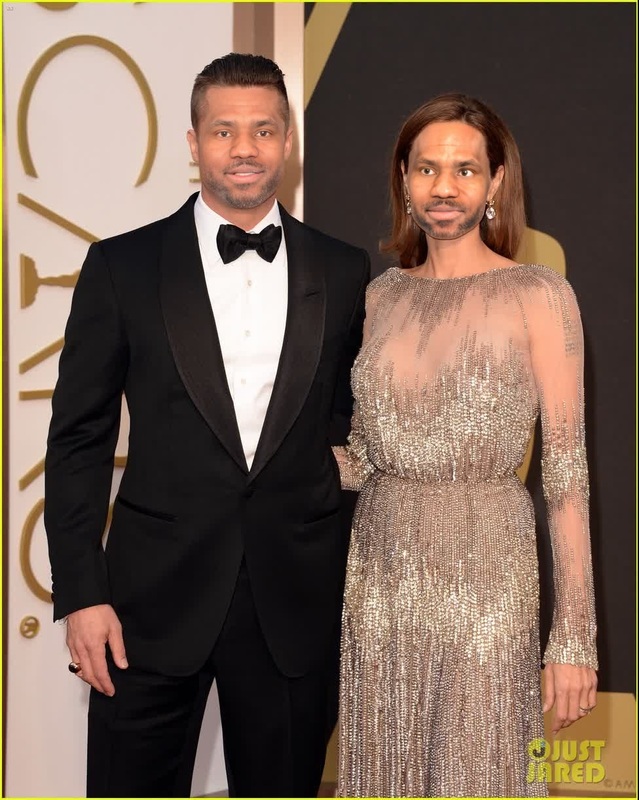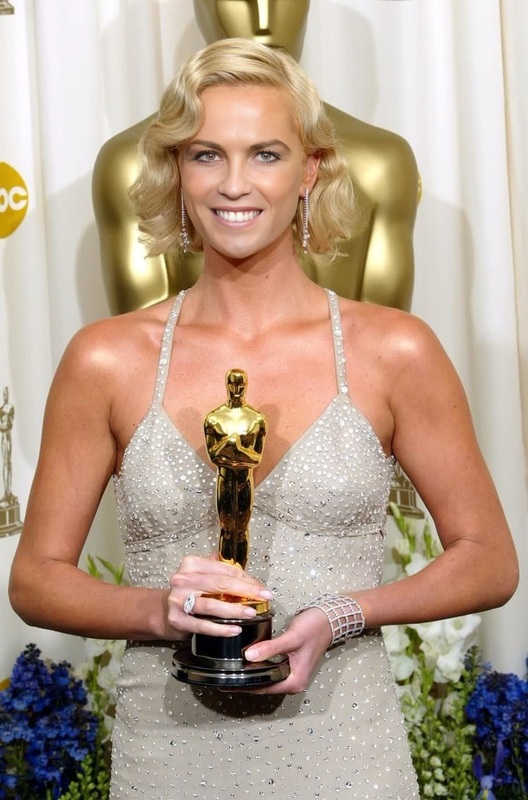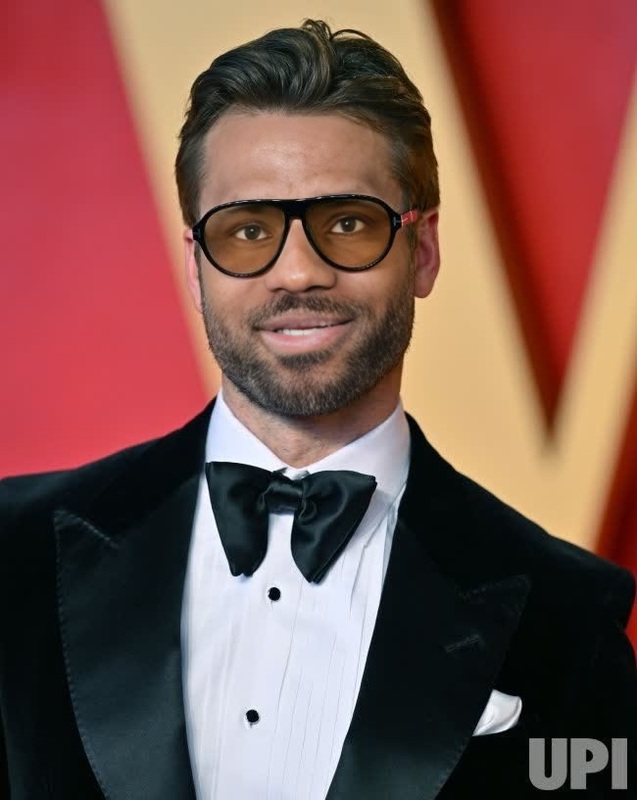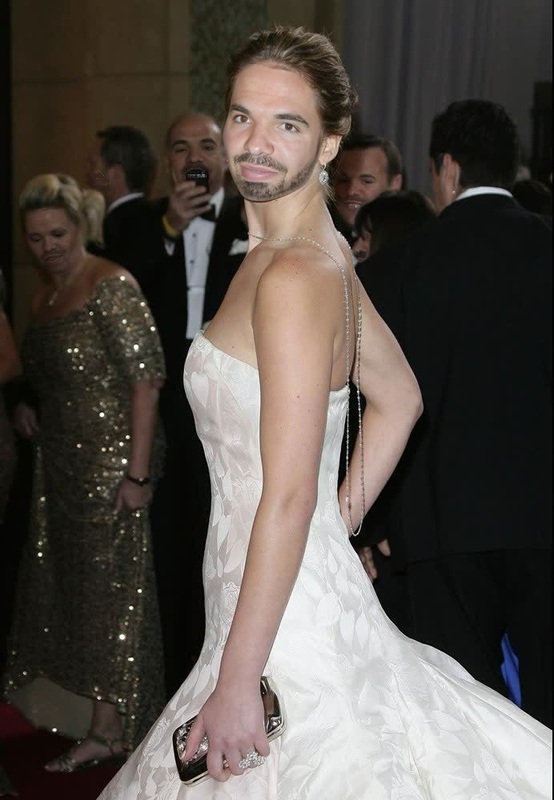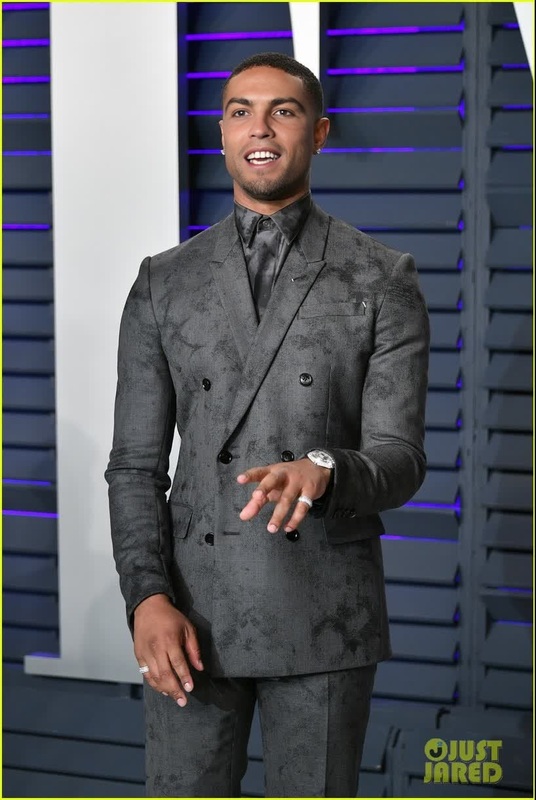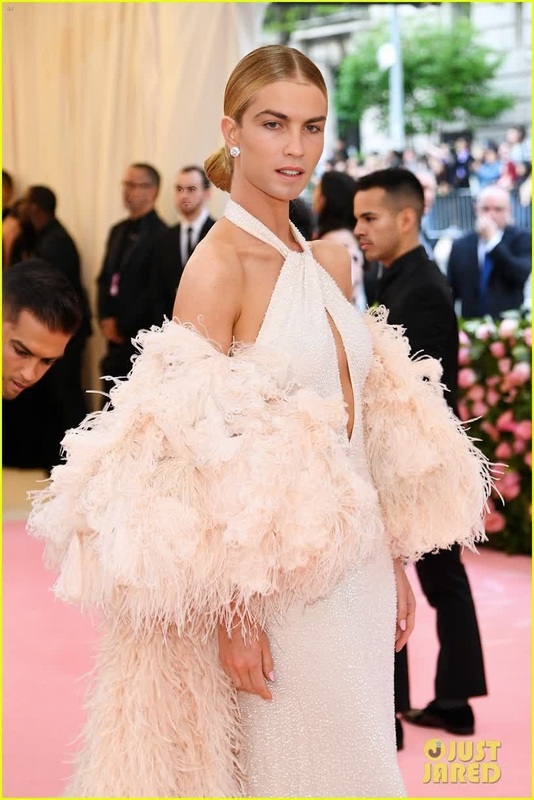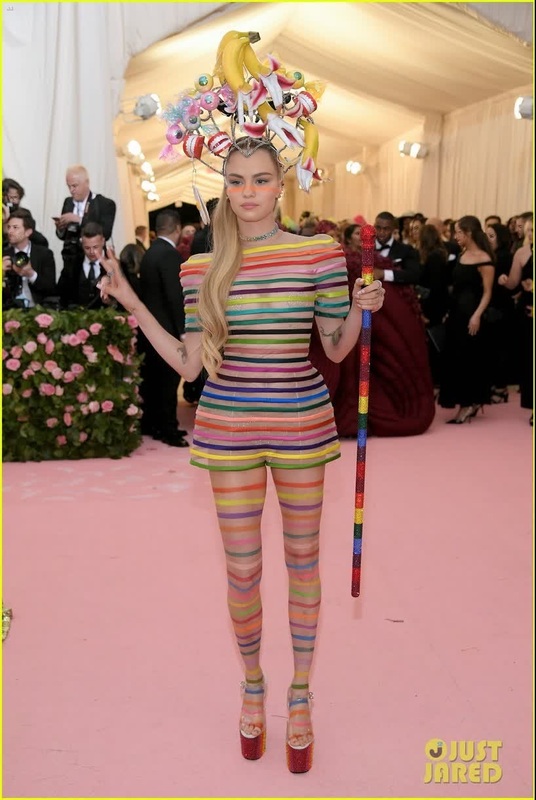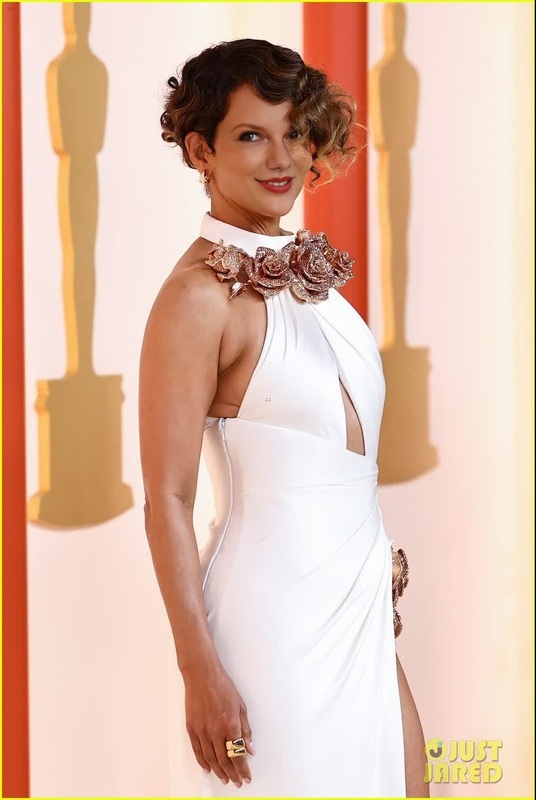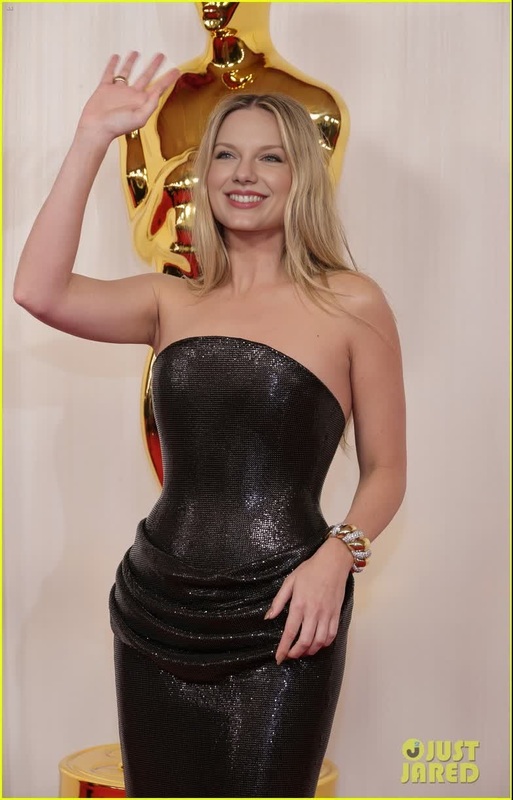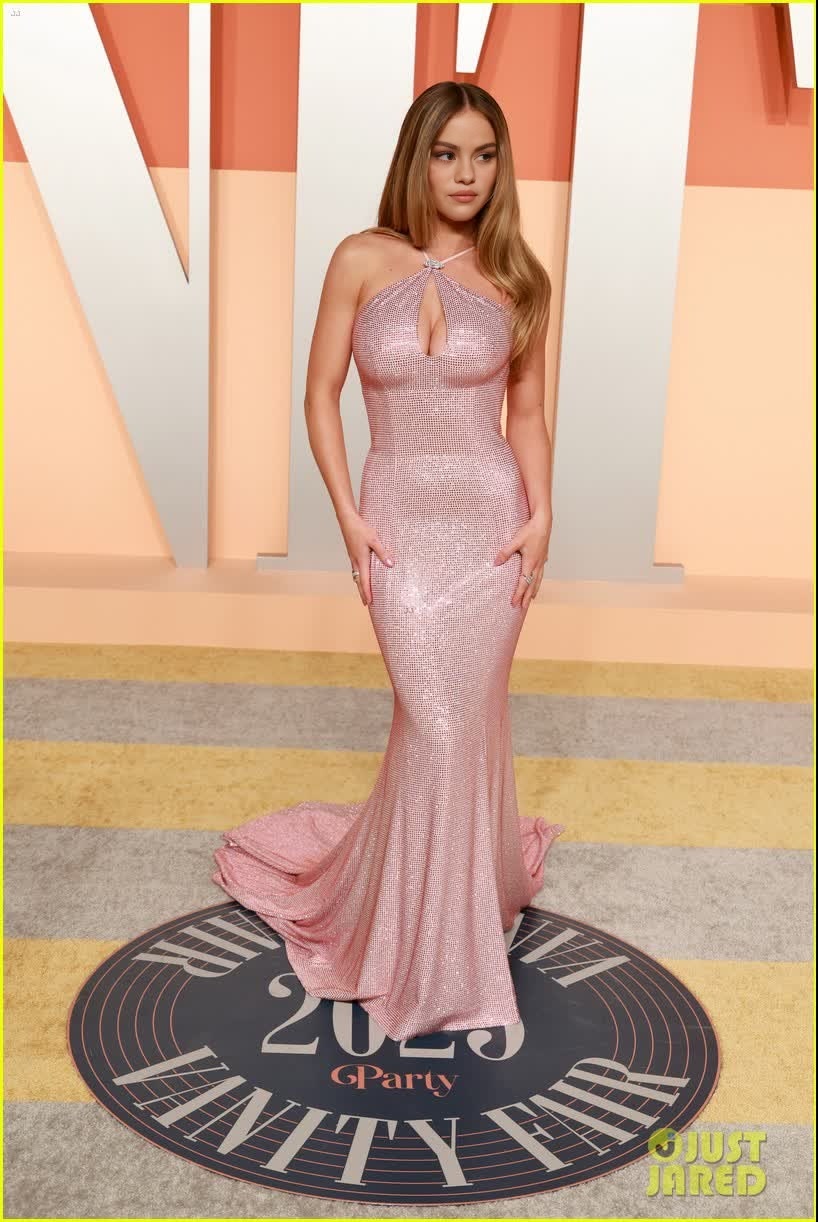
Sydney Sweeney Vanity Fair Oscar Party Portrait
face-swap
Any aspect ratio
Tags
transformationsCreate studio‑quality face swap videos in minutes with this remixable Magic Hour template. Use it as‑is, or treat it as a starting point to build your own reusable “face swap system” for campaigns, content series, and product experiments.
What this template does
This template uses Magic Hour’s Face Swap Video workflow to:
- Replace the face in an existing video with any face you provide
- Preserve expressions, lighting, perspective, and motion
- Output a realistic, share‑ready video you can download or further edit
It’s ideal for:
- Creators: recurring formats, reaction content, character personas
- Marketers: localized ads, A/B tests with different presenters, UGC simulations
- Teams & startups: internal training, product explainers, rapid creative testing
How to remix this template in Magic Hour
You don’t need to start from scratch. Use this template as a base and customize:
Open the template
Start from this page and click through to the Face Swap Video creator. The template will load with the core logic already set up.Swap in your target video
- Upload the video you want to modify (e.g., a host talking, a reaction clip, or a B‑roll shot with a clear face).
- For best results, use footage where the subject’s face is visible, well‑lit, and not heavily obstructed.
Add or change the source face
- Upload a high‑quality photo of the face you want to insert.
- Use a clear, front‑facing image with natural lighting and minimal filters or heavy makeup.
- Consistency matters: if you plan a series (ads, episodes, or social posts), keep using the same reference image for a consistent “character.”
Preview, iterate, and download
- Generate a preview, check realism, alignment, and identity consistency.
- If something looks off, try a better source image (sharper, more frontal, or better lit) and regenerate.
- When satisfied, export your final video and use it across ad platforms, social channels, or internal tools.
You can duplicate or “clone” this setup in your Magic Hour account and turn it into a reusable workflow for future campaigns or clients.
Advanced remix ideas for power users
Once you’re comfortable with basic face swaps, you can chain this template with other Magic Hour tools to build more complex pipelines:
Face‑swapped performance + lip sync
- Start with this template, then pass the output to Lip Sync to match the mouth to any audio (voiceover, podcast clips, translated scripts).
- Great for multi‑language marketing, automated spokesperson content, or localized training videos.
Turn still portraits into dynamic, face‑swapped videos
- Use AI Image Generator or AI Photo Generator to create or refine a character image.
- Animate it with Image to Video or Animation.
- Then apply face swap for consistent identity across different scenes or styles.
Replace faces in existing clips at scale
- Prepare a library of base videos (actors, presenters, or UGC).
- Maintain a folder of identity images (your team, brand ambassadors, fictional characters).
- Systematically remix combinations for A/B tests, personalization, or influencer‑style content without new shoots.
Face swap for GIFs and memes
- Use the same source faces with Face Swap GIF or the AI Meme Generator to generate short, loopable clips and social memes that match your longer videos.
Use cases and patterns that work well
This template is especially powerful when used as a repeatable pattern:
1. AI spokesperson / virtual presenter
- Film or source a single “generic presenter” video (reading a teleprompter, explaining a feature, or welcoming users).
- Use this template to swap in:
- Founders and execs for investor or onboarding content
- Regional spokespeople for localized markets
- Fictional or stylized characters created with AI Face Generator
You can then sync the voice with AI Voice Generator or AI Voice Cloner for a complete, on‑brand virtual host.
2. Localization and personalization
- Keep the same script and visuals but swap faces for:
- Different geographic markets
- Different audience segments (age, style, persona)
- Combine with Auto Subtitle Generator and Text to Video for fully localized content flows.
3. Concept tests and creative R&D
- Quickly test whether a campaign performs better when:
- The presenter looks more formal vs. casual
- The video features a founder vs. a “customer” persona
- The same script is delivered by different demographics
- Instead of scheduling new shoots, just remix this template with new faces and re‑run your tests.
4. Content series and recurring characters
- Define a recurring host or character (e.g., “The AI Coach” or “Onboarding Guide”).
- Generate a consistent headshot with AI Headshot Generator.
- Use that face across:
- Educational videos
- Product walkthroughs
- Social explainers and launch content
You get continuity and brand recognition without re‑filming.
Tips for higher quality, more realistic face swaps
To maximize quality and minimize artifacts:
Source image quality
- Use a high‑resolution, in‑focus face photo.
- Avoid sunglasses, heavy shadows, and extreme angles.
- Natural, neutral expressions tend to transfer better across many types of footage.
Target video quality
- Choose clips where the subject’s face is visible for at least a few seconds.
- Stable, well‑lit footage generally yields more convincing swaps.
- Fast cuts, heavy motion blur, or extreme occlusion can reduce realism.
Identity consistency
- For a recurring persona, always use the same reference shot in this template.
- If you need variations (e.g., different outfits or makeup), create a small set of controlled reference photos and keep using them across your projects.
If your raw assets are low‑quality, you can enhance them first with tools like AI Image Upscaler, Unblur Image, or Old Photo Restoration.
Extending this workflow with other Magic Hour tools
This template sits in the middle of a larger AI video stack. You can connect it with:
Visual creation & editing
- AI Image Editor and AI Face Editor to refine your source faces before swapping.
- AI Clothes Changer or AI Outfit Generator to keep the same face but vary styling and wardrobe.
- Image Background Remover or AI Background Generator to design cohesive environments.
Character design & branding
- Avatar Generator, AI Character Generator, or Animated Characters Generator to prototype brand mascots or product guides.
- Style‑specific tools like Disney AI Generator, AI Anime Generator, Manga Generator, or Dark Fantasy AI for themed content and campaigns.
Audio, voice, and talking photos
- AI Talking Photo for quick talking‑head clips from static images.
- AI Voice Generator, AI Voice Cloner, and AI Voice Changer to align voices with the faces you’re swapping in.
Distribution‑ready finishing
- Video Upscaler to improve resolution for paid media or large displays.
- Thumbnail Maker and Album Cover Generator to generate thumbnails and cover art that visually match your face‑swapped videos.
How to adapt this template for your specific workflow
Depending on your role, you can structure this template differently:
For marketers and growth teams
- Treat it as a reusable “ad persona” generator.
- Maintain a small library of base ad videos and a set of persona faces.
- Use this template to quickly produce localized or audience‑specific variations before you commit to large‑scale production.
For product and startup teams
- Integrate this template into your user onboarding or in‑app education.
- Create one or two “virtual CSMs” or “virtual founders” using consistent faces.
- Reuse the same face swap setup for release notes, feature tours, and in‑app help.
For creators and agencies
- Offer face‑swap‑based formats as a service: custom host characters, brand‑aligned presenters, or parody concepts.
- Use this template as your internal base, then remix per‑client with their chosen faces, voices, and visual style.
Ethical and practical considerations
Face swap technology is powerful and should be used thoughtfully:
- Ensure you have explicit rights and consent to use any person’s likeness.
- Avoid misleading uses in sensitive contexts (news, politics, medical content, or impersonations).
- Consider adding clear disclosures when content includes synthetic or swapped faces, especially in marketing or public communications.
By building your workflow around this template, you gain both speed and control: you can standardize your process, enforce internal guidelines, and keep experiments auditable and reproducible over time.
Use this template as a foundation: start with a simple face swap, then iteratively build a complete, fully branded AI video system by connecting other Magic Hour tools as your needs grow.