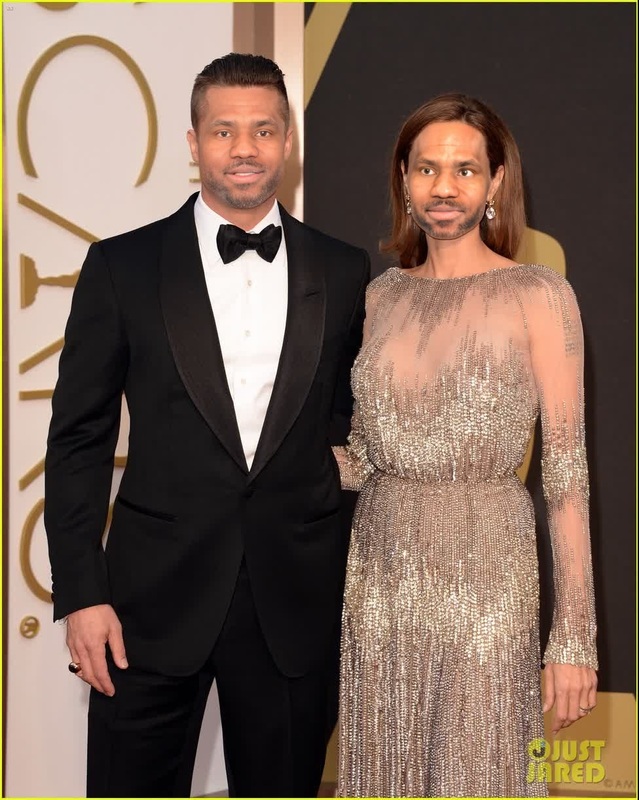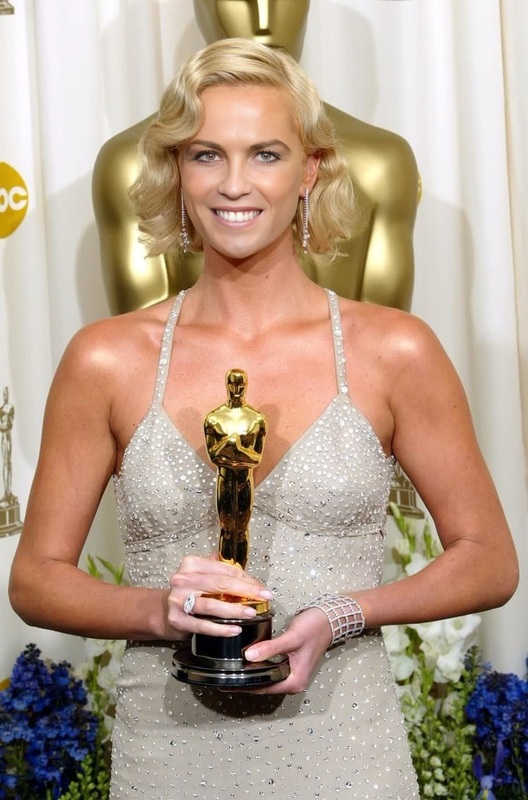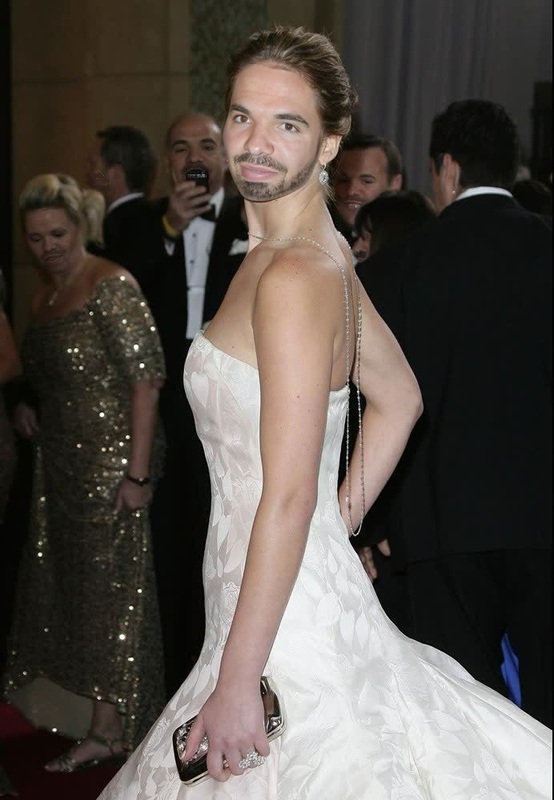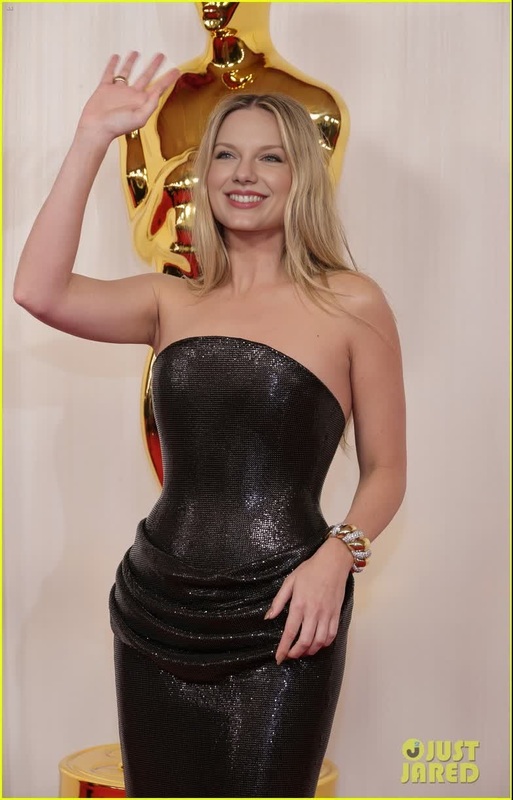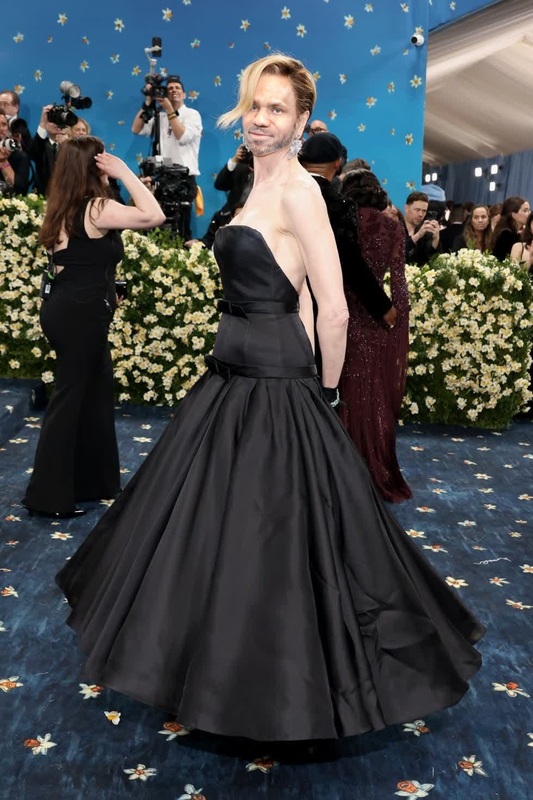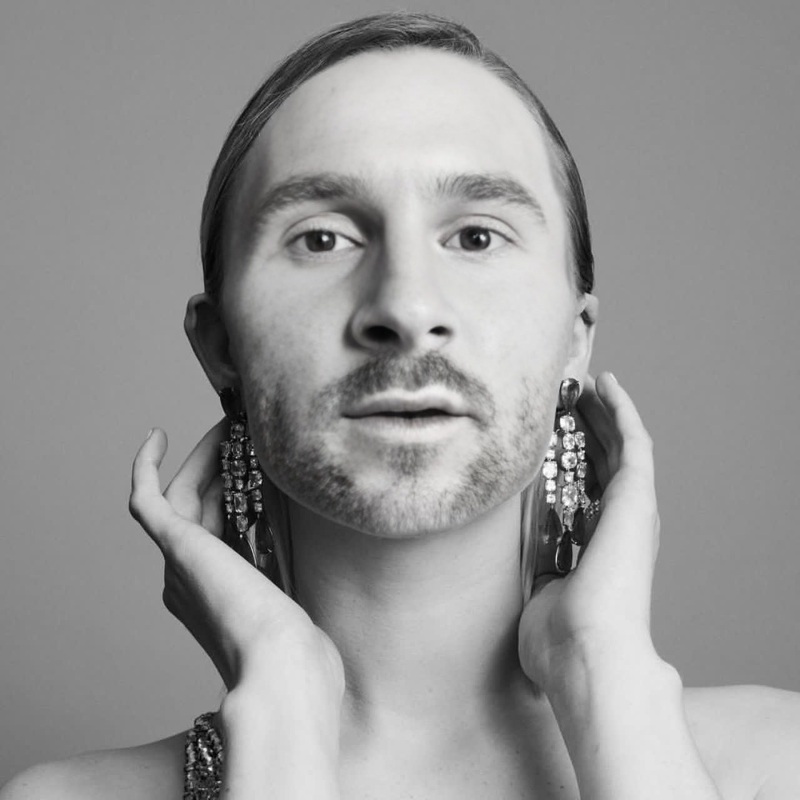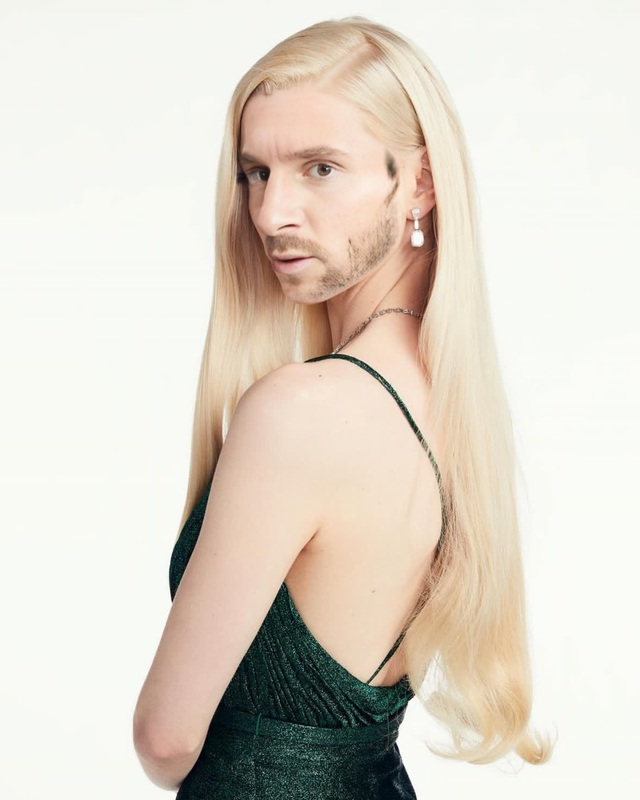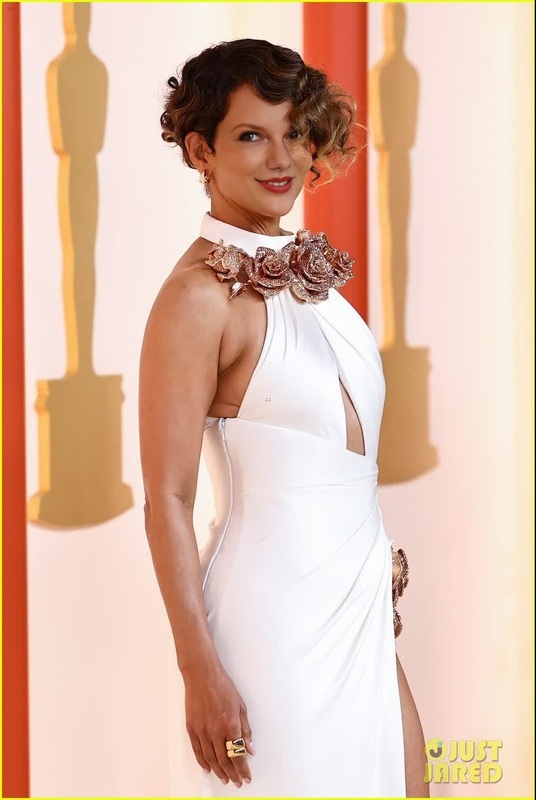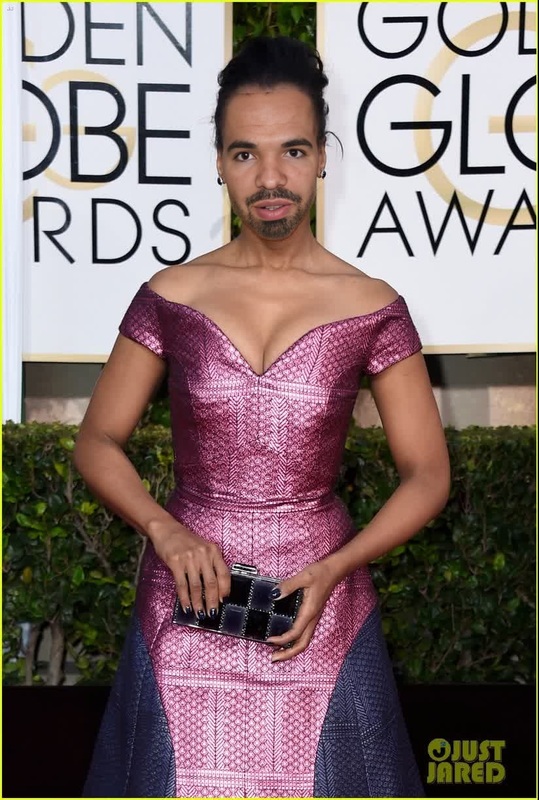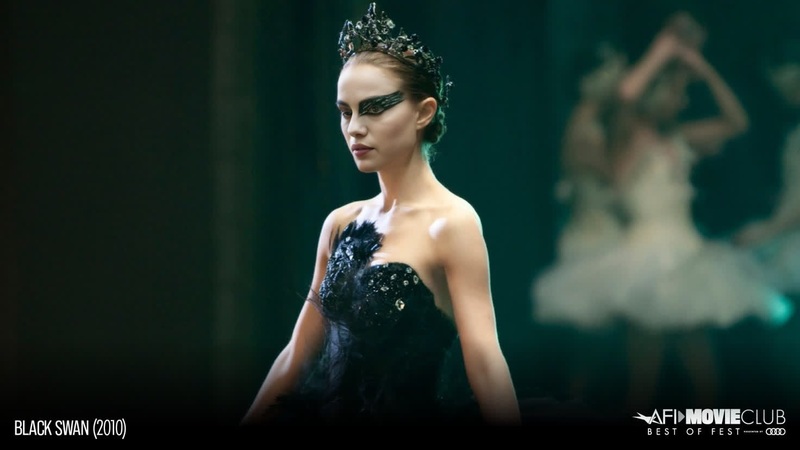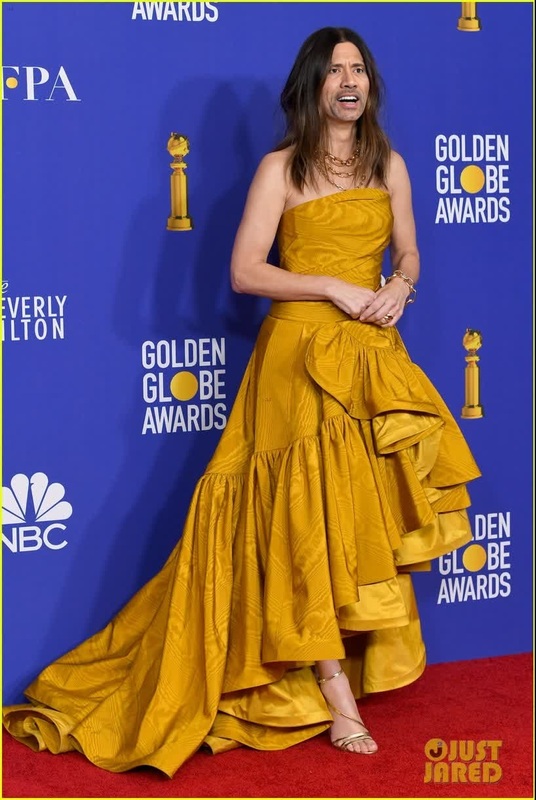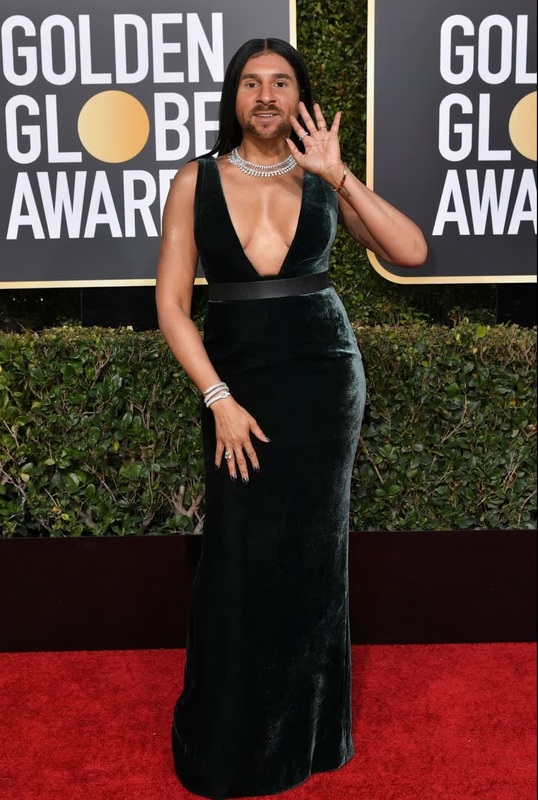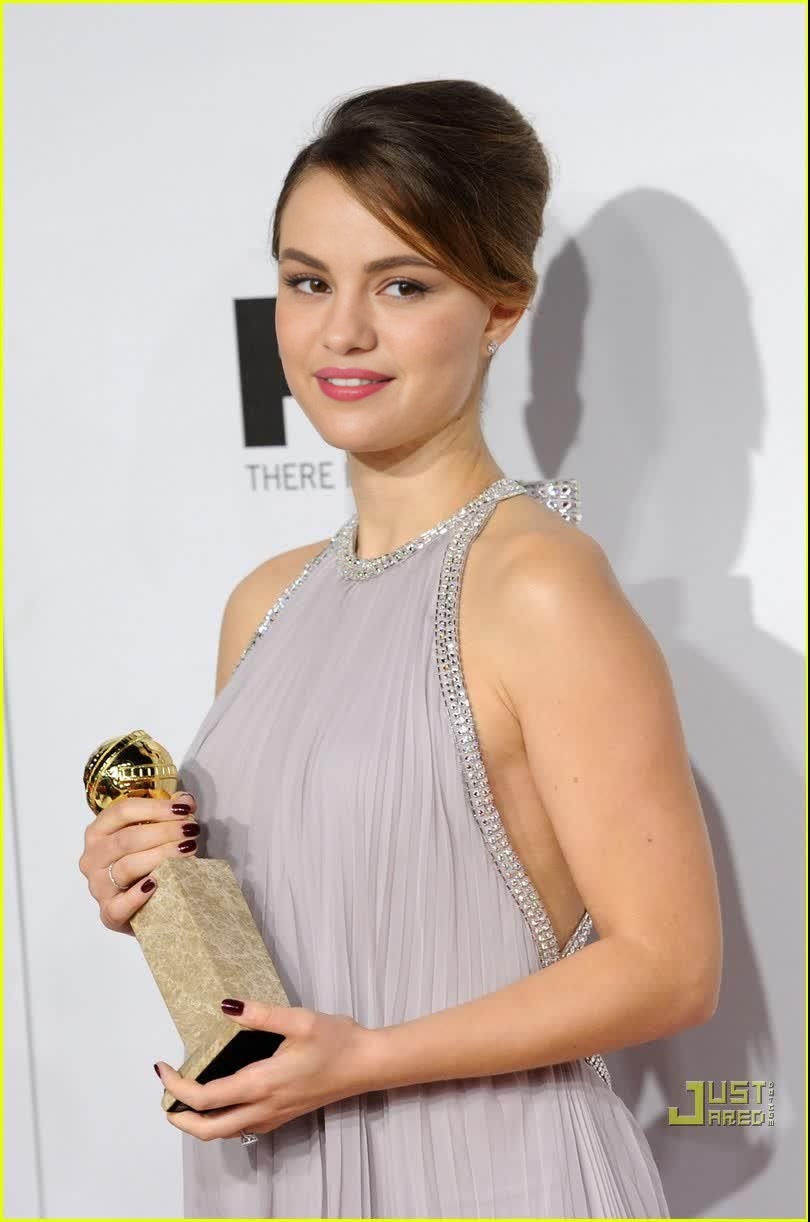
Natalie Portman Golden Globes Portrait
- Image
- 810 × 1222 px
Any aspect ratio
Overview
With the Natalie Portman Golden Globes Portrait template, you can bring the glamour of Hollywood to your creative projects. This Video Face Swap tool enables you to replace faces in video content with ease, letting you create immersive and engaging stories.
What It Does
This template specializes in swapping faces in videos, specifically utilizing visuals related to Natalie Portman at the Golden Globes. By transforming existing content, the Face Swap capabilities let you craft unique and memorable videos that captivate viewers. The output supports common video file formats, ideal for social media sharing or more personal projects.
Who It's For
Perfect for film enthusiasts, video content creators, and anyone looking to experiment with facial transformations, this template is a fit for both amateur and professional creators. Marketing teams can also leverage it for promotional content, utilizing the celebrity appeal to increase engagement. Explore how this tool aligns with other transformation technologies like the AI Image Editor.
Summary
Overall, the Natalie Portman Golden Globes Portrait template provides an exciting way to augment your video content. Whether you're working on an elaborate marketing campaign or a fun personal project, this template is invaluable for adding a touch of celebrity to your creations. Leverage it alongside other tools on Magic Hour like the AI Talking Photo for even richer media experiences.
How-To
Choose the Template

Customize Your Input

Generate and Download

Use Cases
Social Media Campaigns
- Instagram stories
- Facebook posts
- TikTok videos
Video Production
- Short films
- Music videos
- Web series
Marketing & Advertising
- Promotional videos
- Event highlights
- Product unveilings
Best Practices
Choose High-Quality Videos
For the best results, use videos with clear, high-resolution faces to ensure realistic swaps.Align Lighting and Angles
For a seamless effect, ensure the lighting and angles of the input match the content of the swapped face.Test and Adjust Parameters
Experiment with different settings and run test swaps to refine the final output.