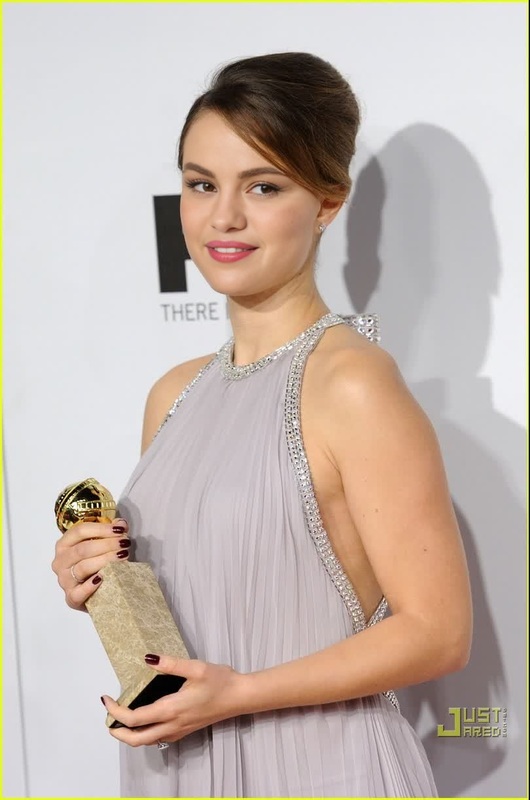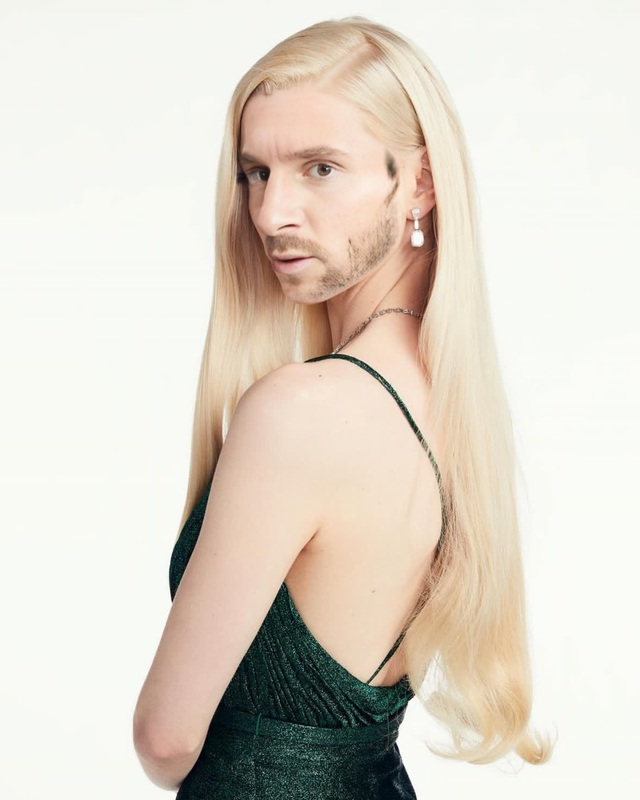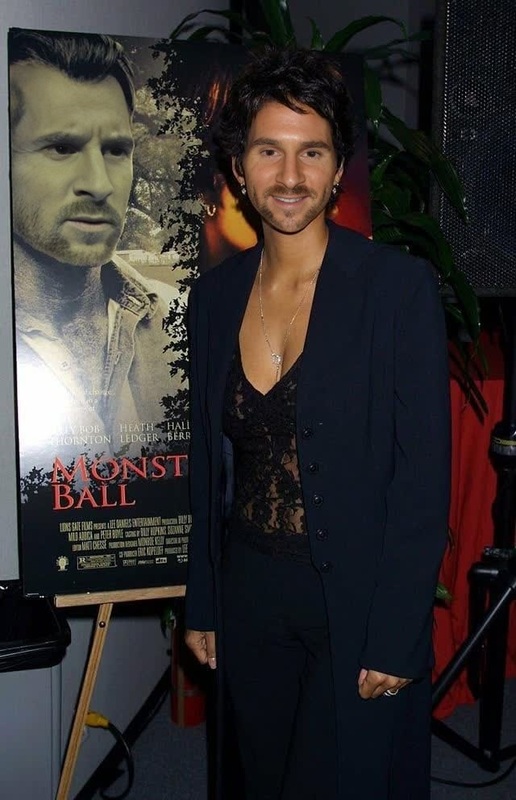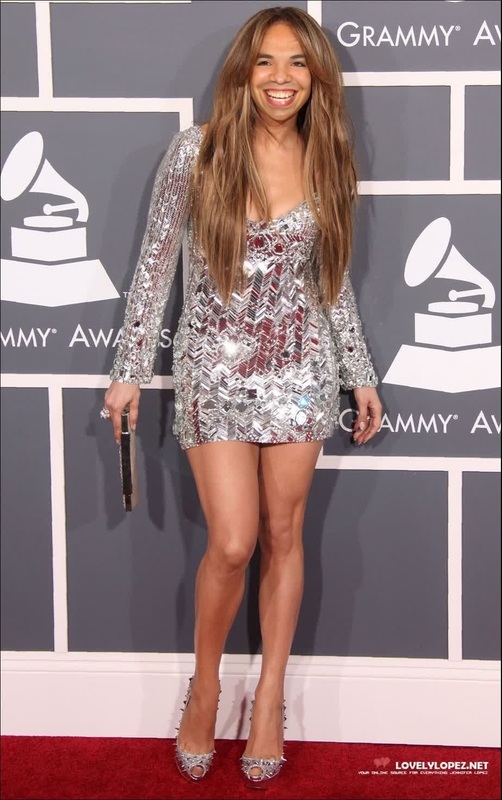
Taraji P Henson Golden Globes Portrait
- Image
- 990 × 1472 px
Any aspect ratio
Overview
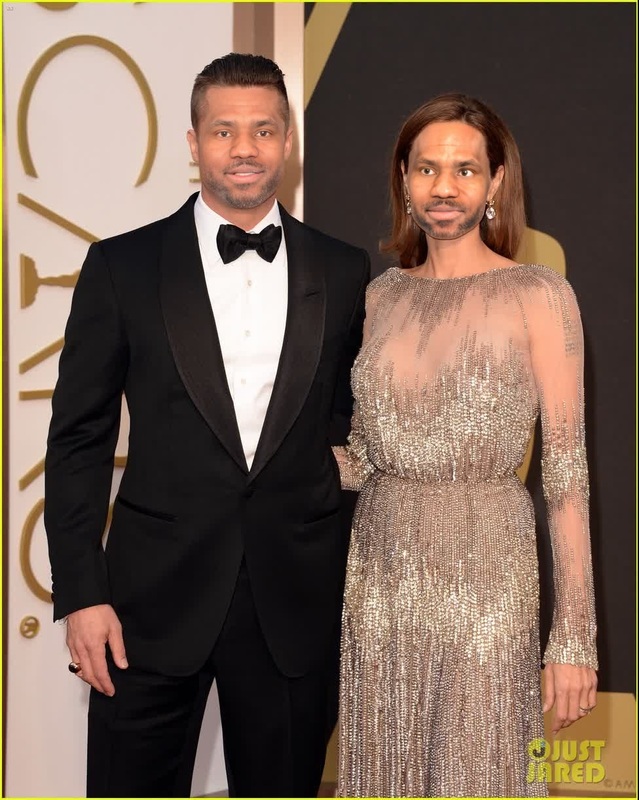
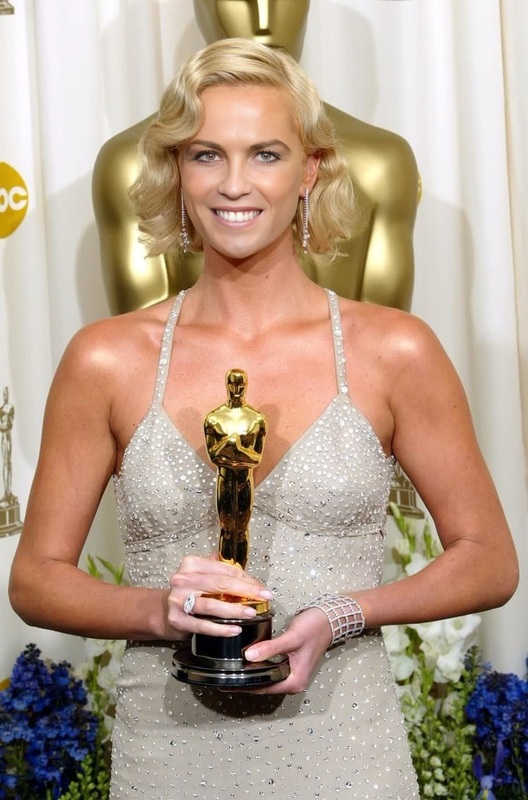
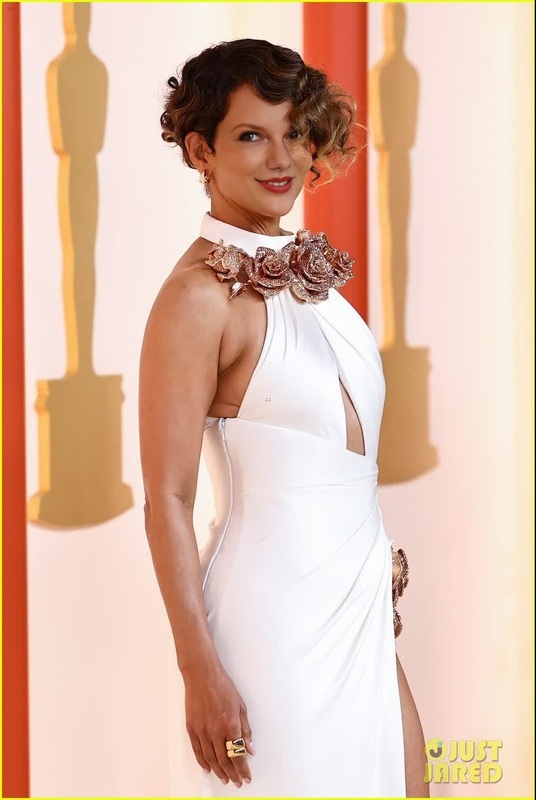
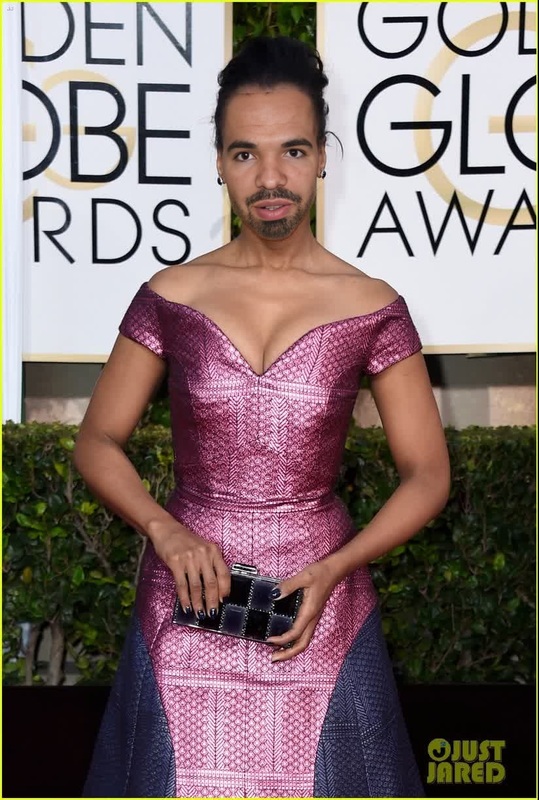
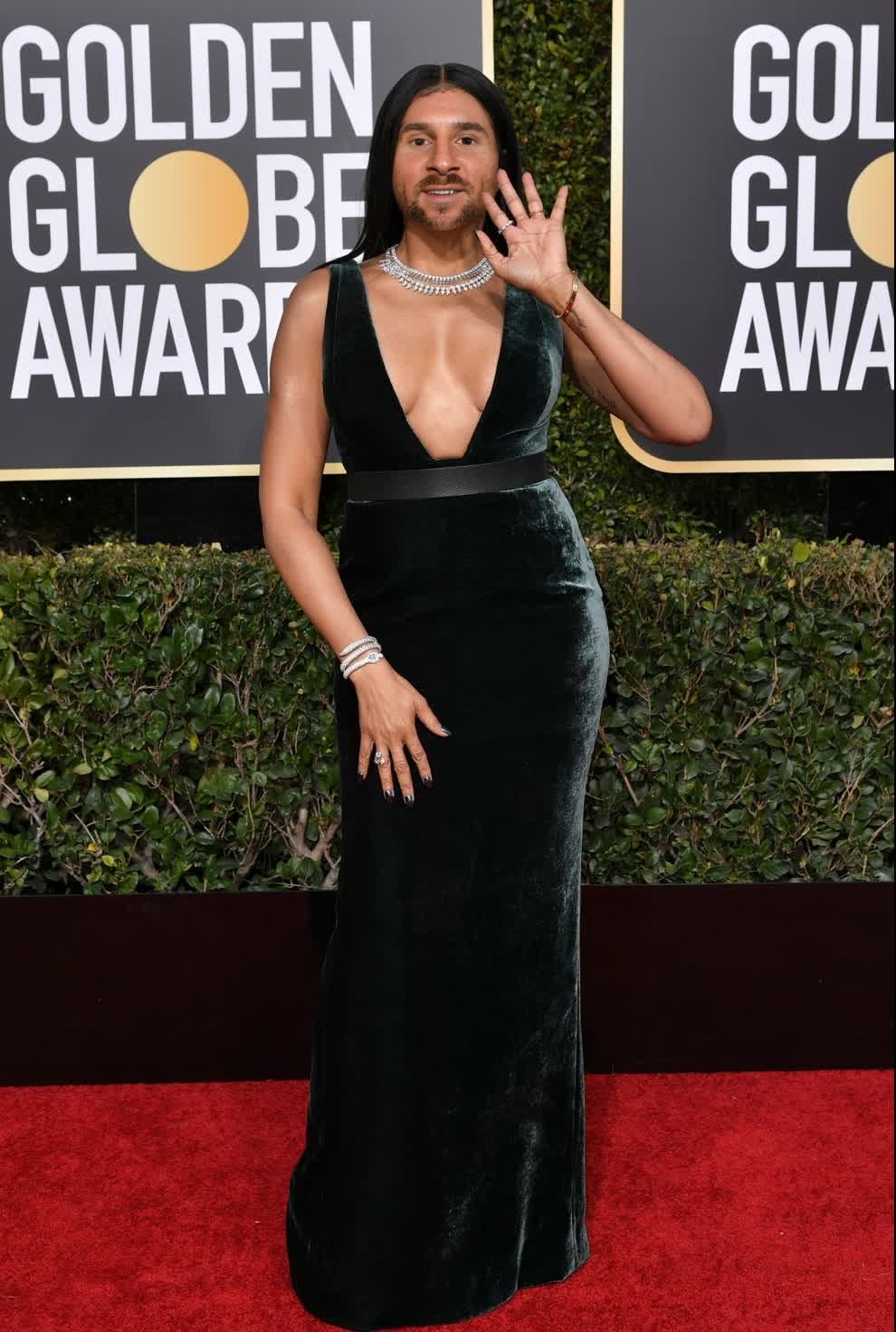
The Taraji P Henson Golden Globes Portrait template allows users to create impressive video face swaps using esteemed actress Taraji P Henson's iconic Golden Globes look. Perfect for fans, video editors, and digital creators aiming to add a unique twist to their content, this template ensures a high-quality transformation using AI technology.
What It Does
This template enables you to overlay your chosen face onto Taraji P Henson's Golden Globes appearance, crafting a polished and entertaining result. Ideal for short videos, gifs, and social media content, the template utilizes AI algorithms to ensure the swap is convincing and professional-looking. Pair this with our Video Face Swap for even more dynamic results.
Who It's For
Content creators, social media influencers, and video enthusiasts will find this template attractive for producing engaging and shareable content. It's also ideal for fans who want to creatively interact with Taraji P Henson's image. Whether you're an aspiring editor or simply want to create fun content, this template offers the intuitive tools you need.
Summary
Explore creative expression with the Taraji P Henson Golden Globes Portrait template, designed for engaging video face swaps. Leverage tools like the Face Swap and AI Video Generator to produce captivating, professional-looking content.
How to Use
Choose Your Template

Customize Your Video

Generate and Download

Use Cases
Social Media Content
- Instagram Reels
- TikTok videos
- Facebook stories
Promotional Videos
- Brand endorsements
- Event promotions
- Influencer collaborations
Entertainment and Humor
- Meme content
- Comedy sketches
- Parody videos
Best Practices
Use High-Resolution Images
For a smooth and convincing face swap, ensure that your source images or videos are of high quality. This helps the AI deliver a more realistic finish.Check Lighting and Angles
Align the lighting and angles of your source materials closely with the template to blend the swap seamlessly.Experiment with Settings
Utilize the adjustment tools to fine-tune the face swap, ensuring that the final product meets your creative vision.