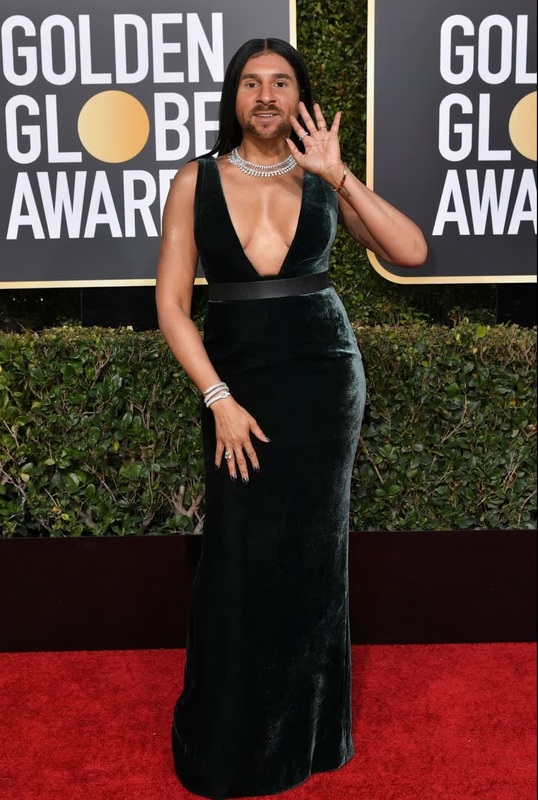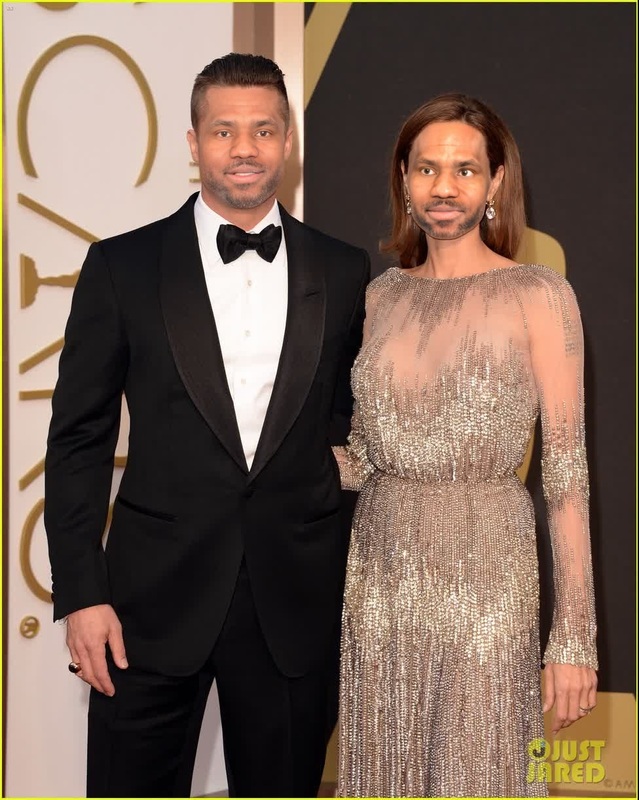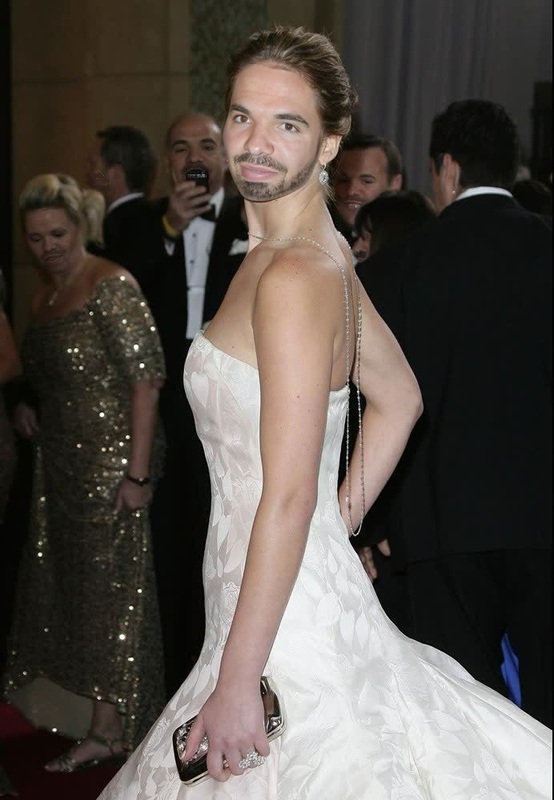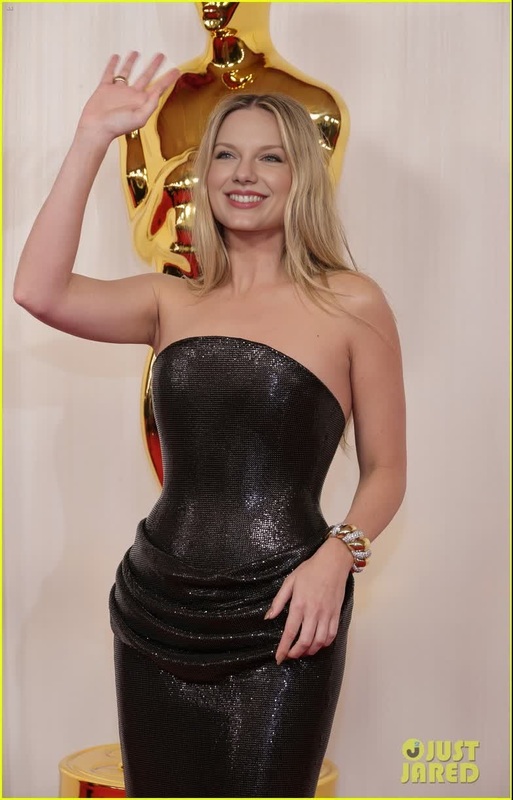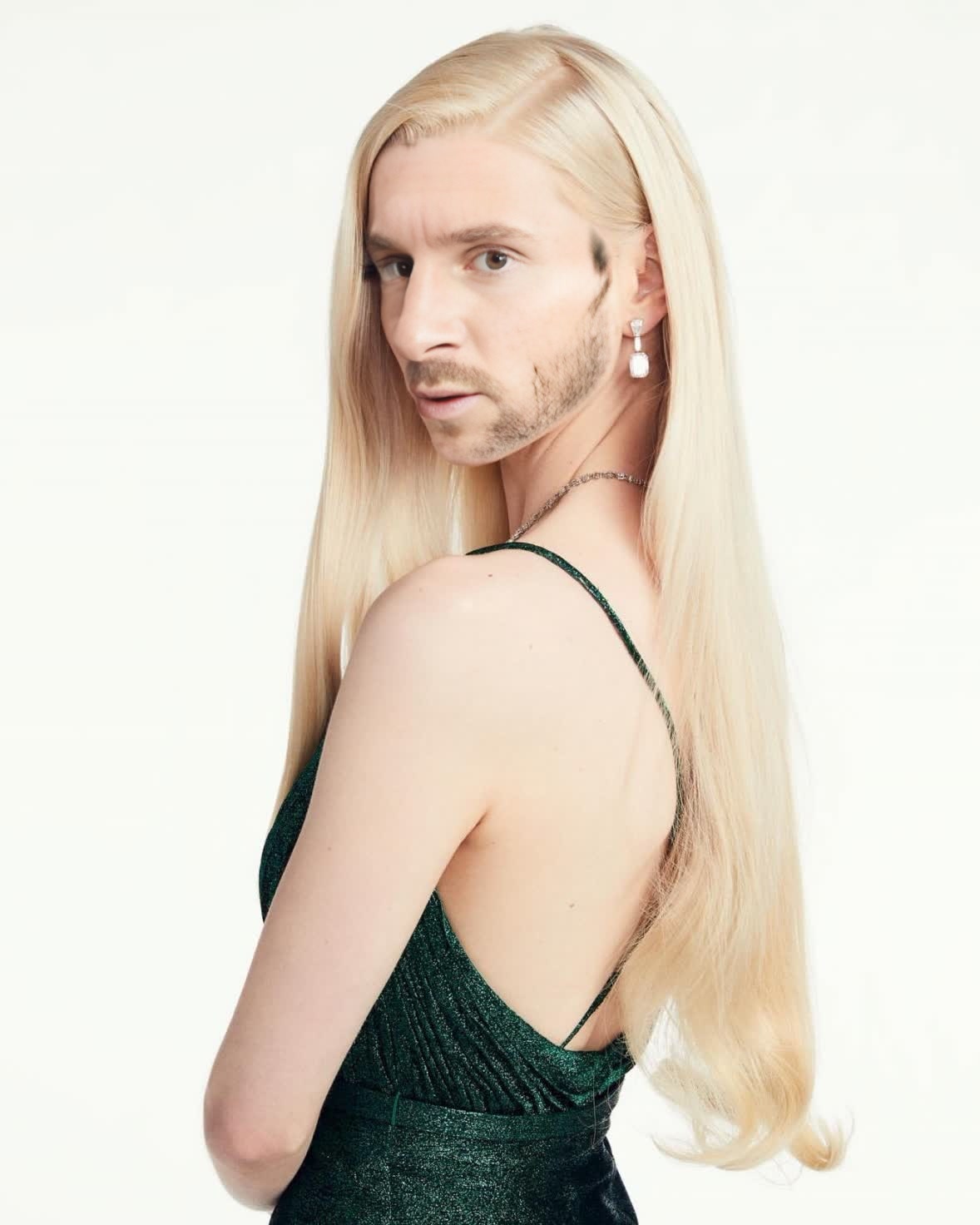
Anya Taylor-Joy Golden Globes Portrait
- Image
- 1178 × 1472 px
Any aspect ratio
Overview
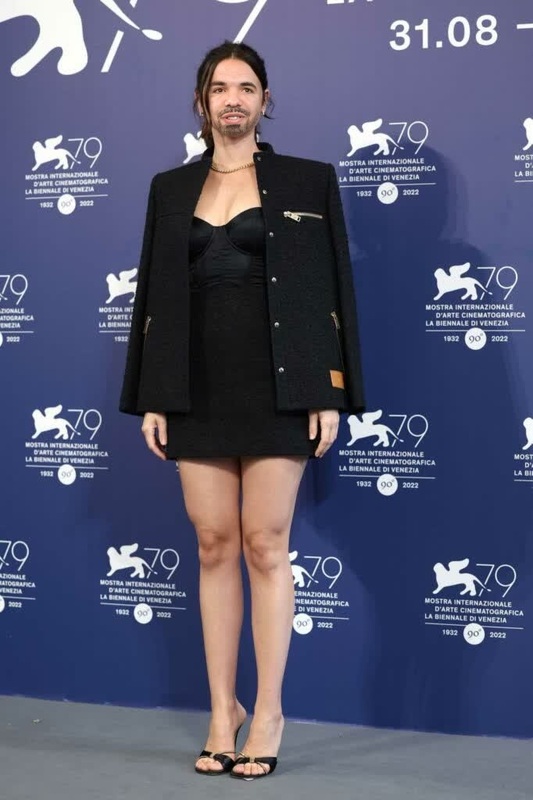
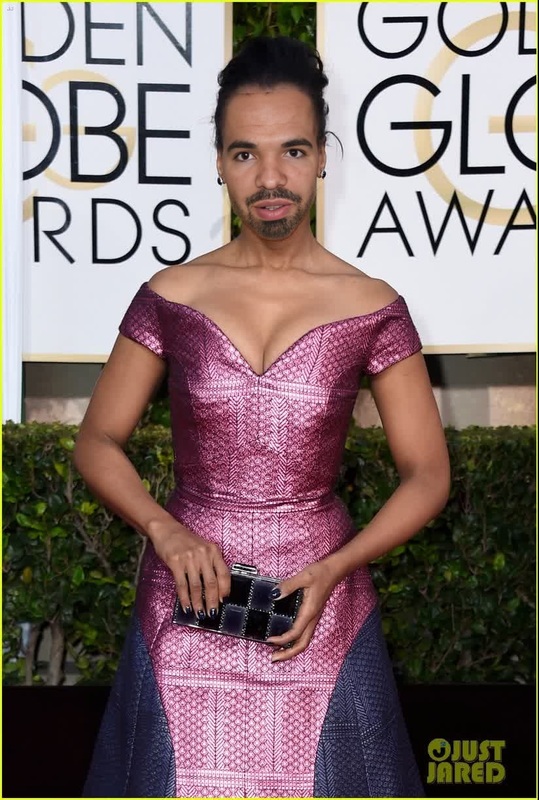
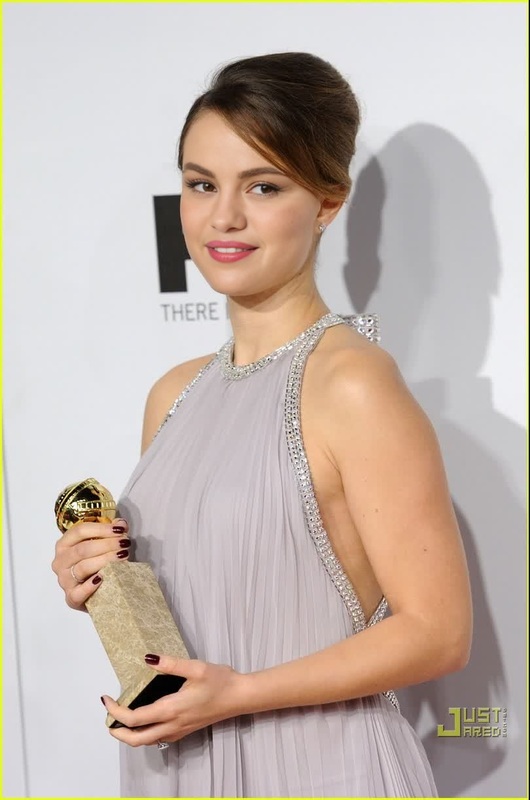
The Anya Taylor-Joy Golden Globes Portrait template brings a touch of Hollywood glamour to your projects. Designed to swap faces in video, this template provides a chic, professional-grade result, elevating your media content with the elegance and style reminiscent of a star-studded event.
What It Does
This Video Face Swap template allows users to replace a face in the Anya Taylor-Joy Golden Globes video with any target face of their choice. It leverages powerful face swap technology to ensure the substitution appears natural and seamless, capturing the expression and nuances of the replacement face. Discover how this technology can enhance your video projects by incorporating face swap capabilities into your work.
Who It's For
This template is perfect for social media managers, video content creators, and anyone looking to add a unique touch to their digital portfolios. If you're interested in producing engaging and entertaining media for platforms like Instagram or TikTok, this tool offers you the ability to personalize content with high-quality face swap effects. Additionally, explore how our AI Image Editor or Image to Video tools can complement your projects.
Summary
Enhance your creative projects with a face swap template that combines style and sophistication. Ideal for crafting captivating social media videos, this solution allows for seamless integration of new faces, providing a fresh take on visual storytelling. For further customization, try using our Face Swap and AI Video Generator to expand the potential of your content.
How-To
Choose the Template

Customize Your Input

Generate Your Video

Use Cases
Social Media Content
- Gain attention with unique, star-studded videos
- Customize content for personal branding
Promotional Videos
- Draw viewer interest with celebrity-style content
- Utilize for eye-catching product launches
Creative Storytelling
- Experiment with new storylines using familiar settings
- Craft imaginative digital art pieces
Best Practices
Choose High-Quality Images
For best results, ensure the images you upload are high resolution to maintain quality in the final video.Align Facial Features Accurately
During customization, carefully align the replacement face to the template's facial features for a natural look.Experiment with Lighting
Consider the lighting in both the source and target images to ensure consistency and realism.