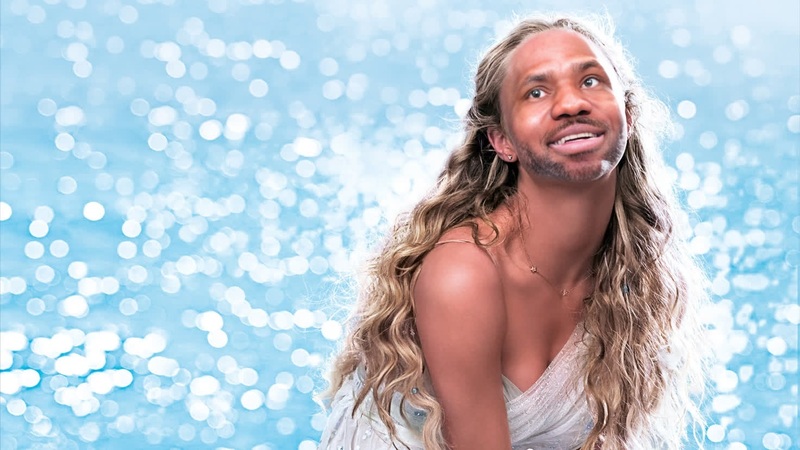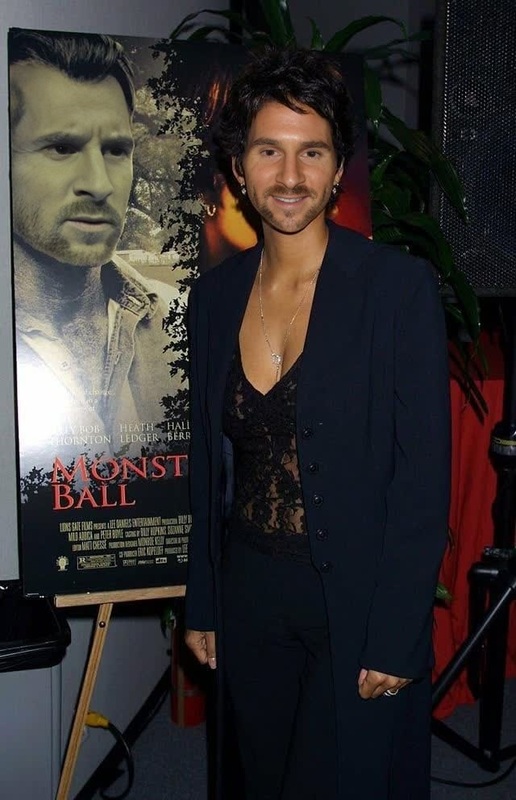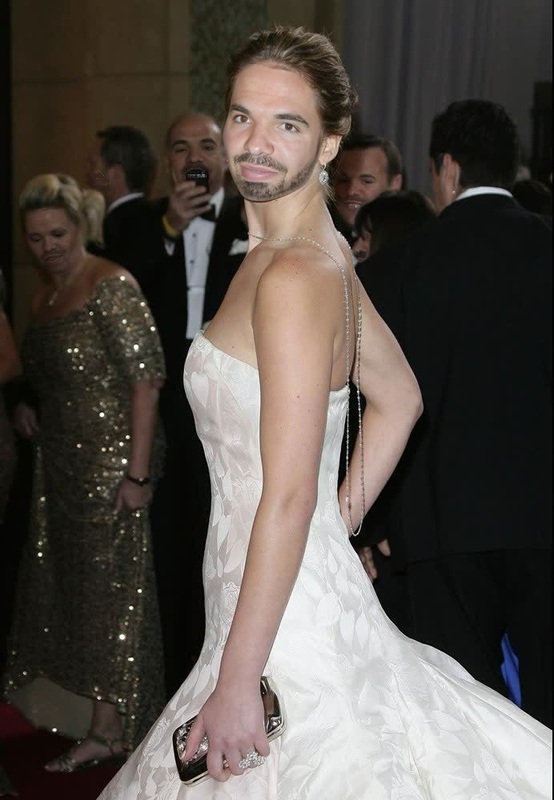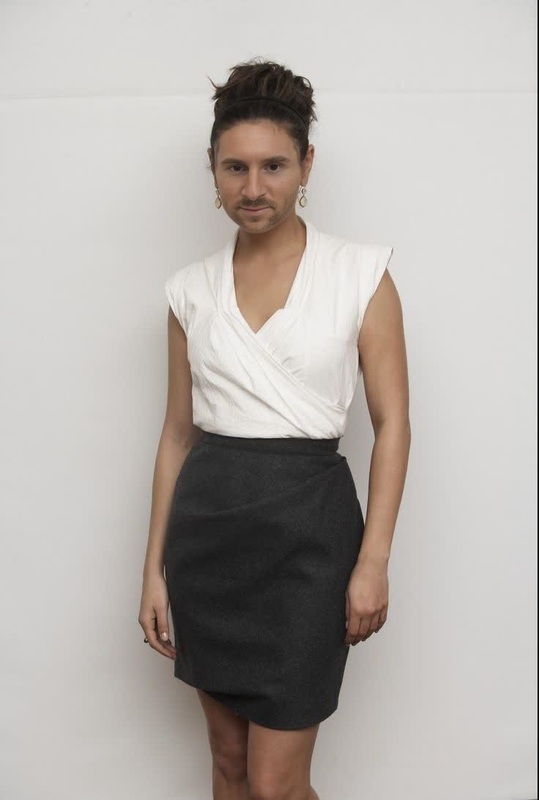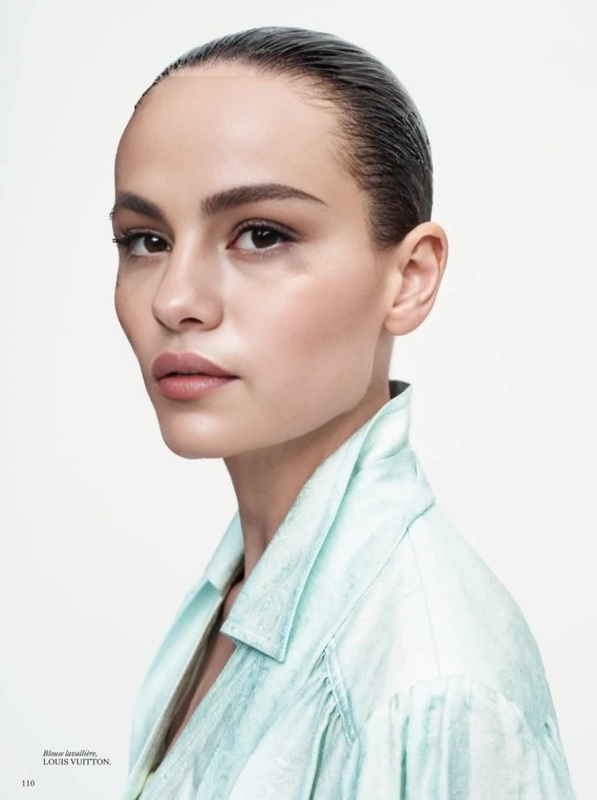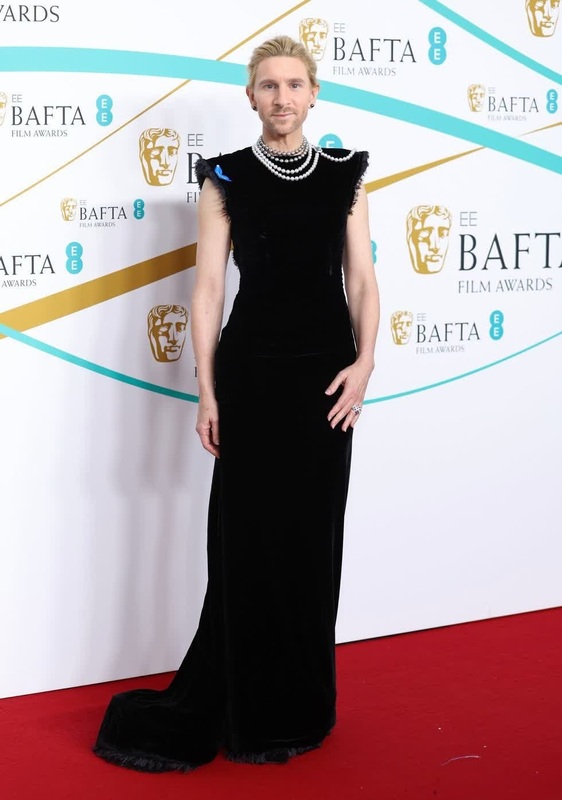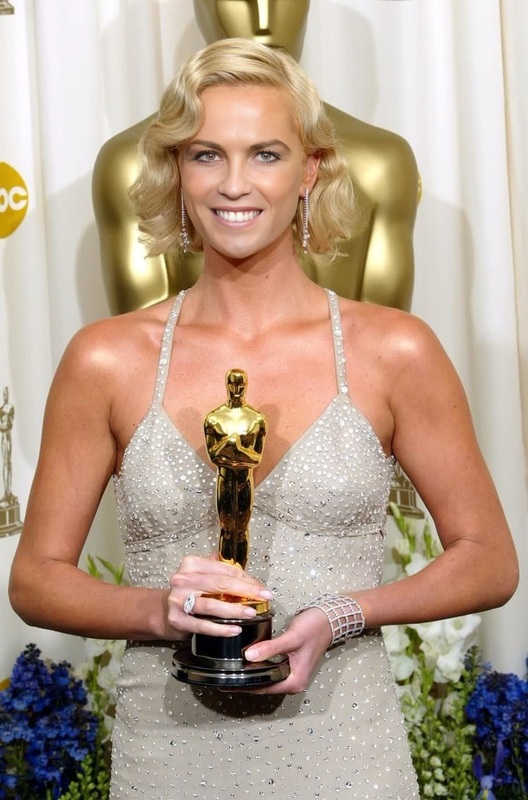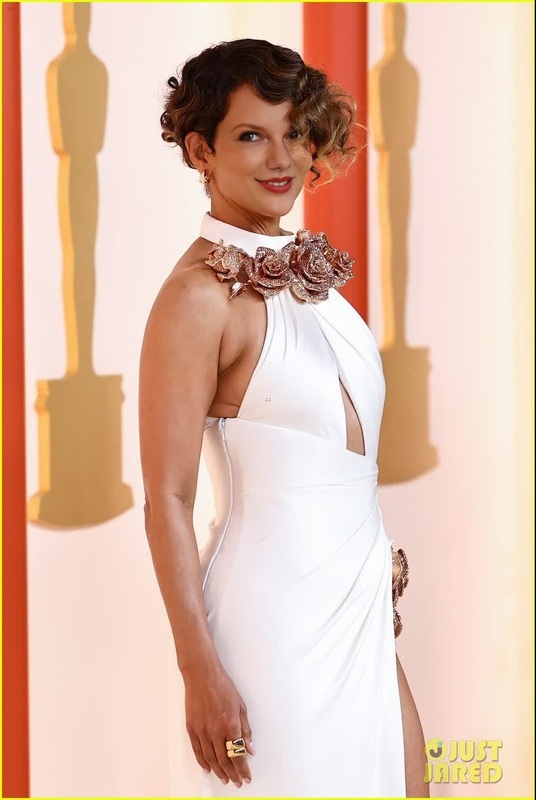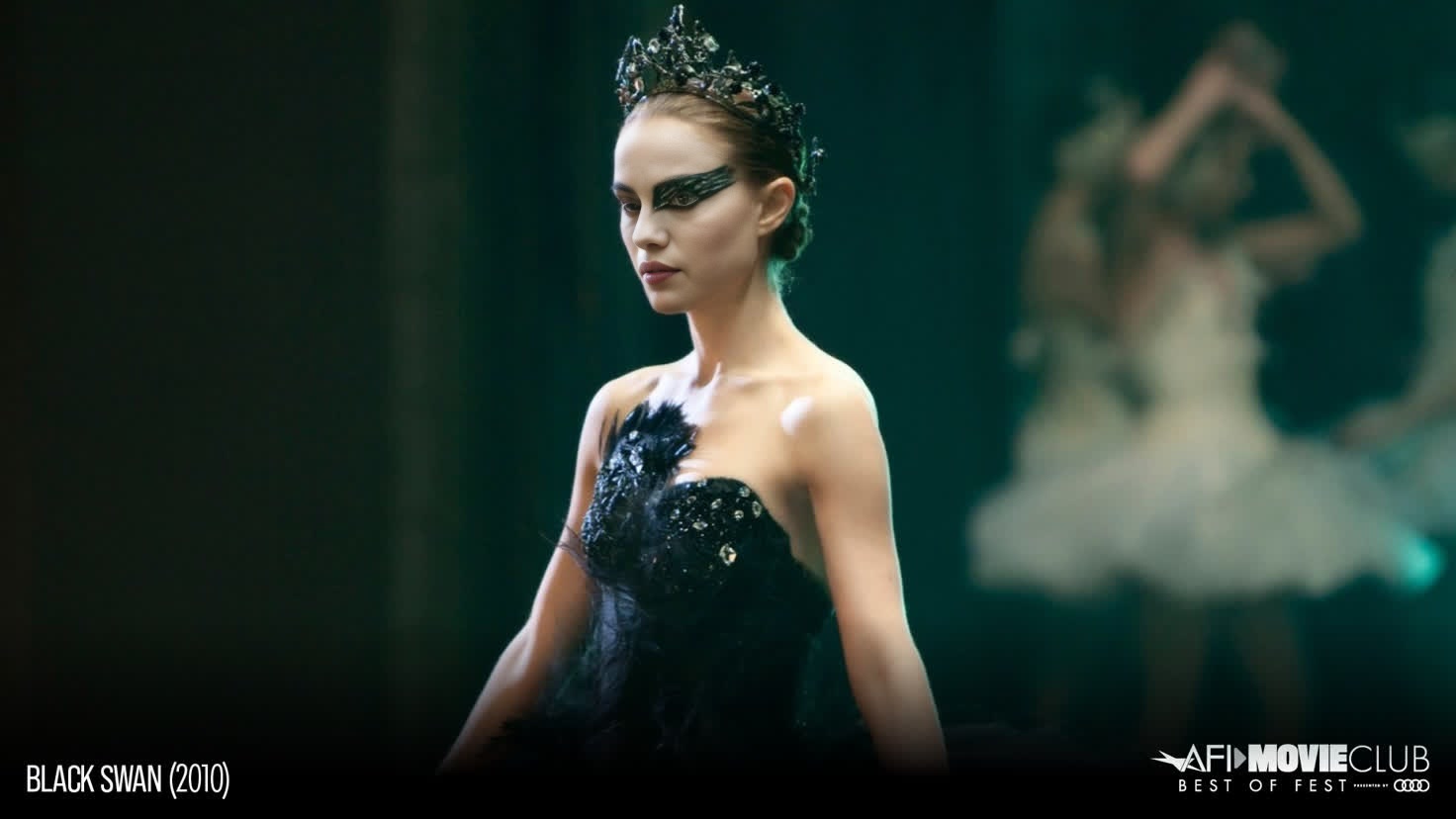
Natalie Portman Black Swan Press Portrait
- Image
- 1472 × 828 px
Any aspect ratio
Overview
Transform your images into captivating works of art using the Natalie Portman Black Swan Press Portrait video face swap template. This tool breathes new life into your visuals by allowing you to overlay Natalie Portman's iconic Black Swan look onto your subjects. It's perfect for creators looking to add a touch of cinematic flair to their projects.
Related tools like the Image To Video transformation can complement your face swap by animating your edited portraits.
What It Does
This Video Face Swap template provides a high-quality, detailed overlay of Natalie Portman's Black Swan character. It's designed to merge seamlessly with your original content, offering a consistent aesthetic that maintains the integrity of the original lighting and expression. You can easily upgrade your projects with face swap techniques, adding an element of surprise and creativity.
Who It's For
This template is ideal for filmmakers, content creators, and social media enthusiasts who want to add an extra layer of intrigue to their videos. Whether you're working on a short film project, crafting a viral TikTok video, or enhancing your social media presence, this tool offers a straightforward way to swap faces with a high-profile Hollywood character.
Explore our Video To Video products for more comprehensive video editing solutions.
Summary
Effortlessly swap faces in your videos with the Natalie Portman Black Swan Press Portrait template. It's designed for quick integration into your editing workflow, providing stunning results without extensive editing skills. Discover more on our AI Image Editor for additional creative enhancements.
How-To
Choose Template

Customize Inputs

Generate and Download

Use Cases
Film Projects
- Craft unique characters
- Introduce celebrity likenesses into scripts
Social Media Content
- Create trending TikTok content
- Boost Instagram engagement
Marketing Campaigns
- Think outside the box
- Leverage pop culture
Best Practices
Select High-Quality Images
For optimal results, use source images with high resolution and clear facial features.Match Angles and Lighting
Align the lighting and angle of the subject's face with the Natalie Portman overlay to ensure a natural fit.Review and Adjust
After generating, review the swap effect carefully and make adjustments if necessary to enhance realism.