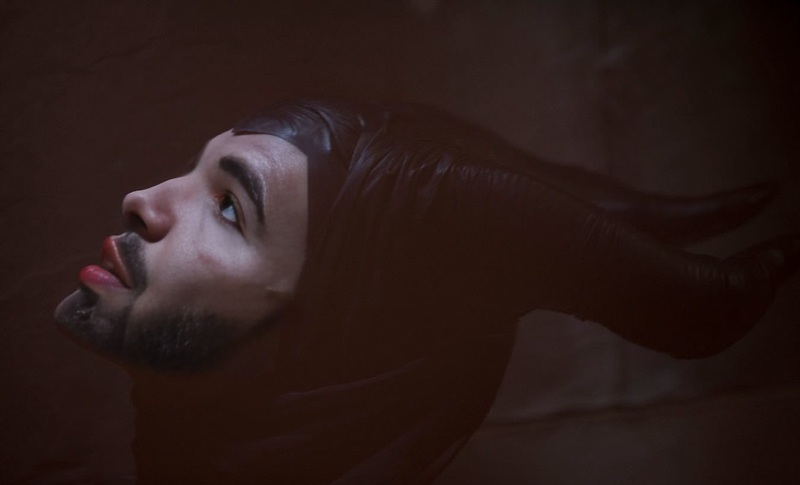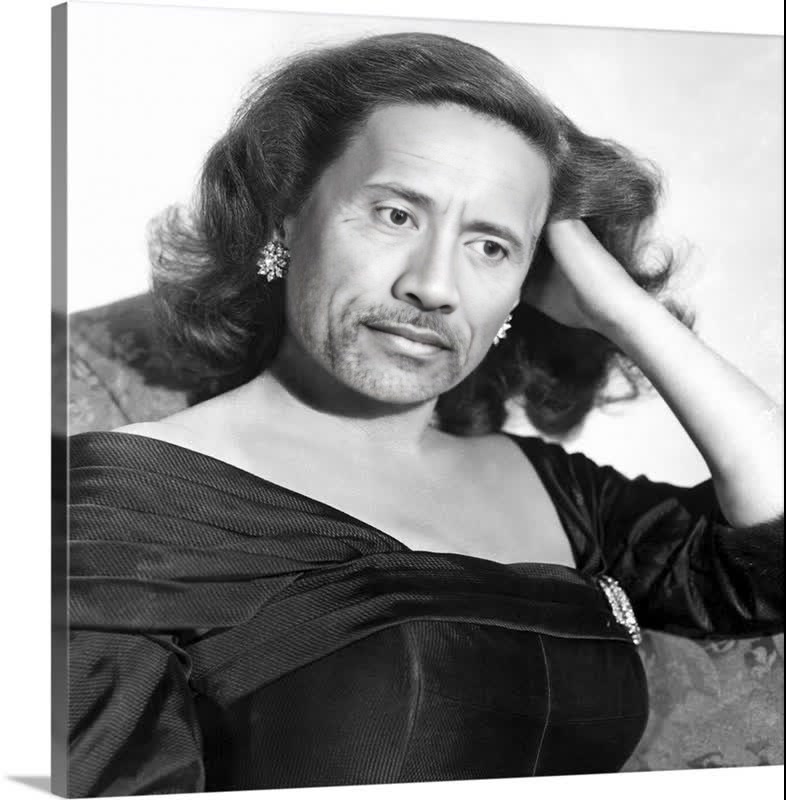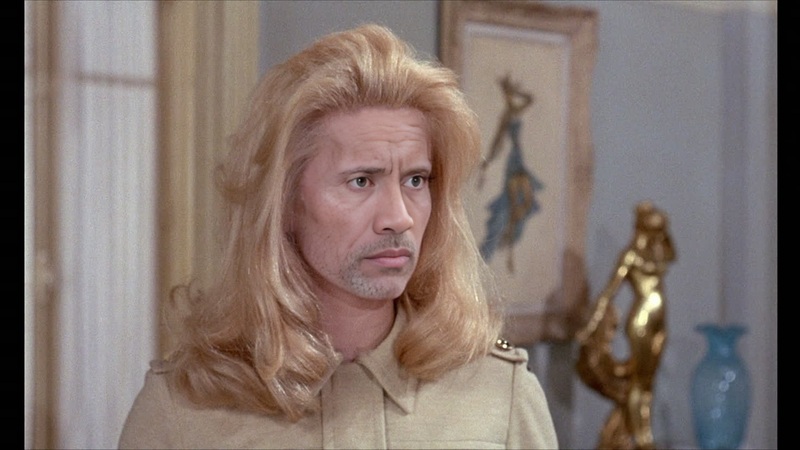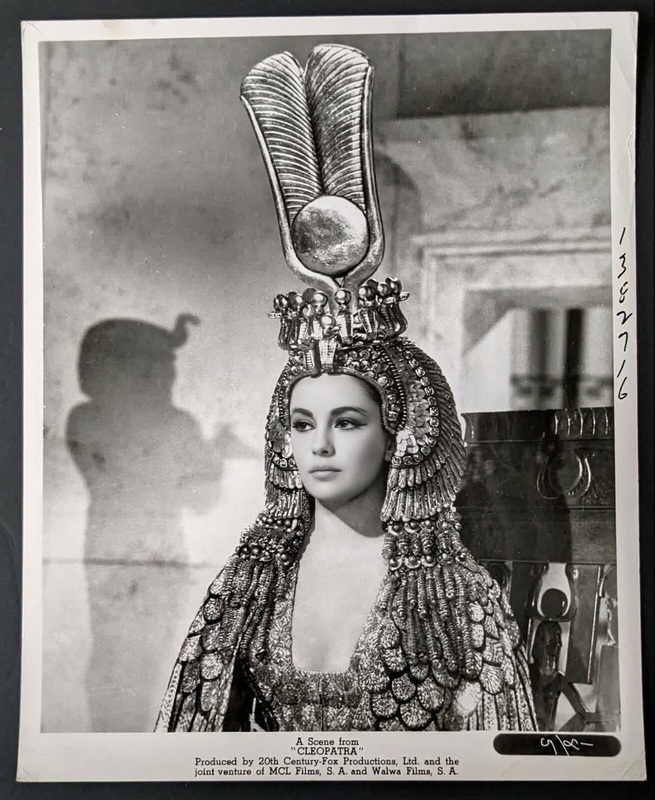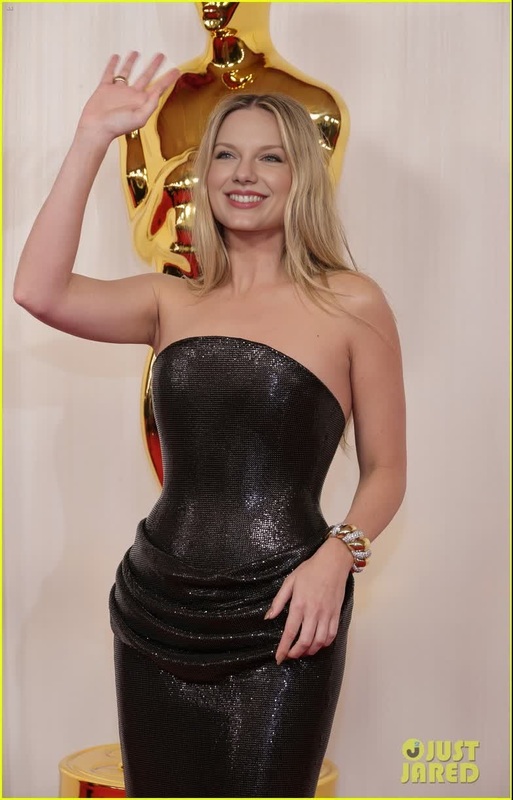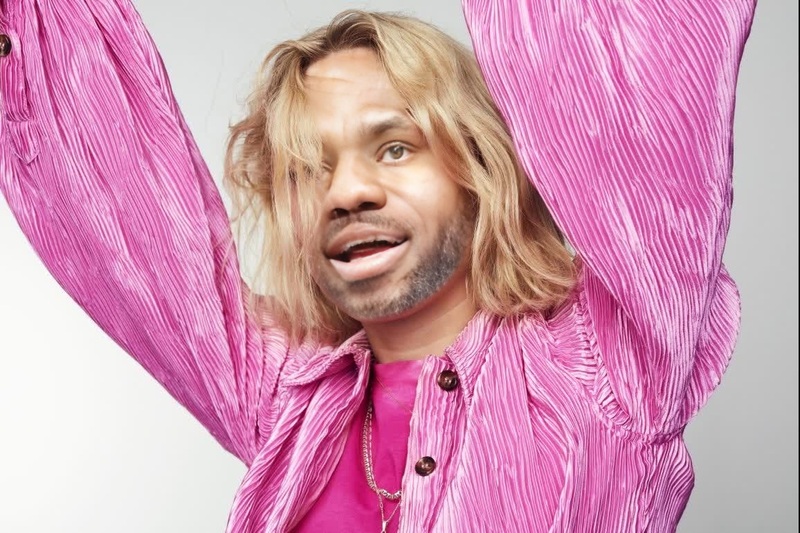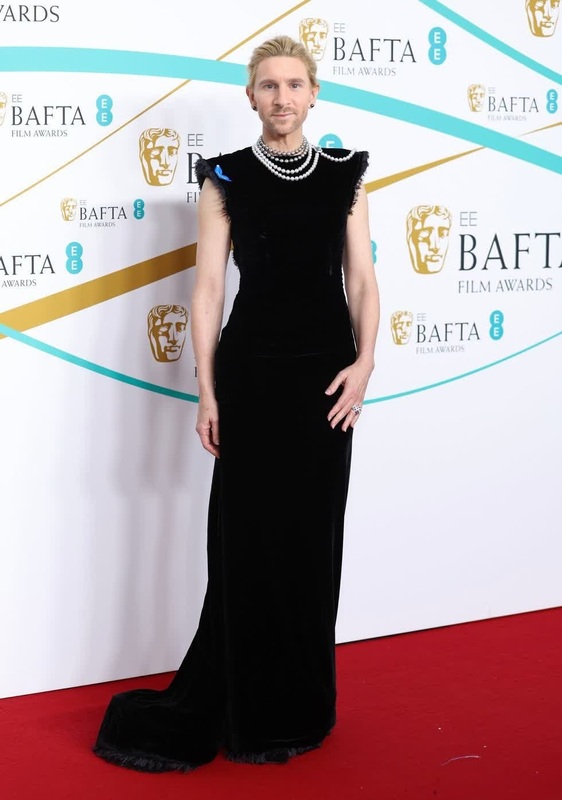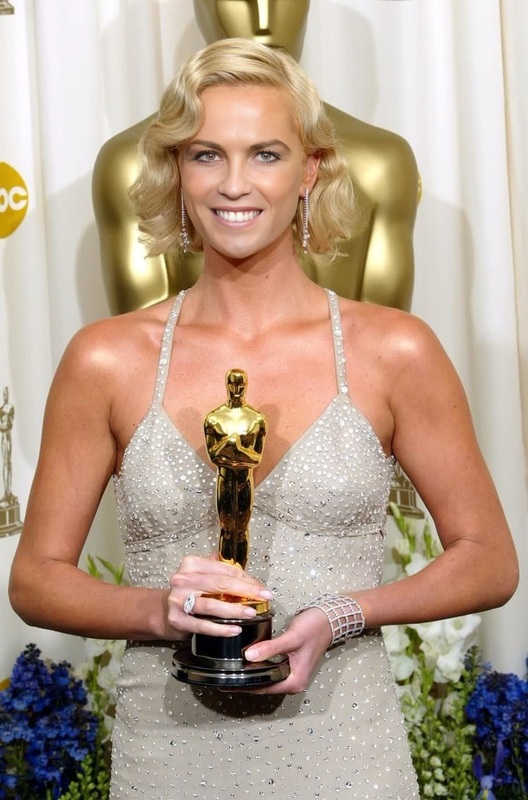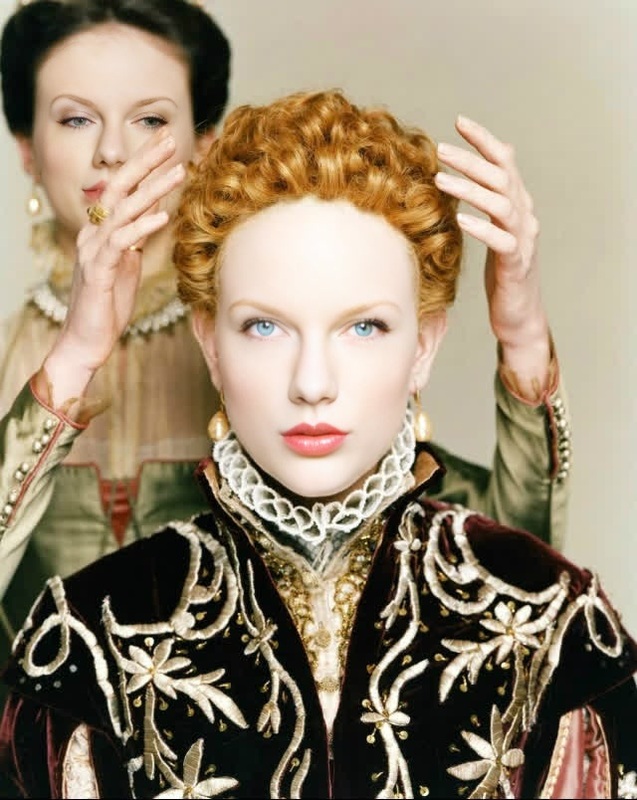
Cate Blanchett Tar Press Portrait
- Image
- 1190 × 1472 px
Any aspect ratio
Overview
Step into the limelight with the Cate Blanchett Tar Press Portrait Video Face Swap template. This tool is crafted to blend an individual's face seamlessly into a Tar-style press portrait featuring Cate Blanchett. Ideal for filmmakers, digital artists, and anyone looking to add professional-grade transformations to their project.
What It Does
This template utilizes advanced facial recognition algorithms to perform precise video face swaps. It can seamlessly replace the subject's face in a video with Cate Blanchett's, maintaining facial expressions and lighting consistency. The template's compatibility with various formats ensures it fits easily into your existing workflows.
To explore similar transformation possibilities, check out our Video Face Swap suite.
Who It's For
Character Replace enthusiasts, digital media creators, and entertainment industry professionals will find this template especially useful. It's designed to enhance storytelling by adding an extra layer of personalization. Whether you're crafting a short film or engaging social media content, this tool provides a straightforward way to deliver captivating visuals.
Summary
Unlock the potential of your creative projects by transforming any video into a stunning work of art featuring Cate Blanchett. This simple yet effective Video Face Swap template is your gateway to professional results. Pair it with our AI Video Generator to create truly mesmerizing content.
How to Use the Template
Choose the Template

Customize Your Inputs

Generate Your Video

Use Cases
Film Production
- Add Cate Blanchett's presence to your cast
- Create engaging snippets for trailers
Social Media Content
- Viral posts with Hollywood flair
- Highlight reels for fan engagement
Advertising
- Product demos with celebrity appeal
- Brand storytelling enriched with iconic faces
Best Practices
Select High-Resolution Videos
High-quality source material ensures the swapped face retains clarity and detail.Pay Attention to Lighting
Ensure consistent lighting between the source video and Cate Blanchett clips to maintain a natural look.Use Close-Up Shots
Swapping faces works best on close-up shots where facial features are more prominent.