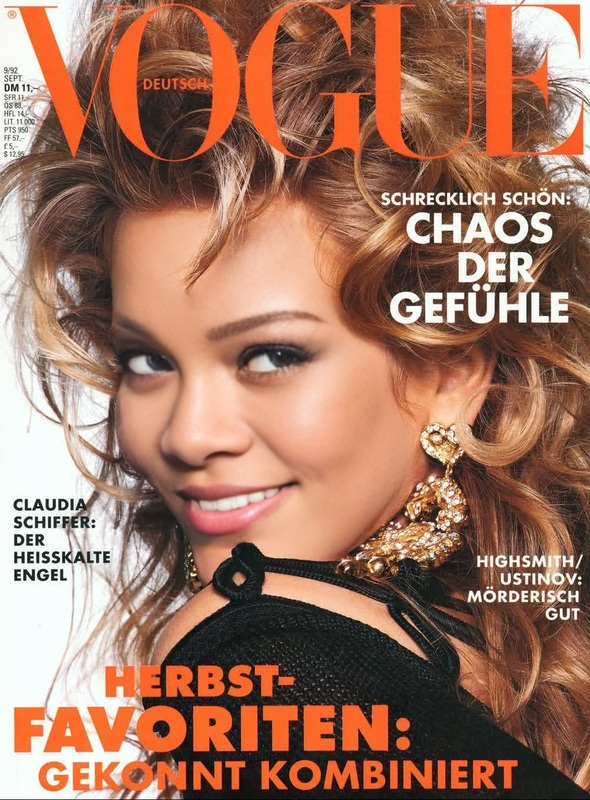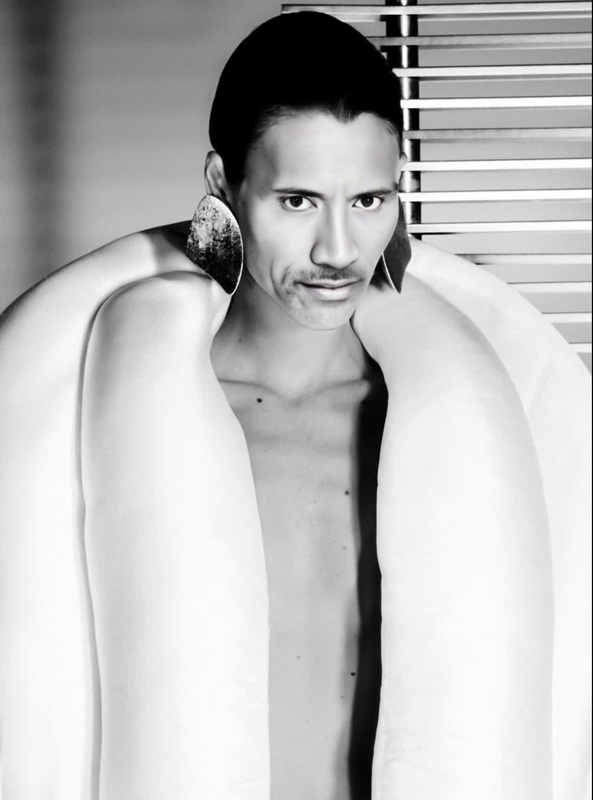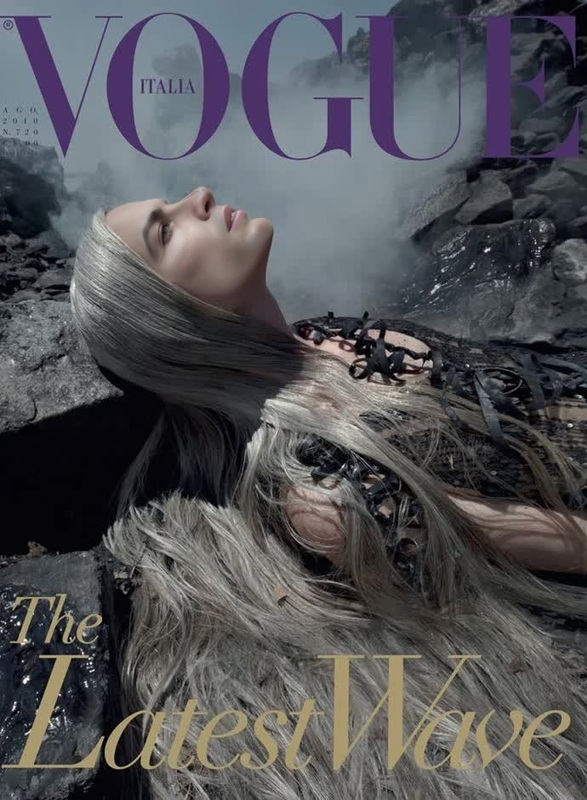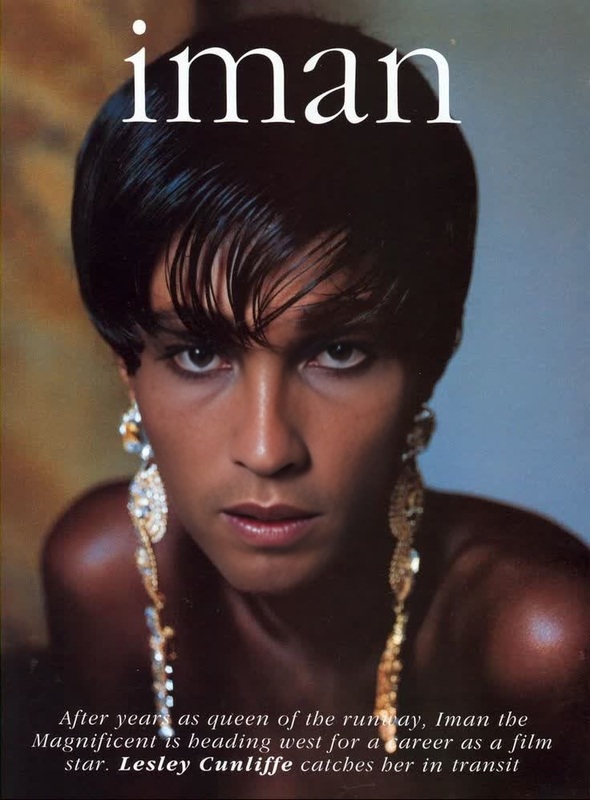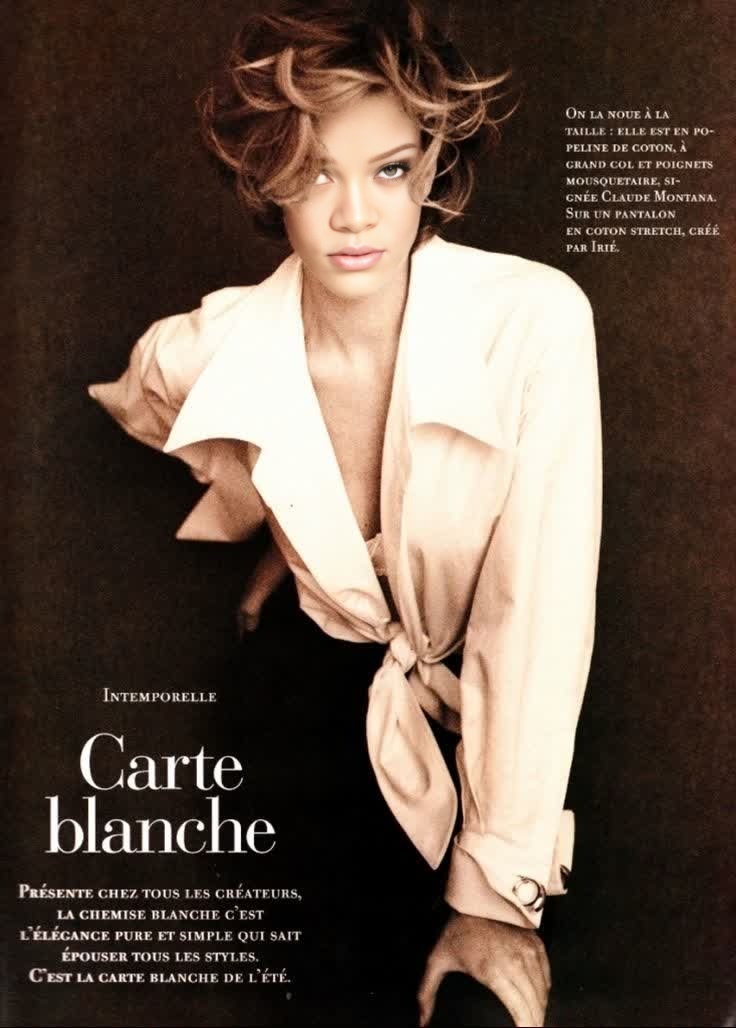
Tatjana Patitz Vogue Paris Editorial Portrait
- Image
- 736 × 1028 px
Any aspect ratio
Overview
Step into the world of high fashion with the Tatjana Patitz Vogue Paris Editorial Portrait template. This tool allows you to swap faces in your videos, integrating the iconic elegance of Tatjana Patitz's portrayal in Vogue Paris. Whether you're aiming to add a touch of class to your projects or experimenting with identity in a digital format, this template offers a sophisticated transformation.
What It Does
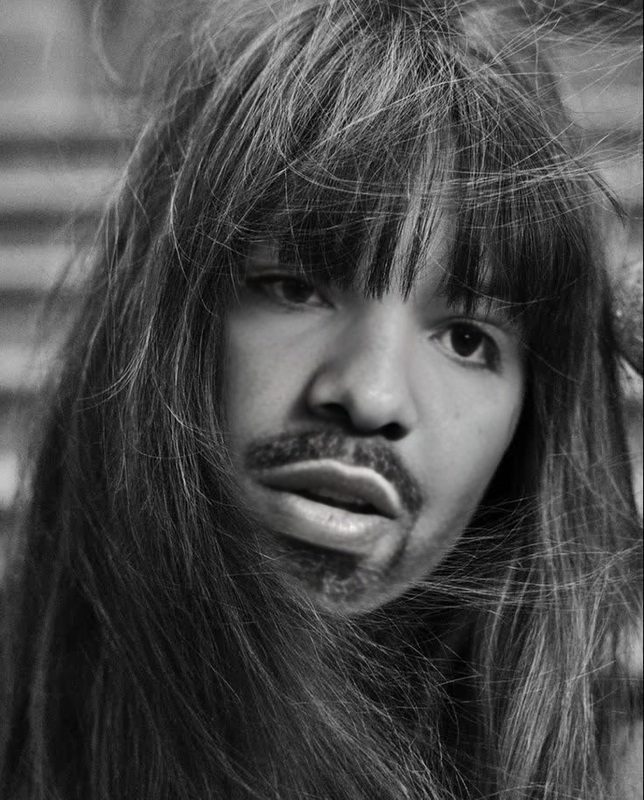
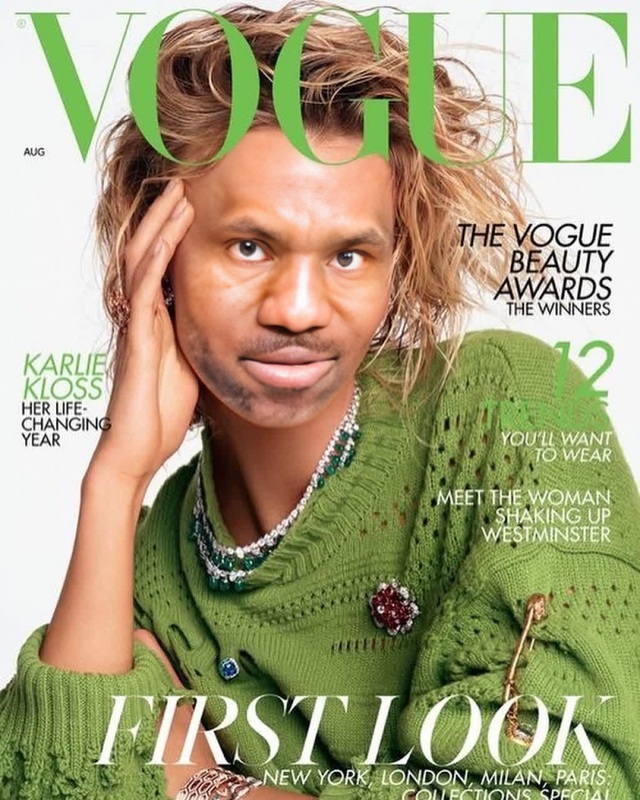
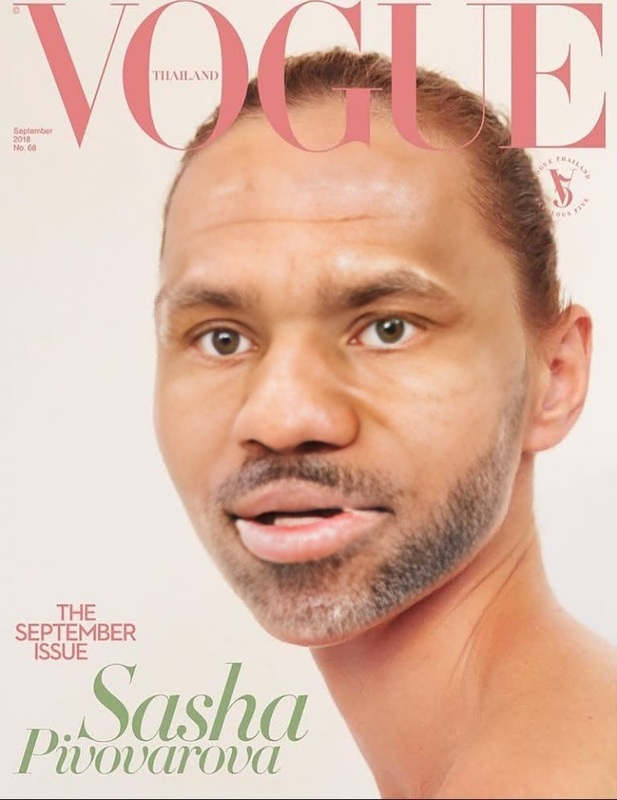
This Video Face Swap template leverages advanced AI technology to replace the face of an individual in any video with Tatjana Patitz's Vogue Paris editorial look. By precisely capturing Patitz's distinct facial features, this template ensures a seamless blend, offering a realistic video transformation.
Who It's For
Creators in the fashion industry, digital artists, social media influencers, and video enthusiasts will find this template particularly beneficial. It's perfect for those looking to create unique content that stands out, blending traditional editorial aesthetics with modern digital techniques.
Summary
Unlock the potential of your video projects with the Tatjana Patitz Vogue Paris Editorial Portrait template. This face swap tool provides a high-fashion twist to your videos, ensuring your content remains engaging and stylish. Discover more about enhancing your content using our comprehensive tools like the AI Talking Photo and AI Face Editor for further creative possibilities.
How To
Select Template

Customize Inputs

Generate Video

Use Cases
Fashion Content Creation
- Showcase clothing lines
- Create promotional materials for fashion events
Social Media Influence
- Produce engaging TikTok or Instagram Reels
- Create content that stands out on social media feeds
Digital Art Projects
- Experiment with digital portraits
- Combine with other models like <a href="/products/ai-profile-picture-generator">AI Profile Picture Generator</a>
Best Practices
Optimal Lighting
Ensure your source video is well-lit for the best face swap results. Poor lighting can affect the template recognition and blending quality.Clear Facial Features
Choose videos where the subject's face is in clear view and at a similar angle to the Tatjana Patitz portrait for a more natural transformation.Mix with Other Tools
Enhance results by using complementary tools. Consider the Video to Video or AI Image Editor for additional edits.
FAQs
More Like This