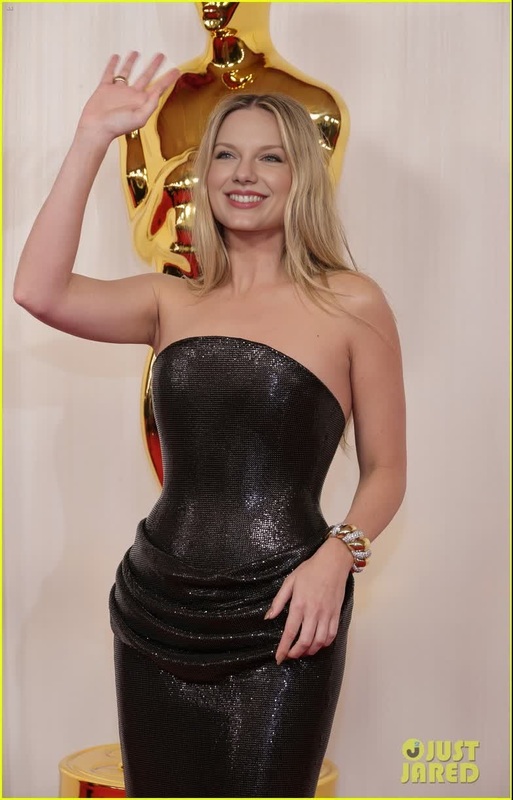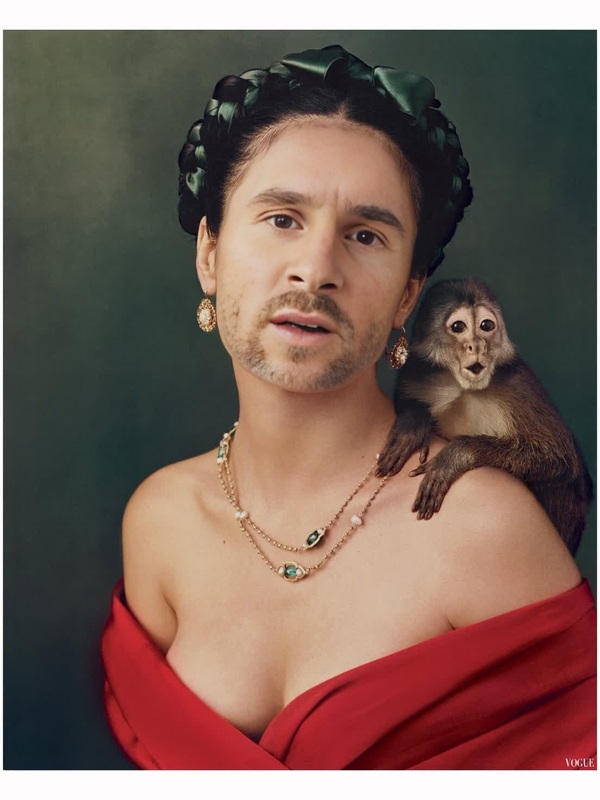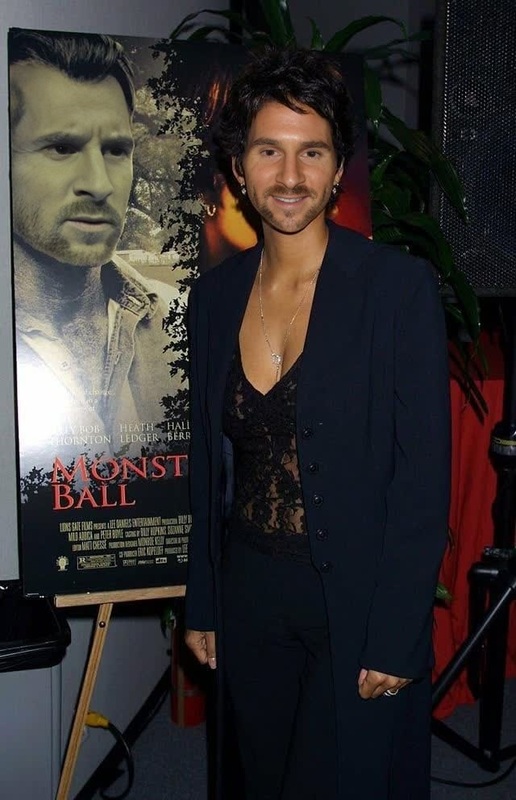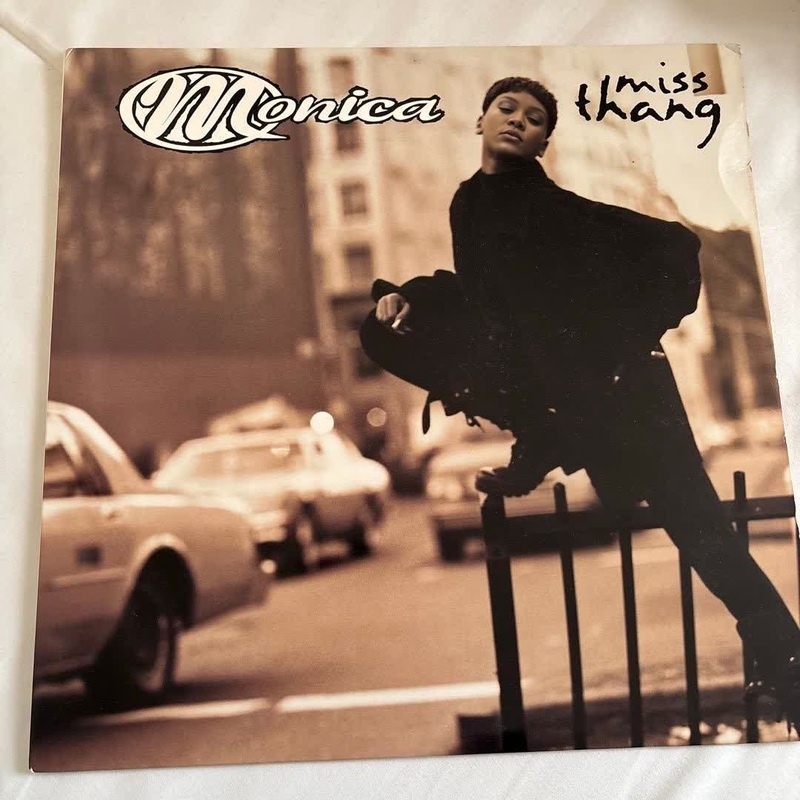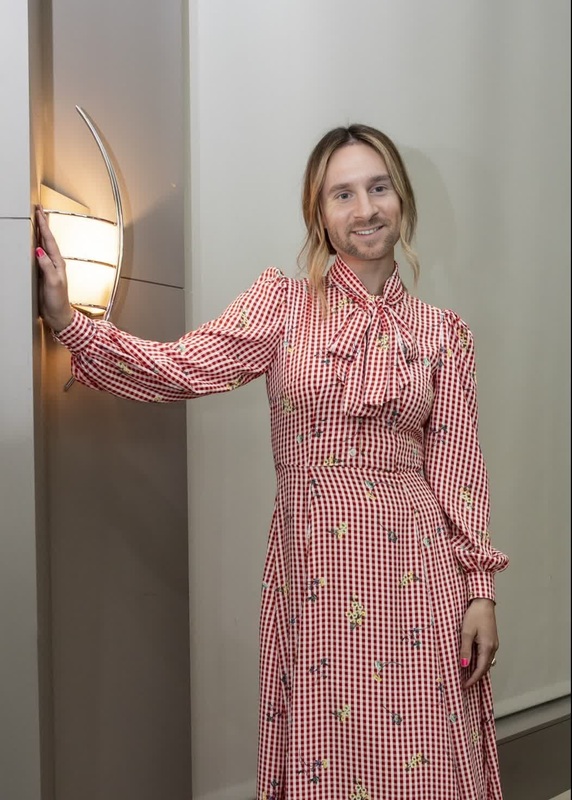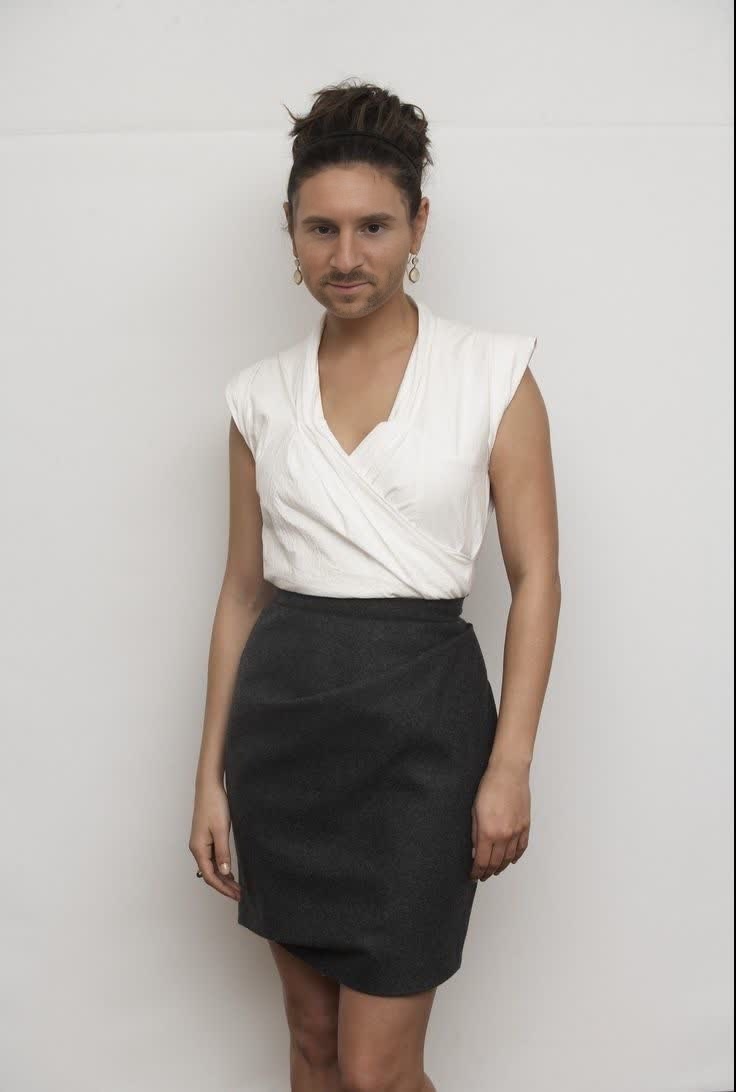
Mila Kunis Black Swan Press Portrait
- Image
- 736 × 1092 px
Any aspect ratio
Overview
The Mila Kunis Black Swan Press Portrait template lets you step into the spotlight by swapping your face onto Mila Kunis in a stunning Black Swan portrait. Ideal for creatives looking to experiment with face swap technologies, this template offers a unique way to create an eye-catching video.
What It Does
This template uses advanced AI models to provide a Video Face Swap that seamlessly blends your face into the press portrait of Mila Kunis. High-quality transition effects ensure a photorealistic result, maintaining the intricate details of the original video.
Who It's For
Perfect for social media enthusiasts, filmmakers, and anyone interested in special effects, the template is particularly useful for those in content creation. If you’ve ever wanted to experiment with video transformations or enjoy creating personalized video content, this is your go-to tool.
Summary
Whether you're a content creator or a fan of Mila Kunis, this Video Face Swap template transforms videos into engaging content. Dive into the world of cinematic transformations and explore what it's like to become a part of the Black Swan legacy.
How To
Choose Your Template

Customize Your Inputs

Generate Your Video

Use Cases
Social Media Content
- Enhance video posts with unique face swaps.
- Create thrilling narratives for platforms like Instagram and TikTok.
Film and Animation
- Create custom trailers or promotional videos.
- Expand animation capabilities with real-life actor integration.
Marketing and Advertising
- Develop captivating advertisements with familiar faces.
- Break the fourth wall in advertising campaigns.
Best Practices
Optimal Photo Uploads
Use high-resolution images with good lighting to achieve the most realistic face swaps.Consistent Lighting
Match the lighting and shadows of the input image with the target video for a seamless effect.Subtle Adjustments
Fine-tune facial alignment and scale settings to ensure the swap integrates naturally.
Frequently asked questions
More Like This