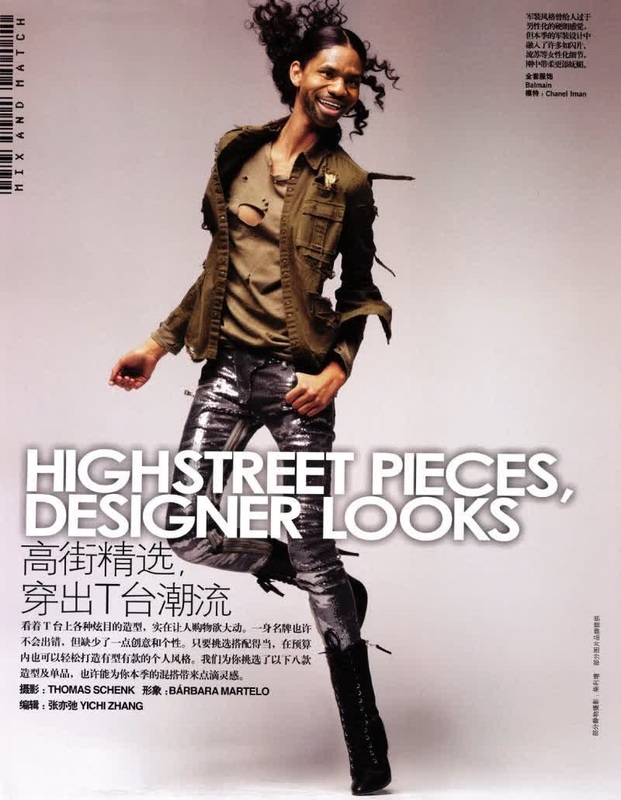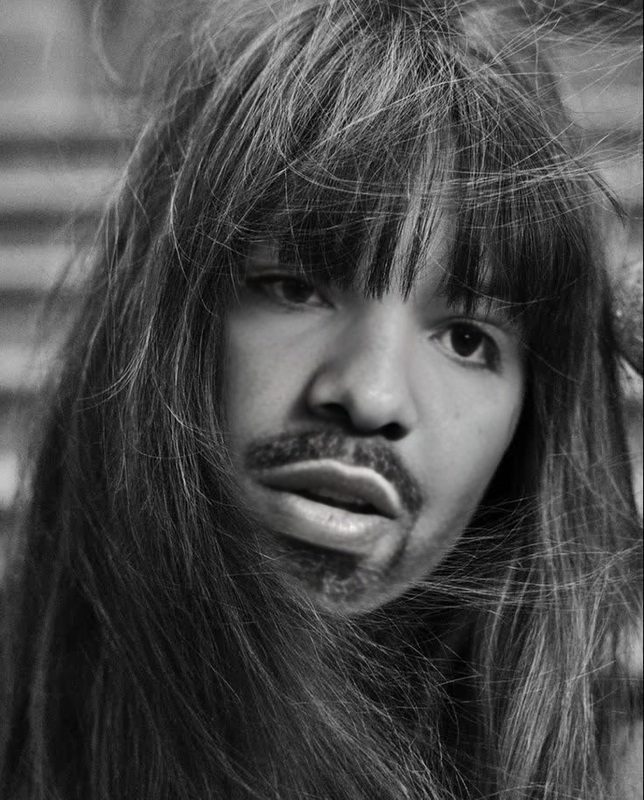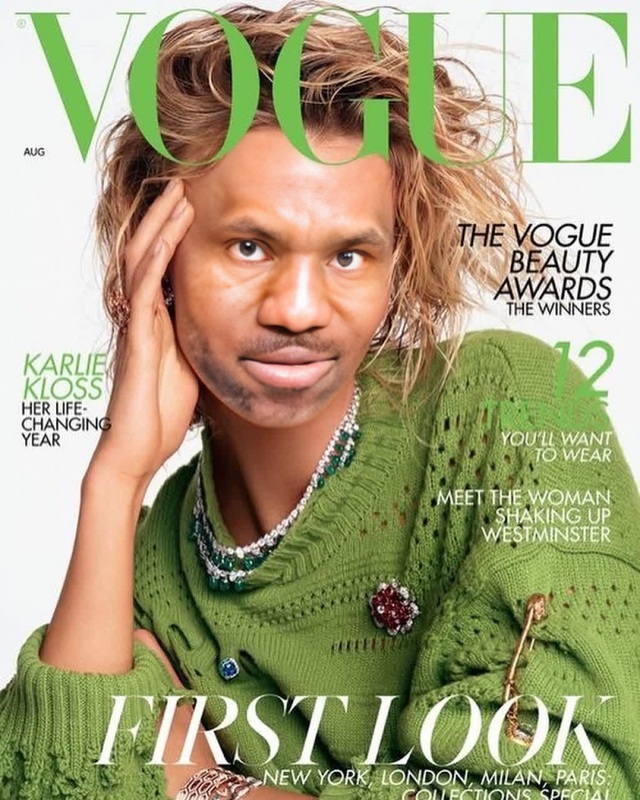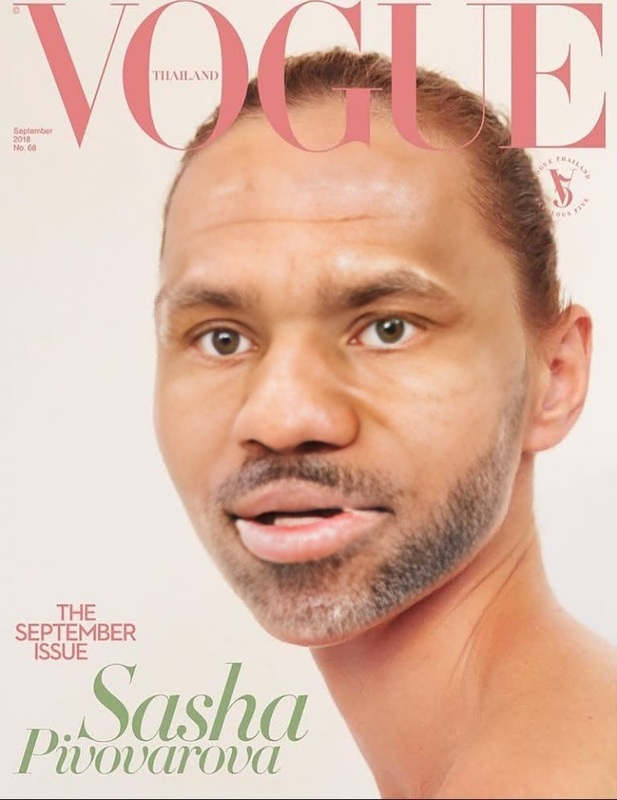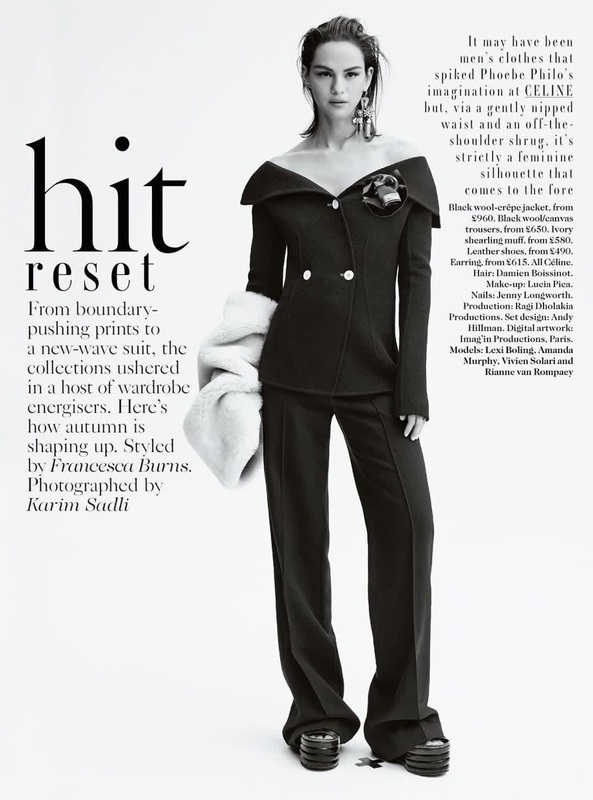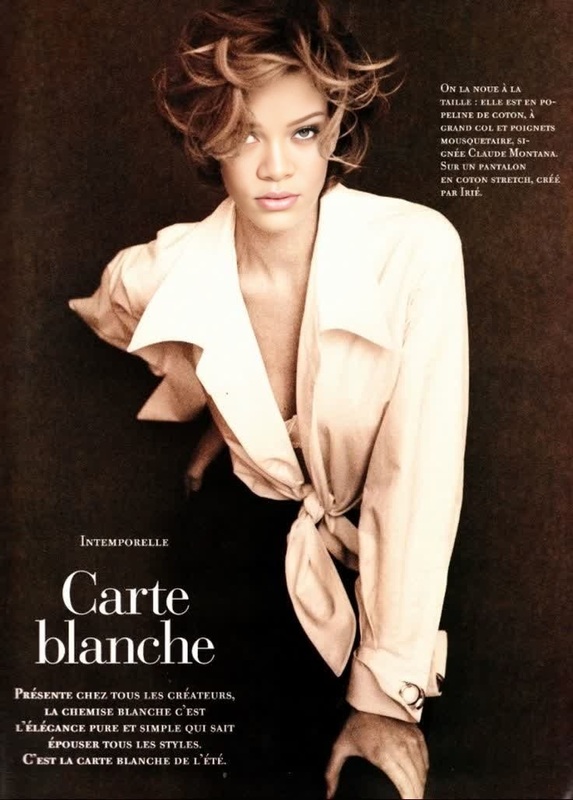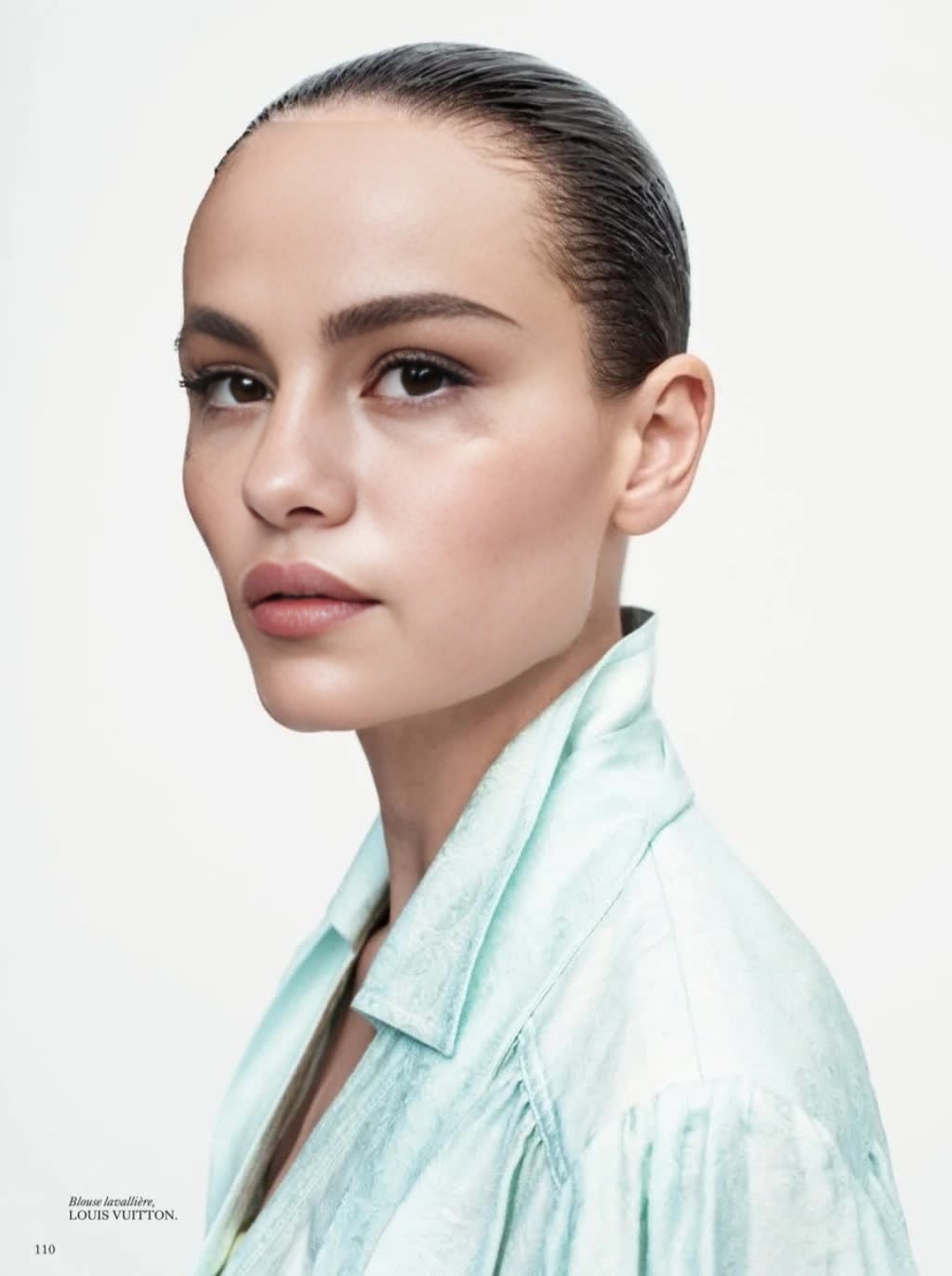
Natasha Poly Vogue Editorial Portrait
- Image
- 1024 × 1372 px
Any aspect ratio
Overview
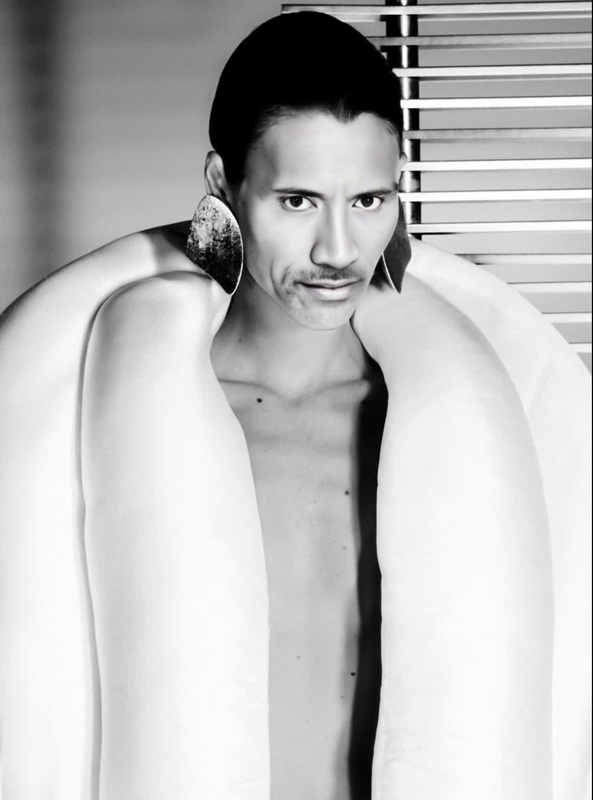
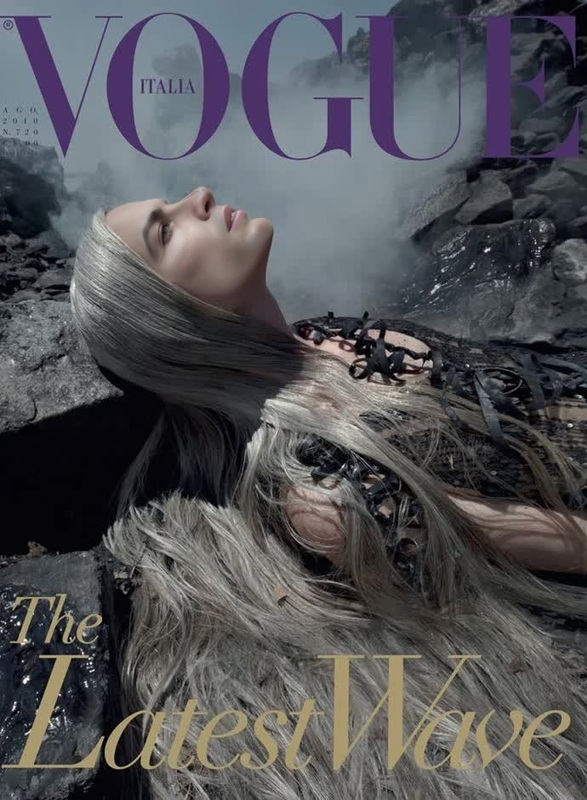
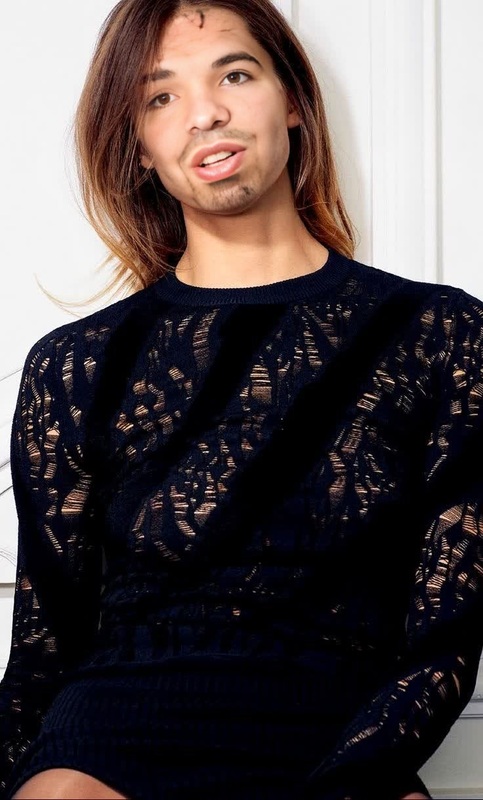
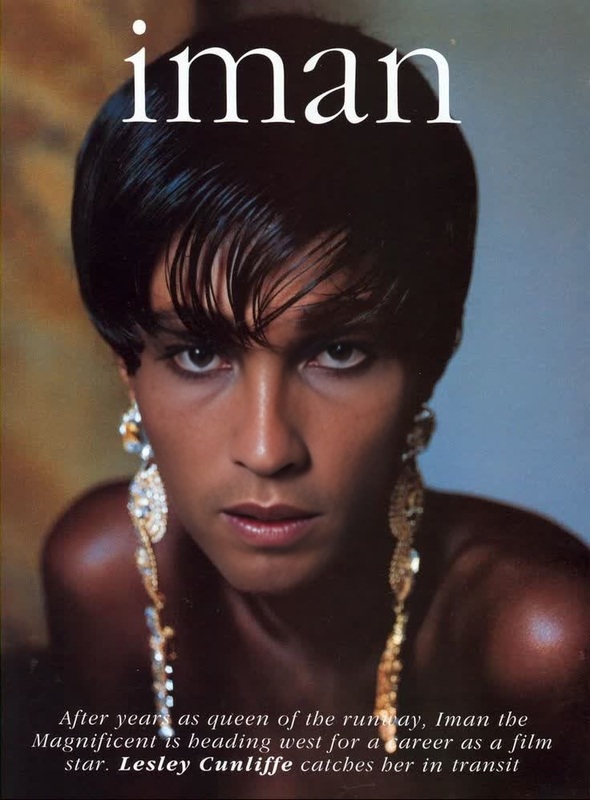
The Natasha Poly Vogue Editorial Portrait template brings the glamour of fashion magazines to your creations with a versatile Video Face Swap experience. Designed for those who wish to embody the iconic style of a Vogue editorial, this template makes it possible to blend faces seamlessly into a high-fashion setting.
What It Does
This Video Face Swap template allows you to integrate a subject's face into Natasha Poly's renowned editorial portrait. This results in an impactful transformation that merges magazine-level aesthetics with personalized content. Utilize this tool to craft standout videos that captivate viewers and leave a memorable impression.
Who It's For
This template is ideal for content creators, fashion enthusiasts, and digital marketers aiming to add a high-fashion flair to their projects. Whether you're producing new media for social platforms or enhancing brand storytelling, this template provides a unique visual edge. Check out our Image to Video for additional creative tools.
Summary
By incorporating Natasha Poly's Vogue-inspired template, users can transform ordinary visuals into extraordinary pieces of work. This transformative approach is perfect for anyone looking to make a splash in fashion-focused channels, delivering high-impact results with ease.
How To
Choose the Template

Customize Your Content

Generate and Download

Use Cases
Fashion Campaigns
- Create standout social media posts
- Enhance promotional videos for events
Influencer Content
- Add glamour to fit checks
- Collaborate on branded content
Creative Projects
- Develop unique music videos
- Craft artistic short films
Best Practices
Ensure High-Quality Images
For best results, always use high-resolution images of both your subject and the background portrait.Match Lighting
Adjust lighting settings to ensure the face swap integrates naturally into the setting.Preview Before Finalizing
Make use of preview features to fine-tune adjustments before generating the final video.