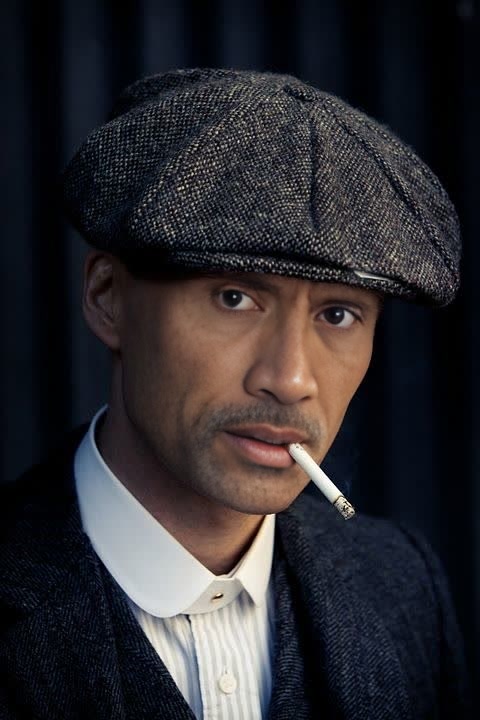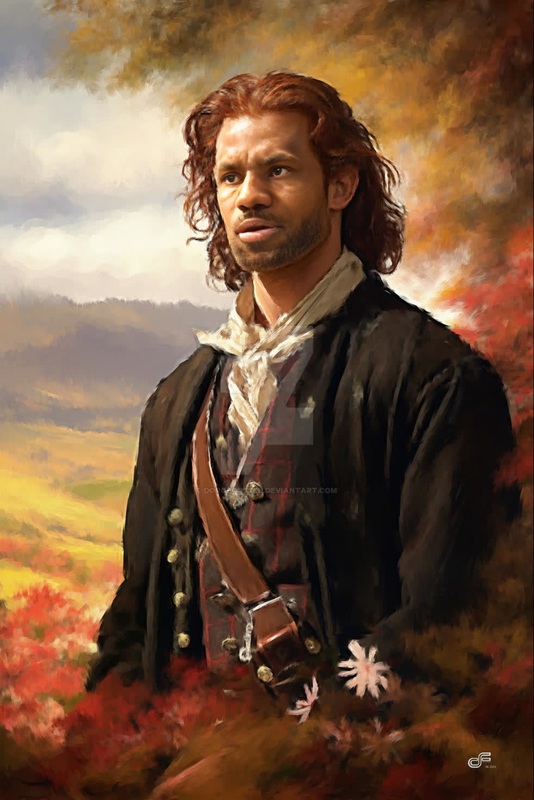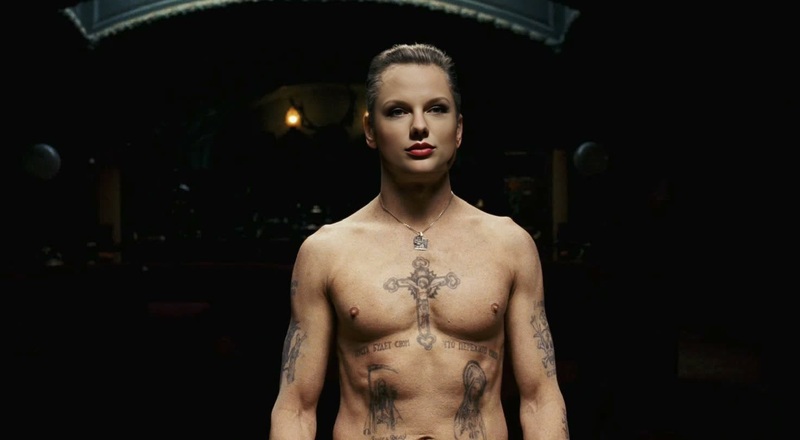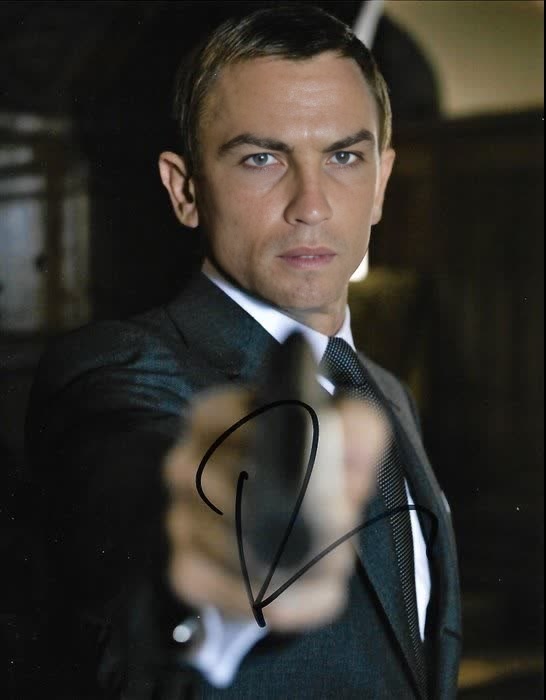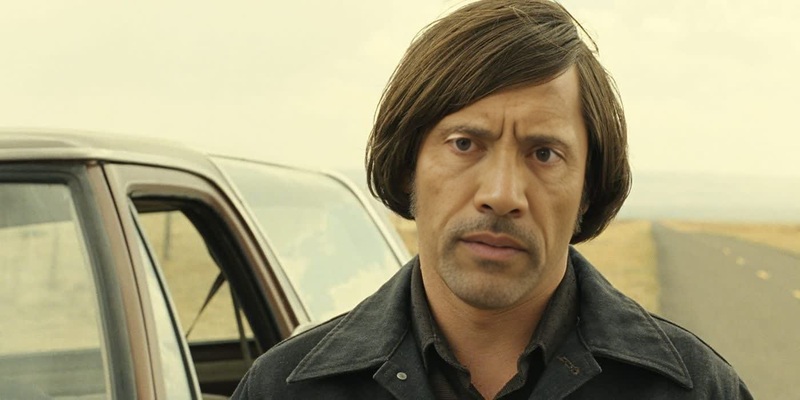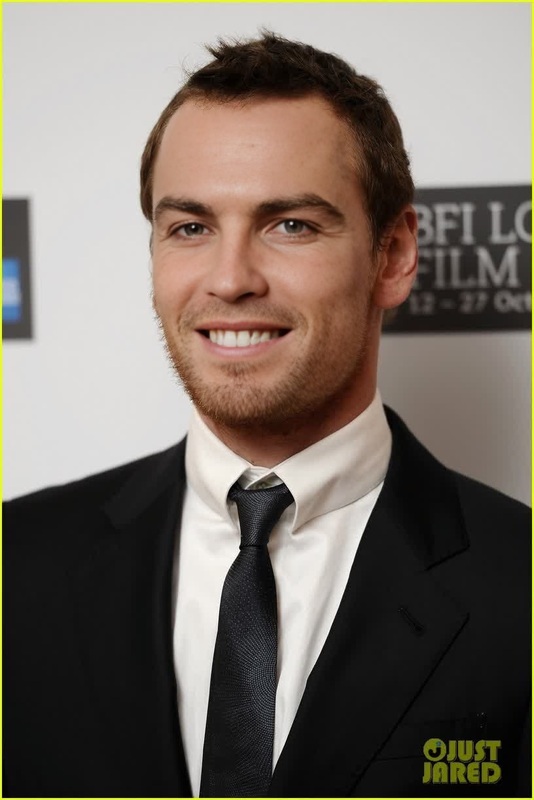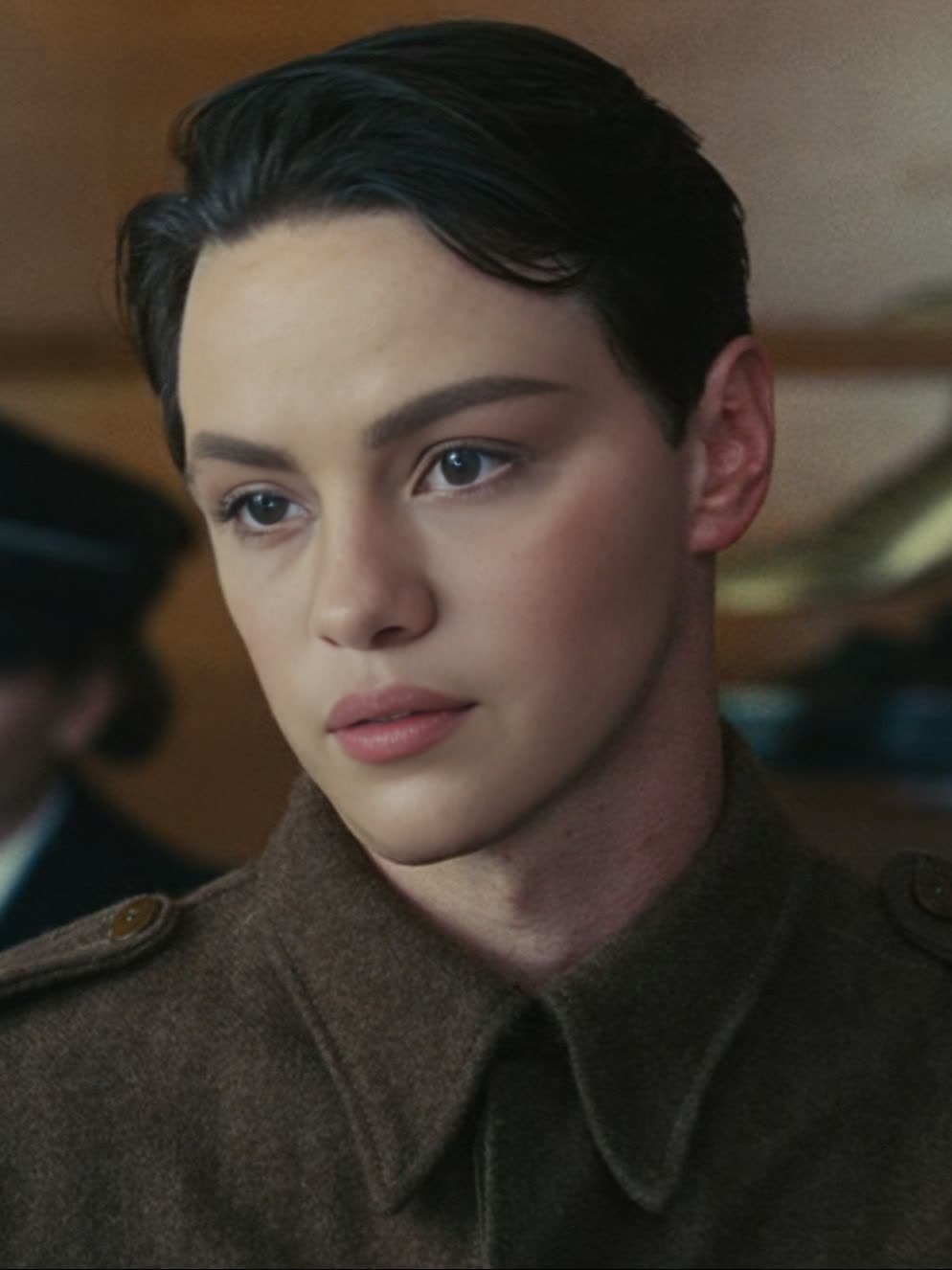
James Mcavoy Atonement Press Portrait
- Image
- 994 × 1326 px
Any aspect ratio
Overview
Dive into our James McAvoy Atonement Press Portrait video face swap template, where you can creatively transform any video by swapping faces with James McAvoy from his iconic 'Atonement' film press portrait. This tool is perfect for those looking to have fun with friends and create memorable content.
What It Does
The Video Face Swap template uses advanced AI technology to seamlessly integrate your face or a friend's face onto James McAvoy's portrait. By leveraging this tool, users can achieve a realistic and high-quality swap that brings their content to life.
Who It's For
This template is an engaging tool for content creators, film enthusiasts, and fans of James McAvoy. Whether you're producing fun social media content or creating fan adaptations, the AI Video Generator will enhance your creative projects.
Summary
Transform ordinary videos with the James McAvoy Atonement Press Portrait template. With this tool, you can create humorous or nostalgic scenes that capture the essence of your creativity. Explore the potential of AI with our comprehensive AI Meme Generator for additional creative possibilities.
How to Use
Choose the Template

Customize Your Content

Generate and Download

Use Cases
Social Media Content
- Eye-catching swaps
- Viral potential
Fan Creations
- Unique fan edits
- Memorable scenes
Entertainment Projects
- Adding humor
- Lighthearted content
Best Practices
Use High-Quality Sources
Upload high-resolution videos for the best face swap accuracy.Ensure Good Lighting
Proper lighting in the source video helps achieve a more convincing swap.Edit for Naturalism
Fine-tune the face angles and expressions for a more natural look.
FAQs
More Like This