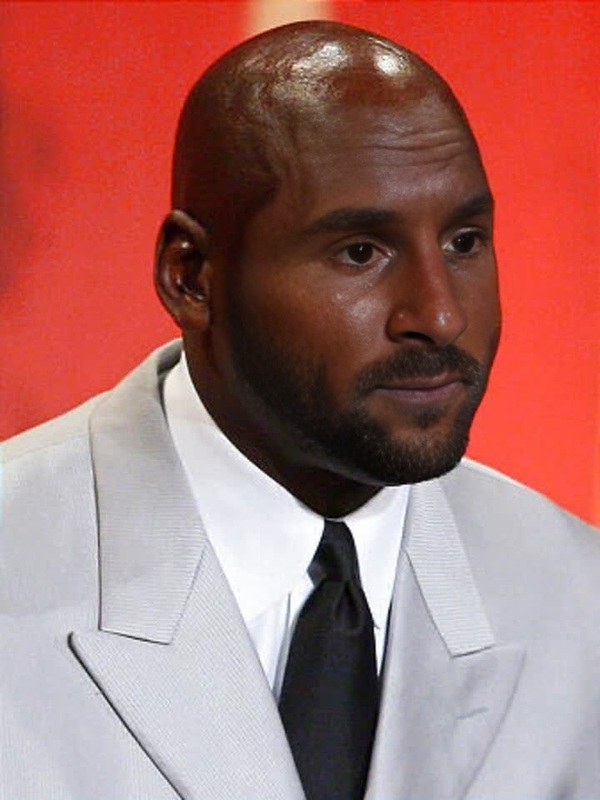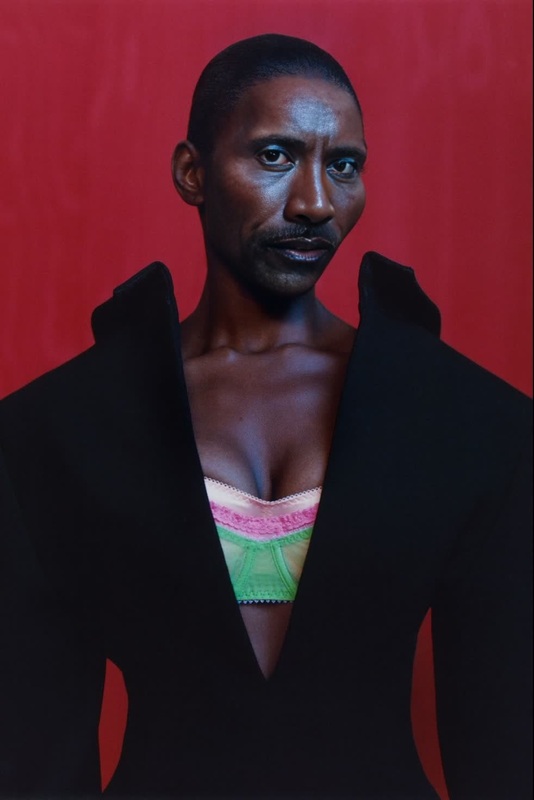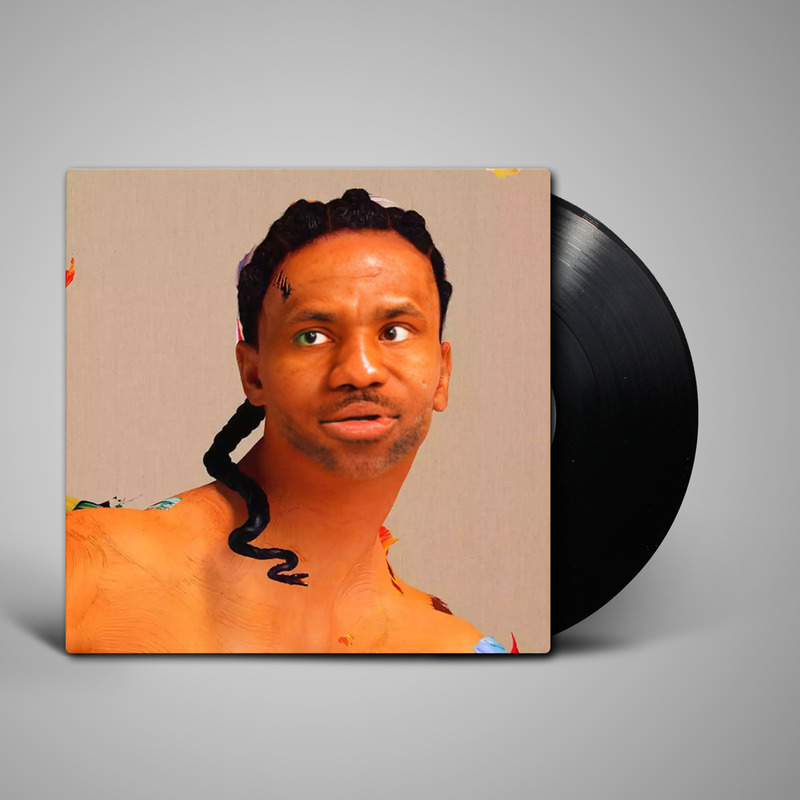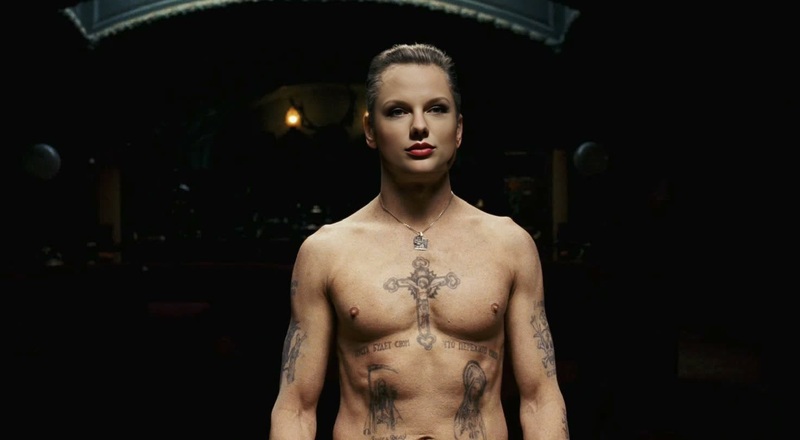
Michael Fassbender Shame Press Portrait
- Image
- 816 × 1222 px
Any aspect ratio
Overview
Give your projects a touch of Hollywood flair by swapping faces with Michael Fassbender's memorable appearance in his iconic Shame press portrait. This Video Face Swap tool empowers you to create eye-catching visuals by transforming ordinary photos into celebrity-inspired masterpieces. Dive into a world of creativity and bring a famous face into your digital content.
What It Does
This template offers a specialized Video Face Swap feature, allowing you to replace faces in your videos with a striking likeness of Michael Fassbender. By leveraging advanced AI technology, this tool ensures seamless integration of the new face, preserving facial expressions and movements for professional-looking results.
Who It's For
This template is ideal for filmmakers, social media influencers, and anyone looking to add a dramatic flair to their video content. Whether you're producing a parody, a creative short, or engaging social media posts, the AI Talking Photo feature enhances your storytelling by introducing a recognizable face into your narrative.
Summary
Incorporate the elegance of Michael Fassbender into your video projects with the Video Face Swap template. Perfect for adding a touch of sophistication or humor to your content, this tool is indispensable for creators aiming to make their work stand out. Whether you're an artist or a marketer, the potential for creative expression is vast.
How To
Choose Template

Customize Your Face Swap

Generate Your Video

Use Cases
Parody and Comedy Videos
- Enhance comedic timing
- Increase audience engagement
Film and TV Projects
- Boost production value
- Blend easily with existing footage
Social Media Content
- Increase shares and likes
- Boost follower interaction
Best Practices
Select High-Quality Source Footage
For best results, use high-resolution videos to ensure the Video Face Swap maintains clarity and detail.Adjust Integration Settings
Experiment with the customization settings to enhance how seamlessly the new face fits into your original footage.Use Appropriate Lighting
Ensure the lighting in your original video matches the reference image for a more believable transformation.
Frequently asked questions
More Like This