M Ralph Fiennes Skyfall James Bond
- Image
- 1394 × 698 px
Any aspect ratio
Overview
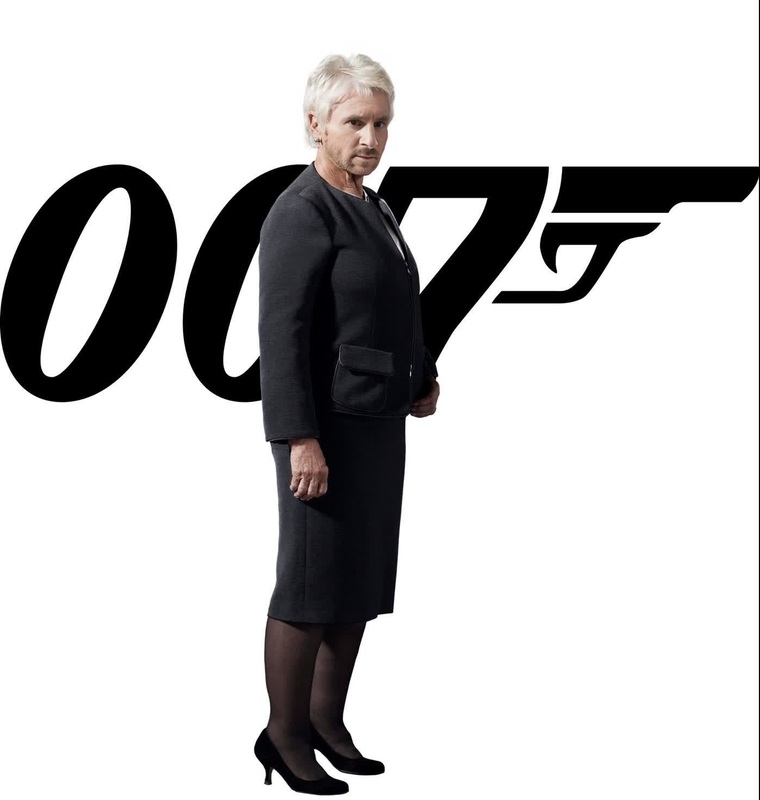
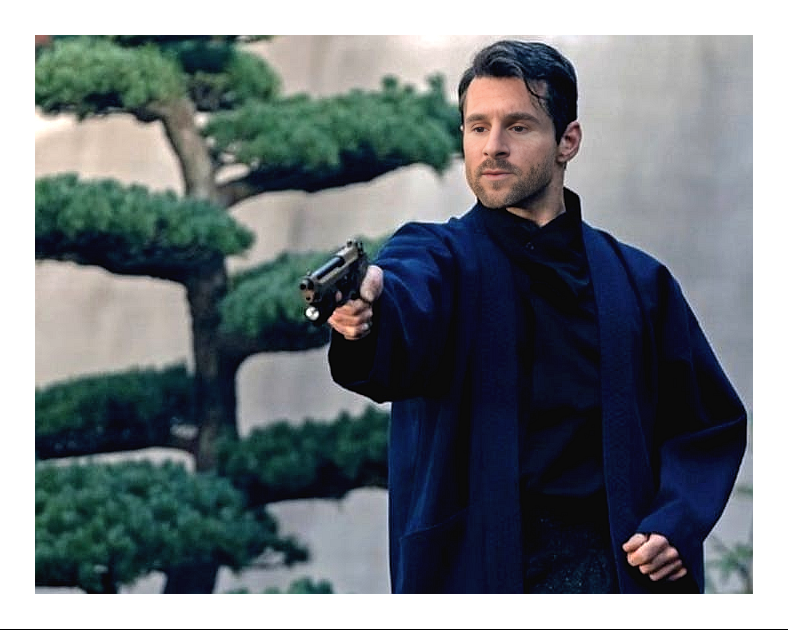
Transform yourself into Ralph Fiennes playing James Bond in Skyfall with this exciting Video Face Swap template. Create your own thrilling scenes and elevate your video projects to new heights. Ideal for those who want to add a touch of cinematic magic to their creative work.
What It Does
This template allows you to swap your face with Ralph Fiennes in Skyfall scenes, giving you the opportunity to star in your personal James Bond adventure. Using advanced AI, it creates a seamless blend of your face and the actor's, while maintaining the original scene's authentic look.
For artists needing to enhance their visual storytelling, check out our Image to Video tools for more creative possibilities, or dive into enhancing your visuals with the AI Image Editor.
Who It's For
This template is perfect for film enthusiasts, content creators, and anyone looking to bring their personal touch to legendary movie scenes. It's also a fantastic tool for marketers and educators looking to add cinematic flair to their content. For those in need of voice modifications to match their new video persona, consider exploring our AI Voice Changer.
Summary
With the Ralph Fiennes Skyfall Video Face Swap template, you can step into the world of espionage and intrigue. Designed for creators and movie fans alike, this tool integrates with various Face Swap Video tools and more to help you craft compelling narratives and visually stunning videos.
How to Use
Choose the Template

Customize Your Inputs

Generate Your Video

Use Cases
Fan Edits
Social Media Content
Educational Projects
Best Practices
Select High-Quality Images
Ensure that the images you upload are clear and well-lit to achieve the best face swap results.Experiment with Angles
Use photos taken from various angles to see how they affect the final video.Review the Output
Double-check the generated video to ensure the face swap looks natural. Adjust face alignment settings if necessary.
Frequently asked questions
More Like This