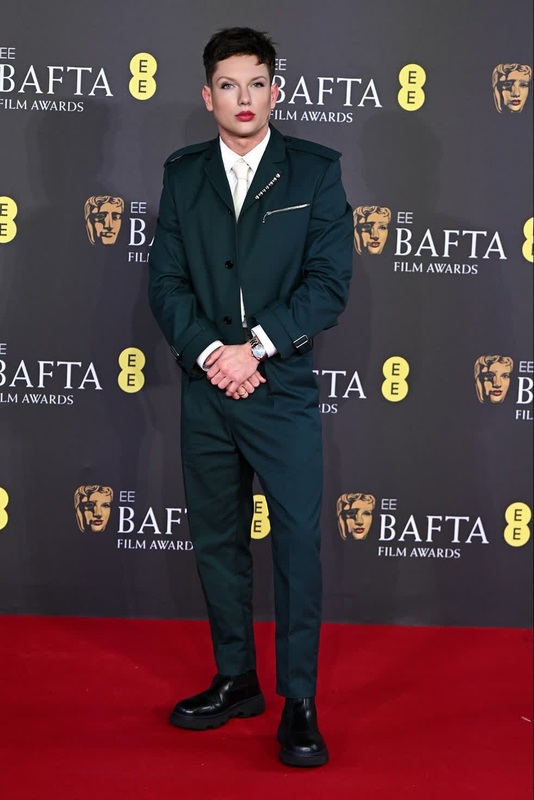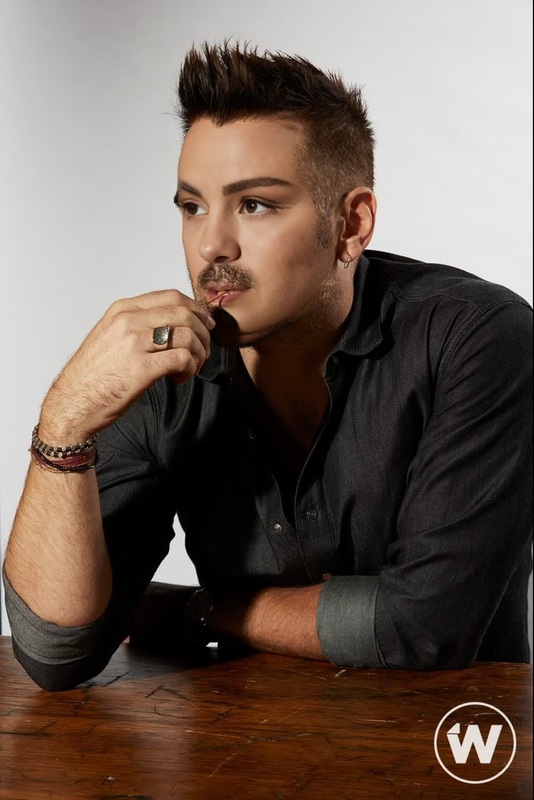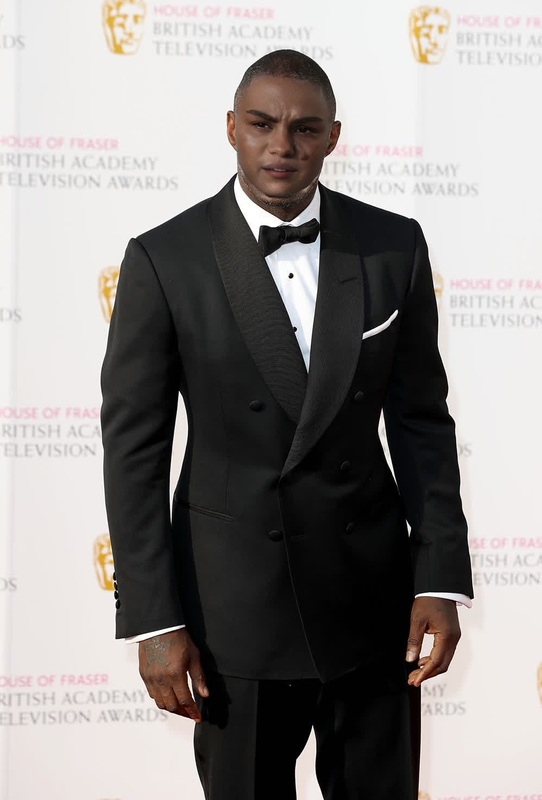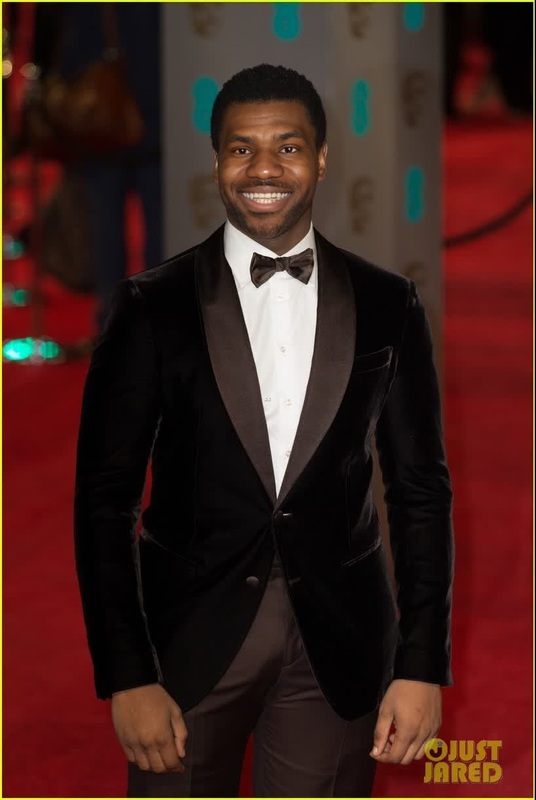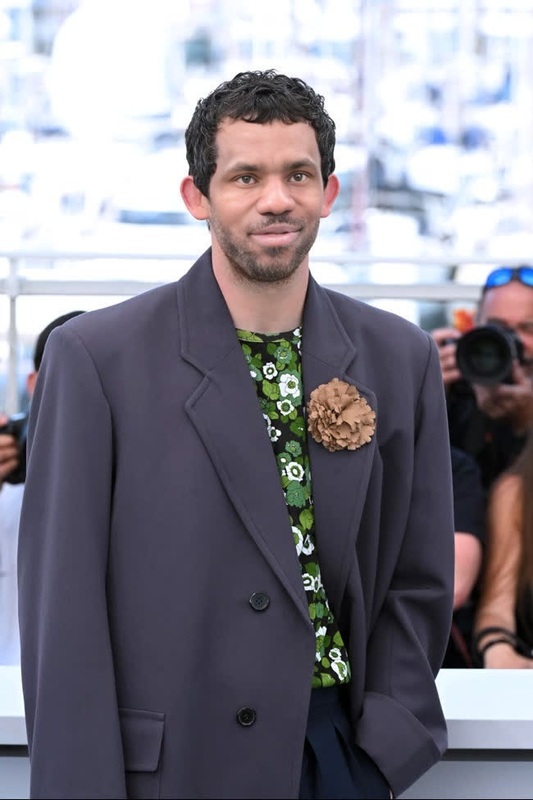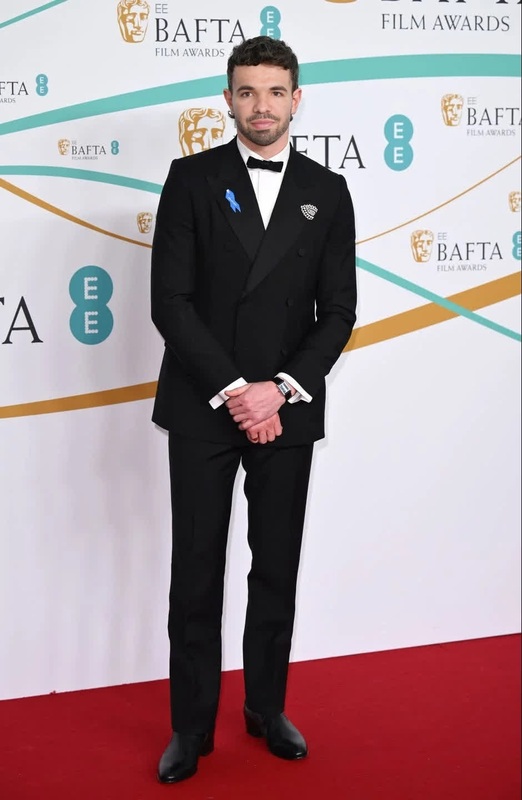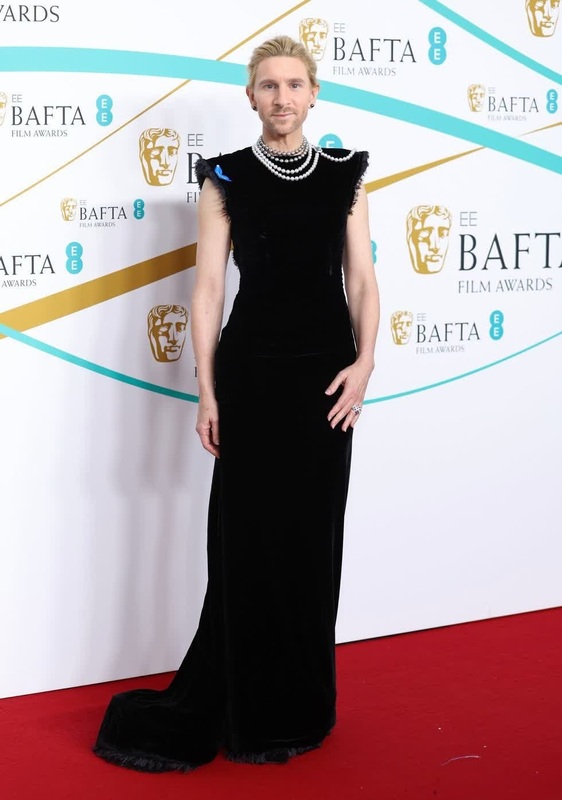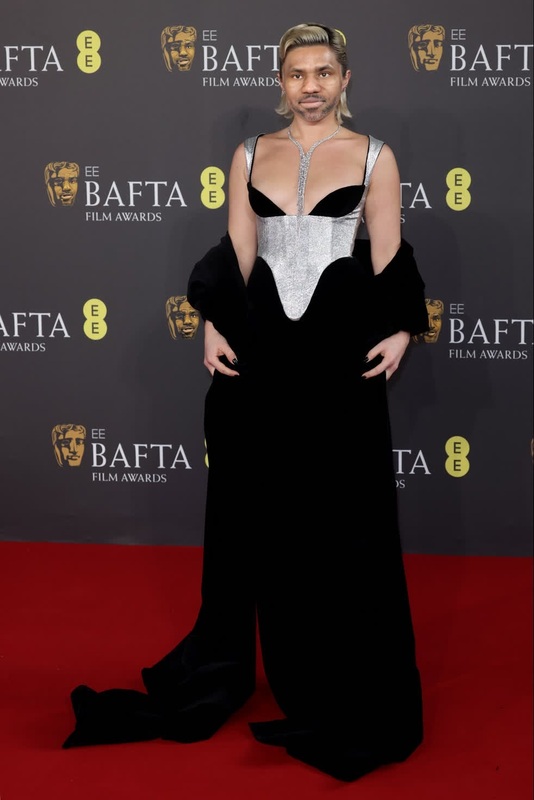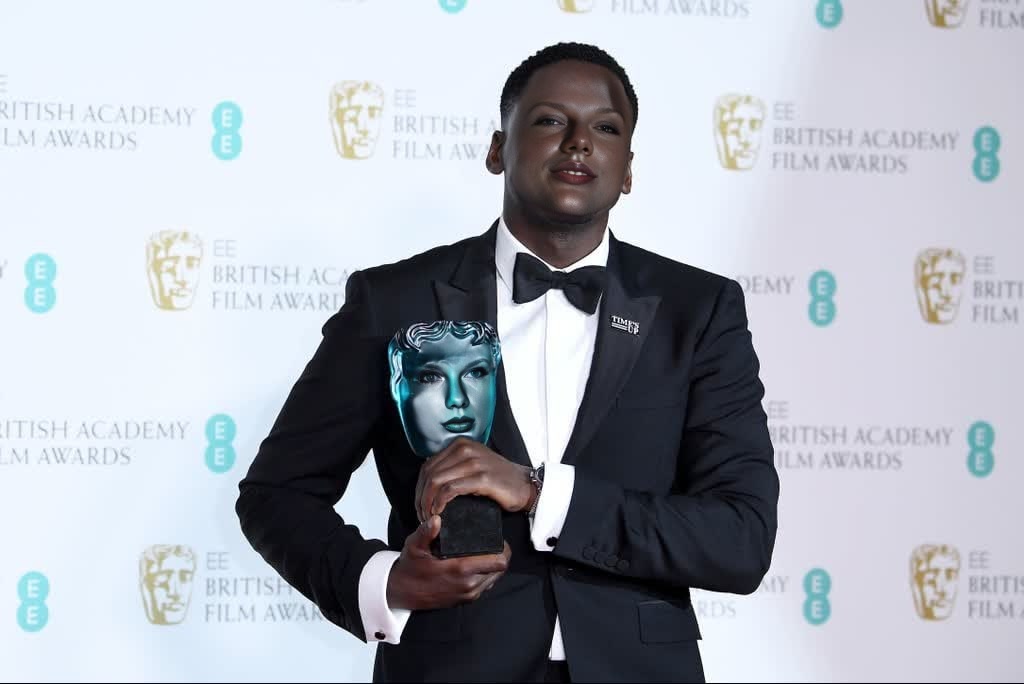
Daniel Kaluuya Bafta Arrival Portrait
- Image
- 1024 × 684 px
Any aspect ratio
Overview
The Daniel Kaluuya Bafta Arrival Portrait template allows creators to generate visually stunning face swap videos. This Video Face Swap tool brings creativity and personalization to your video projects, making it ideal for unique content creation.
What It Does
This template utilizes state-of-the-art face swap technology to allow users to swap faces with Daniel Kaluuya's Bafta arrival look. By leveraging advanced AI techniques, this service provides realistic and smoothly integrated face swaps, suitable for various video formats.
Who It's For
Designed for content creators, social media influencers, and digital marketers, this tool is perfect for anyone looking to create fun and memorable videos. Additionally, specialists in fields such as advertising and eCommerce can use this template to diversify their video content and captivate audiences.
Summary
With the Daniel Kaluuya Bafta Arrival Portrait template, producing arresting face swap videos becomes an easy task. This template caters to creative demands by offering a simple yet effective way to execute face swaps in high-quality video formats. To explore more transformative tools, check our AI GIF Generator.
How to Use
Choose Your Template

Customize Your Inputs

Generate Your Video

Use Cases
Social Media Content
Marketing Campaigns
Entertainment
Best Practices
Select High-Quality Source Material
Ensure the images and videos you upload are clear and well-lit for the best swap accuracy.Use Subtle Facial Expressions
Subtle expressions often create more realistic swaps, maintaining the natural appearance of the face.Experiment with Angles
Try different angles for both source and target images to find the most convincing swaps.
FAQs
More Like This