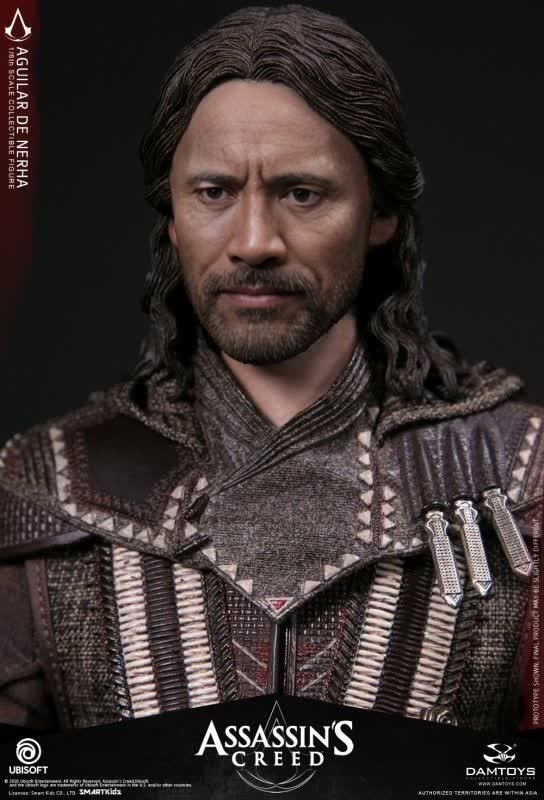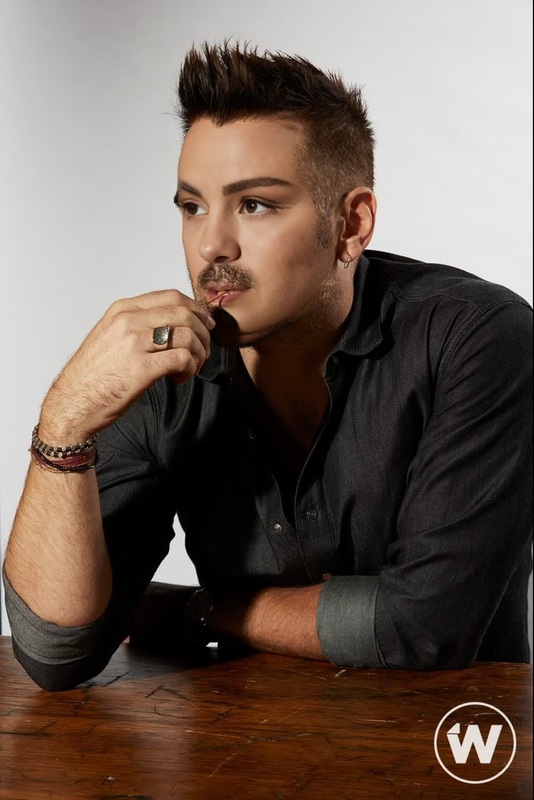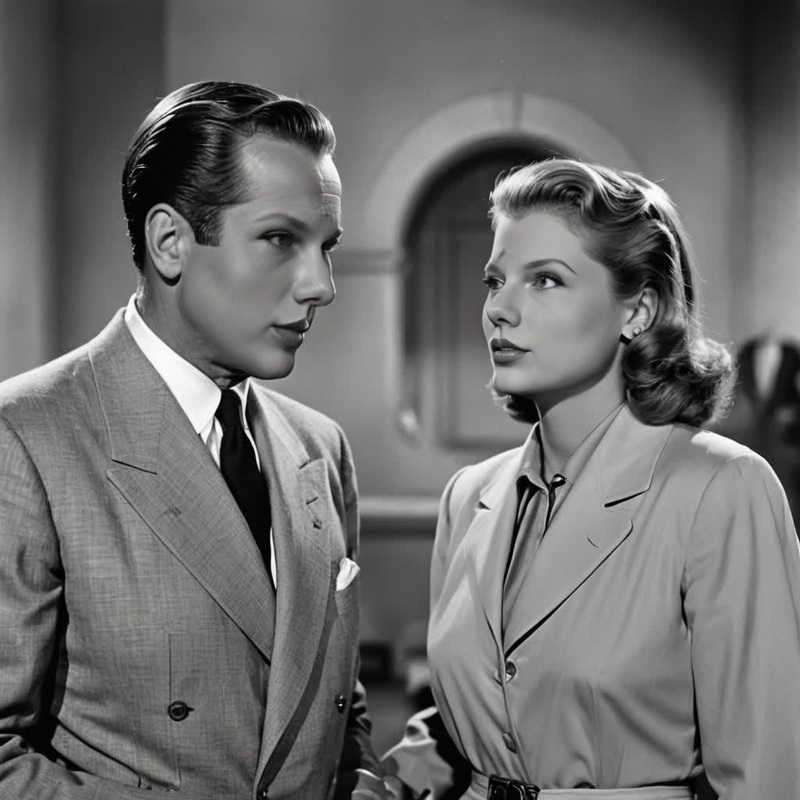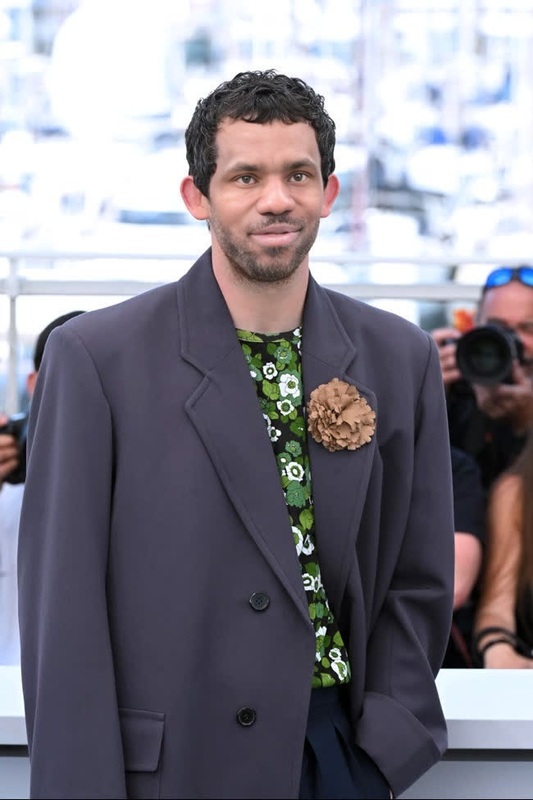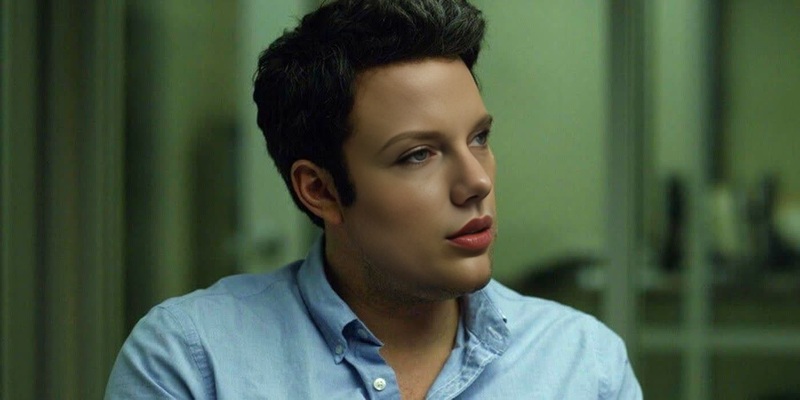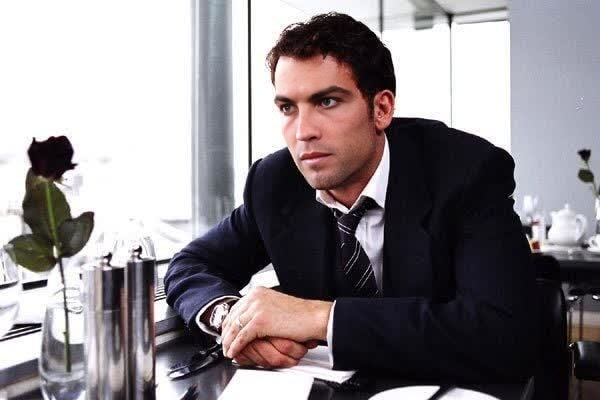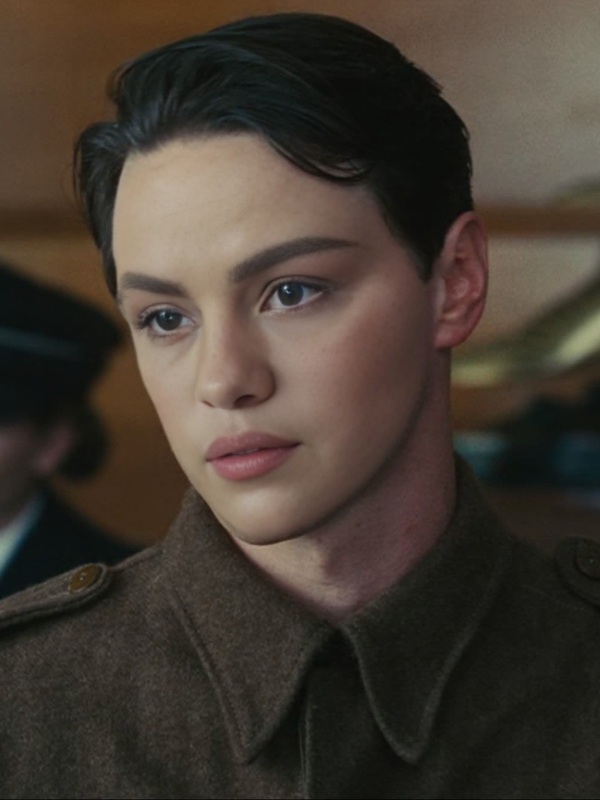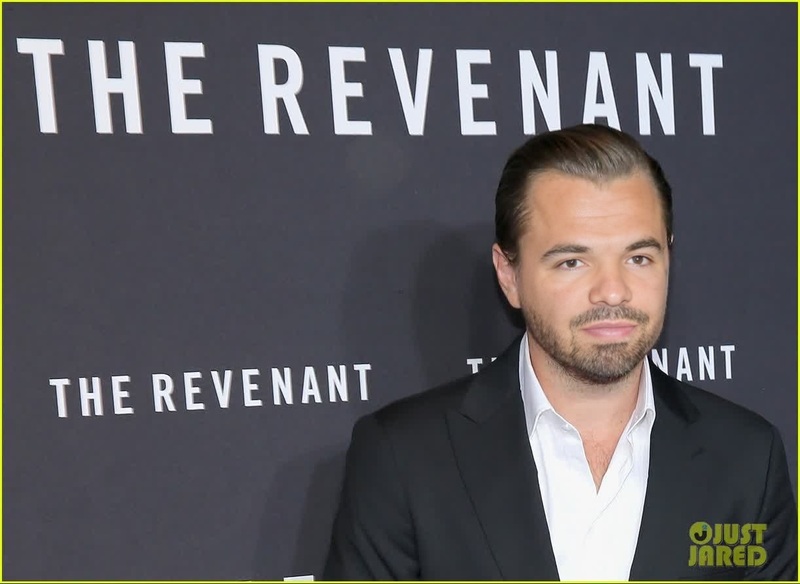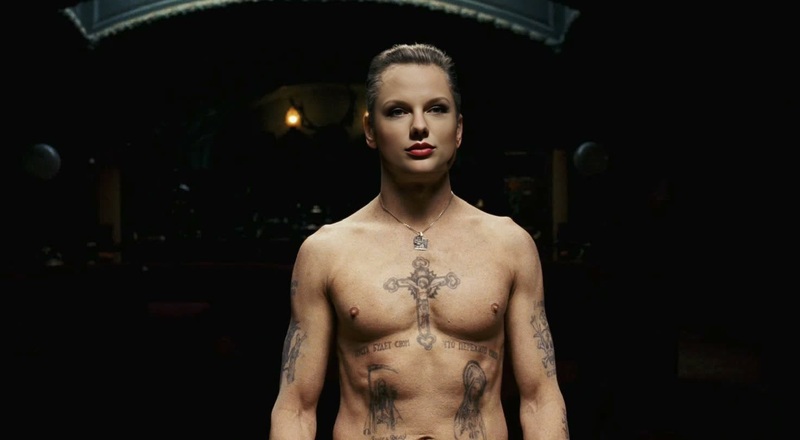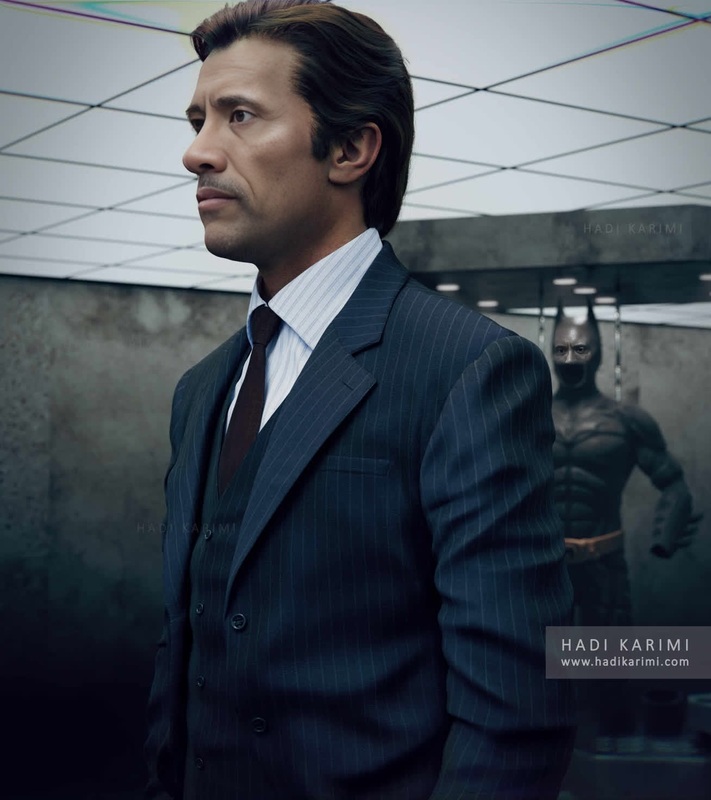
Javier Bardem No Country For Old Men Press Portrait
- Image
- 1400 × 700 px
Any aspect ratio
Overview
Dive into the world of film and transform into Javier Bardem's character from "No Country for Old Men" using our Video Face Swap template. This tool allows you to create engaging and viral content by placing your face onto the iconic press portrait of the chilling character, Anton Chigurh.
What It Does
This Video Face Swap template provides a realistic and seamless face swapping feature, allowing users to insert their face into a key press photo of Javier Bardem, achieving a cinematic transformation. It's designed to handle video files, embedding your features convincingly into the character's visage.
Who It's For
This template is perfect for filmmakers, social media influencers, and enthusiasts looking to create compelling mashups or reenactments. Whether for enhancing video marketing campaigns or adding a creative twist to personal video collections, this tool brings a new level of engagement.
Summary
Transforming into an iconic movie character is now at your fingertips with our Video Face Swap template. Ideal for both professionals and hobbyists, this template enables the creation of memorable, high-impact content, ready for viral success. Explore other face-related transformations on our AI Face Editor page.
How To
Choose Your Template

Customize Your Input

Generate Video

Use Cases
Viral Video Creations
- Create catchy TikTok videos
- Design Instagram Reels with cinematic flair
Interactive Storytelling
- Develop compelling video marketing
- Create dynamic YouTube content
Film Making and Pre-visualization
- Simulate casting decisions
- Plan visual effects sequences
Best Practices
Select High-Quality Inputs
For the best results, use high-resolution images or videos that clearly show all facial features.Consider Lighting
Ensure your input's lighting matches the target video to maintain a realistic look.Optimize for Platforms
Tailor the generated video for specific platforms, such as square for Instagram or full-width for YouTube.
Frequently asked questions
More Like This