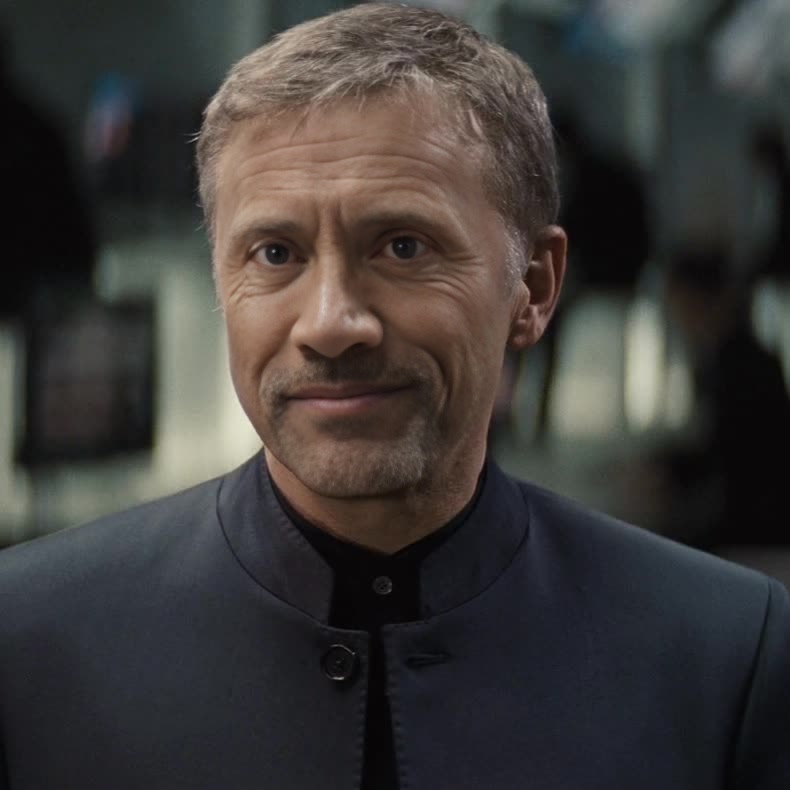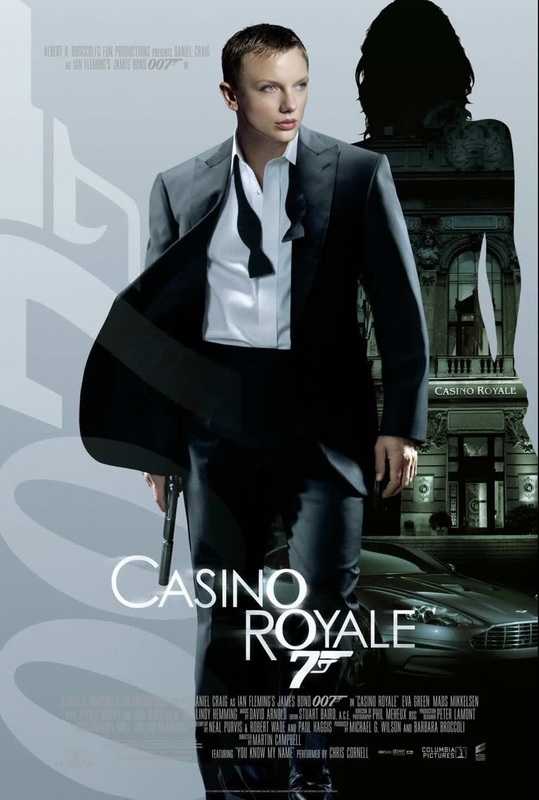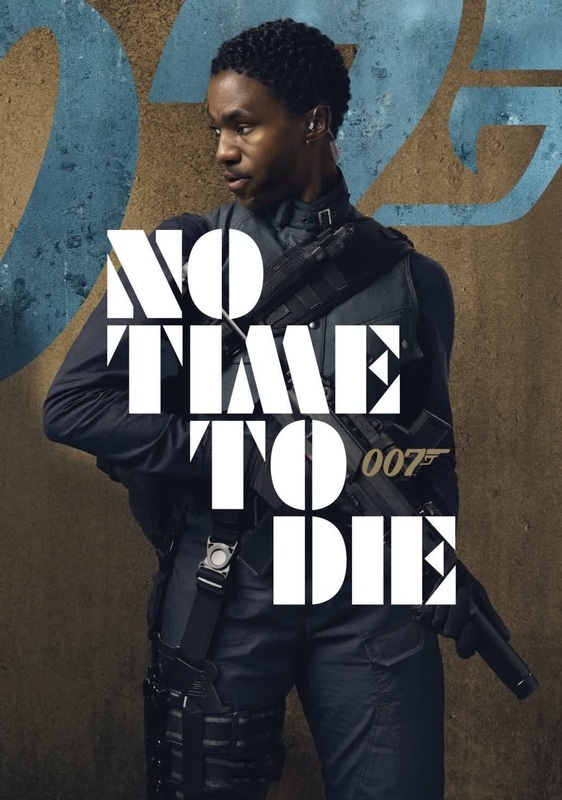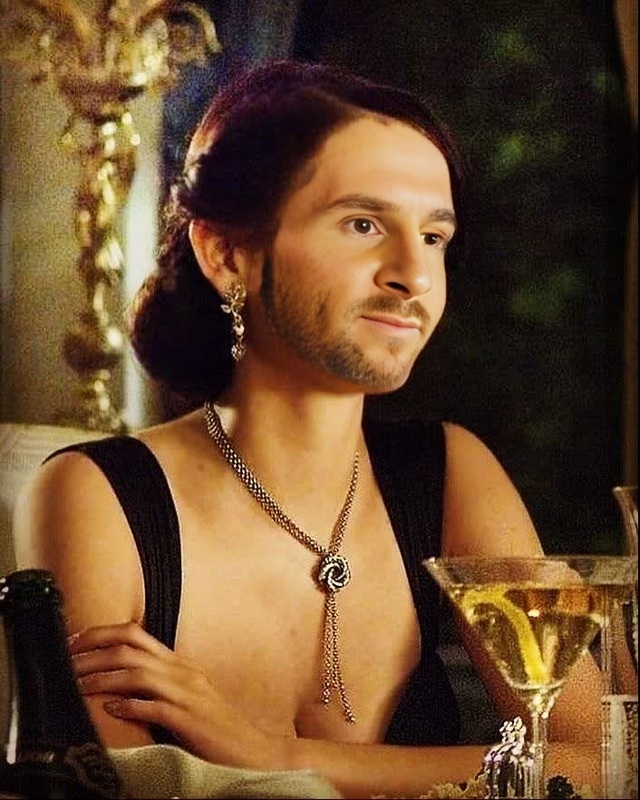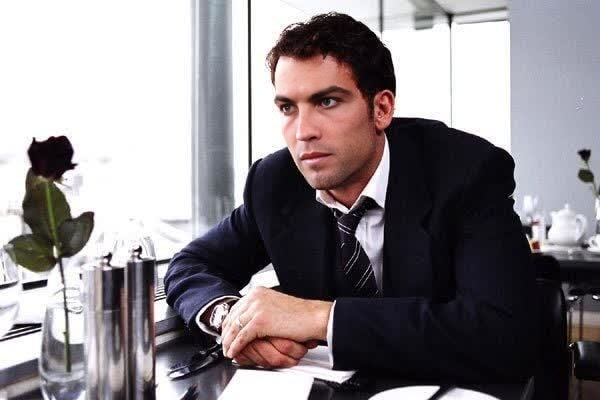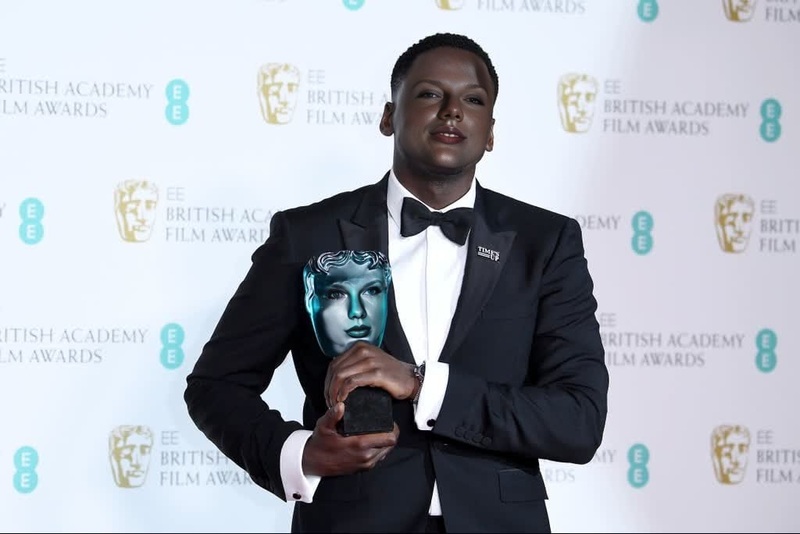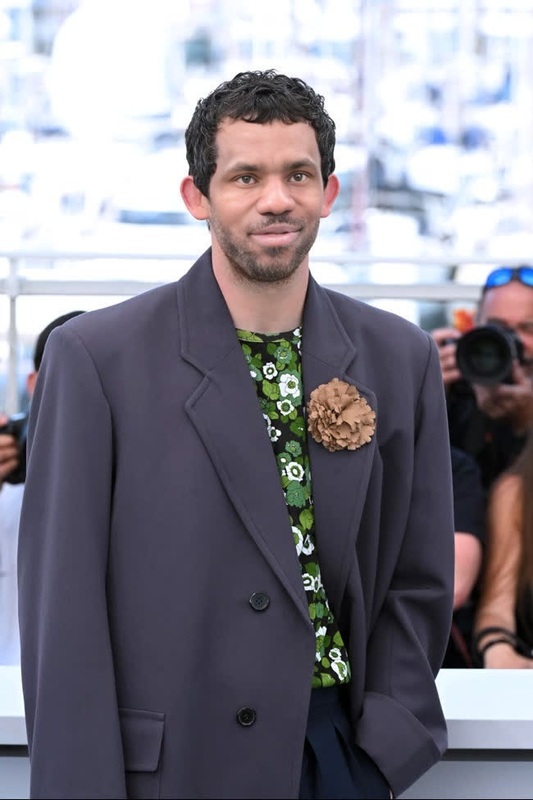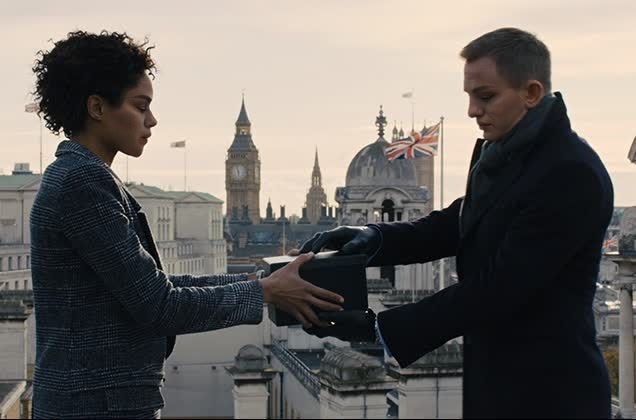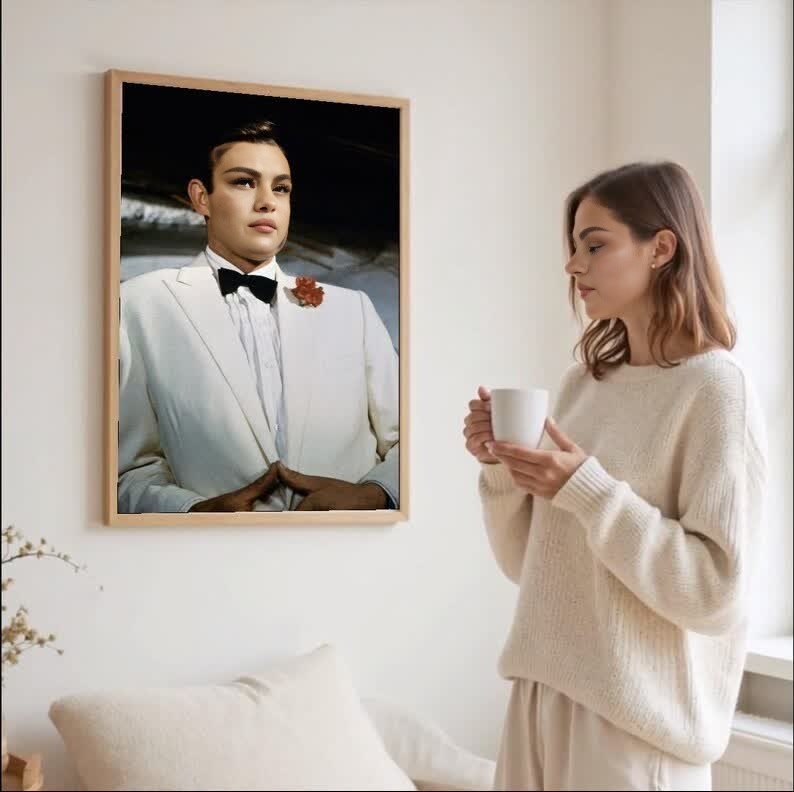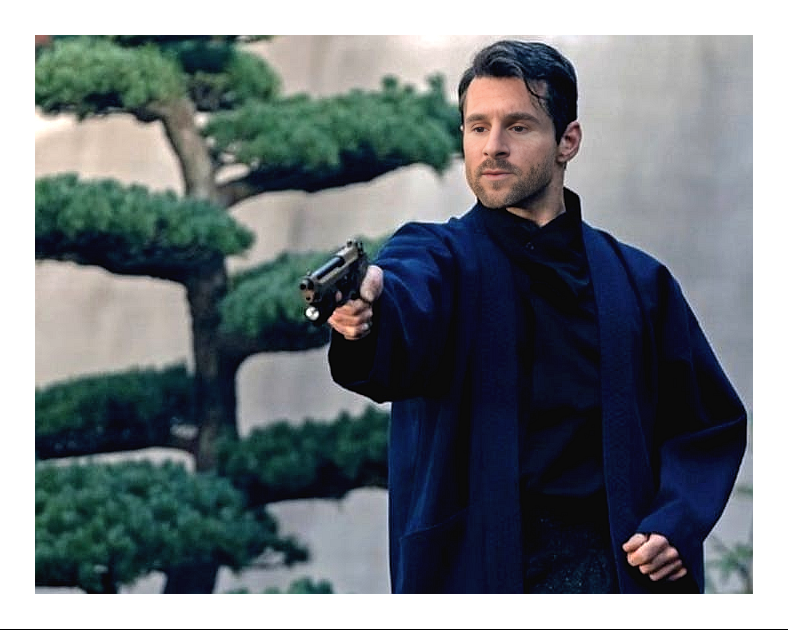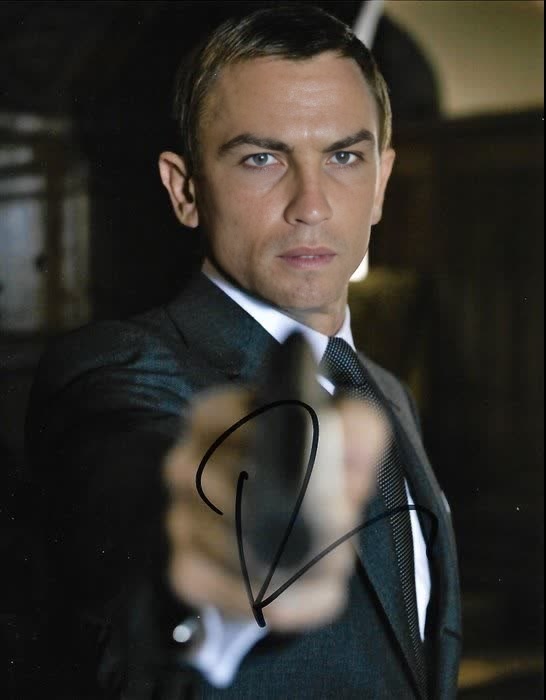
Daniel Craig Casino Royale Press Portrait
- Image
- 546 × 700 px
Any aspect ratio
Overview
Experience the star power of Daniel Craig in your videos with the Casino Royale Press Portrait Video Face Swap template. This tool offers the ability to creatively adapt scenes by replacing faces in your video projects, utilizing high-quality assets featuring Daniel Craig. Ideal for creative endeavors and fan-made content, the template enables users to produce professional-looking content with ease.
What It Does
The Daniel Craig Casino Royale Press Portrait template is designed to perform precise face swaps in videos. By employing advanced techniques common to our Face Swap Video suite, it integrates Daniel Craig's visage into your scene seamlessly. This template supports multiple video formats and provides a ready solution for fan edits, marketing materials, or entertainment media.
Who It's For
This template is perfect for filmmakers, video editors, and fans of the iconic James Bond series looking to elevate their projects. Whether you're crafting a product demo video or engaging in social media advertising, integrating a celebrity face can make your content stand out.
Summary
With the Video Face Swap template featuring Daniel Craig, you can bring a touch of Hollywood to your productions. Easy to use and integrated with AI Video Generator, this tool allows for unique and appealing transformations, ensuring your completed project is both professional and captivating.
How To
Choose Template

Customize Face Swap

Generate Your Video

Use Cases
Creative Filmmaking
- Enhance indie films with celebrity appearances.
- Create fan edits of popular movies.
Marketing Campaigns
- Produce compelling social media ads.
- Craft captivating product demos.
Entertainment Content
- Create viral social media clips.
- Develop unique media for fan followings.
Best Practices
Select High-Quality Footage
For the best results, ensure the video you upload is clear and well-lit, which helps the face swap render seamlessly.Fine-Tune Face Placement
Use the adjustment tools to align features accurately, which ensures a natural appearance in the final video.Review Face Swap Edits
Always preview the video before finalizing to check for any mismatched elements that may need correction.