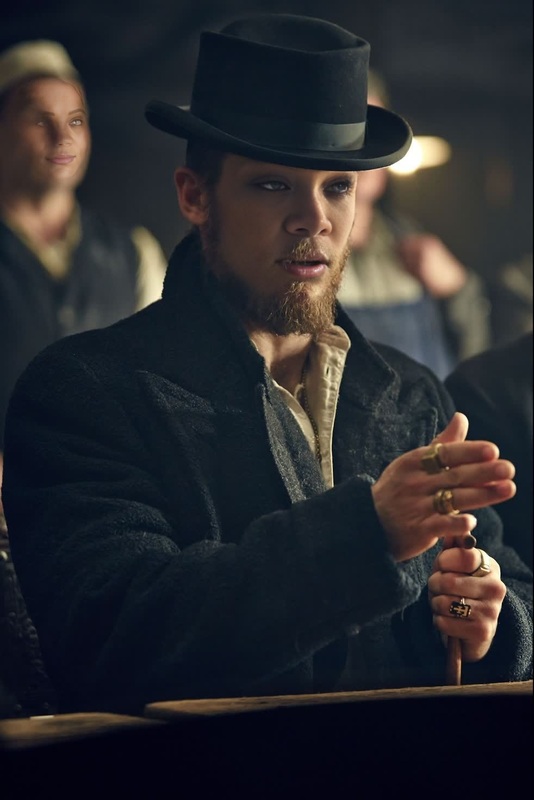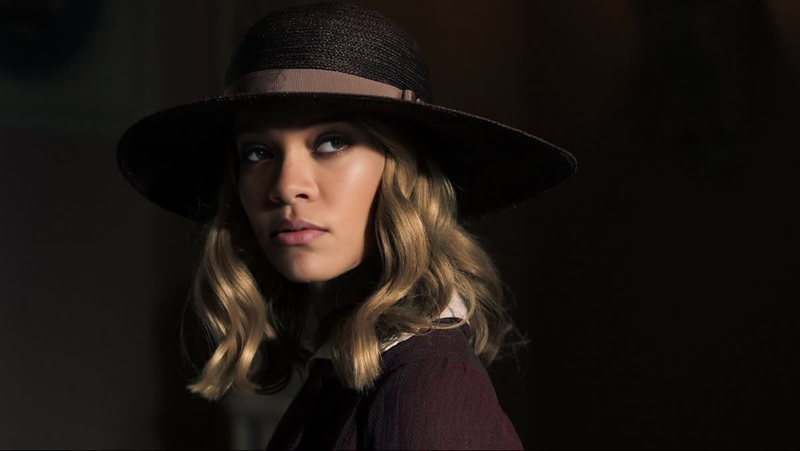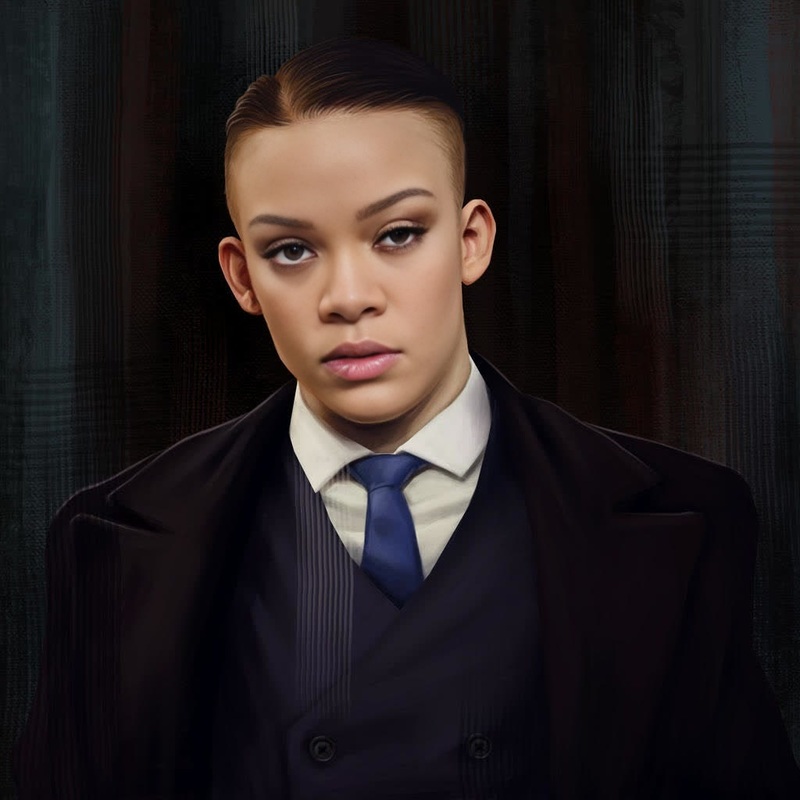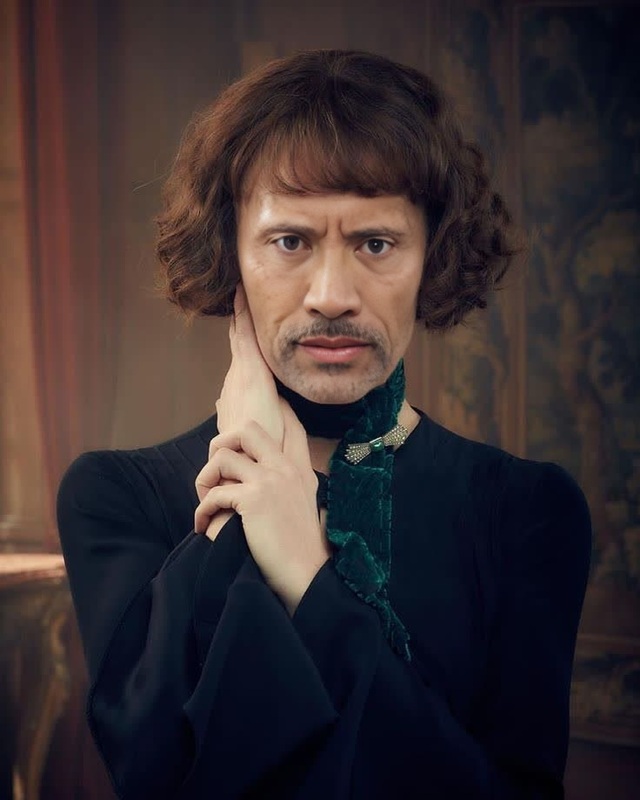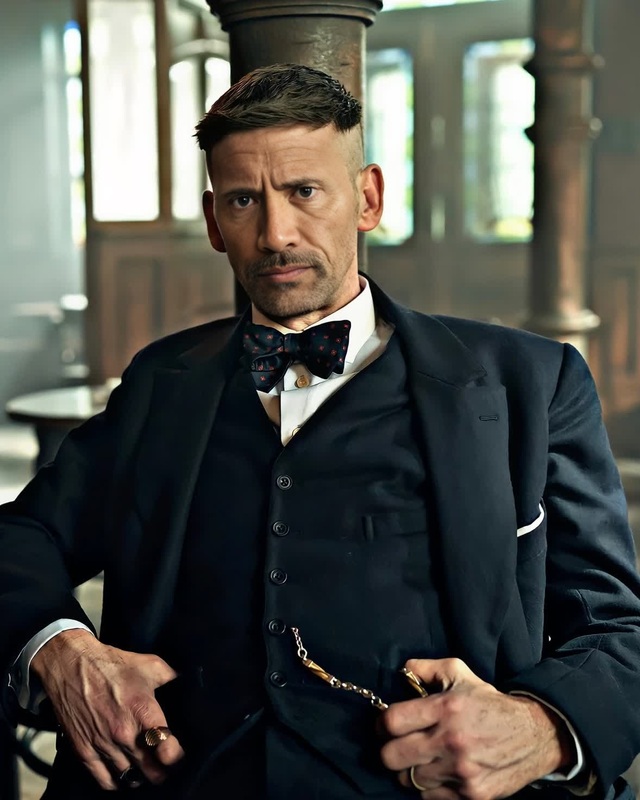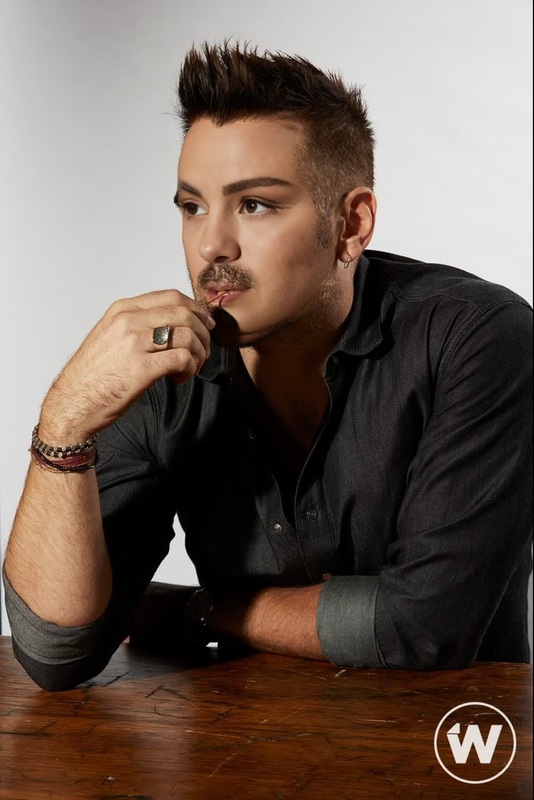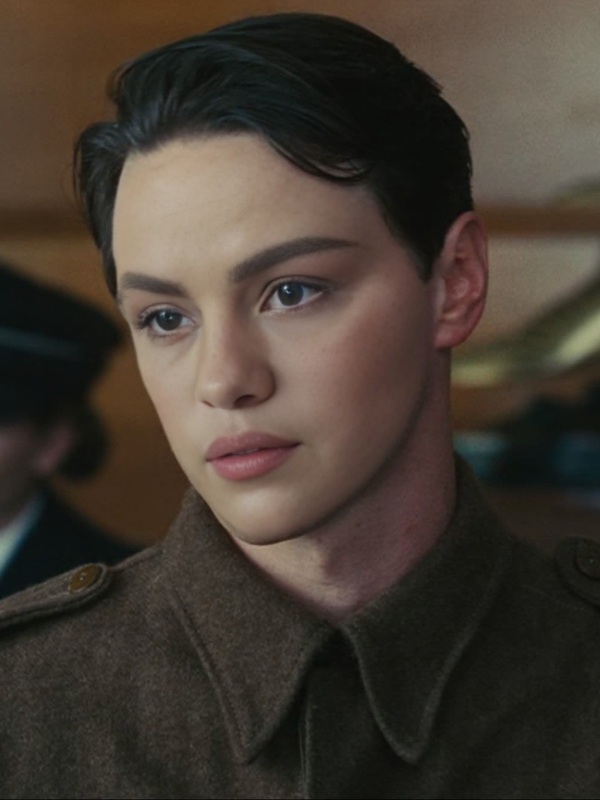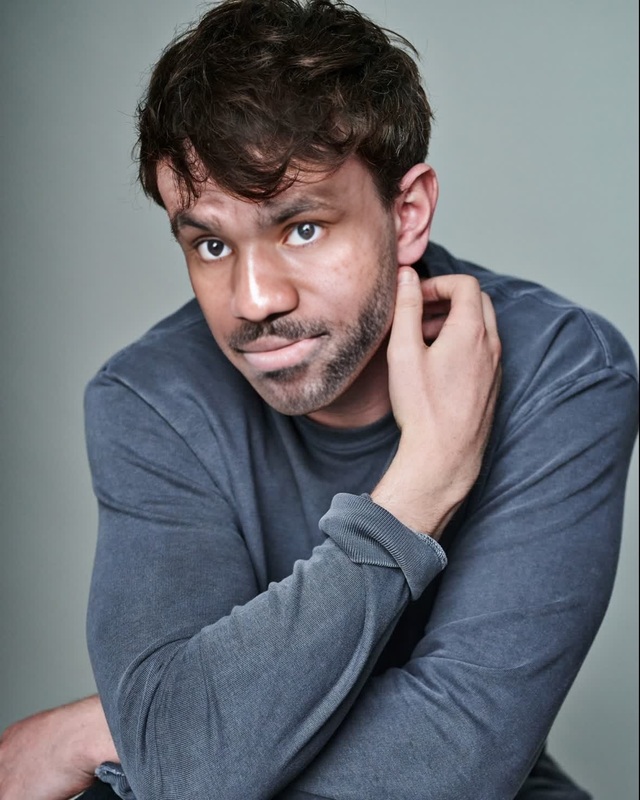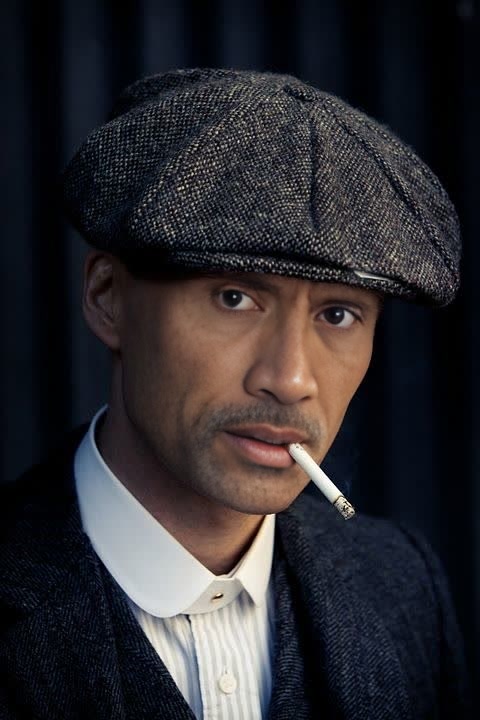
Cillian Murphy Peaky Blinders Press Portrait
- Image
- 480 × 720 px
Any aspect ratio
Overview
Step into the world of 'Peaky Blinders' with our Cillian Murphy Press Portrait template. This Video Face Swap tool lets you place your face onto Thomas Shelby's iconic character, as portrayed by Cillian Murphy, spearheading a transformative journey into the 1920s gangster style.
What It Does
This template provides a way for users to merge their faces onto Cillian Murphy's likeness in an official 'Peaky Blinders' press portrait. This is accomplished through advanced facial recognition and replacement technology, integrated with our video face swap platform, to deliver photorealistic results that look like they were part of the original shoot.
Who It's For
It's a perfect fit for fans of the series 'Peaky Blinders', personal bloggers looking to infuse some dramatic flair into their content, and digital creators who enjoy crafting unique personas or incorporating pop culture into their visual narratives. This template offers a creative outlet for character enthusiasts and content creators alike.
Summary
Transform yourself into Cillian Murphy as Thomas Shelby with this Video Face Swap template, part of our Face Swap offerings. Ideal for creating striking press-style portraits or exploring creative digital transformations, this tool brings a beloved TV character to life through your own face.
How-To
Choose the Template

Customize Your Inputs

Generate Your Video

Use Cases
Social Media Content
- Engage followers with unique Peaky Blinders themed posts.
- Stand out in Instagram Reels or TikTok videos.
Fan Art Projects
- Participate in art contests with a new edge.
- Decorate personal spaces with your Peaky Blinders persona.
Character Roleplays
- Use in live-action role-plays or virtual meetups.
- Send as a personalized greeting to fellow fans.
Best Practices
Choose High-Quality Source Images
Ensure your face photo is high-resolution for best results, minimizing pixels for a clear and precise look.Align Features Correctly
Use the alignment tool to match facial features precisely. This prevents distortion and guarantees a more natural fit.Preview Before Finalizing
Always preview the swap before downloading to ensure the results meet your expectations and adjust any necessary parameters.
FAQs
More Like This