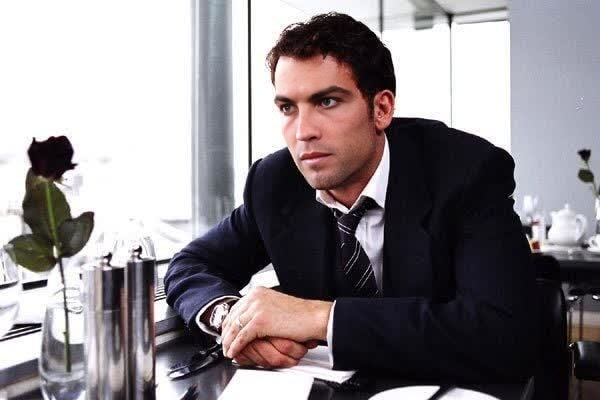
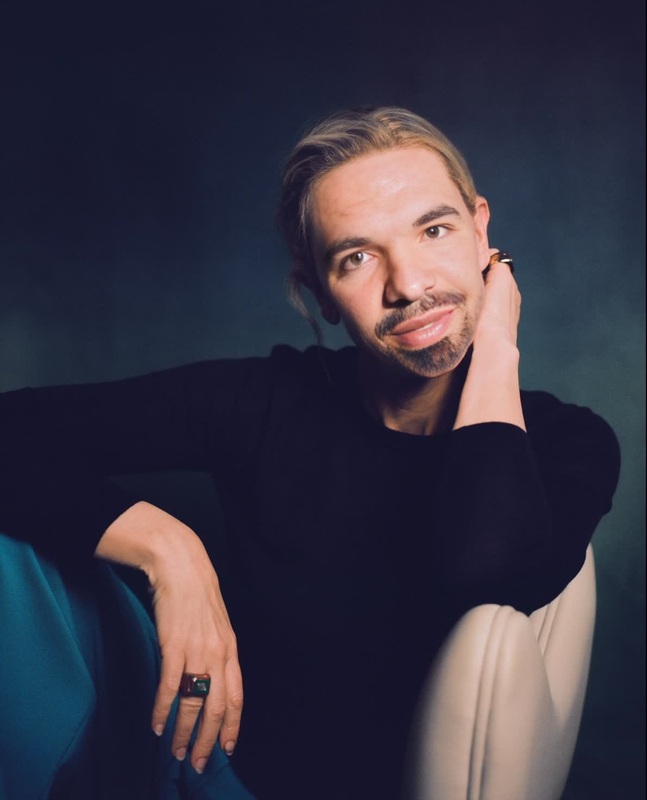
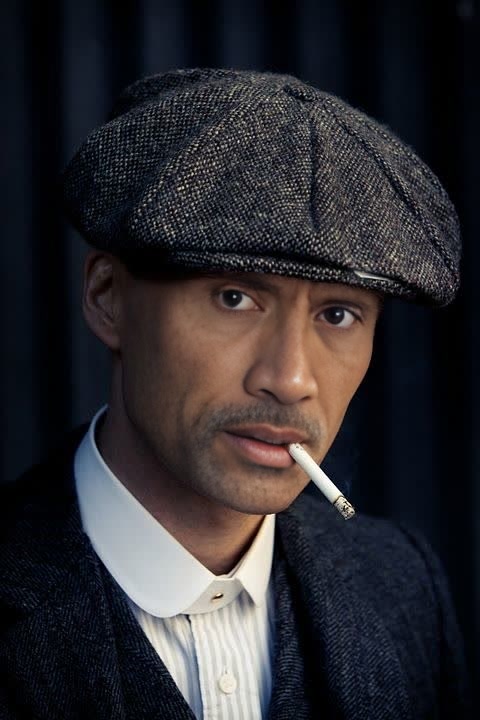
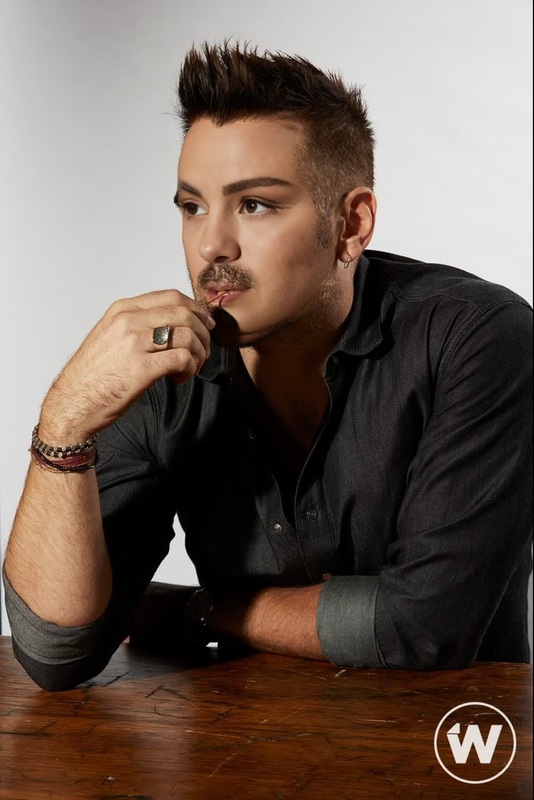
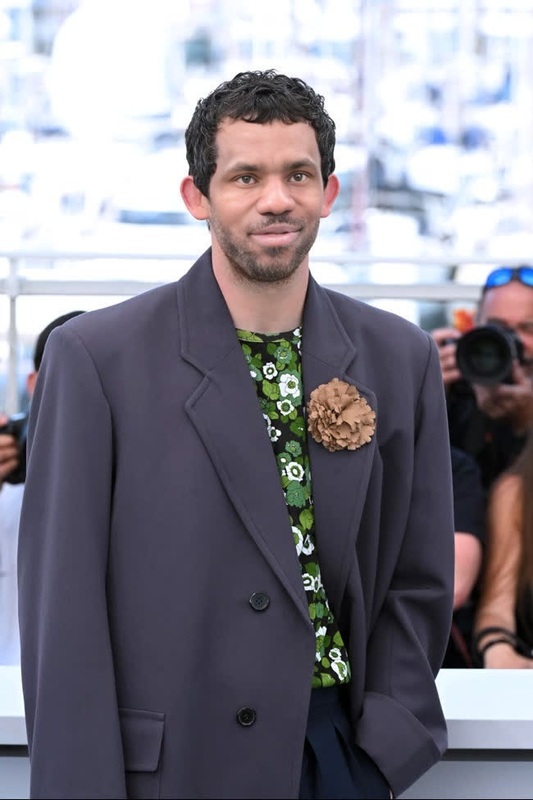
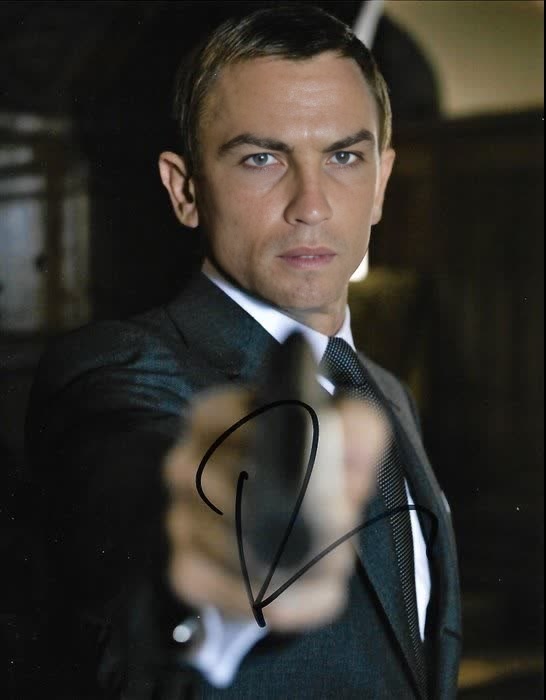
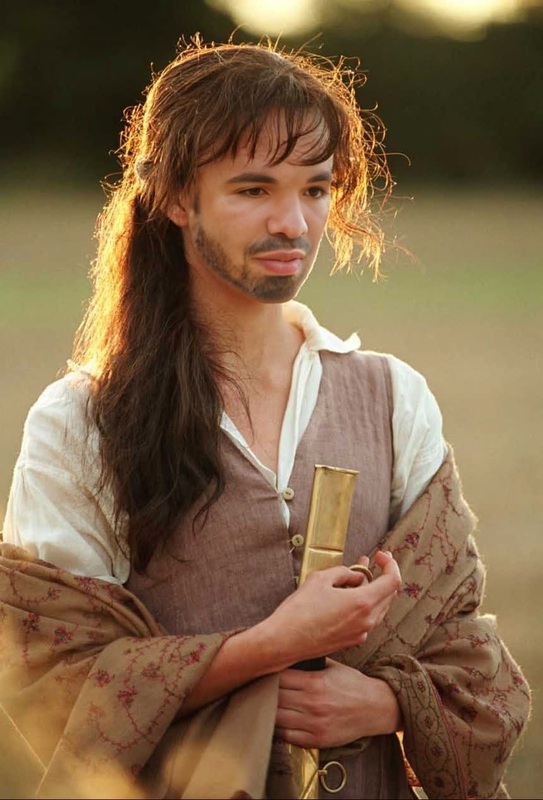
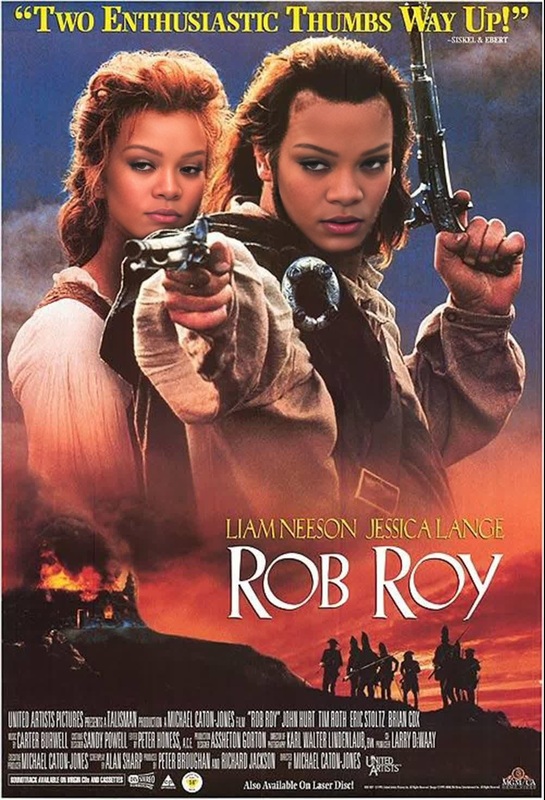
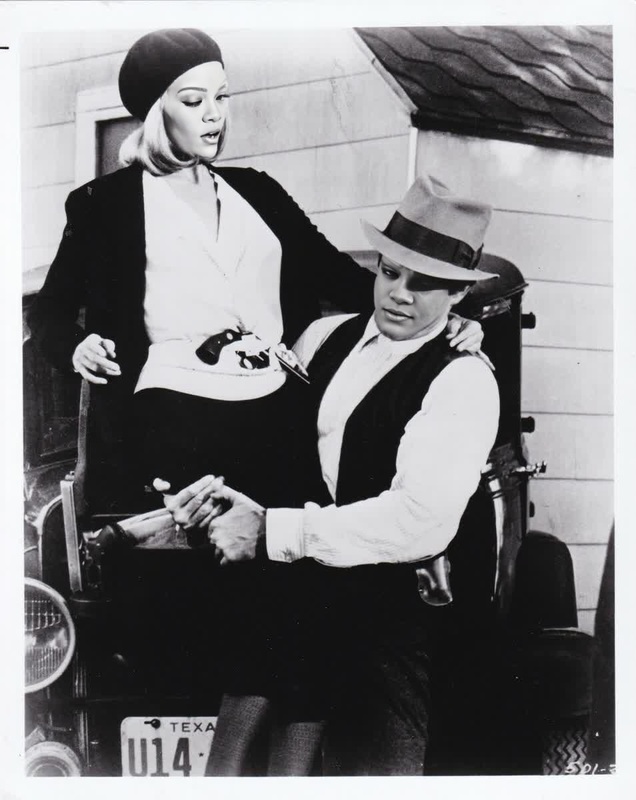
The Clive Owen Closer Press Portrait template offers a compelling way to integrate the recognizable face of Clive Owen into your video projects. Designed as a Video Face Swap tool, this template enables video creators to replace faces within clips, providing a seamless transformation that's ideal for video style transfer and more creative applications.
What It Does
This template specializes in swapping faces within video frames, specifically tailoring Clive Owen's likeness from the press tour of 'Closer'. It's perfect for video producers seeking to cast famous faces in different roles or for content creators looking to add star power to their works. This tool can be paired with our AI Video Extender to stretch the creative possibilities even further.
Who It's For
This template is ideal for filmmakers, video content creators, and advertisers who need to incorporate famous personalities into their projects. It's also beneficial for digital marketers creating standout personalized video ads that are guaranteed to catch the viewer's eye.
Summary
Leverage the Clive Owen Closer Press Portrait to bring an iconic face to your productions. Whether you're creating social media content, promotional videos, or engaging narratives, this Video Face Swap tool opens new avenues for innovation and creativity.
How to Use
Using the Clive Owen Closer Press Portrait template is straightforward and involves three main steps.
01
Choose the Template
Navigate to our Face Swap Templates section and select the Clive Owen Closer Press Portrait to start your project.
02
Customize Your Inputs
Upload a video clip where you want to apply the face swap. Adjust the template by choosing the frames where Clive Owen's face will be applied.
03
Generate and Download
Click the 'Generate' button to process the video. Once completed, download the transformed video to add to your media library.
Use Cases
Explore the potential applications of the Clive Owen Closer Press Portrait template.