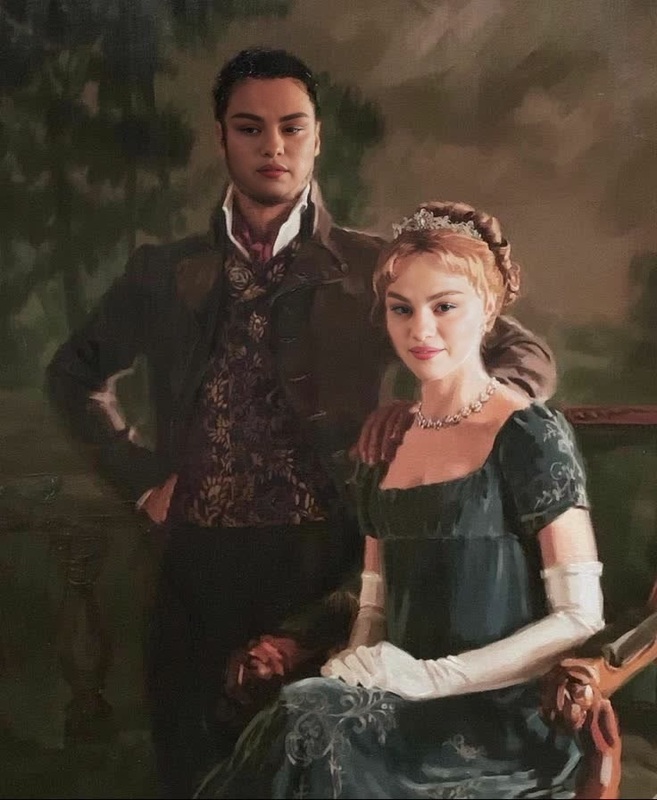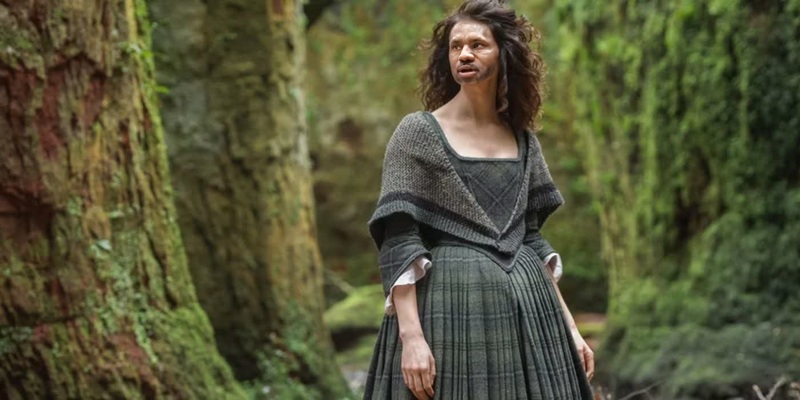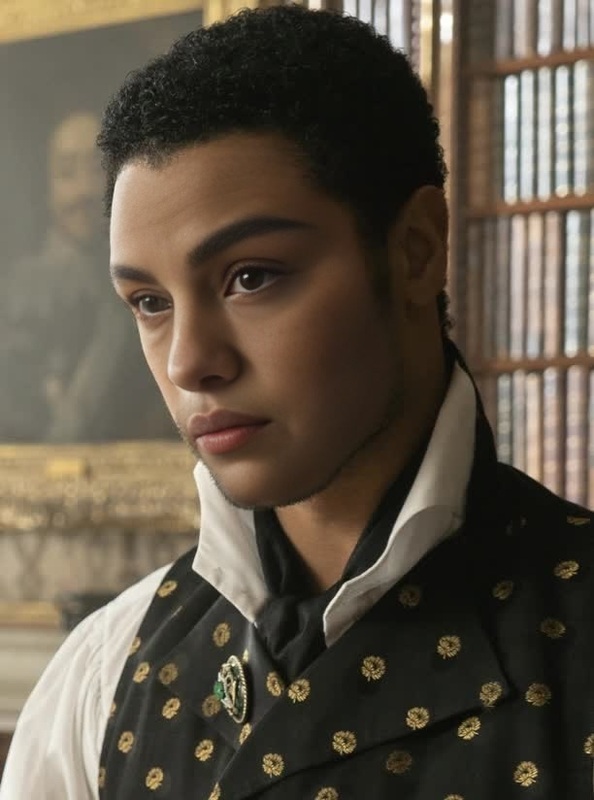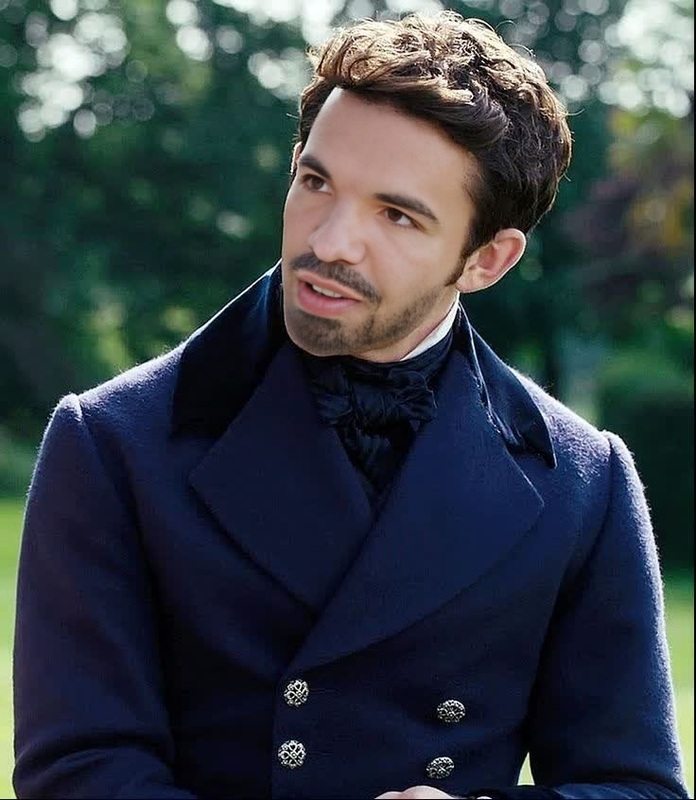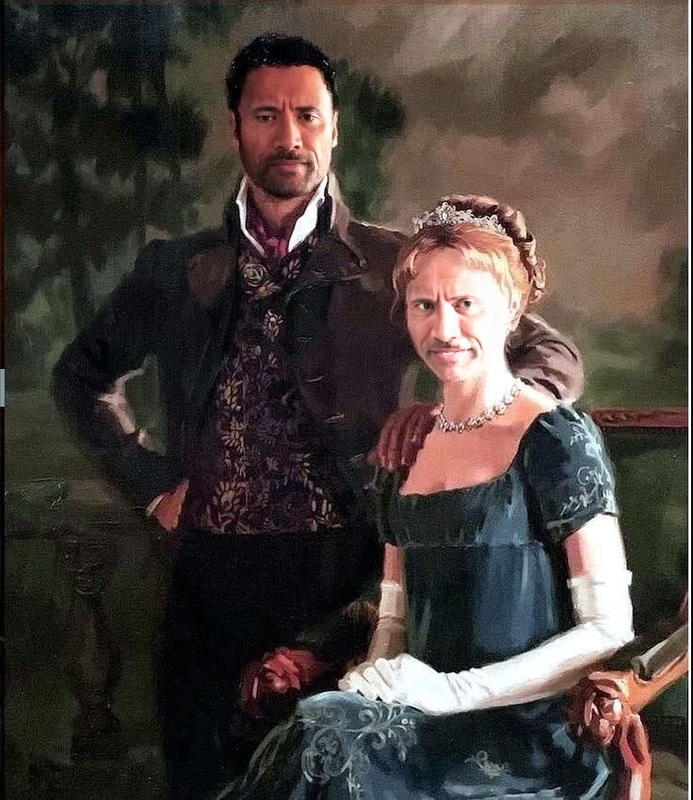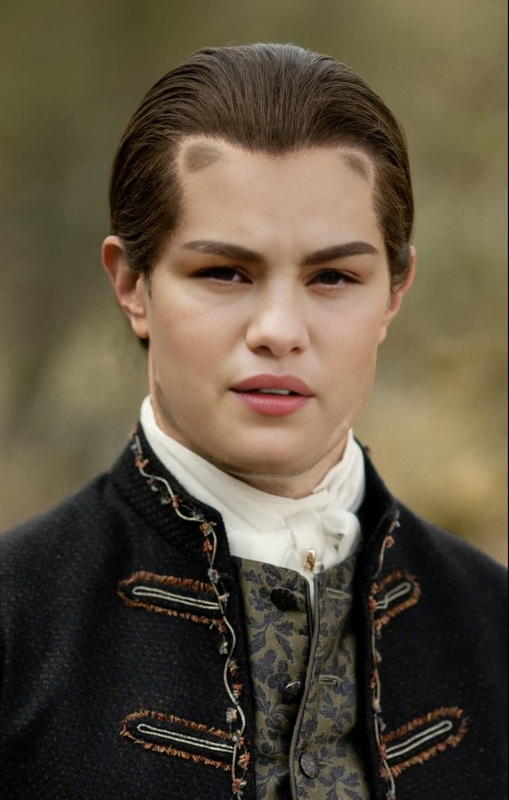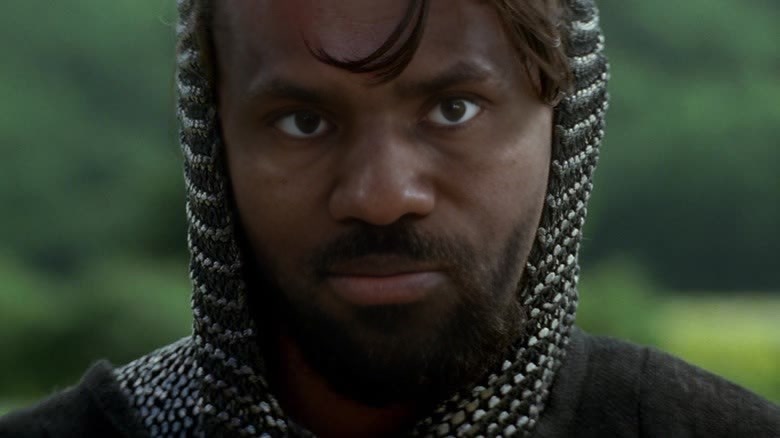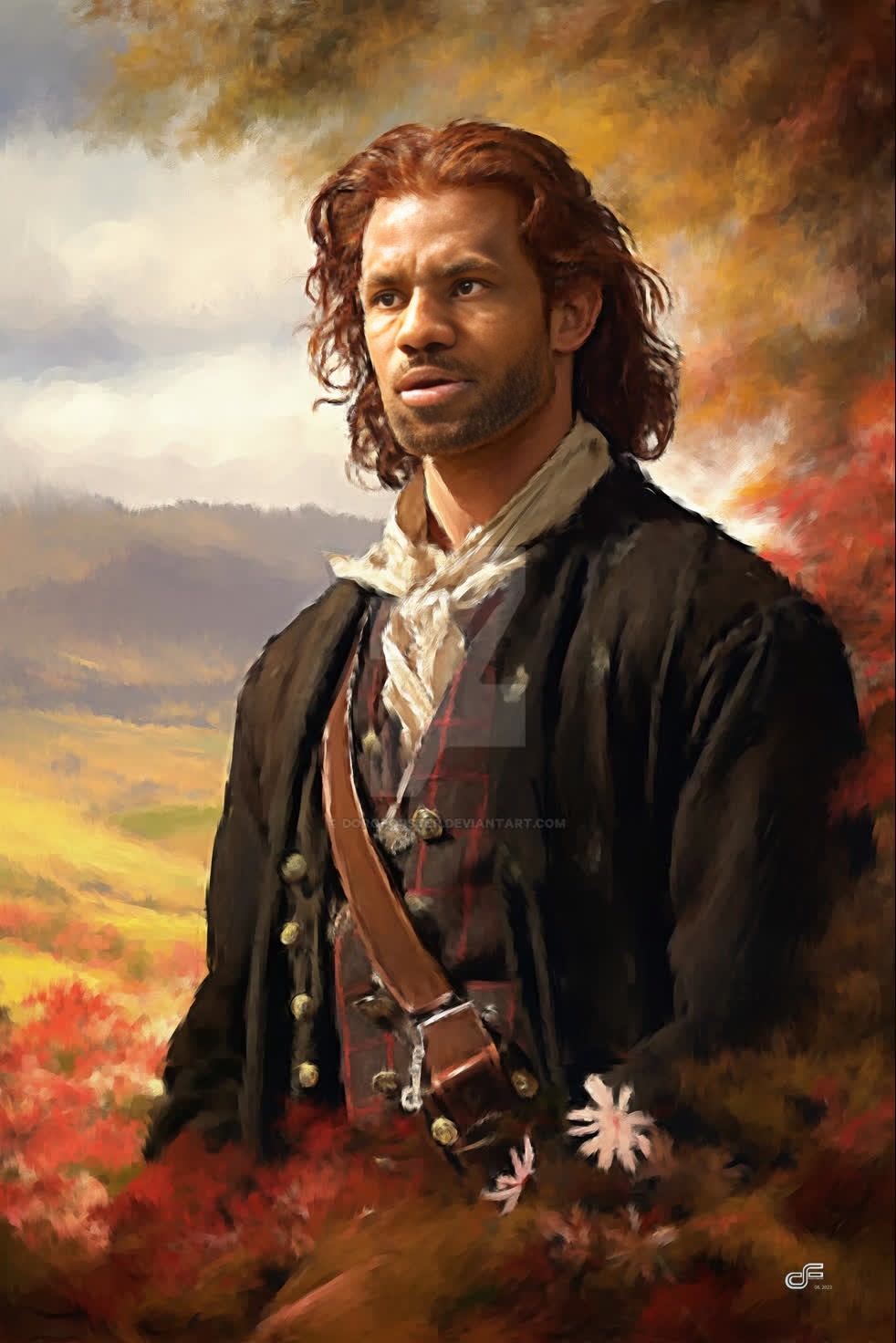
Outlander Jamie Fraser Portrait
- Image
- 982 × 1472 px
Any aspect ratio
Overview
Step into the epic realm of "Outlander" with the Jamie Fraser Portrait template. This Video Face Swap tool allows you to transform your appearance by placing your face onto the iconic character of Jamie Fraser. Create personalized videos that transport you to the world of historical adventures.
What It Does
This template specializes in swapping your face with Jamie Fraser from "Outlander" using advanced Video Face Swap technology. It integrates seamlessly with our Face Swap Video capabilities to ensure natural and lifelike adjustments. The output is a high-quality video file, perfect for social media sharing or personal use.
Who It's For
Whether you're a fan of the "Outlander" series or someone looking to explore video transformations, this template caters to both enthusiasts and creators alike. It's particularly suitable for users interested in exploring video personalization, cosplay projects, or social media content creation. For those looking to change the background in videos, check out our AI Background Changer.
Summary
Dive into the past with the Jamie Fraser Portrait template. This tool brings the magic of "Outlander" to life by allowing fans to merge their identities with their favorite character. By leveraging tools like the Full Body Generator, you can further enrich your generated videos with enhanced visuals and clothing options.
How-to Guide
Choose the Template

Customize Your Inputs

Generate and Download

Use Cases
Social Media Content
- Fans sharing their love for the series with friends.
- Creators making themed challenges and transformations.
Fan Collaborations
- Cosplay videos featuring the popular character.
- Fan tribute videos with a personal touch.
Event Promotions
- Themed wedding or party invitations.
- Special 'Outlander' viewing party trailers.
Best Practices
Select Clear Photos
For a clean face swap, use high-resolution images with well-lit, unobstructed views of your face.Match Facial Features
Align your facial features with Jamie's reference image for a more natural swap. This can be achieved by choosing a photo that closely resembles the angle and expression shown in the template.Experiment with Lighting
Use the AI Photo Relighting tool for optimal lighting conditions that match the video environment.