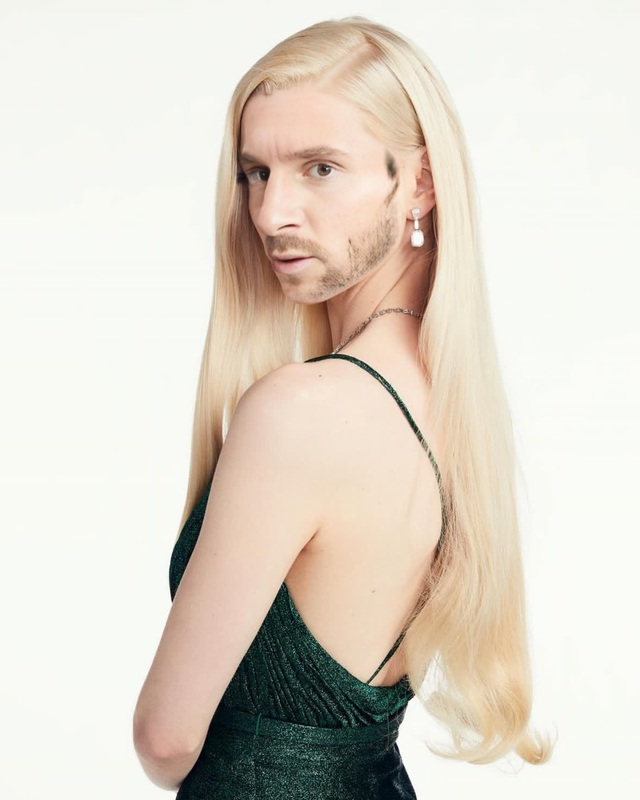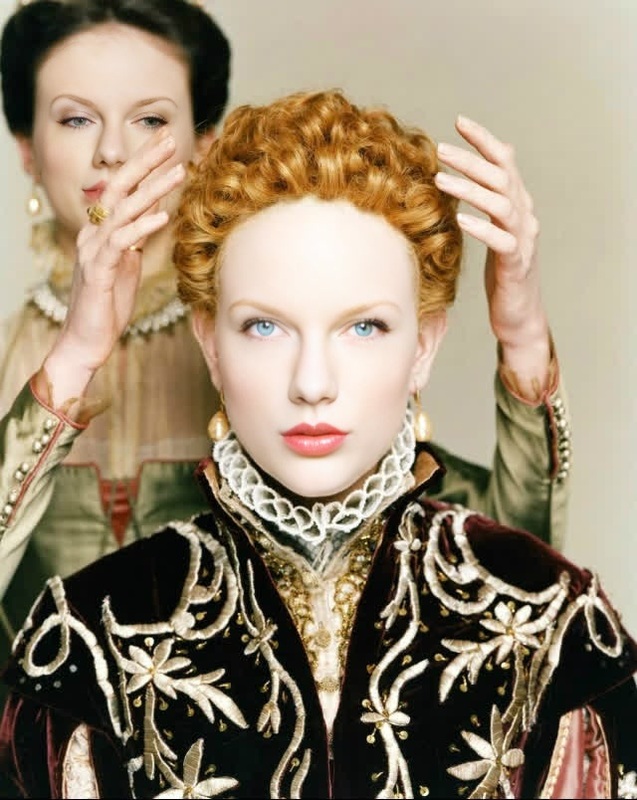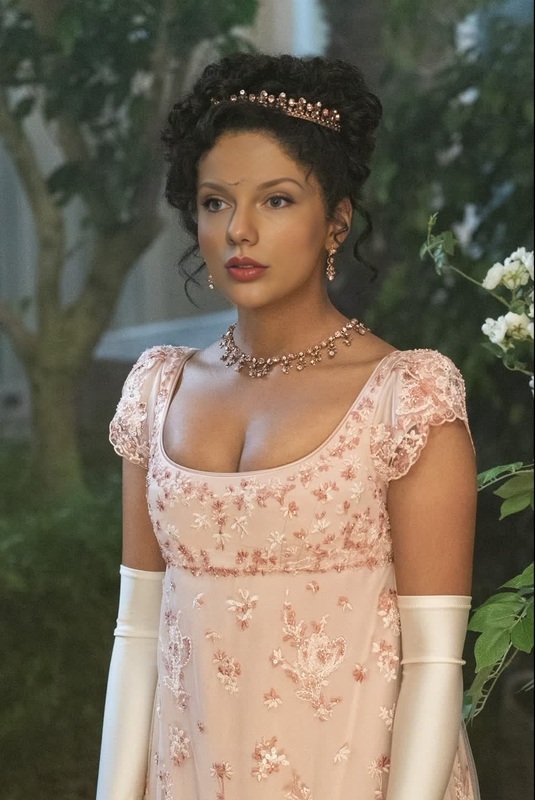
Anya Taylor-Joy The QueenS Gambit Press Portrait
face-swap
Any aspect ratio
Tags
transformationsTurn any face into a cinematic reaction shot with this Face Swap template. Drop in your source face, upload a reaction clip, and generate a clean, frame-by-frame swap that’s ready for social, product demos, memes, or creative storytelling.
What this template does
This template uses Magic Hour’s AI Face Swap technology to replace the face in a reaction video with your chosen face, while preserving:
- Original expressions and micro‑movements
- Lighting, shadows, and camera angle
- Head pose and timing
- Background, body, and environment
The result: a reaction video that looks like it was actually performed by your subject, not a simple overlay or filter.
Use it for:
- Social media reactions (YouTube, TikTok, Instagram, X)
- Product and feature launch reactions
- Creator collaborations and “duet” style content
- Memes, parodies, and campaign variants
- Personalized onboarding, walkthroughs, or user education
How to remix this template in Magic Hour
You can create your own version of this template in a few minutes:
Start from Face Swap Video
- Open the Face Swap Video page.
- Click through to start a new project.
Upload your reaction clip
- Use any video where the subject’s face is visible and expressive:
- Reaction videos
- Talking head clips
- Stream highlights
- Product walkthroughs
- Use any video where the subject’s face is visible and expressive:
Add your source face
- Upload a clear photo or frame of the face you want to swap in.
- For best results, use a well-lit, front-facing image with minimal motion blur.
Generate and review
- Run the Face Swap and let Magic Hour align expressions and motion.
- Preview the result and re-run with different source images or reaction clips to build a library of variants.
Export and repurpose
- Download your finished reaction video and reuse it across channels: short‑form social, ads, email, product pages, or internal demos.
To create multiple formats (square, vertical, horizontal), generate once in Magic Hour, then adapt in your video editor or reuse this template with new input videos.
Ideas for high-impact use cases
Because Face Swap preserves expression and timing, you can systematize content creation:
For creators & YouTubers
- Generate consistent reaction formats for different topics or series.
- Turn a single “base” reaction into multiple personas by swapping faces.
- Combine with Lip Sync to match mouth movements to new audio tracks or languages.
For marketers & growth teams
- Test multiple spokespersons or personas reacting to the same product moment.
- Localize campaigns by swapping in region-specific faces while keeping your proven reaction script.
- Turn customer quotes or testimonials into expressive reaction clips using AI Talking Photo plus Face Swap.
For startups & product teams
- Create quick, expressive UX or feature reaction videos without organizing a new shoot.
- Prototype onboarding or empty-state reactions for user journeys.
- Build internal demos that show stakeholders how users “react” to new features.
For meme, entertainment, and fan content
- Put yourself or your friends into viral reaction formats.
- Generate “before vs. after” or “expectation vs. reality” content at scale.
- Combine with AI Meme Generator to turn reaction frames into shareable static memes.
Advanced workflows: combine with other Magic Hour tools
You can go beyond basic face swap by chaining tools:
Sharpen faces and fix low‑quality footage
- Clean up noisy or low‑res source faces with the AI Image Upscaler.
- Improve old or blurry reference images using Unblur Image or Old Photo Restoration before swapping.
Generate faces and characters from scratch
- Use AI Face Generator or Avatar Generator to create original identities, then swap them into your reaction clip.
- Build stylized characters with AI Anime Generator, Animated Characters Generator, or Superhero Generator, and pair them with stylized reactions using Animation or Video to Video.
Sync voice and facial motion
- Use AI Voice Generator or AI Voice Cloner to create or clone dialogue.
- Match that dialogue to your video reactions with Lip Sync.
- Layer Face Swap on top for a consistent face + voice persona across all your content.
Create reactions from static images
- Start with a still headshot (generated via AI Headshot Generator or AI Selfie Generator).
- Animate it into a talking or reacting clip with AI Talking Photo or Image to Video.
- Then apply Face Swap for alternate faces on the same base animation.
Best practices for realistic face swaps
For creators and teams optimizing performance and reliability:
Use clean, consistent faces
- Source image: high‑resolution, well-lit, minimal obstructions (no heavy shadows, sunglasses, or extreme angles).
- Target video: visible face for a meaningful portion of the clip; avoid heavy occlusions or extreme fast motion for your core assets.
Match basic attributes when possible
- Similar head orientation and lighting between source and target usually produce more natural results.
- Consistent style (realistic with realistic, stylized with stylized) tends to look more cohesive.
Design for your output channel
- For TikTok/Reels/Shorts, prioritize vertical framings and clear facial framing.
- For product pages and demos, consider subdued, professional reactions over extreme expressions.
Consider ethics and permissions
- Get consent to use real people’s faces, especially for commercial work.
- Avoid misleading uses or deepfakes that could harm reputation or trust.
- Many jurisdictions are actively updating AI and deepfake regulations; check local guidance if you’re deploying at scale.
Related Magic Hour tools for your pipeline
Depending on your workflow, it may be useful to integrate:
- Face Swap – core face replacement engine used by this template
- Face Swap GIF – ideal for looping reaction GIFs for Slack, Discord, and social
- AI Image Generator / AI Art Generator – generate backgrounds, props, or frames for your reactions
- AI Image Editor – refine frame grabs or thumbnails from your reaction video
- AI GIF Generator – turn short segments of your reaction video into shareable GIFs
- Video Upscaler – improve resolution for distribution or paid campaigns
- Auto Subtitle Generator – add captions to boost engagement and accessibility
How to adapt this template for your use case
You can treat this template as a reusable pattern:
- Swap in different faces while keeping the same reaction clip to A/B test personas.
- Swap in different reaction base videos (surprise, delight, confusion, excitement) for the same face to tell richer product stories.
- Localize content by combining this workflow with Text to Video, AI Voice Generator, and Lip Sync.
To build a custom library, repeat this workflow from the Face Swap Video page with systematically chosen:
- Reaction archetypes (excited, skeptical, impressed, confused, etc.)
- Personas (creator, founder, customer, engineer, investor, influencer)
- Channels (social, landing pages, onboarding, help center)
Start by remixing this template in Face Swap Video, then expand into a full AI video pipeline with lip sync, voice, and image tools as you scale your content.