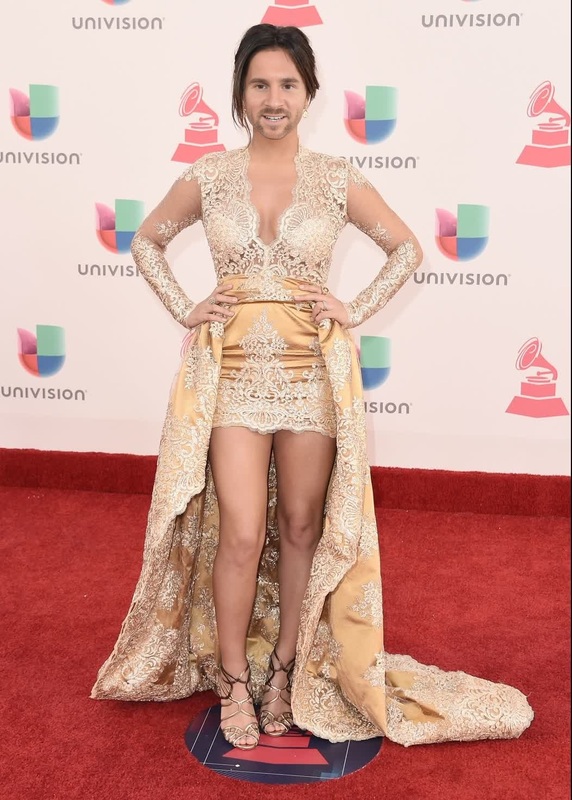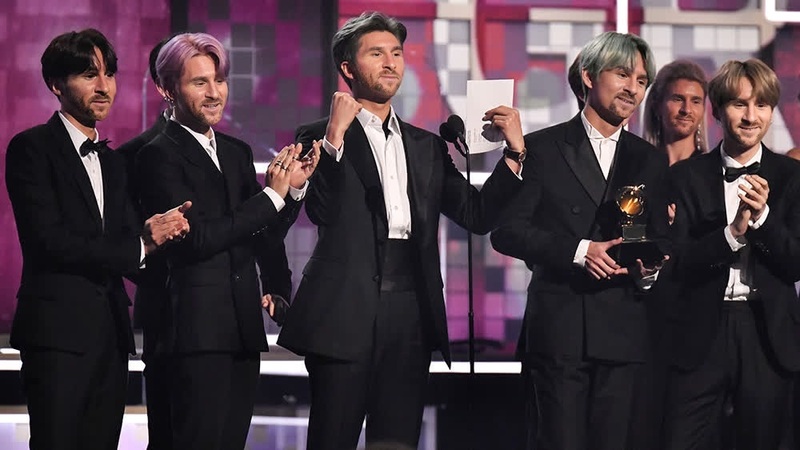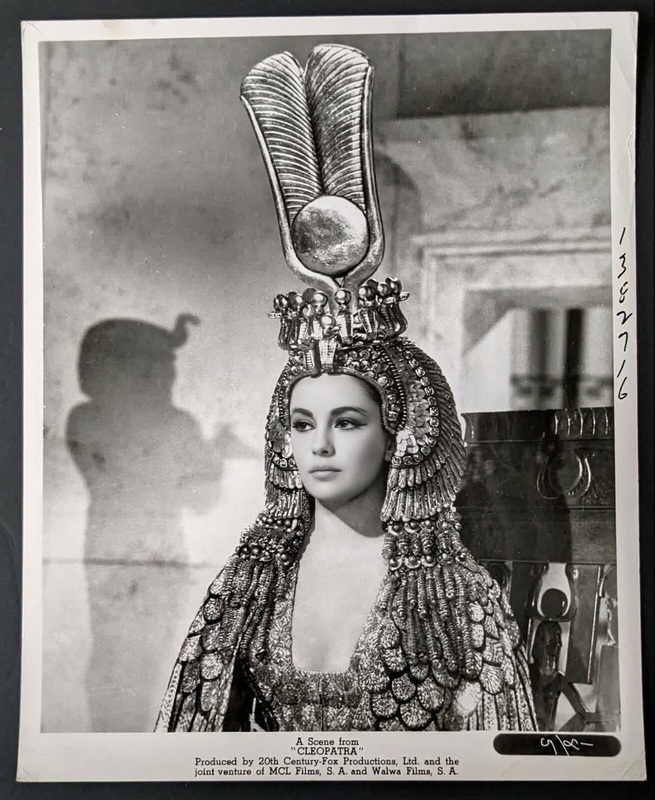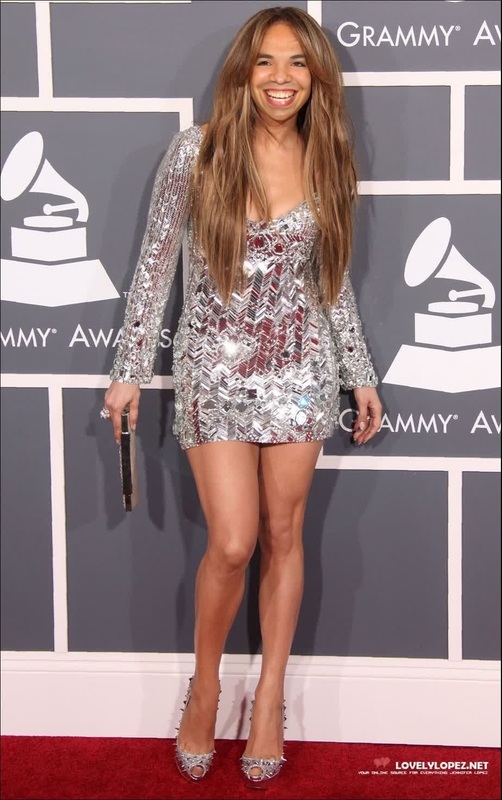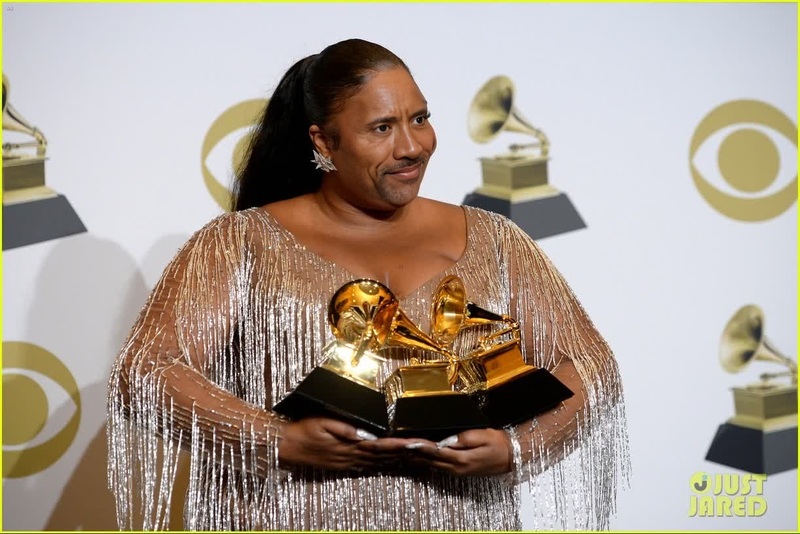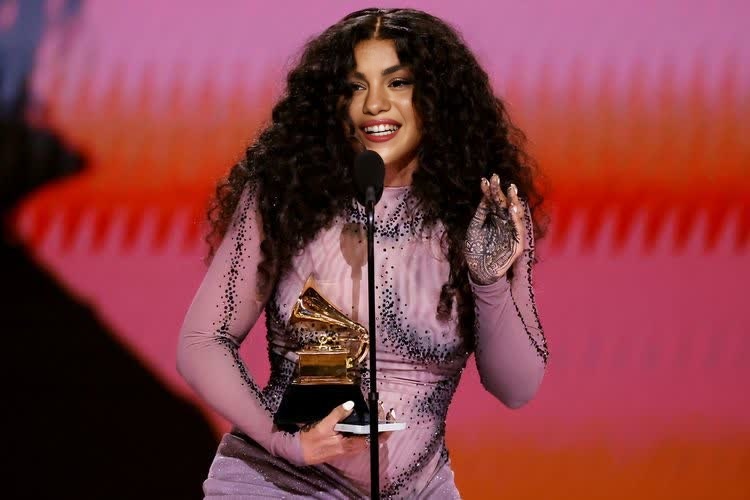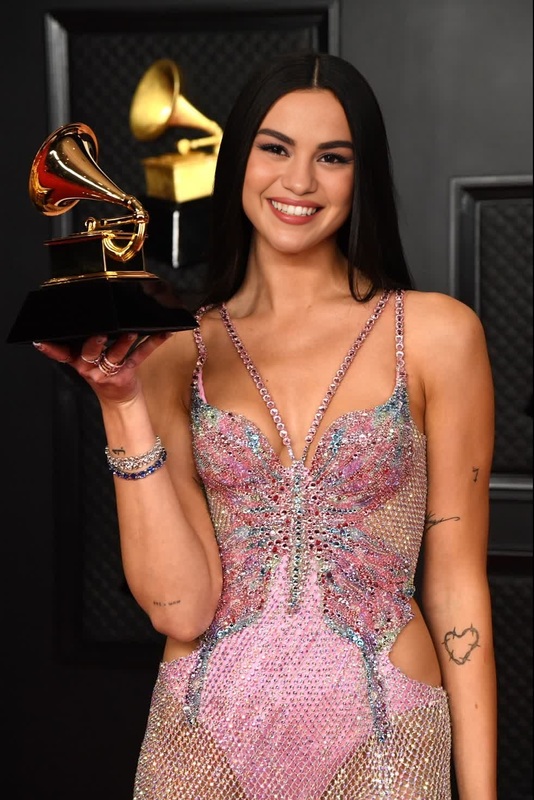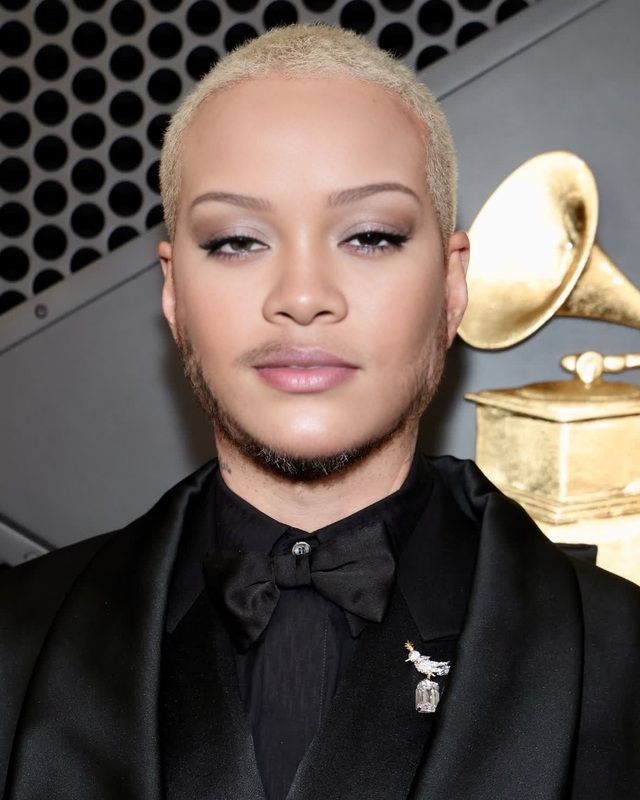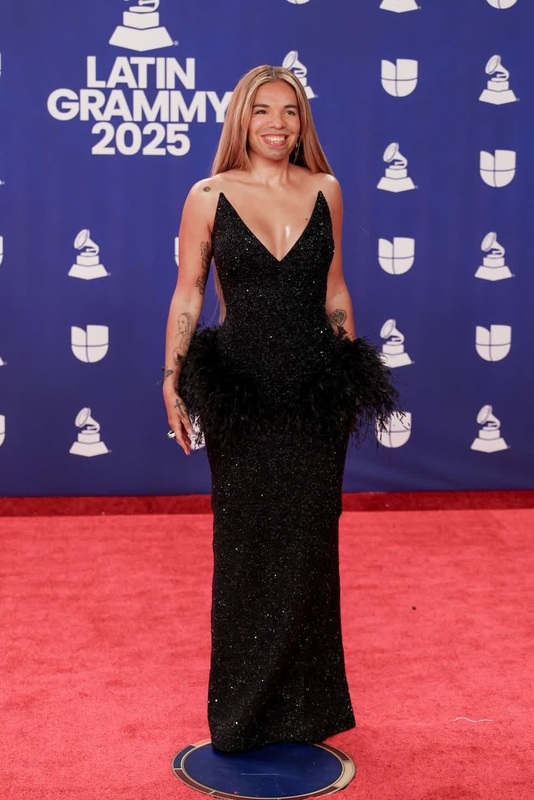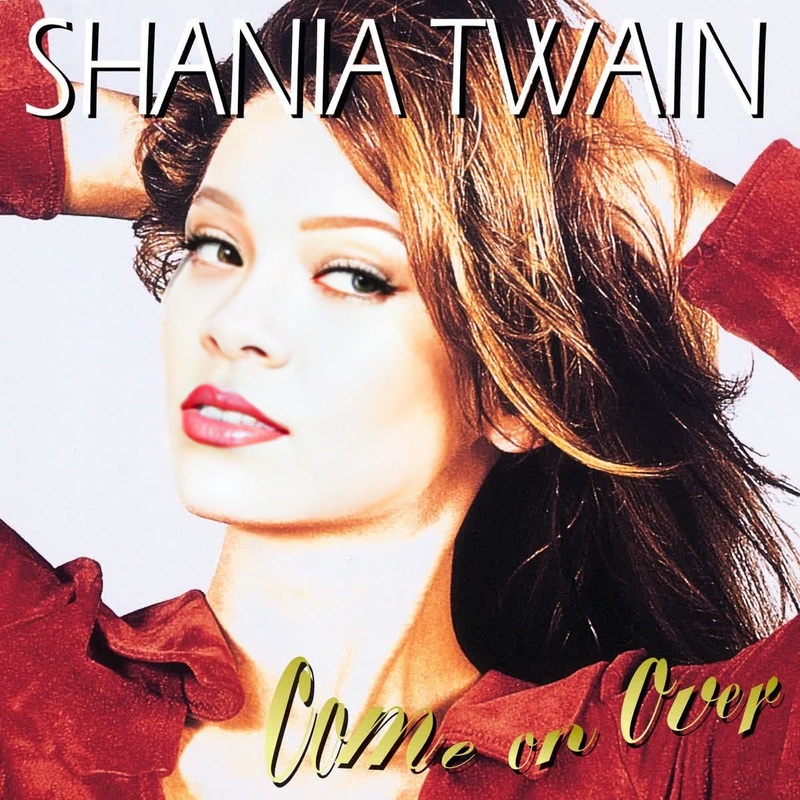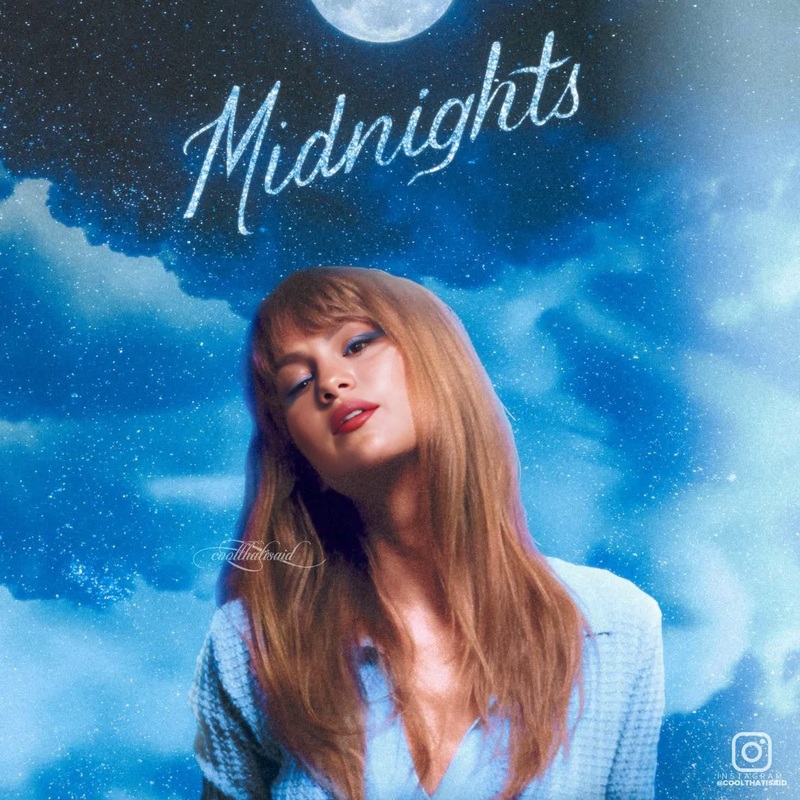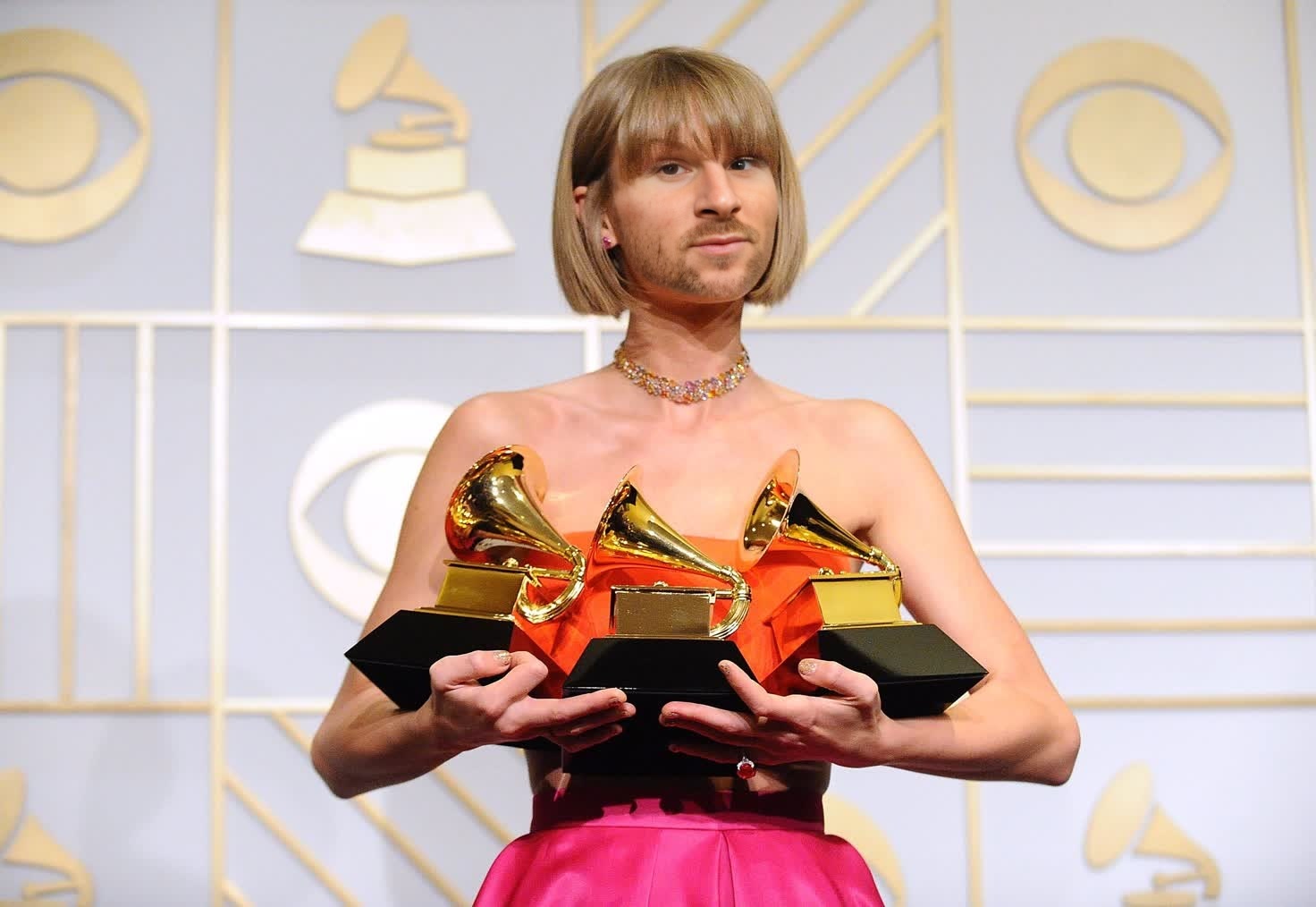
Taylor Swift Grammy Awards Portrait
face-swap
Any aspect ratio
Tags
transformationsCreate High-Impact Face Swap Reels with This Magic Hour Template
Turn any short video into a scroll-stopping character transformation using AI face swap. This template is built on Magic Hour’s Face Swap Video workflow, so you can remix it in minutes—no editing skills required.
Use it to:
- Recast yourself (or a model) as different characters in a single reel
- Create “before vs after” transformations for fashion, fitness, or beauty
- Make rapid A/B concepts for ads and social content
- Prototype character ideas for films, games, or storyboards
What This Template Does
This template uses AI-powered face replacement to map a new face onto a source video while preserving:
- Head position and motion
- Expressions and eye direction
- Lighting and perspective
- Background, clothing, and scene context
It’s ideal for:
- Social reels (Instagram, TikTok, YouTube Shorts)
- Character concept tests and moodboards
- Campaign mockups and pitch decks
- UGC-style or influencer-style variations without re-shooting
If you want to experiment further with facial editing beyond this template, explore Magic Hour’s core Face Swap product and Face Swap GIF for looping reactions and memes.
How to Remix This Template in Magic Hour
You can create your own version of this template in a few minutes by following the same structure:
Start from Face Swap Video
Open Face Swap Video. This is the same underlying tool used to build this template.Choose Your Source Video
Use a clip that:- Clearly shows the subject’s face
- Has consistent lighting
- Matches the angle and mood you want (e.g., talking to camera, profile, walking, reaction shot)
For more stylized looks, you can first generate a base scene using:
- AI Image Generator or
- AI Photo Generator
then convert it into motion with Image to Video. That video can become your source for face swap.
Pick or Upload the Face to Swap In
Upload a face you control the rights to, or use a character design you created with:For campaigns, you can keep a library of brand-approved “faces” (models, mascots, characters) and quickly reuse them across multiple videos.
Generate and Review
Run the face swap, then review:- Expression consistency across frames
- Blend quality around edges (jawline, hairline, neck)
- Coherence with the character’s intended age, style, and emotion
If something feels off, try a different source video or a clearer reference face.
Iterate for a Reel or Multi-Scene Edit
To recreate “multi-character” or “multi-look” reels:- Create separate face-swapped clips for each character/look
- Combine them into one reel using your preferred editor
- Or generate multiple short videos and stitch them in any timeline tool
Many users combine:
- Face Swap Video
- Lip Sync (for precise dialogue to music or voiceover)
- Video to Video (to stylize or re-render the final output)
Advanced Use Cases for Creators & Teams
1. Performance and Character Testing
Writers, directors, and game designers can:
- Take a single performance and test it with different character faces
- Use AI Anime Generator, Animated Characters Generator, or AI Art Generator to design stylized faces
- Swap those designs into live-action or semi-realistic footage to preview casting choices or visual styles
2. Rapid Creative Iteration for Marketing
Marketers and growth teams can:
- Validate concepts for UGC-style ads by swapping in multiple “creators” from one original shoot
- Localize campaigns by matching faces to different regions while keeping script and motion identical
- Use AI Voice Cloner or AI Voice Generator plus Lip Sync to adapt dialogue or VO
Pair this with:
- Text to Video to quickly prototype storyboards
- Auto Subtitle Generator for social-ready captioned versions
3. Creator Content & Personal Branding
Individual creators can:
- Build recurring characters or alter egos without complex makeup or VFX
- Use AI Talking Photo and AI Meme Generator to spin off static content into motion and memes
- Turn one photoshoot into multiple use cases with AI Clothes Changer and AI Fashion Generator, then bring those looks into motion via Image to Video + face swap
Combining Face Swap with Other Magic Hour Tools
To build your own advanced template from scratch (beyond this one), consider chaining tools:
Design the character
Create the scene
Animate and stylize
Enhance quality and polish
Finalize for social and branding
This template demonstrates one clean, repeatable pattern. Remixing it with the tools above lets you build your own reusable workflows for clients, channels, or internal teams.
Best Practices and Ethical Use
Face swap is powerful and should be used responsibly. When remixing or deploying this template:
- Only use faces and likenesses you have rights and consent to use
- Clearly label content as AI-generated or altered in professional or public contexts
- Avoid misleading, defamatory, or deceptive scenarios (e.g., deepfakes of public figures presented as real)
- Follow your local laws, platform policies, and any brand or client guidelines
For professional workflows, many teams treat AI face swap like any other VFX or compositing step: documented, approved, and disclosed where appropriate.
How to Turn This Template into Your Own System
To get the most out of this template long term:
Define a library of faces
- Brand mascots, spokespersons, or characters generated via AI Selfie Generator, AI Headshot Generator, or AI Face Editor.
Standardize your base scenes
- Talking head explainer
- Reaction / pointing / unboxing
- Walk-and-talk or B-roll with occasional face visibility
Turn the combination into repeatable formats
- Weekly character series
- Concept testing for new campaigns
- Internal pitch videos and mockups
This template is an example of such a format: a reusable, modular face swap reel you can adapt for different brands, characters, or stories with minimal extra work.
Next Steps
- Remix this template using Face Swap Video.
- Add voice or music syncing using Lip Sync.
- Stylize or re-render the final output via Video to Video or Animation.
Use this template as a starting point, then refine it into your own house style—one that lets you ship character-driven, AI-enhanced videos at the pace your team or channel actually needs.