Roller Coaster Thrill

Roller Coaster Thrill

ai-image-editor

1 clip
0 uses

Any aspect ratio

Prompt

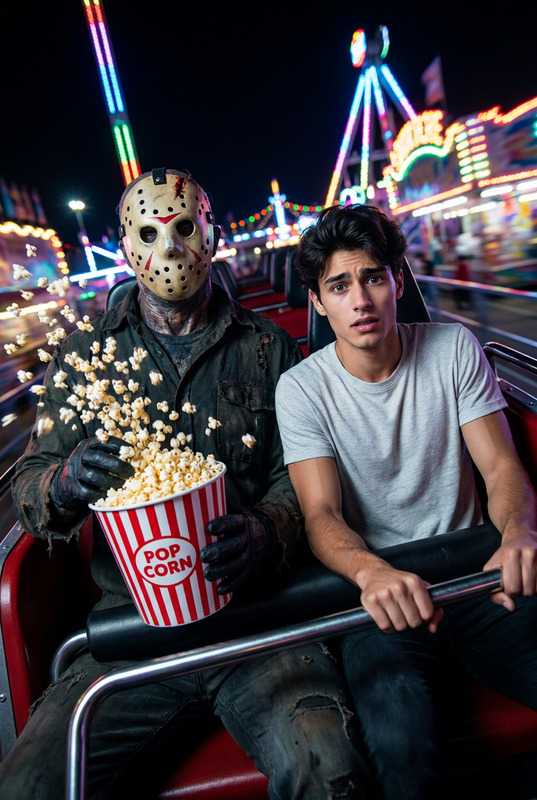
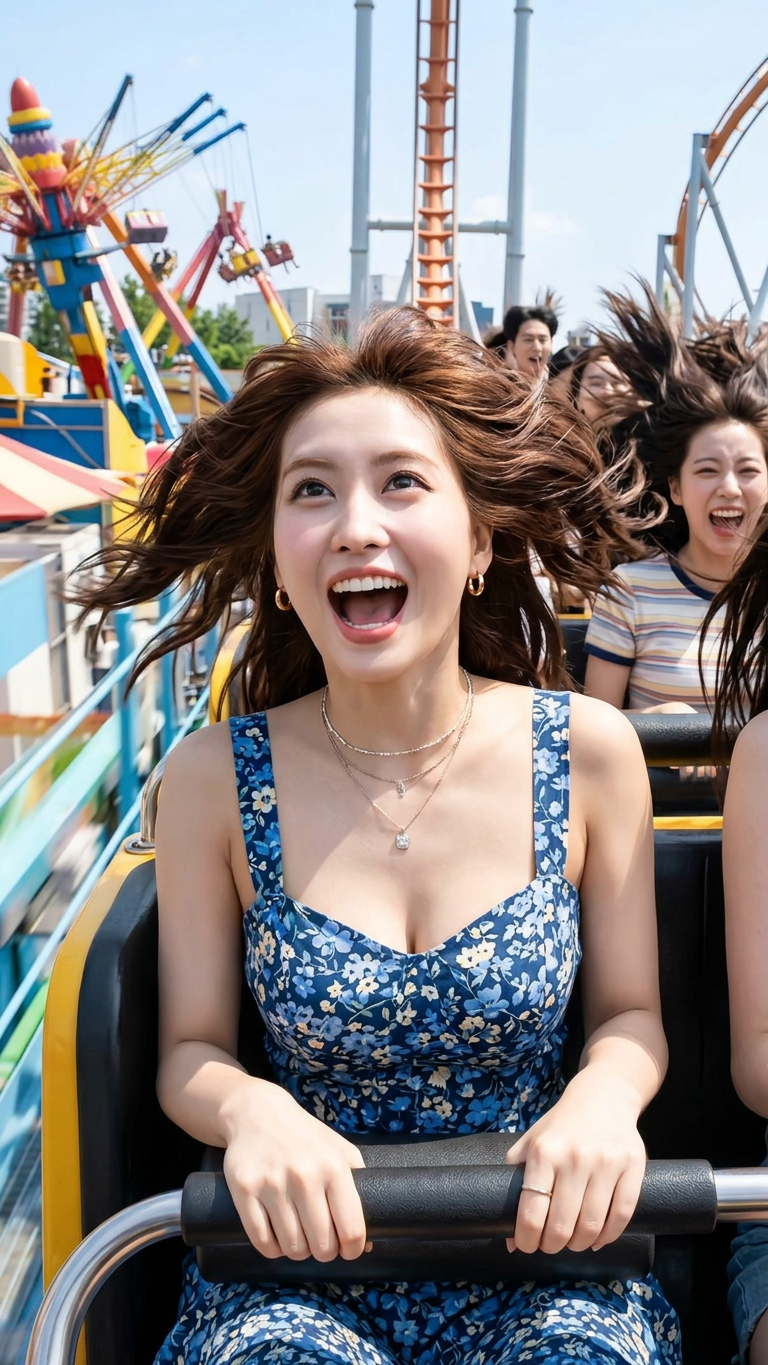
Subject is on a roller coaster during a steep drop, screaming with excitement, hair flying wildly in the wind; wearing a stylish summer outfit with accessories; hands gripping the safety bar tightly; other riders visible behind; bright sunny amusement park setting with colorful rides and track structures; candid action shot capturing pure joy and adrenaline; dynamic motion, natural lighting, sharp focus

AI Image Editor Template: Transform and Remix Images in Minutes

Use this AI Image Editor–powered template to rapidly transform photos, mockups, and creative assets into polished, on‑brand visuals. Whether you’re prototyping a campaign, iterating on product shots, or testing visual concepts for a startup, this template gives you a fast, repeatable workflow you can remix for any project.


What You Can Do With This Template

This template is built on the AI Image Editor, so you can:

  • Redesign existing images
    Replace backgrounds, adjust composition, restyle scenes, or modernize outdated visuals without reshooting.

  • Edit people and faces with precision
    Use AI Face Editor–style edits to tweak expressions, age, style, and details, or pair with AI Headshot Generator for consistent profile photos.

  • Create on-brand marketing assets
    Turn rough draft visuals into ad‑ready assets for landing pages, paid ads, email campaigns, and social posts—especially powerful alongside the AI Photo Generator and AI Art Generator.

  • Prototype creative concepts quickly
    Test multiple visual directions for product launches, pitch decks, or brand refreshes without hiring a full creative team.

  • Enhance or restore image quality
    Combine edits with tools like AI Image Upscaler, Unblur Image, and Old Photo Restoration to clean up, sharpen, or revive assets.


How to Remix This Template in Magic Hour

You can use this template as‑is, or turn it into your own reusable “house style” in a few steps:

  1. Duplicate the workflow

    • Open this template inside Magic Hour.
    • Save a copy to your workspace so you can modify it without touching the original.
  2. Swap in your own source images

    • Import product shots, brand photography, user portraits, or concept art.
    • For best results, start with clear, well-lit images; research and industry benchmarks (e.g., Shopify and Meta creative guides) show that high‑contrast, uncluttered photos tend to perform better in ads and feeds.
  3. Define your visual direction

  4. Chain tools for a complete pipeline

  5. Save presets for repeatable results

    • Once you land on a look that works (for example, a product-on-gradient style or consistent portrait treatment), keep this template as your “visual system.”
    • Use it to ensure new assets, teammates, or campaigns stay visually consistent over time.

Practical Use Cases for Creators, Marketers, and Builders

This template is optimized for people who care about speed, quality, and repeatability:

  • Growth & performance marketing

  • Startup founders & product teams

  • Content creators & educators

    • Turn rough concepts into polished illustrations using AI Illustration Generator or Comic Book Generator, then refine details in the AI Image Editor.
    • Create consistent series content (courses, newsletters, YouTube thumbnails) by remixing this template as a visual system.
  • Designers & technical creatives


Going Beyond Images: Turn Your Edits Into Video and Interactive Content

Once you’ve created strong visual assets with this template, you can extend them across other Magic Hour products:


Ideas for Specialized Remixes

You can fork this template into highly targeted versions:


Quality, Performance, and Best Practices

To get reliable, production‑ready output from this template:

  • Start with strong inputs

  • Use modular steps

  • Maintain consistency across assets

    • For multi‑channel campaigns, run all images through the same remixed template rather than editing each image free‑form. This reduces visual drift and improves brand recognition.
  • Respect rights and usage

    • Ensure you have appropriate rights to the images you upload and the faces you edit or swap. This is increasingly important as brands adopt AI in public‑facing content and as platforms define clearer AI disclosure policies.

Connect Visuals With Voice and Interactivity

When your images are ready, you can pair them with audio and interactive layers:

  • Voices for characters and explainers

  • On‑brand presence across channels

    • Use AI QR Code Generator to link offline materials (posters, packaging, print) back to interactive or video content generated from your edited images.

Start Remixing This Template

Use this AI Image Editor template as your base:

  • Import your own photos, mockups, or generated art.
  • Edit, enhance, and restyle them with the tools above.
  • Save your customized version as a reusable template for your team.

Over time, this becomes your visual operating system inside Magic Hour—fast to iterate, easy to share, and consistent across every campaign, product, and channel you launch.

More Like This

Insufficient credits