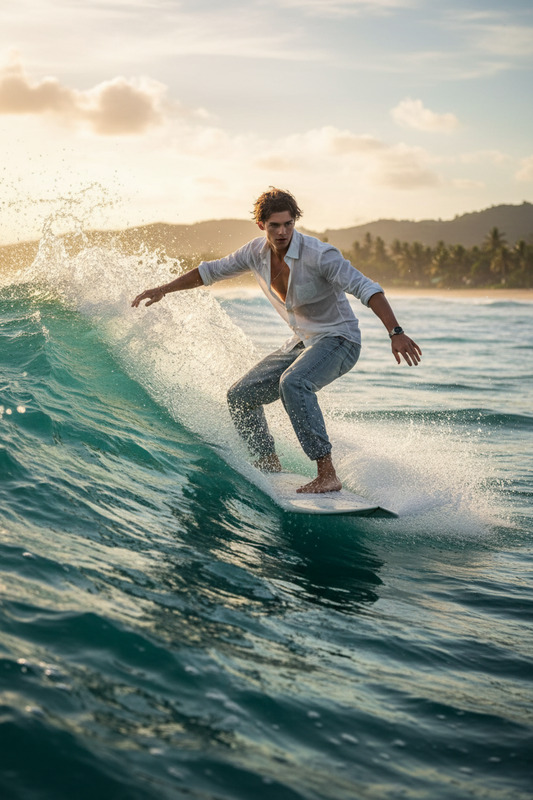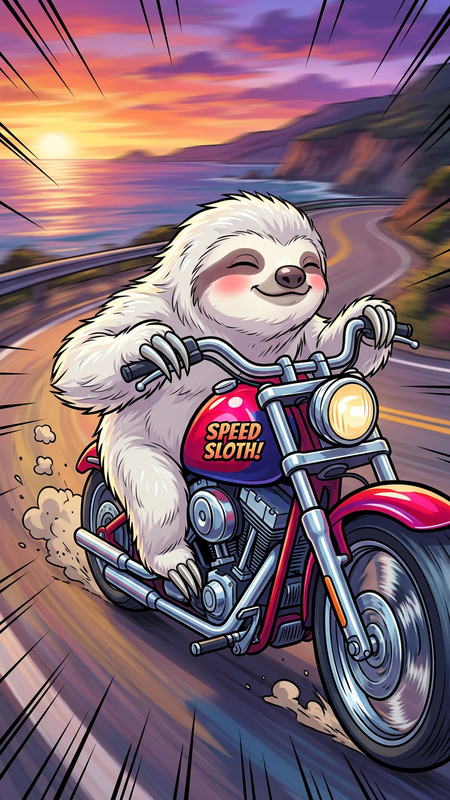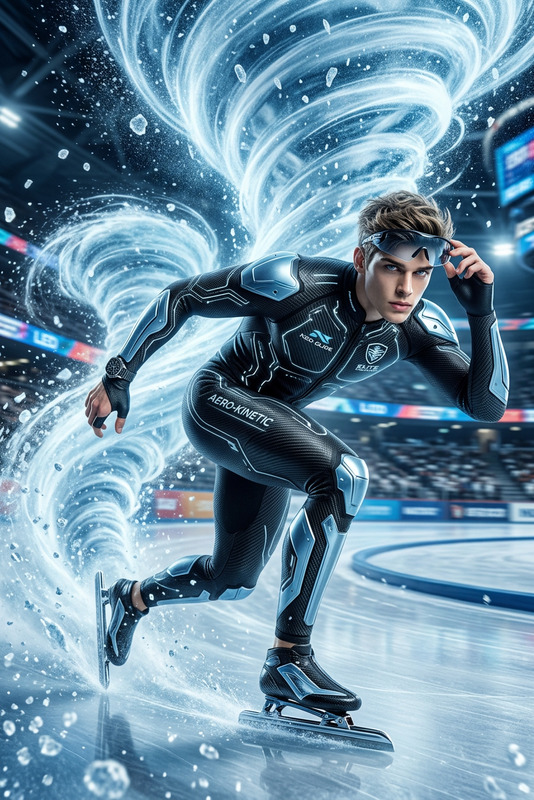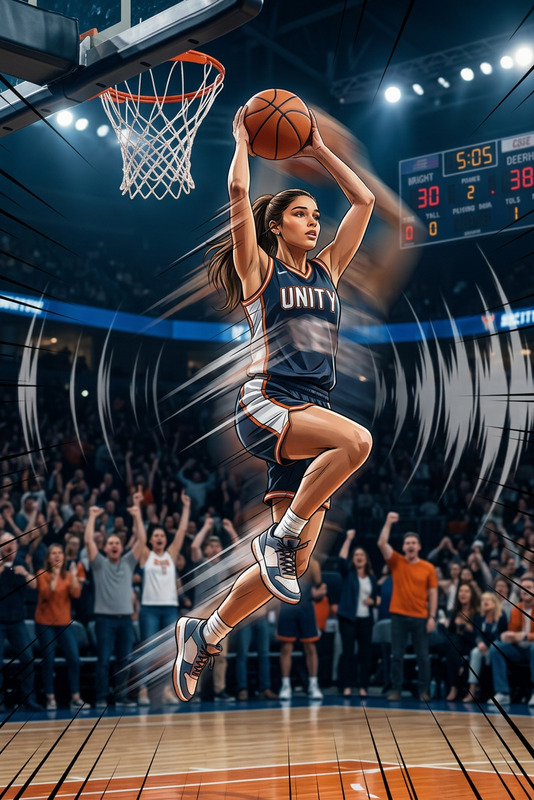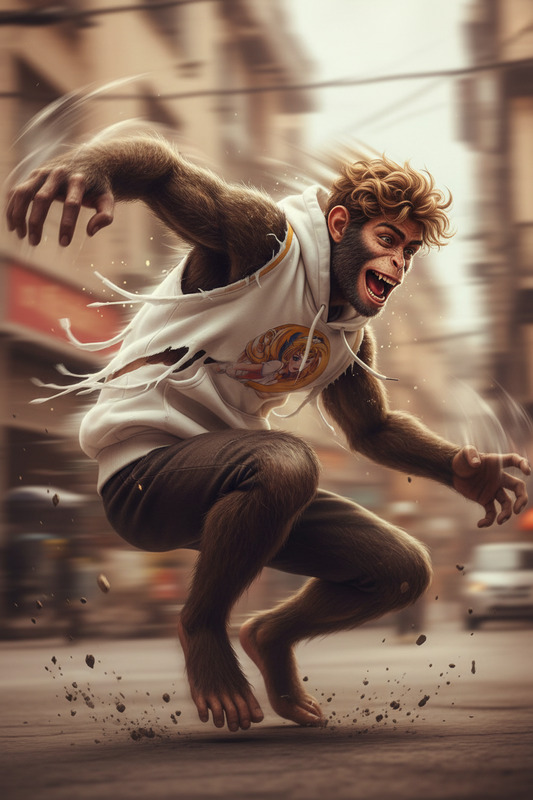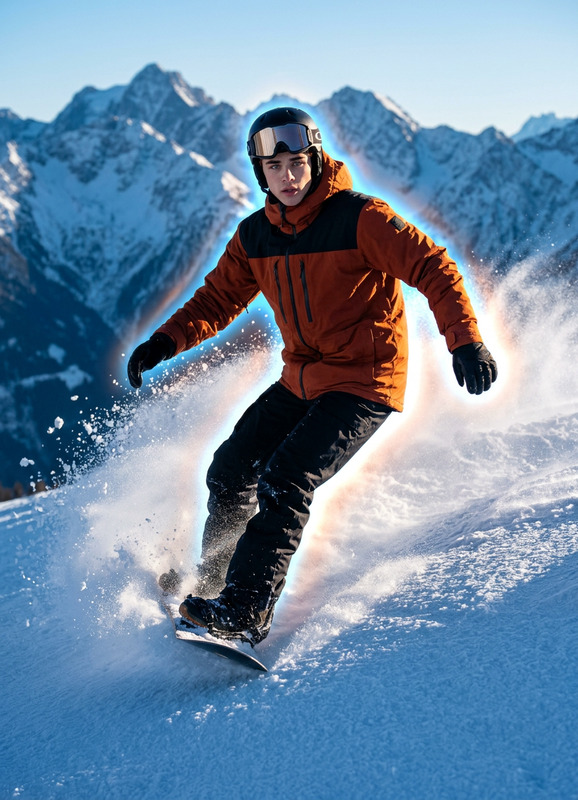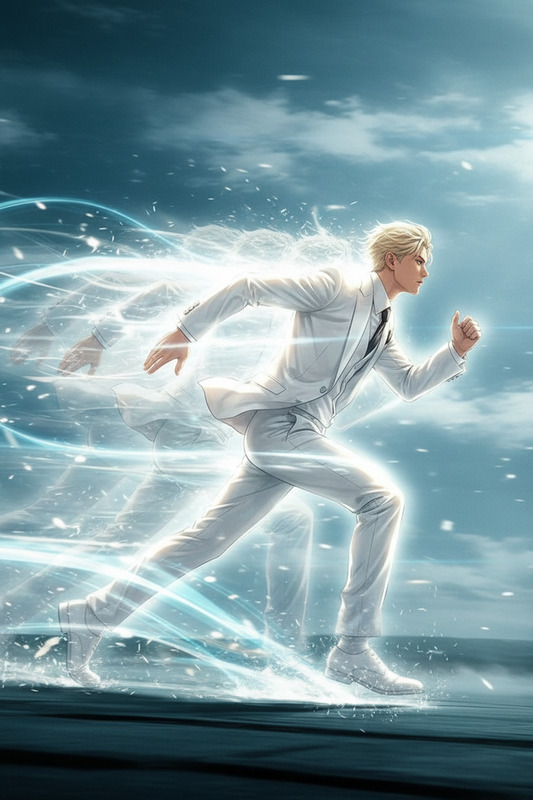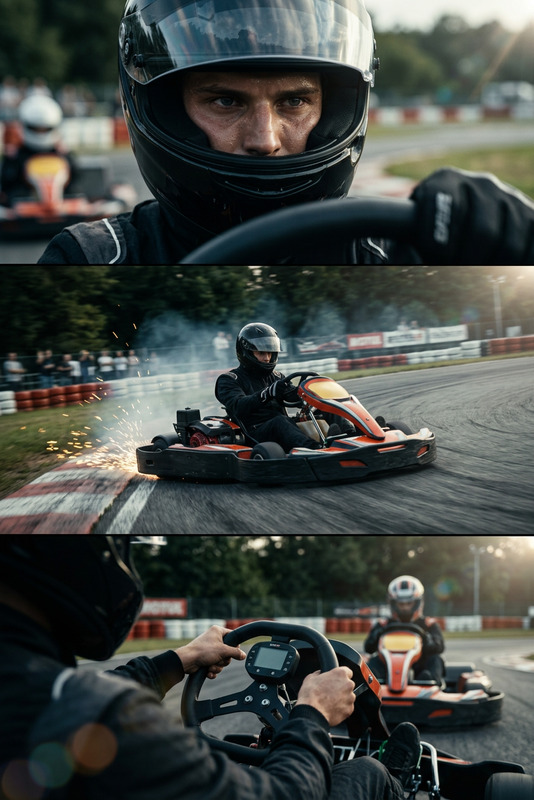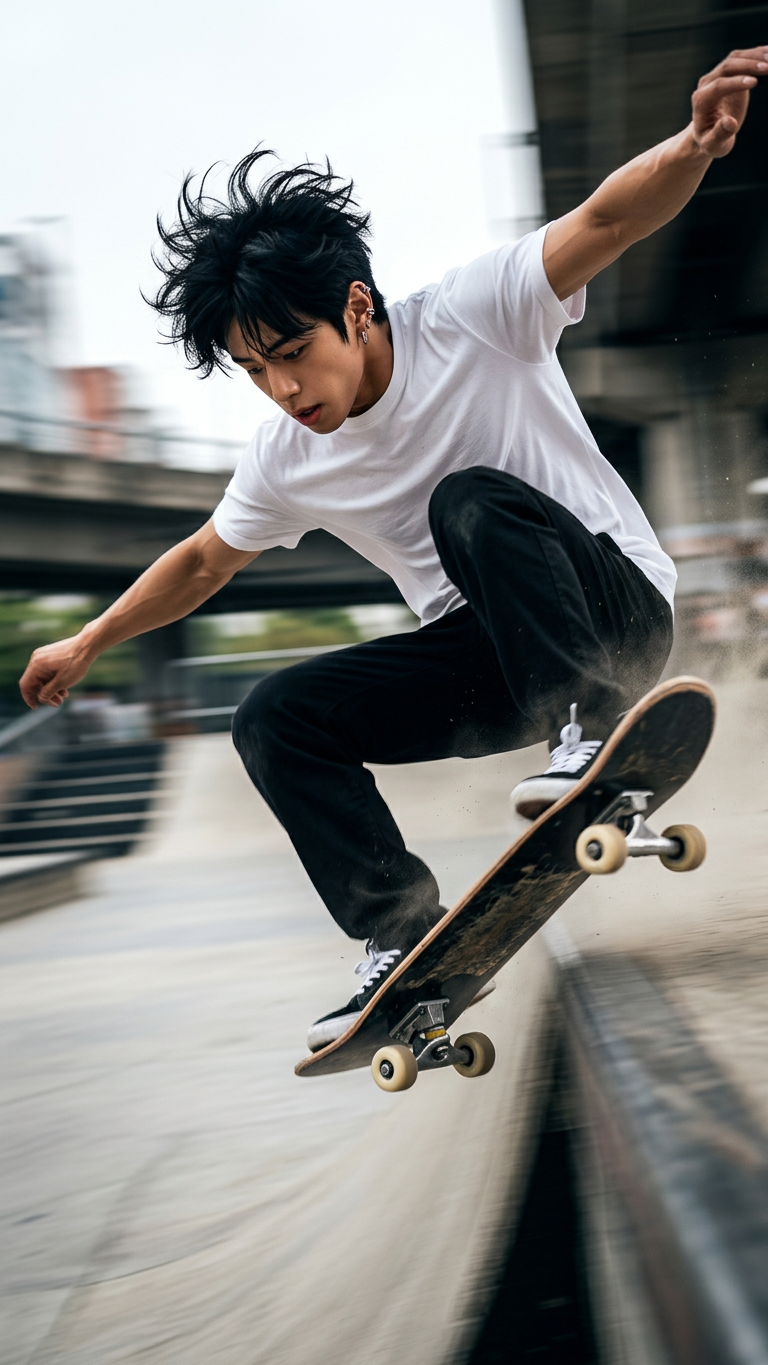
Hyper-Speed Skate Montage
- Model
- Nano Banana 2
- Image
- 768 × 1365 px
Prompt
Subject moves at extreme speed, performing advanced skateboarding techniques. Ultra-fast motion with aggressive carving, flips, and technical tricks. Camera tracks closely with motion blur, quick cuts, and kinetic framing to emphasize velocity and control.
Any aspect ratio
Overview
Transform your skating footage with the Hyper-Speed Skate Montage template. Our AI Image Editor model, nano-banana-2, delivers intense motion dynamics and technical precision in every frame. This template is tailored for creating high-energy, visually captivating skateboarding montages.
What It Does
This template harnesses advanced AI controls to infuse your skateboarding footage with a sense of speed and thrill. By focusing on quick cuts, motion blur, and kinetic framing, AI Image Editor enriches the visual storytelling of high-intensity skate tricks and stunts.
Who It's For
Designed for skate enthusiasts, video creators, and cinematographers, this template helps bring skating action to life. Whether you're producing content for social media, showcasing on AI Talking Photo platforms, or simply preserving incredible maneuvers, it's the tool for you.
Summary
Capture the exhilarating speed and artistry of skateboarding with precision and style. The Hyper-Speed Skate Montage template offers seamless integration with other tools like the Video-to-Video editor for a comprehensive post-production workflow. Elevate your video content with dynamic, AI-enhanced editing capabilities.
How To
Choose Template

Customize Inputs

Generate Video

Use Cases
Social Media Highlights
- Engage followers with high-speed action.
- Showcase new tricks to a broad audience.
Skateboarding Competitions
- Spotlight athletes' best moments in competitions.
- Create promotional content for skate events.
School or Club Projects
- Document and share club achievements.
- Encourage new memberships with engaging videos.
Best Practices
Leverage Motion Blur
Utilize the motion blur effect to convey speed and smooth transitions, adding dynamic realism to your footage.Highlight Key Tricks
Focus on individual tricks, using quick cuts to maintain viewers' attention and emphasize technical proficiency.Optimize Camera Angles
Experiment with different camera angles and framing to capture the most dramatic perspective of each skateboarding move.