Duality Energy Portrait

Duality Energy Portrait

ai-image-editor

1 clip
1 uses

Any aspect ratio

Prompt

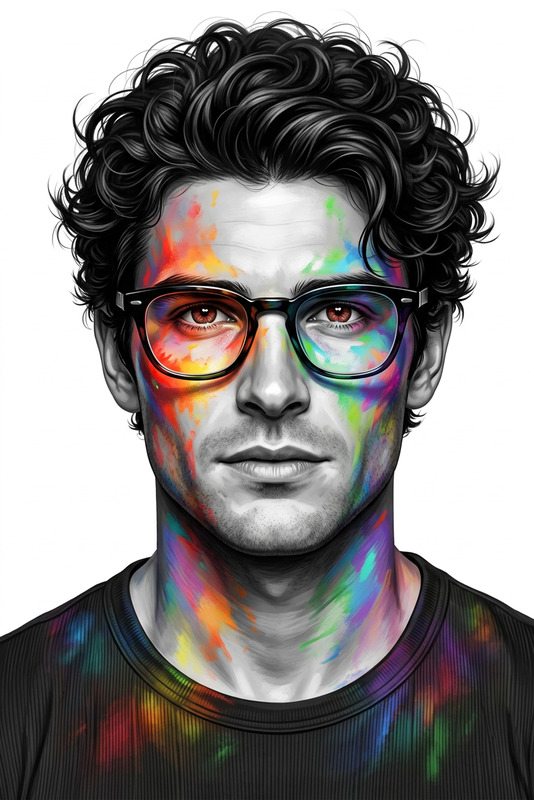
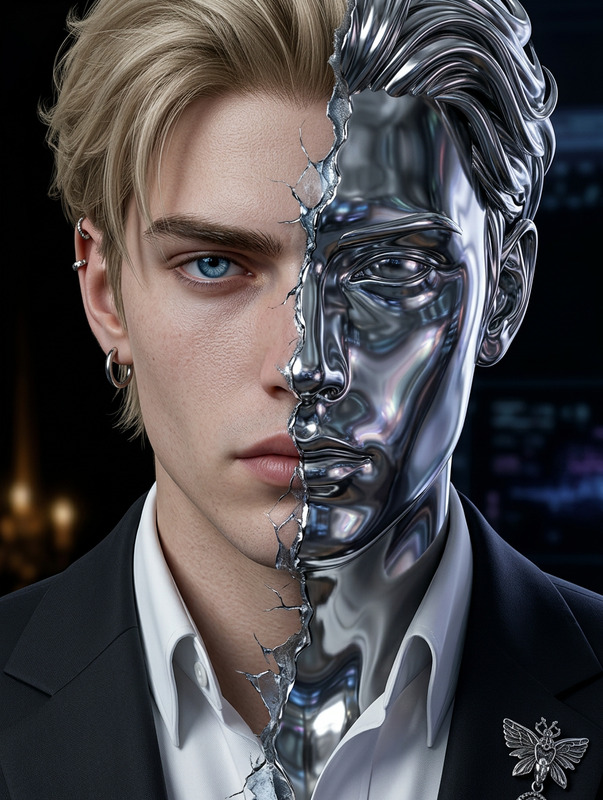
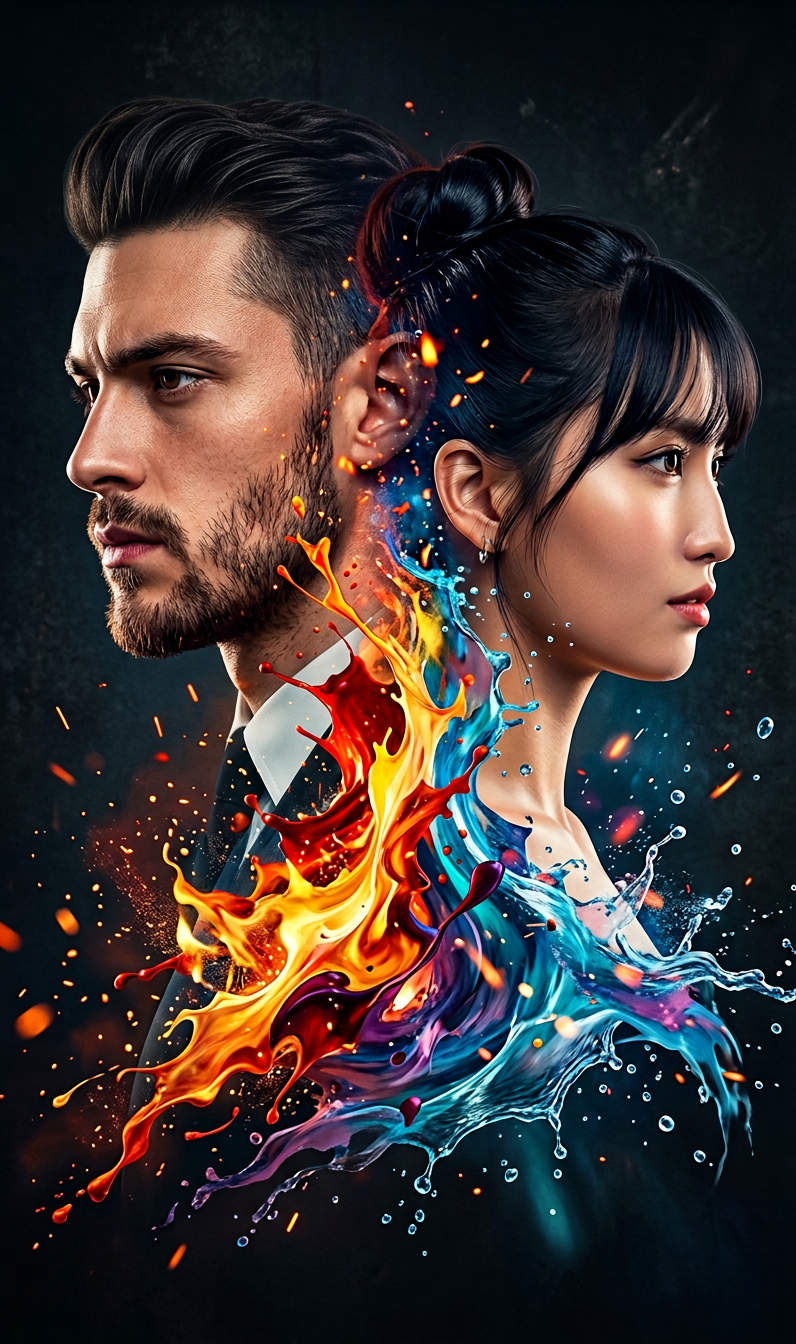
A dramatic double-exposure portrait of two subjects facing opposite directions, their profiles positioned back-to-back. The first subject appears rugged with short hair and a beard, looking left with a serious expression; the second subject has softer features with tied-back hair, looking right with a calm yet intense gaze. Their faces merge seamlessly at the center through an explosive blend of abstract paint and energy. Vivid warm tones—fiery reds, oranges, and yellows—burst outward from the core, transitioning into cool hues of blues and teals, creating a powerful contrast between heat and calm. The paint behaves like dynamic, fluid energy—resembling liquid fire colliding with water—enhanced by glowing particles, sparks, and embers drifting through the composition. Cinematic lighting, high contrast, ultra-detailed skin texture, surreal yet photorealistic finish, intense emotional atmosphere.

Transform Real Photos Into Stylized Characters with AI Image Editor

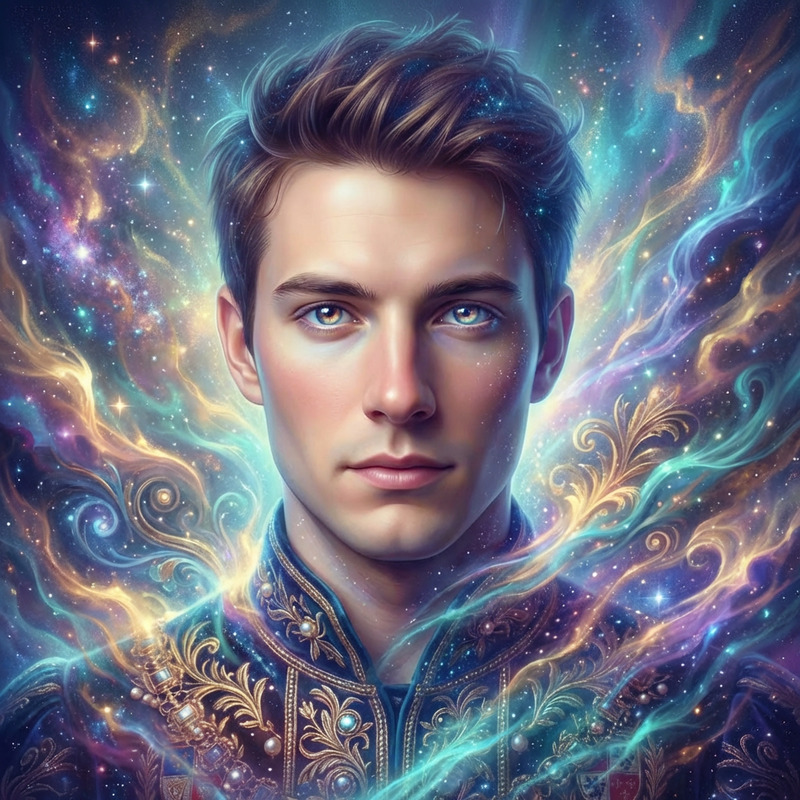
Turn any portrait into a clean, stylized character illustration in minutes using Magic Hour’s AI Image Editor. This template shows how to convert a realistic photo into a consistent, “animated” character look you can reuse across avatars, marketing assets, thumbnails, comics, and more.

Use it as-is, or remix it to build your own character style system directly in Magic Hour.


What This Template Does

This template takes an existing photo (selfie, headshot, or full-body image) and:

  • Stylizes it into a character-like illustration
  • Preserves core identity (face structure, hair, expression)
  • Cleans up backgrounds and lighting for a polished look
  • Produces results you can easily adapt into:
    • Brand mascots
    • YouTube/TikTok thumbnails
    • Web and product avatars
    • Storyboards and pitch decks
    • Character sheets for games and comics

Under the hood, it uses Magic Hour’s AI Image Editor to intelligently reinterpret your original image, rather than generating a random character from scratch.


How to Remix This Template in Magic Hour

You can recreate or extend this template with your own style in a few minutes:

  1. Start from AI Image Editor
    Go to the AI Image Editor. This is the core tool for photo-to-character transformations, background edits, and style changes.

  2. Upload Your Base Image

    • Use a clear photo with a visible face, good lighting, and minimal obstructions.
    • For consistent branding, use the same camera angle and framing across your source images.
  3. Define Your Target Style
    Use the editor to transform your original into a specific style, for example:

    • Clean animated portrait (similar to a streaming avatar)
    • Semi-realistic illustration for professional decks
    • Comic, manga, or graphic-novel-inspired character
      If you want heavily stylized looks, you can combine this with inspiration from tools like the AI Art Generator, AI Manga Generator, or Disney AI Generator as reference points.
  4. Iterate Until It Matches Your Brand or Use Case

    • Test with different photos of the same person to see if the style remains consistent.
    • Adjust until the outputs feel like a coherent “cast” or “brand universe” of characters.
  5. Save Your Flow as a Reusable Template
    Once you’re happy with the style and output, save the setup as your own template in Magic Hour. You can then:

    • Apply it to new images for consistent character art
    • Share the flow with your team
    • Use it as a building block with other Magic Hour tools (e.g., turning characters into animations or talking photos)

Advanced Workflows: From Character Image to Video, GIFs, and More

Once you’ve created a strong character look with the AI Image Editor, you can plug it into other Magic Hour products to build richer experiences:

1. Animated Talking Characters

  • Use AI Talking Photo to make your stylized character speak with generated voice or audio you upload.
  • Combine a character portrait from this template with:

2. Character Animations and Video Content

  • Turn your character stills into animated clips using:
  • For longer-form content or narrative sequences, explore Text to Video and use your stylized characters as central visual assets.

3. Thumbnails, Covers, and Social Assets

Working from a consistent character style gives you recognizable branding that stands out in feeds and search results.

4. Character Systems for Games, Comics, and Brands

If you’re building a world or product with many characters:


Related Tools to Extend Your Character Workflow

Depending on your use case, these Magic Hour tools pair especially well with this template:


Using This Template for Marketing, Product, and Startup Work

For creators, marketers, and startup teams, character-style imagery can be more memorable and flexible than standard stock photos or headshots. This template is especially useful for:

  • Branding:
    Create a mascot or stylized founder image for landing pages, decks, and social channels.

  • Content marketing:
    Use recurring characters in blog visuals, explainer videos, and social series to build familiarity.

  • Product UX & onboarding:
    Design friendly in-app guides, help characters, or walkthrough avatars that align with your brand.

  • Pitching and fundraising:
    Turn team photos into a unified illustration style for pitch decks and product visions.

Because the base is your real photo, you retain recognizability while gaining the flexibility and visual appeal of illustration.


How to Build Your Own Version of This Template

If you want to adapt this template for your own brand or product:

  1. Define your goal:
    Decide whether your priority is professional polish, playful branding, or stylized storytelling.

  2. Collect 5–10 reference photos:
    Use images that match the scenarios you care about: close-up talking heads, full-body hero shots, or group scenes.

  3. Run them through AI Image Editor:
    Apply consistent edits so your characters share a unified look—line style, color, lighting, and level of realism.

  4. Standardize your “character spec”:
    Document what you like: background type (flat, gradient, scene), line thickness, color palette. This becomes your internal “character system” for future content.

  5. Save and reuse:
    Turn your setup into a reusable Magic Hour flow so your team can generate new on-brand characters without starting from scratch each time.


Combine With Other Magic Hour Templates

If you’re already using other Magic Hour creation flows, this template fits neatly into a broader pipeline:


When to Use This Template vs. Starting from Scratch

Use this template when:

  • You want to stay recognizable but more stylized than a basic photo
  • You need consistent character images across many assets
  • You’re building any kind of “universe” or brand system around a face or persona

Start from scratch with the AI Image Generator or AI Photo Generator when:

  • You don’t have source photos
  • You want entirely fictional characters
  • You’re exploring many radically different art directions before converging

In practice, most teams use both: generate concepts, then refine and standardize the winning style with the AI Image Editor and templates like this one.


Use this template as a foundation, then remix it to match your own brand, product, or storytelling style. Once you’ve dialed in a look you like, the rest of your visual system becomes fast, repeatable, and consistent across every channel.

More Like This