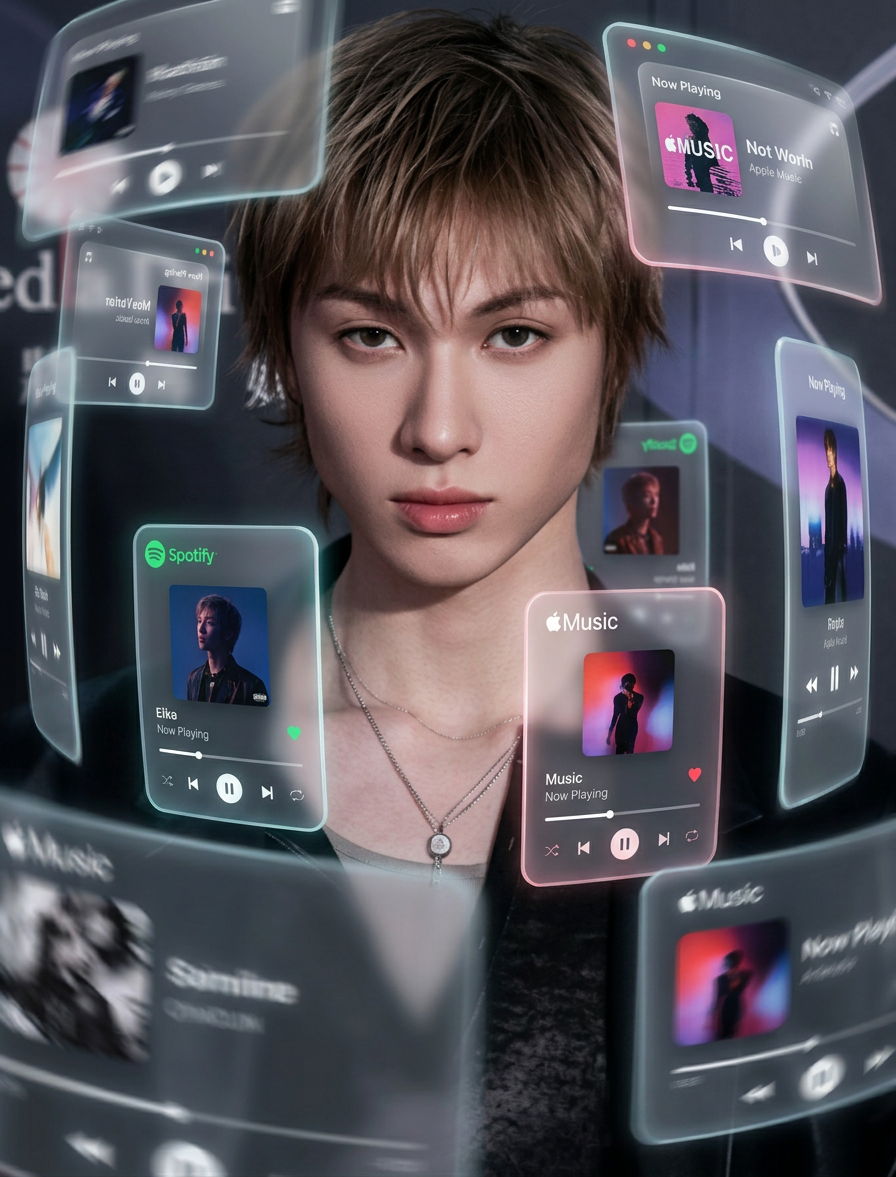
AR Music Orbit Portrait
Any aspect ratio
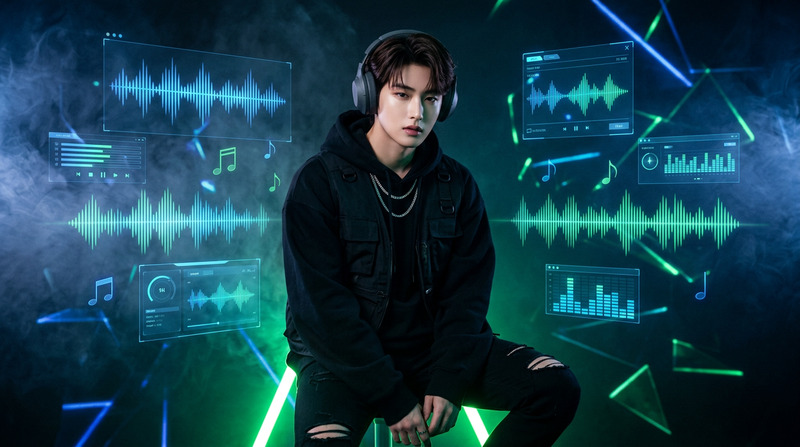
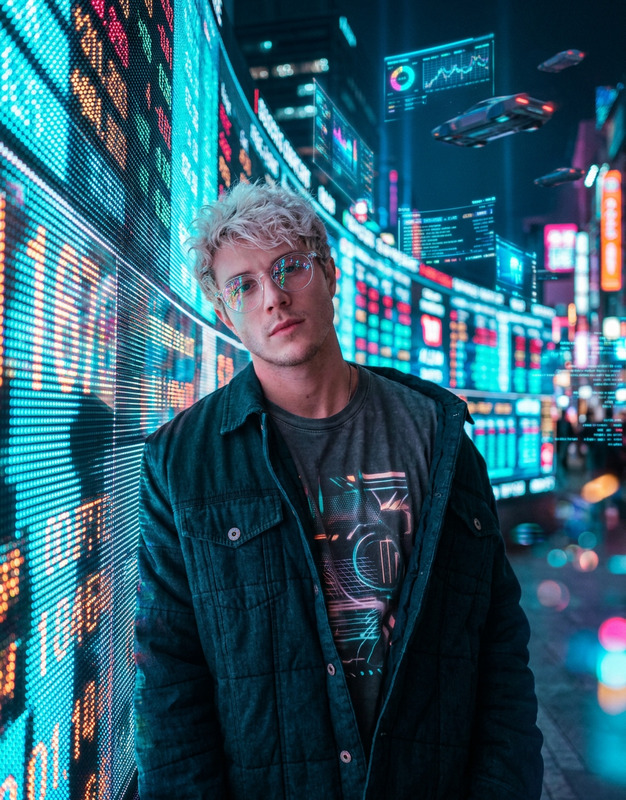
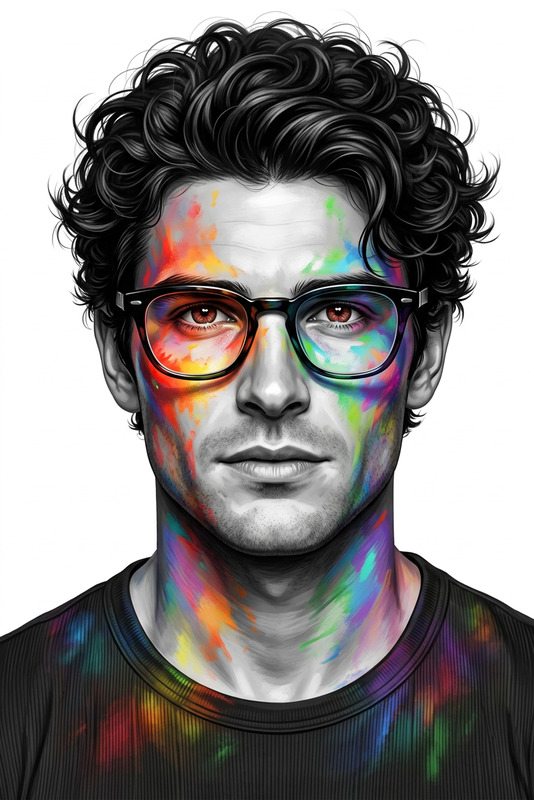
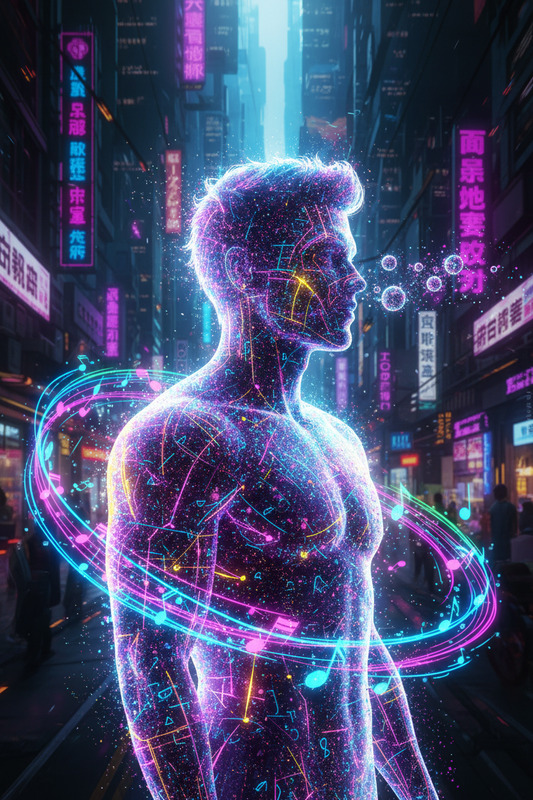
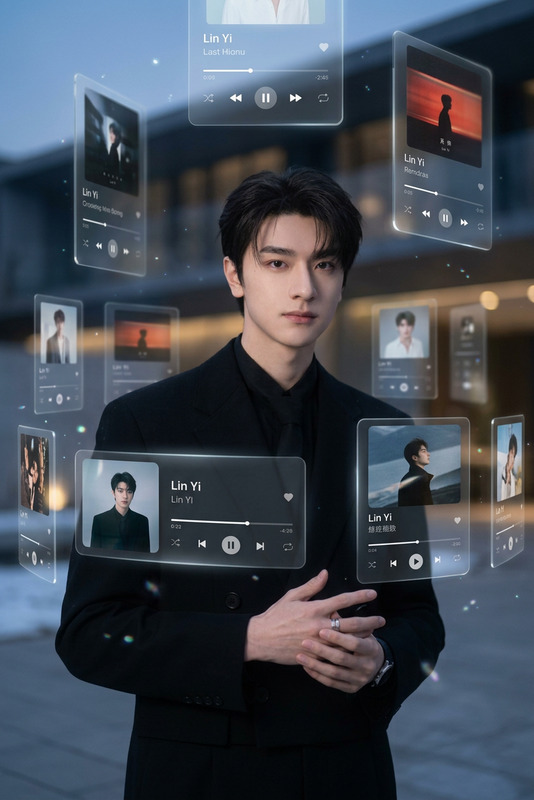
Subject transforms into a central figure surrounded by numerous 3D Spotify- and Apple Music–style interface cards orbiting at varying depths. The cards are made of translucent frosted glass (glassmorphism) with soft rounded edges and subtle glowing borders. Some cards sit in the extreme foreground, partially obscuring the subject, while others drift into the distance, creating a layered orbit effect. Edges of the cards carry slight motion blur to suggest continuous swirling movement. Lighting is natural and cinematic, with soft glow from the floating interfaces subtly illuminating the subject’s face. Strong depth of field keeps the subject and nearest cards sharp, while foreground and background elements blur artistically. Cinematic medium/wide composition emphasizing scale of AR elements. High-end editorial music photography aesthetic, futuristic, clean, airy, ultra-detailed 8K with realistic glass textures.
Overview
The AR Music Orbit Portrait template is crafted for creators seeking to elevate their imagery with a futuristic and immersive touch. Utilizing the advanced AI Image Editor capabilities of the nano-banana-2 model, this template transforms your subject into a magnetic centerpiece surrounded by a dynamic interplay of interface cards akin to popular music platforms.
What It Does
This template ingeniously integrates multiple layers of translucent, frosted glass interface cards that orbit around your main subject. The visual is complemented by a cinematic aesthetic, supported by a strong depth of field. The interface cards feature soft, glowing borders and subtle motion blurs, enhancing the dynamic movement within the composition which is perfect for projects related to image to video transformations.
Who It's For
This template is ideal for music artists, photographers, and digital content creators who aim to produce high-end editorial visuals with an innovative AR twist. It is particularly suitable for those looking to experiment with their music photography or extend their personal portraits while benefiting from advanced AI image generation techniques.
Summary
Incorporating the AR Music Orbit Portrait into your workflow delivers an avant-garde solution for music-related imagery and personal portraits. It ensures a polished, high-resolution output by seamlessly blending realistic glass textures with intricate lighting, making it a captivating choice for modern creators.
How-To
Choose Your Template

Customize Your Inputs

Generate Your Image

Use Cases
Music Album Art
- Futuristic design
- High-resolution detail
Digital Artist Portfolios
- Unique visuals
- Innovative presentation
Social Media Content
- Interactive elements
- Cinematic quality
Best Practices
Choose High-Quality Base Images
Upload photos with excellent lighting and composition for best results.Optimize Card Placement
Adjust the interface cards to complement your subject without overwhelming the main focal point.Experiment with Depth and Blur
Play with depth of field and motion blur settings to achieve a balanced, artistic image.