AR Music Orbit
- Model
- Nano Banana 2
- Image
- 843 × 1264 px
Prompt
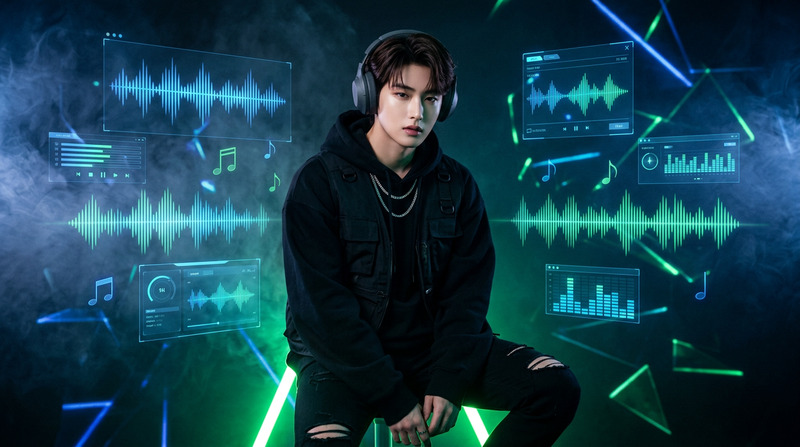
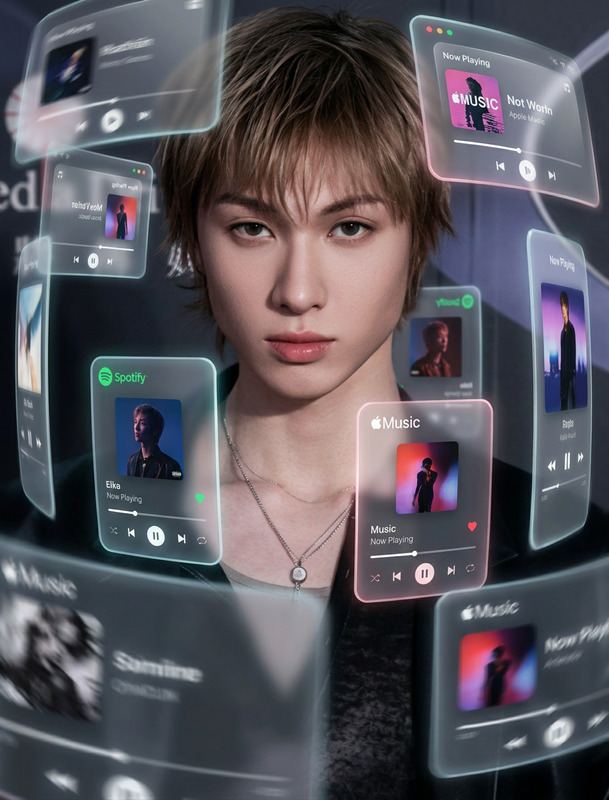
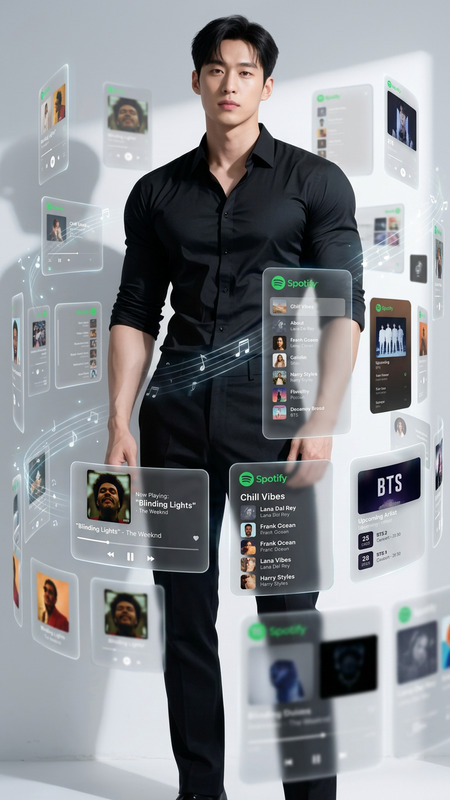
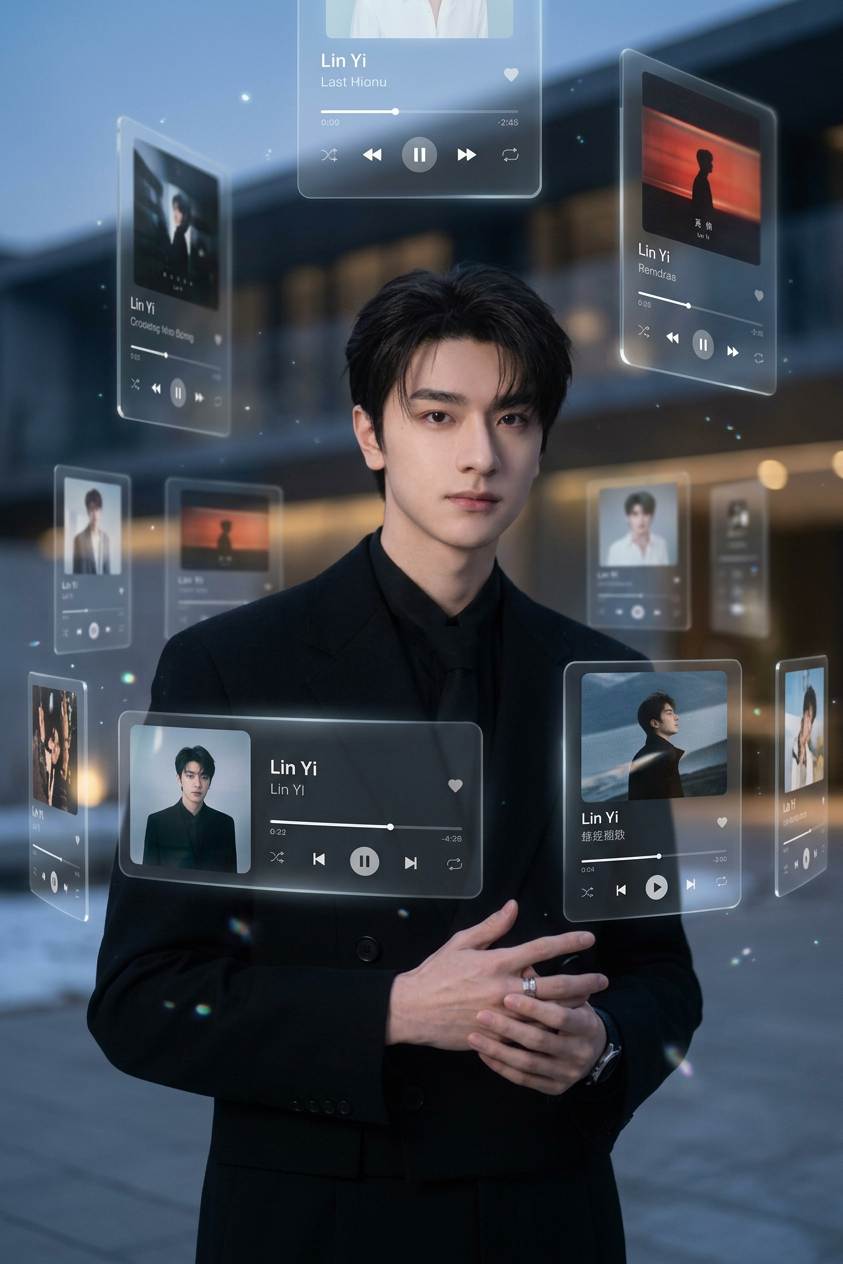
"Subject is standing in a cinematic environment, surrounded by multiple floating music player UI cards in a 3D orbit; the cards appear in front, behind, and around the subject at different depths; each card shows songs by {argument name=""artist name"" default=""Artist Name""} with modern music player interface elements; design features rounded corners, slight perspective angles, and a soft translucent glass-like glow; lighting is cinematic with gentle bloom and balanced shadows; cool neutral color palette with vibrant album art accents; shallow depth of field with sharp foreground cards and softly blurred distant ones; immersive augmented reality style, high detail, polished, modern aesthetic."
Any aspect ratio
Overview
The AR Music Orbit template offers an innovative way to integrate engaging visual elements in music-themed projects. Utilizing the AI Image Editor capabilities, this template enables the creation of immersive augmented reality styles, perfect for showcasing the breadth of modern music players in a 3D space.
What It Does
This template allows users to position their subject in a cinematic environment with multiple floating music player UI cards orbiting them. It brings to life an immersive experience with translucent, glowing UI designs, featuring the latest tracks by artists of your choice. The AI Image Editor ensures high detail and a polished finish, emphasizing the modern aesthetic.
Who It's For
The AR Music Orbit template is designed for music producers, digital creators, and visual artists aiming to enhance their content presentations. Whether you're making a promotional video or enhancing a social media post, this template provides a sophisticated way to present music-related content interactively. With support for advanced features, it complements tools like the Image to Video transformation suite.
Summary
This template utilizes the advanced capabilities of AI Image Editor to create a dynamic and engaging AR environment. It's perfect for users looking to integrate sophisticated visual breadth into their content, ensuring an immersive, high-detail experience.
How to Use the AR Music Orbit Template
Select the Template

Customize Your Input

Generate and Export

Use Cases
Music Video Promotions
Social Media Content
Event Backdrops
Album Art Concepts
Best Practices
Optimize Lighting
Maintain cinematic lighting with gentle bloom for an immersive effect.Focus on Depth
Utilize the depth of field effect to highlight certain elements while softly blurring others for a more polished look.Balanced Color Palette
Mix cool neutral tones with vibrant accents to make album art stand out.