AR Smart Food POV

AR Smart Food POV

ai-image-editor

1 clip
0 uses

Any aspect ratio

Prompt

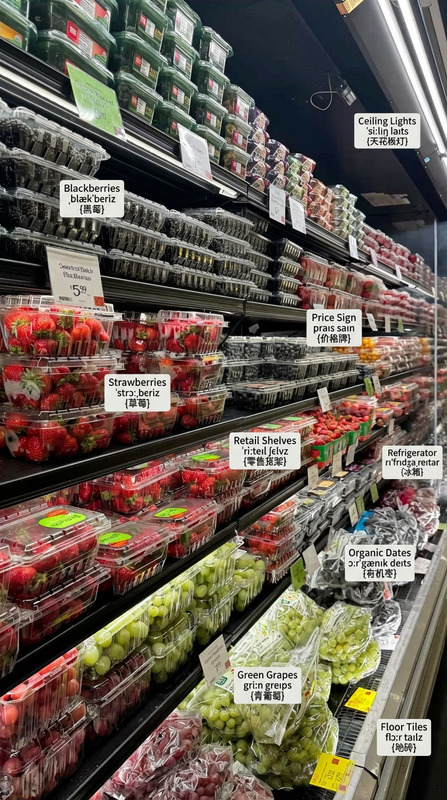
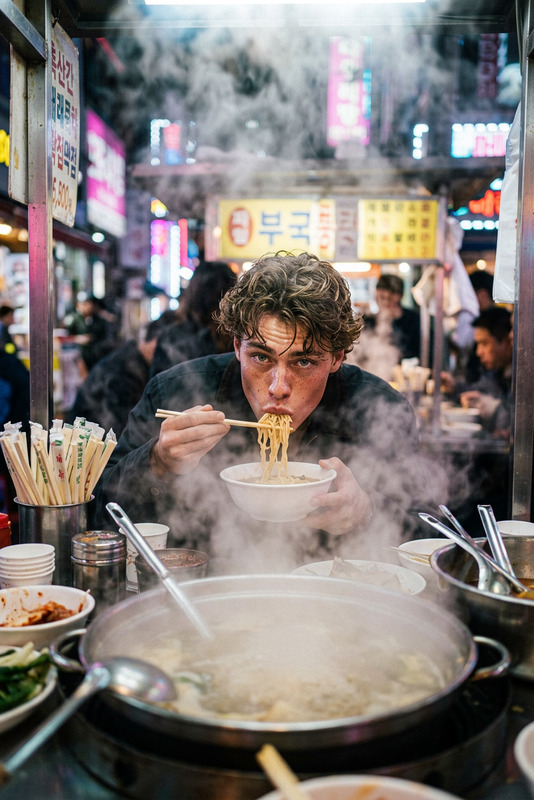
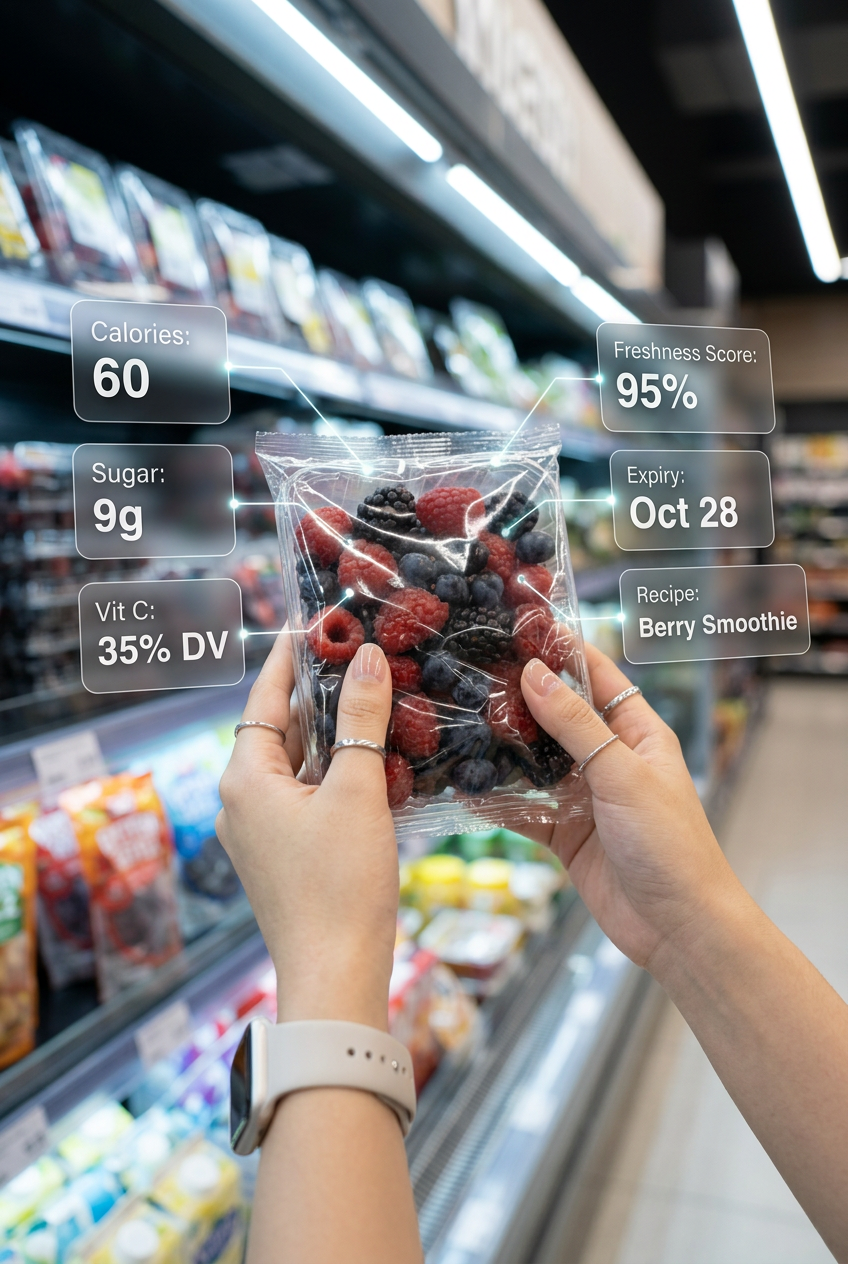
a first-person supermarket scene where hands hold a subject enhanced by a futuristic AR interface. Clean glassmorphism UI panels float around the object, displaying key data like calories, sugar, nutrients, freshness score, expiry date, and recipe suggestions. Bright aisle lighting with cinematic depth of field, soft background blur, and hyper-realistic textures. Sleek holographic overlays, vibrant yet minimal design, ultra-detailed 4K, modern tech-driven shopping aesthetic.

Transform any image in seconds with Magic Hour’s AI Image Editor template. This template is designed for fast, precise visual edits that still look natural—ideal for teams and creators who need production‑ready assets without a full design workflow.


What this template does

This template uses Magic Hour’s core AI Image Editor to help you:

  • Edit or replace specific parts of an image while keeping the rest untouched
  • Remove unwanted objects, text, or people cleanly
  • Change backgrounds (product photos, profile pictures, ads, social content)
  • Add or modify clothing, accessories, props, or environments
  • Refine lighting, composition, and style for a more polished, “campaign-ready” look

Because it’s built directly on Magic Hour, you can remix and extend it into a more customized workflow—adding video, characters, or animation as your needs grow.


When to use this template

This AI Image Editor template is especially useful if you’re:

  • Creators & marketers

    • Creating ad variations, thumbnails, and social images quickly
    • Localizing visuals for different markets (backgrounds, outfits, context)
    • Turning one hero image into a full creative set
  • Startup builders & product teams

    • Iterating on product photography without reshoots
    • Cleaning up screenshots, dashboards, and UI shots
    • Generating better visuals for pitch decks, landing pages, and app stores
  • Developers & technical teams

    • Prototyping assets for demos and internal tools
    • Testing how UI or hardware looks in different environments
    • Preparing visuals for AI demos, presentations, and docs

How to remix this template in Magic Hour

You can treat this template as a starting point and build your own custom workflows around it. A common pattern:

  1. Start from the template

    • Open this AI Image Editor-based template in Magic Hour.
    • Upload the image you want to edit (product, headshot, environment, UI, etc.).
  2. Make focused edits

    • Use AI to change or remove parts of the image: backgrounds, clothes, objects, text, or entire regions.
    • Iterate until the main image looks exactly how you want.
  3. Branch into specialized tools
    Once your base image looks right, you can send it into other Magic Hour tools for more advanced pipelines, for example:

  4. Save your remix as a reusable template

    • Once you have a workflow you like (for example, “edit product image → generate variants → upscale”), save it and re-use it for future campaigns or product lines.
    • Teams can standardize on a shared template so everyone produces on‑brand visuals quickly.

Common use cases and remix ideas

Use this template as a base, then extend it with other Magic Hour tools depending on your goals.

1. Product photos & e‑commerce

  • Remove messy backgrounds and replace them with clean, on‑brand scenes.
  • Generate multiple style variants (studio, lifestyle, seasonal themes) from the same product photo using:

Remix idea:
Edit product → change background → upscale

  • Start with the AI Image Editor template.
  • Swap to new environments or surfaces.
  • Finalize with AI Image Upscaler for marketplace and print‑ready assets.

2. Creator thumbnails, ads, and social content

Remix idea:
Edit portrait → create thumbnail → generate variants

  • Use AI Image Editor to refine your portrait.
  • Drop it into Thumbnail Maker for layout and framing.
  • Use AI Art Generator to spin out stylistic variations per channel.

3. Brand visuals, logos, and campaigns

Remix idea:
Generate base logo → refine via image editing → deploy across assets

4. Character, avatar, and IP development

If you build games, IP, or content around characters, you can:

Remix idea:
Generate character → refine with AI Image Editor → animate

5. Technical & product imagery for startups

  • Clean up UX mockups, dashboards, dev tools, or hardware product shots.
  • Swap screens, environments, or device angles using the AI Image Editor template.
  • For presentations and demos, pair with:

Remix idea:
Edit product screenshot → place into realistic scenes → build demo deck

  • Use AI Image Editor to refine your UI capture.
  • Place it into real-world devices or scenes (laptops, phones, workspaces).
  • Use those visuals in landing pages, sales decks, and investor docs.

Related Magic Hour tools to extend this template

Once you’re comfortable with this AI Image Editor template, you can layer in other products to build richer pipelines:


Best practices for effective AI image editing

To get consistently strong results with this template:

  • Start from the highest-quality image you have
    AI models preserve and enhance existing detail; cleaner inputs produce more realistic edits.

  • Edit in stages, not all at once
    Break complex edits into small, logical steps (e.g., background first, then clothing, then props).
    This typically yields more coherent, photorealistic outcomes.

  • Keep brand consistency in mind
    If you edit campaign or product visuals, standardize things like:

    • Background types (studio, lifestyle, color palettes)
    • Angle and lighting
    • Clothing or styling rules for people in-frame
  • Create internal “micro-templates”
    If a specific pattern works—like “edit portrait then send to Thumbnail Maker for YouTube covers”—document it and reuse it as a repeatable mini‑pipeline for your team.


Who this template is for

This AI Image Editor template is a good fit if:

  • You need fast, repeatable image edits that still look professional
  • You work on campaigns, launches, or content at scale
  • You want the flexibility to grow into video, voice, and animation without retooling your entire workflow

If you regularly experiment, iterate, and ship visual content, this template gives you a solid, pragmatic foundation—and the broader Magic Hour ecosystem lets you evolve it into full creative pipelines as your needs grow.

More Like This

Insufficient credits