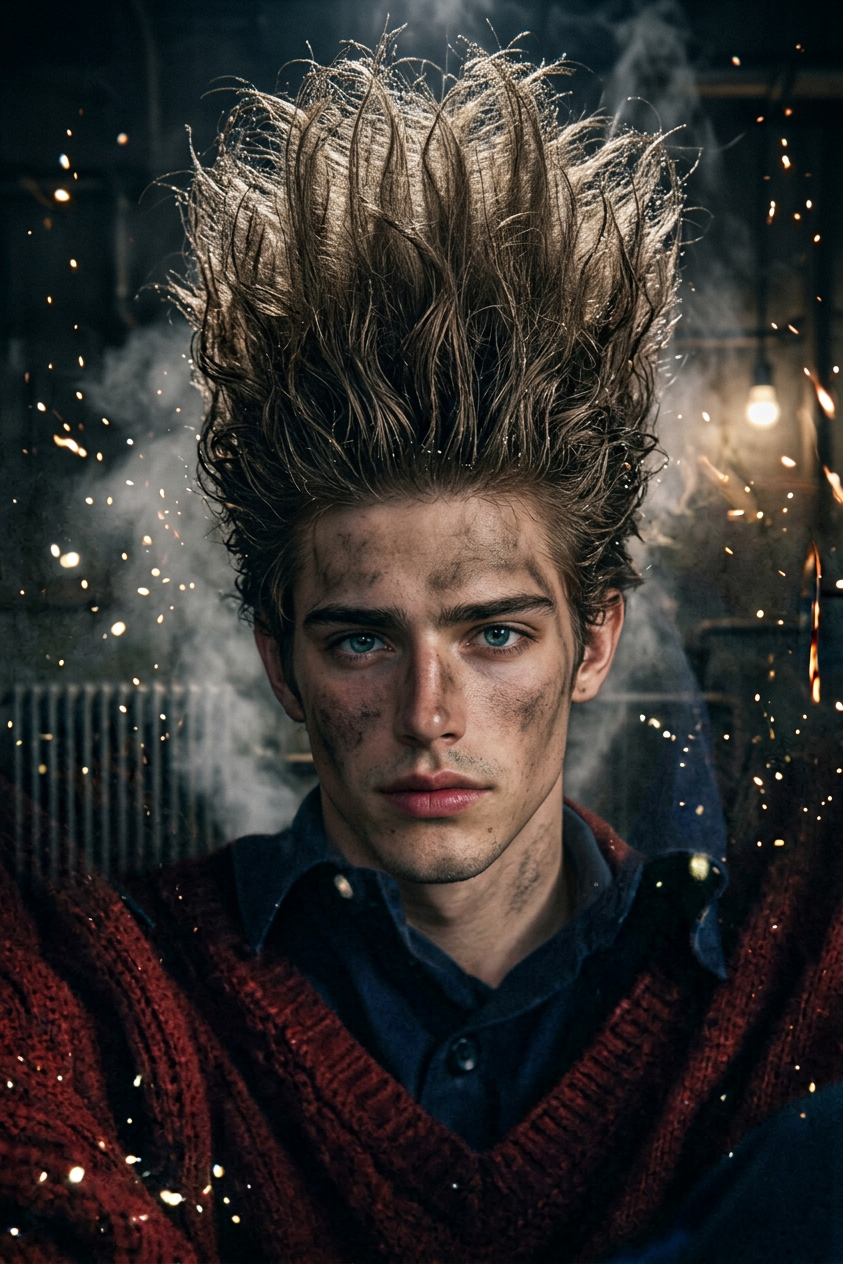
Erasure Vision
- Model
- Nano Banana 2
- Image
- 843 × 1264 px
Prompt
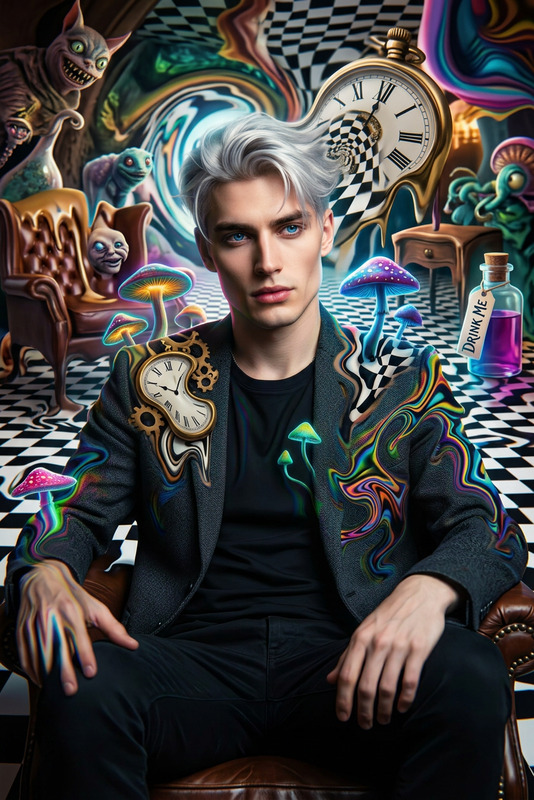
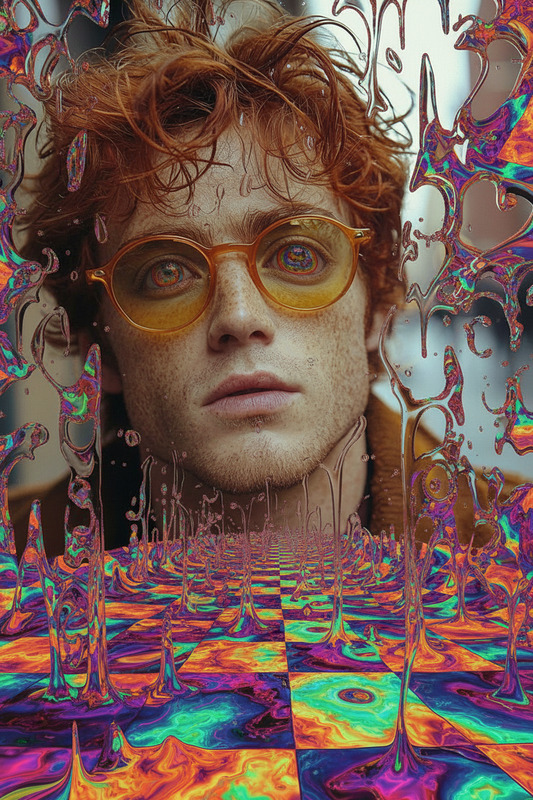
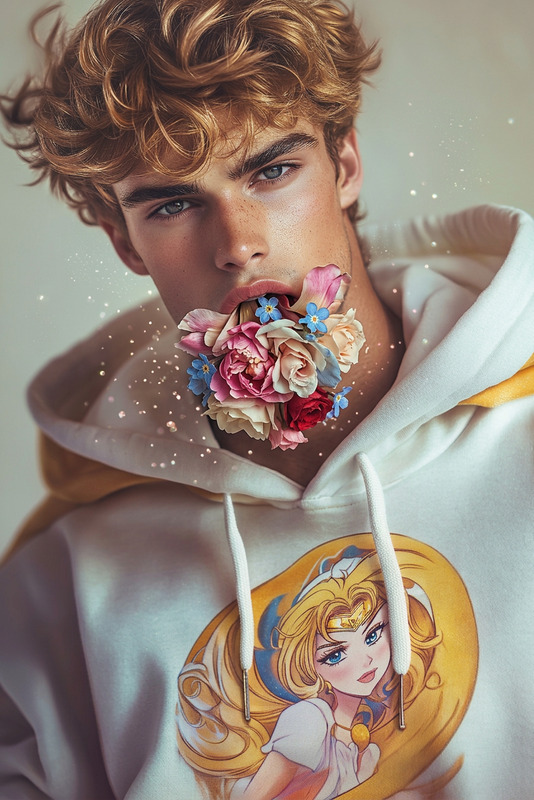
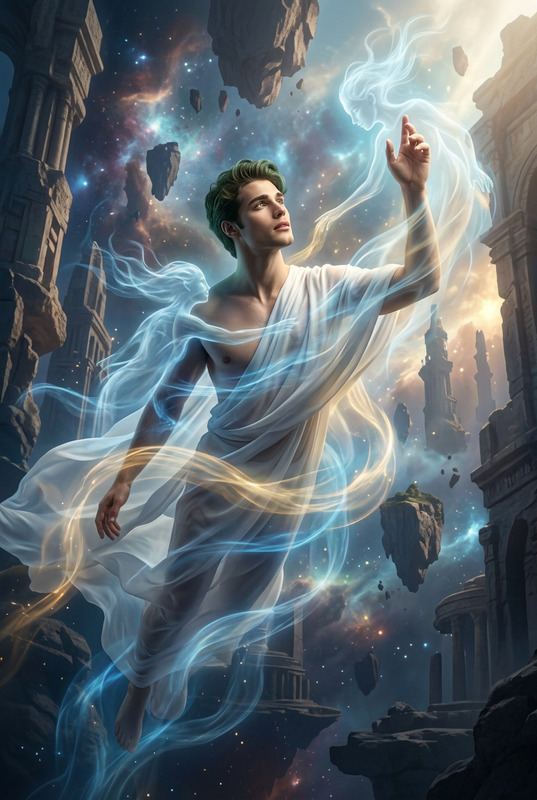
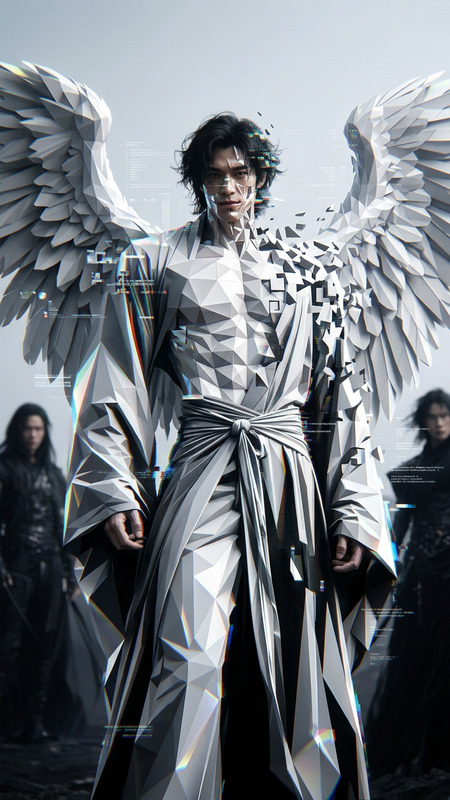
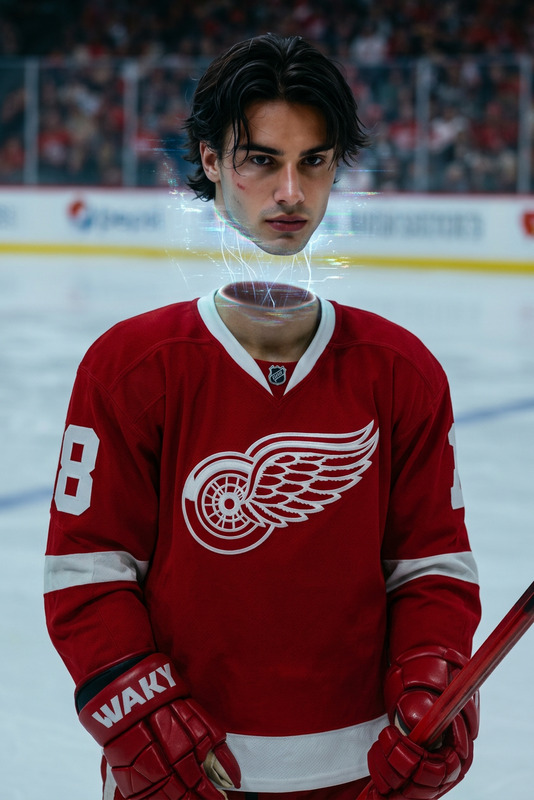
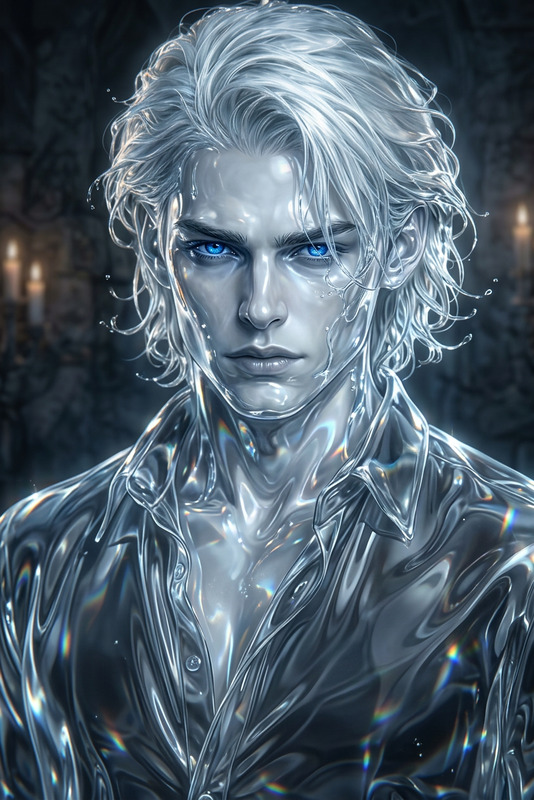
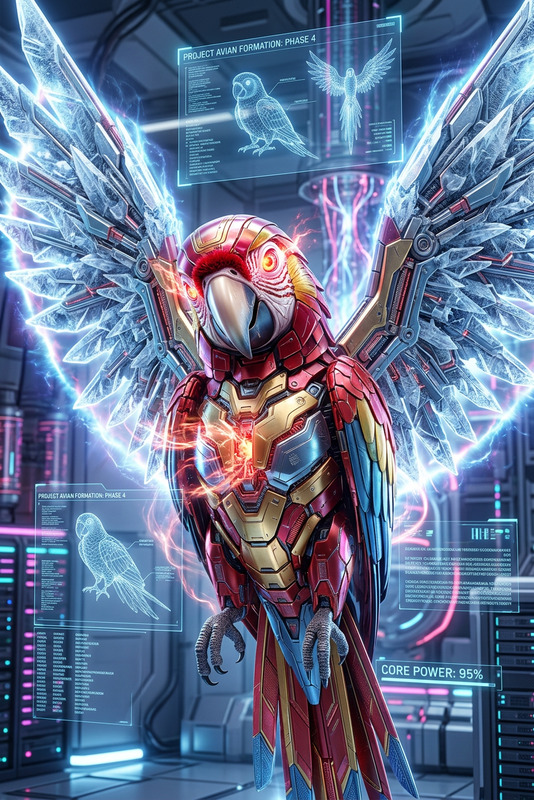
Erasure Head, Hyper-Realistic Detail, Stunning Cinematic Glow, 16k Ultra HD, HDR Clarity, FastNegativeV2 Influence, Surreal Dreamscape, Distorted Reality, Haunting Dreamlike Vision.
Any aspect ratio
Overview
Erasure Vision is a powerful AI Image Editor designed to transform any visual into a work of art with hyper-realistic detail and cinematic effects. Utilizing the nano-banana-2 model, this template empowers users to produce stunning visuals with 16k Ultra HD clarity and HDR quality.
What It Does
Erasure Vision enhances images by merging surreal dreamscapes with a haunting, dreamlike vision. The template uses advanced AI techniques to seamlessly edit and refine visual elements, creating a distorted reality that is both artistic and lifelike. Ideal for crafting cinematic pieces, this editor is perfect for those seeking the extraordinary.
Who It's For
This template is perfect for digital artists, photographers, and content creators who want to elevate their projects with a touch of cinematic brilliance. Marketing professionals can use it to produce engaging visuals for social media and promotional content. It's also ideal for anyone using the AI Image Editor in their workflow.
Summary
With its focus on hyper-realistic detail and cinematic glow, Erasure Vision is your go-to template for creating visually captivating images. It combines the power of advanced AI with artistic vision, making it invaluable for creators looking to stun their audience. Be sure to explore the complementary features offered by tools like the AI Image Upscaler for even more impressive results.
How To
Choose Your Template

Customize Inputs

Generate and Download

Use Cases
Cinematic Photography
- Create dramatic portraits
- Enhance landscape imagery
Social Media Marketing
- Design eye-catching ads
- Craft memorable brand imagery
Artistic Experiments
- Develop unique visual styles
- Explore surreal and dreamlike themes
Best Practices
Start with High-Quality Images
Ensure your source images are of high quality to achieve the best output.Refine Your Prompts
Experiment with different prompt combinations to achieve the desired visual impact.Utilize Additional Tools
Combine with tools like the AI Image Upscaler for even clearer results.