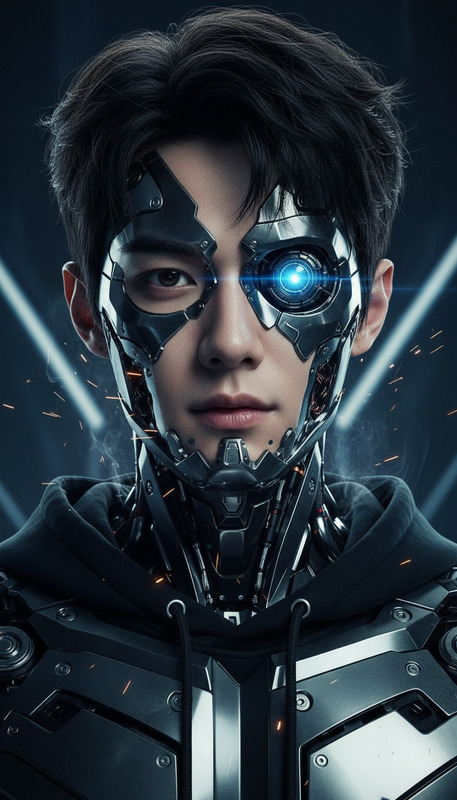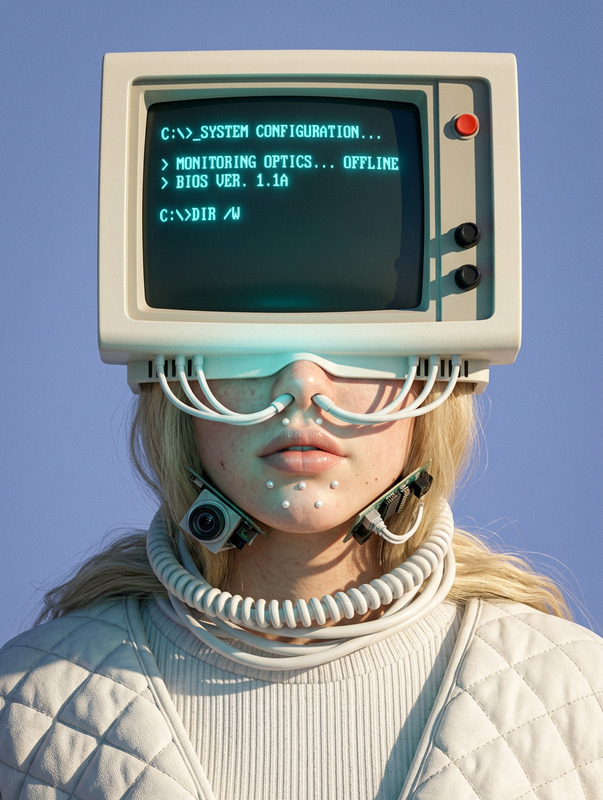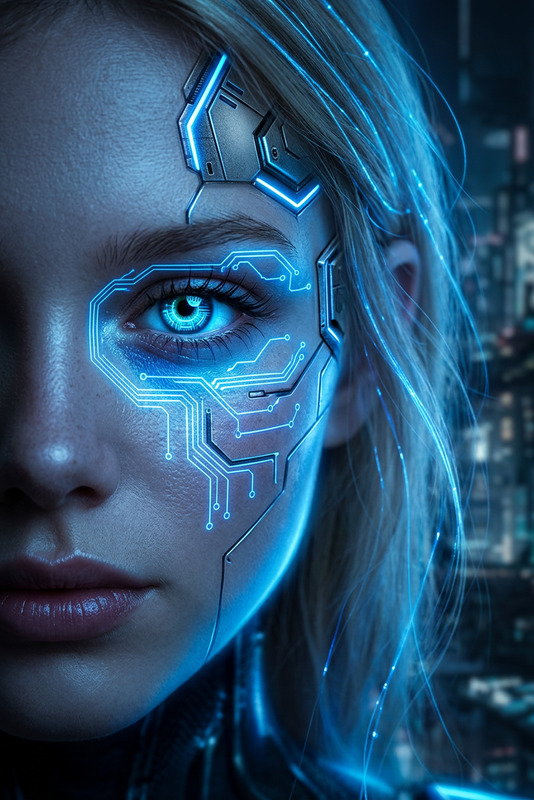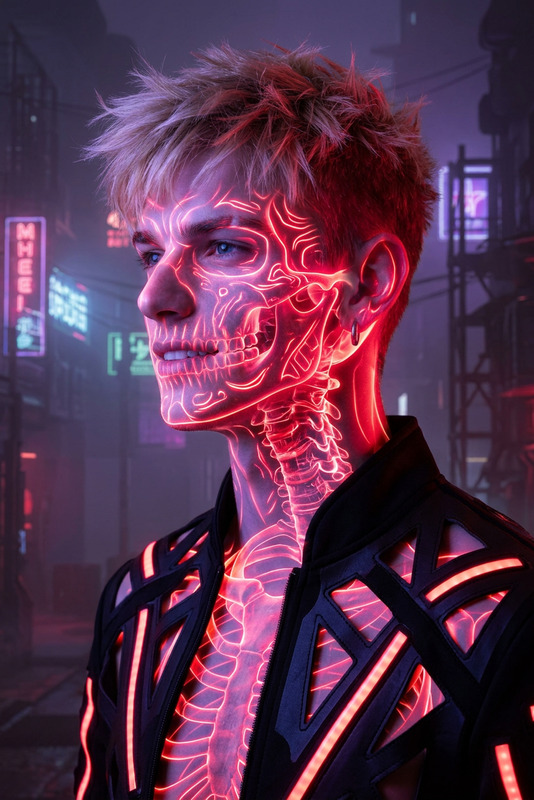
Visor X glasses
- Model
- Nano Banana
- Image
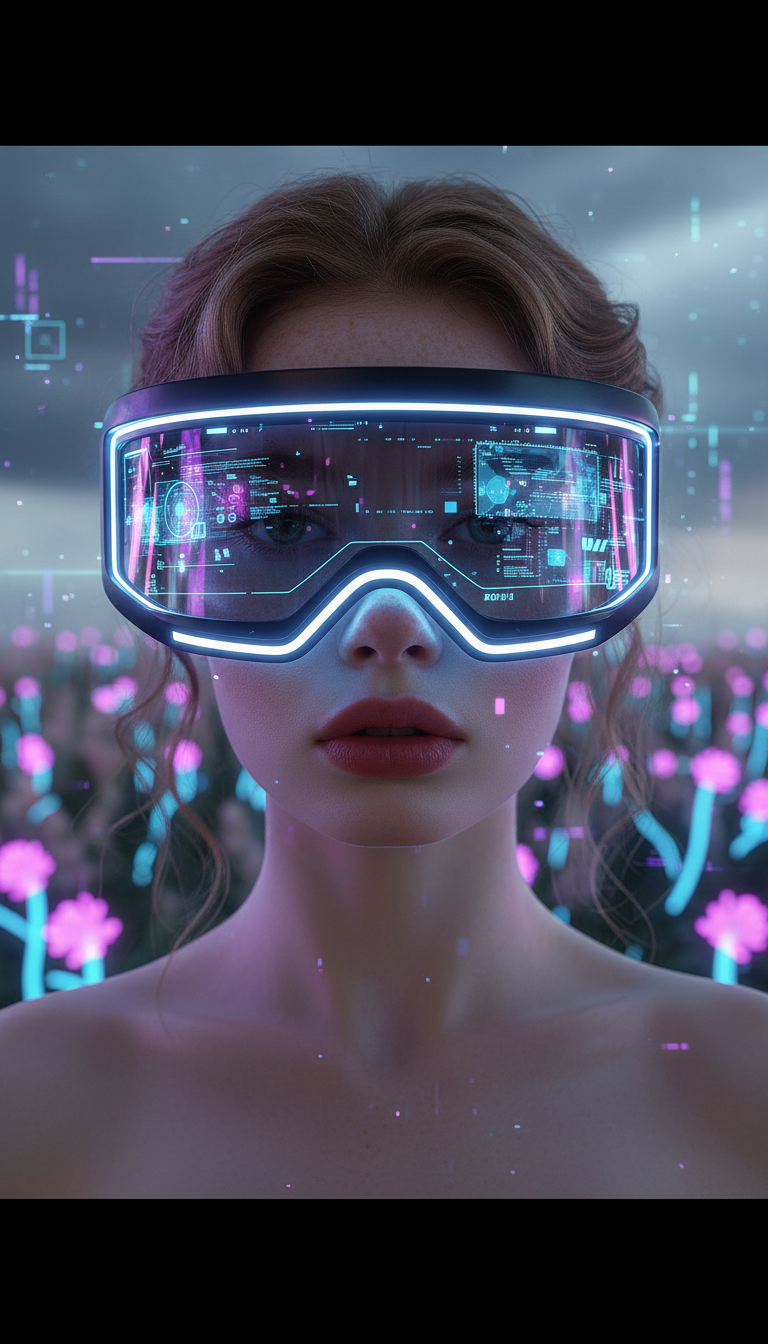
- 768 × 1344 px
Prompt
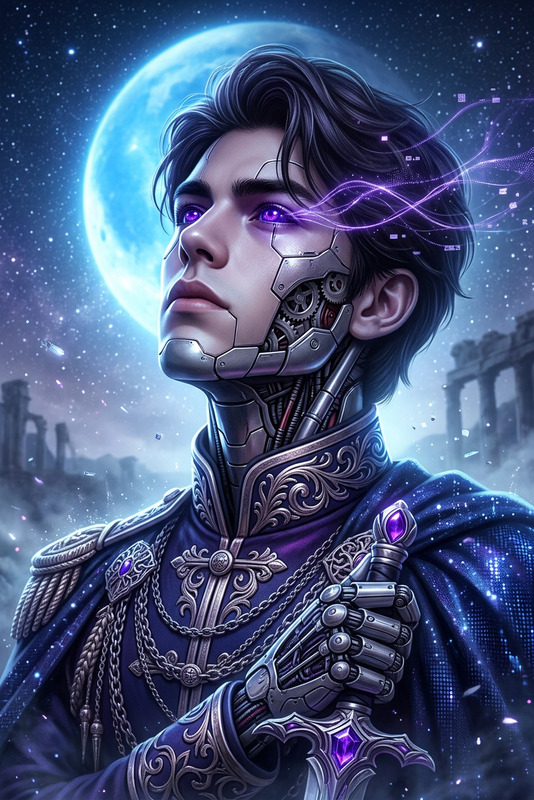
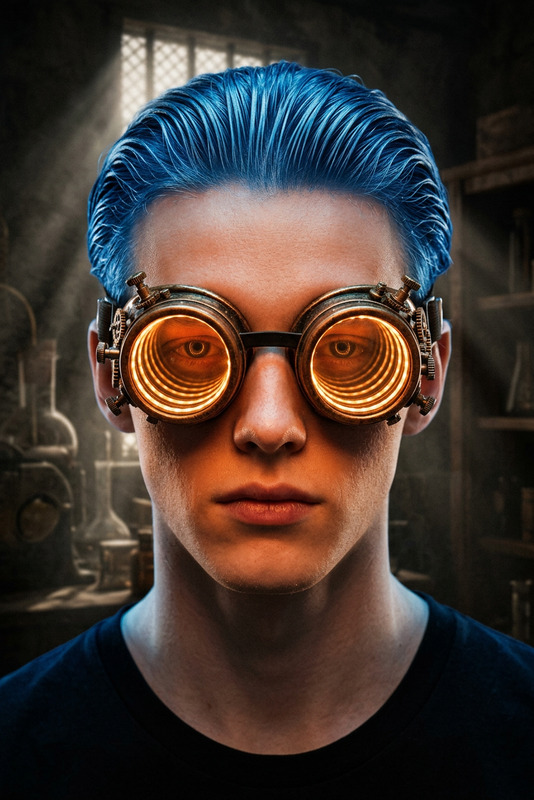
Cinematic close-up of a subject as a sleek futuristic visor drops into place over their eyes, glowing with flowing neon data streams. Reflections of digital interfaces flicker across the visor surface, casting cool blue and purple light on the face. High-tech, cybernetic aesthetic, ultra-realistic, HDR, sharp focus, shallow depth of field.
Any aspect ratio
Overview
The Visor X Glasses template is an advanced tool in the AI Image Editor lineup. Leveraging the power of the nano-banana model, this template allows you to seamlessly incorporate a futuristic, cyber-tech aesthetic into your projects. Ideal for creating ultra-realistic imagery with high dynamic range (HDR) to captivate your audience with immersive visuals.
What It Does
This template creates a dynamic scene where a sleek visor drops over a subject's eyes, replete with glowing neon data streams and digital reflections. It provides a highly focused, sharp image with a shallow depth of field, perfect for showcasing advanced technology themes. Use this to add a cybernetic edge to your image-to-video projects or visual presentations.
Who It's For
Creators looking to enhance their storytelling with a high-tech, futuristic vibe will find this template invaluable. Whether you're working on product launch videos or need a sophisticated touch for tech showcases, the Visor X Glasses provide eye-catching visuals that engage and impress.
Summary
Visor X Glasses is the go-to choice for anyone tasked with delivering eye-catching art that leans on futuristic and cybernetic themes. With its sleek design and advanced neon elements, your images will stand out in any project, from advertising campaigns to digital art presentations. Take full advantage of this AI Image Editor template to create visuals that are both stunning and technologically forward.
How to Use
Choose the Visor X Glasses Template

Customize Your Visuals

Generate and Download

Use Cases
Tech Product Launches
- Futuristic glasses and gadgets
- Digital interface demonstrations
Sci-Fi Movie Posters
- Enhance visual storytelling
- Create immersive, high-tech worlds
Advertising Campaigns
- Highlight technology-driven products
- Appeal to tech-savvy audiences
Best Practices
Optimize Lighting Effects
Ensure the neon and HDR settings complement your subject to achieve a balanced futuristic look.Focus on Detail
Utilize the shallow depth of field to draw attention to key elements, like the visor and digital reflections.Match the Aesthetic Style
Consider the overall theme of your project to maintain visual coherence and enhance storytelling.