Cozy Doodle Table

Cozy Doodle Table

ai-image-editor

1 clip
0 uses

Any aspect ratio

Prompt

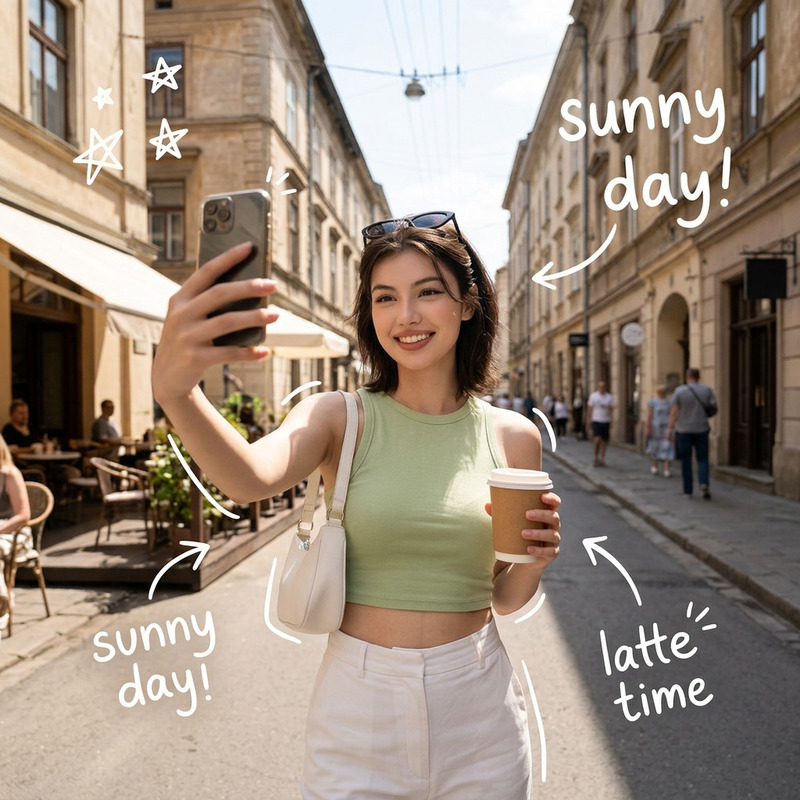
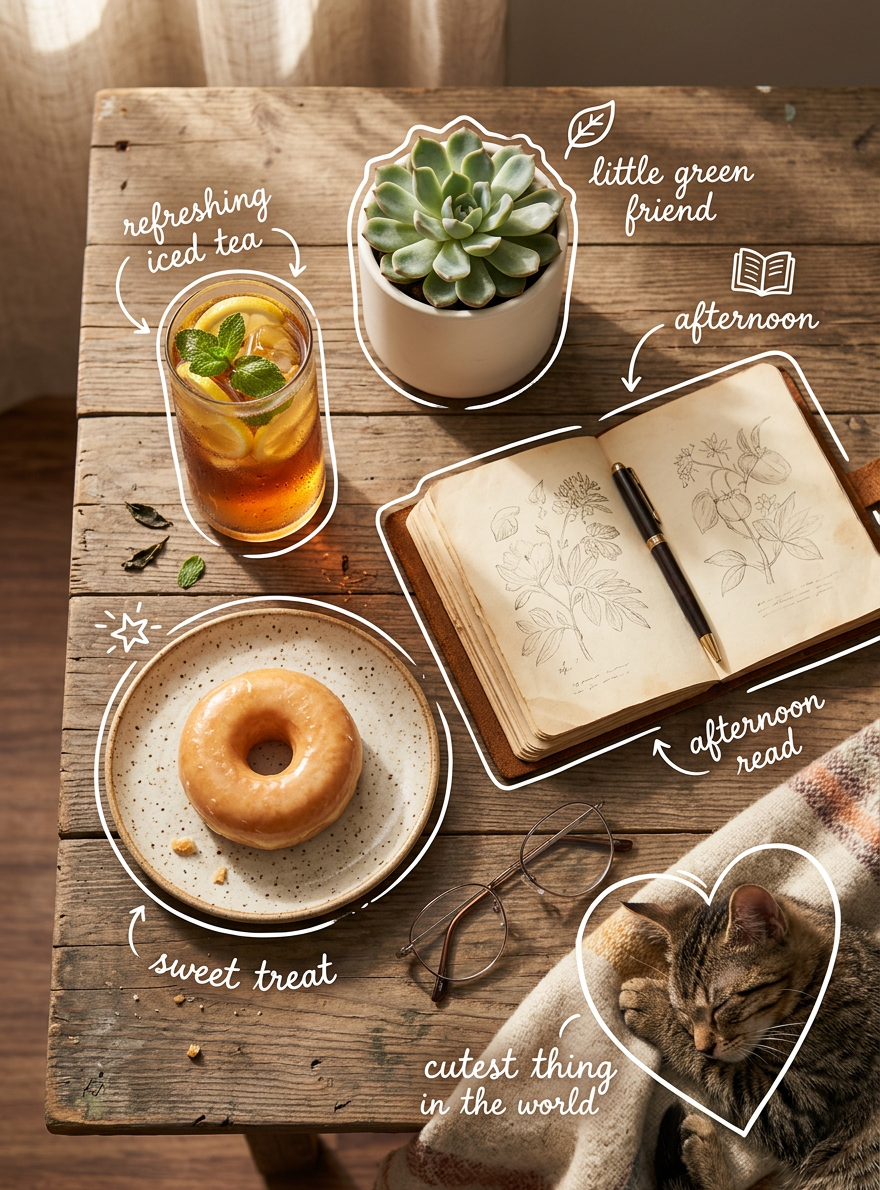
Subject transforms into a top-down cozy flat-lay scene on a rustic wooden table with warm natural lighting and soft shadows. Aesthetic lifestyle composition with high detail and gentle depth. Objects include a glass of iced tea with lemon and mint, a glazed donut on a ceramic plate, a small succulent in a white pot, a vintage book or worn notebook with a pen, eyeglasses, and a framed or nearby sleeping cat curled on a blanket at the edge. White hand-drawn doodle outlines and arrows surround each item with playful handwritten labels like “refreshing iced tea,” “sweet treat,” “little green friend,” “afternoon read,” and “cutest thing in the world.” Warm tones, soft focus, Instagram-style composition, clean yet cozy arrangement with a charming, relaxed atmosphere.

Transform any photo with the Magic Hour AI Image Editor Template

Use this template to instantly upgrade, fix, and remix your images using the AI Image Editor. Whether you’re a creator, marketer, startup founder, or developer, this template shows you how to turn a static image into production‑ready assets in just a few clicks—no design background required.


What this template is for

This AI Image Editor–based template is ideal for:

  • Social media content
    Quickly create multiple versions of a post image for A/B testing, different platforms, or campaigns.

  • Marketing and landing pages
    Clean up hero images, remove distractions, adjust compositions, and generate on‑brand variants for experiments.

  • Product photos and mockups
    Replace backgrounds, refine lighting, and create lifestyle variants without reshoots using tools like the AI Background Generator.

  • Creator and personal branding
    Improve portraits and headshots, refine facial details with the AI Face Editor, or generate professional assets with the AI Headshot Generator.

  • Concept art and visual ideation
    Start from a rough sketch or low‑fidelity idea, then iterate visually with AI Photo Generator or AI Art Generator and refine in the AI Image Editor.


How to remix this template in Magic Hour

You can treat this template as a starting point, then customize it to fit your workflow:

  1. Open Magic Hour AI Image Editor
    Go to the AI Image Editor.

  2. Upload your base image

    • Use a product shot, selfie, brand asset, illustration, or generated image.
    • For best results, start with a reasonably clear, well‑lit image (you can boost quality later with the AI Image Upscaler or Unblur Image).
  3. Apply the same editing pattern as this template
    Think in layers of transformation:

  4. Generate multiple variations for testing

    • Save several edits with different backgrounds, crops, or style directions.
    • Use them for A/B tests on landing pages, ads, email campaigns, or social posts.
  5. Export and connect to downstream workflows

    • Use your outputs directly in design tools, product mockups, or content systems.
    • If you want motion from the same visual, send your edited image into Image to Video or Text to Video to create short clips, explainers, or ad creatives.

Practical use cases and patterns

Here are concrete ways advanced users are applying the AI Image Editor pattern behind this template:

1. Polished founder or team visuals

2. High‑conversion product imagery

3. Content and campaign visuals at scale

4. Creative and experimental workflows


Connect this template with other Magic Hour templates

Once you’ve built your ideal AI Image Editor workflow, you can chain it with other Magic Hour templates:

  • Face Swap Video Template:
    Use your edited portrait or character as the source and connect it to the Face Swap Video template to generate short, shareable videos.

  • Lip Sync Template:
    Turn a still image from this template into a talking, lip‑synced clip with the Lip Sync template, powered by AI Voice Generator or AI Voice Cloner.

  • Video‑to‑Video Template:
    Start from static visuals you refined here, create a first video using Image to Video, then stylize or transform it further with the Video to Video template.

  • Animation Template:
    Use this template to define your visual style and characters, then bring them to life with the Animation template for animated shorts, explainers, or brand stories.


Tips for power users

  • Think in systems, not single images
    Design your AI Image Editor workflow so you can run many images through the same pattern. This is especially useful if you’re running growth experiments, content calendars, or product catalog updates.

  • Maintain visual consistency
    Combine this template with:

  • Enhance older or imperfect assets
    Restore and modernize legacy media:


How to build your own template from this one

To create your own version of this template in Magic Hour:

  1. Reproduce the editing sequence you like most from this template inside the AI Image Editor.
  2. Document the steps in your internal workflow:
    • Input image type
    • Cleanup and background strategy
    • Face/body adjustments
    • Style or branding touchpoints
    • Export targets (social, ads, product page, video, etc.)
  3. Reuse that sequence consistently for future assets, or combine it with other Magic Hour tools like AI Selfie Generator, Avatar Generator, AI QR Code Generator, or AI Fashion Generator to extend your system.

This template is a reference implementation: a clear, repeatable way to turn raw images into production‑ready assets with the AI Image Editor. Remix it, chain it with other Magic Hour products, and adapt it to your own brand, product, or creative pipeline.

More Like This