Doodle Lifestyle Aesthetic
ai-image-editor
Any aspect ratio
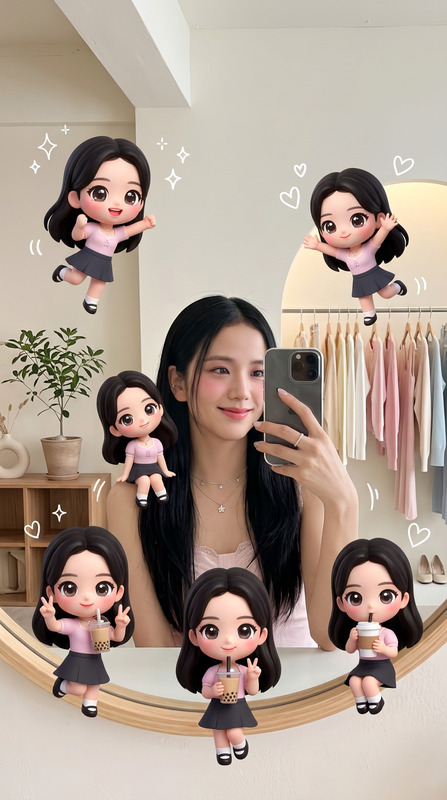
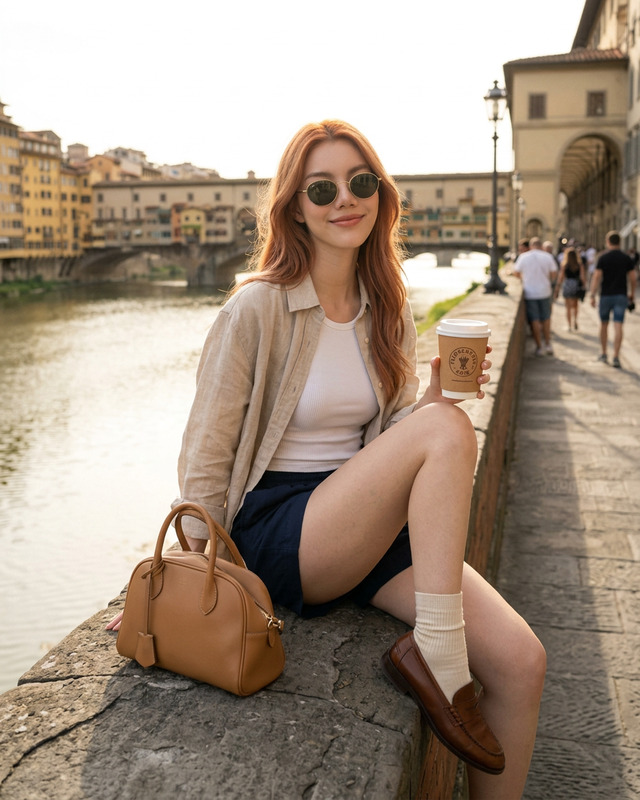
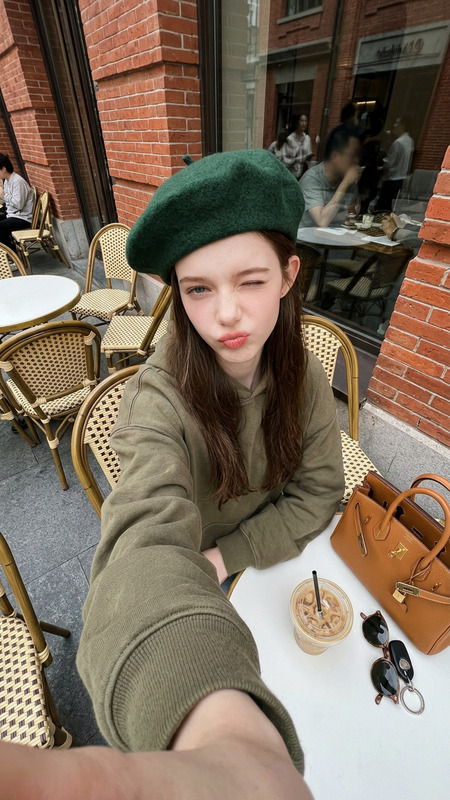
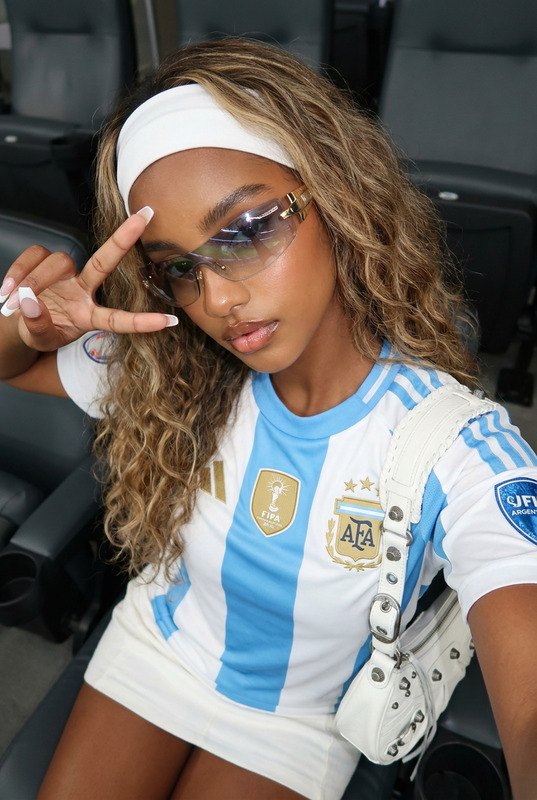
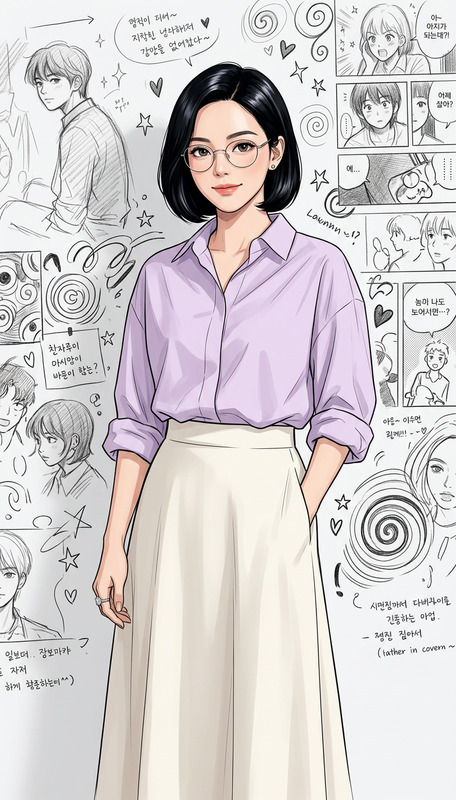
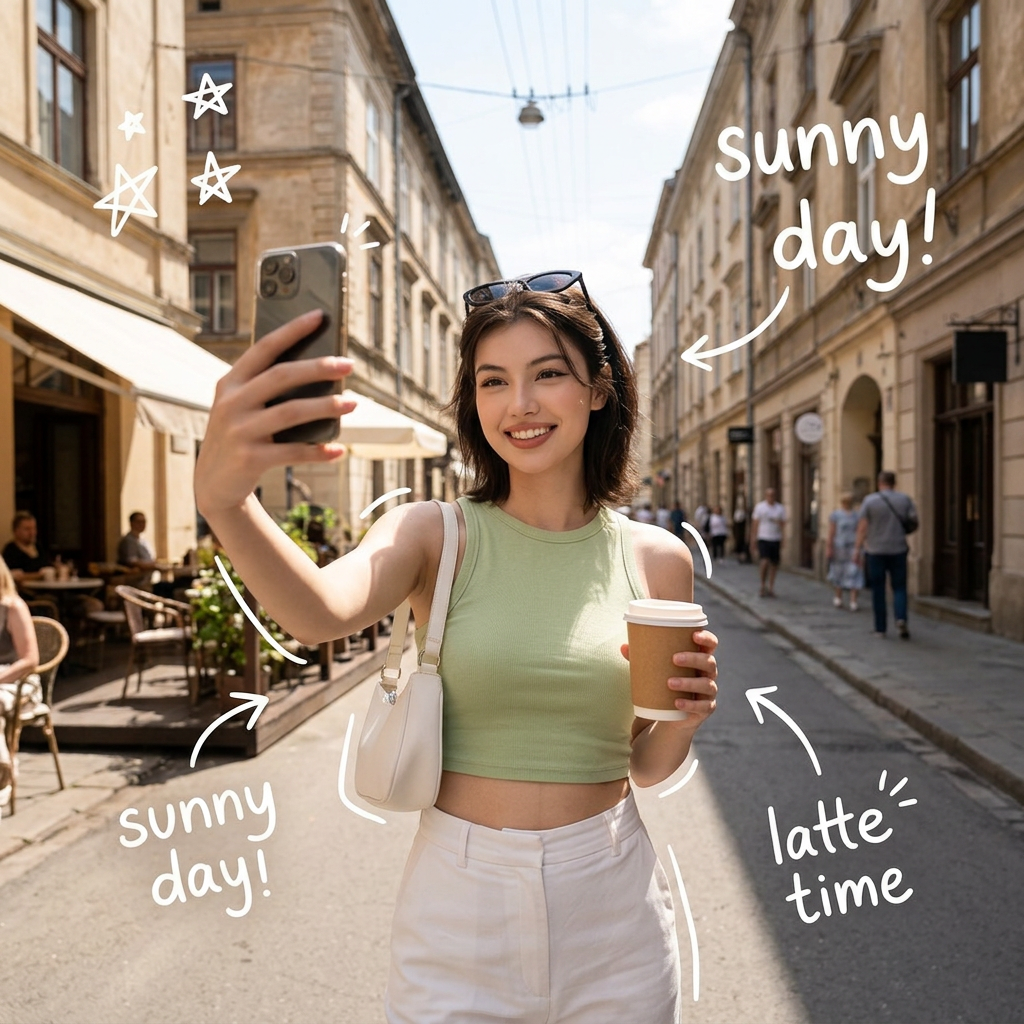
Subject captured as a stylish young woman walking through a charming European street, holding a takeaway coffee in one hand and taking a selfie with a smartphone in the other; wearing a light green sleeveless crop top, high-waisted white trousers, and a small white shoulder bag; sunglasses resting on her head, confident smile, glowing skin; soft natural sunlight with warm tones and shallow depth of field; minimal urban background with buildings and power lines; slightly wide-angle perspective for an influencer-style composition; playful white hand-drawn doodles and annotations surrounding her (arrows, stars, swirls, “sunny day!”, “latte time”, sketch highlights on bag, shoes, and coffee); clean, cinematic lifestyle photography, Instagram aesthetic, high detail, casual luxury vibe.
AI Image Editor Template – Remixable Starting Point for Fast, High-Quality Visuals
This template is built with the AI Image Editor, and is designed as a remixable starting point for creators, marketers, and builders who want to quickly produce polished images without starting from a blank canvas.
Use it to:
- Clean up and enhance product shots and marketing visuals
- Remove or replace distracting objects and backgrounds
- Generate multiple design variations from one core asset
- Create on-brand images that can be reused across campaigns and channels
Because it’s a template, you can duplicate, tweak, and extend it inside Magic Hour to match your own brand, style, and workflows.
What This Template Does
This AI Image Editor–based template is optimized for:
Smart cleanup & object removal
Remove unwanted objects, text, or people from images using AI-powered inpainting. For more advanced object removal across different use cases, you can also explore the dedicated AI Remover and Remove Object from Photo tools.Background editing & replacement
Swap busy or low-quality backgrounds for clean, on-brand scenes. If you need to fully isolate subjects at scale, pair this template with the Image Background Remover or generate new backdrops with the AI Background Generator.Style and branding consistency
Apply consistent visual styles (color palettes, lighting, vibe) across multiple images. You can combine this with tools like the AI Art Generator or AI Illustration Generator to establish a look, then use this template to adapt existing photos into that style.Quality enhancement & upscaling
Improve sharpness and resolution of existing images, especially for social campaigns, landing pages, or pitch decks. For larger scale or print-quality outputs, pair the template with the AI Image Upscaler or Unblur Image.Campaign-ready variations
Quickly generate multiple variants of a hero image for:- A/B testing ad creatives
- Localization (different backgrounds, cultural cues)
- Platform-specific crops and compositions
How to Remix This Template in Magic Hour
You can treat this template as a pre-built workflow that you customize. To create your own version inside Magic Hour:
Start from the existing template
- Open the template in Magic Hour.
- Duplicate it so you always keep the original as a clean baseline.
Swap in your own source images
- Replace the sample inputs with your product photos, headshots, brand visuals, or UGC.
- If you lack high-quality photos, generate them first using:
- AI Photo Generator
- AI Image Generator
- AI Face Generator for synthetic people or personas.
Adjust the editing steps to match your use case
- For ecommerce: focus on clean backgrounds, consistent lighting, and standardized framing. Consider combining with the AI Clothes Changer or AI Fashion Generator to test product variations.
- For social/brand content: emphasize stylization, unique backgrounds, and bolder color. Pair with the Thumbnail Maker, Album Cover Generator, or Book Cover Generator.
- For professional photos: refine portraits for LinkedIn, “About” pages, or pitch decks. Combine with the AI Headshot Generator or AI Selfie Generator.
Add optional creative branches
Turn this template into a mini “image lab” by adding branches that send the edited output into other tools:- Animation & motion
- Convert your edited image to short motion clips with Image to Video.
- Create character animations or stylized loops using Animation templates or the AI GIF Generator.
- Talking or lip-synced characters
- Turn faces in your edited image into talking characters with the AI Talking Photo.
- If you move into video workflows, you can later plug in Lip Sync or Face Swap Video.
- Voice and audio
- Generate or clone voices that match your characters using the AI Voice Generator or AI Voice Cloner.
- Animation & motion
Save, reuse, and standardize for your team
- Save your remixed version as a reusable template inside Magic Hour.
- Encourage your team to start all new campaigns from this shared template so every new visual asset is consistent in style and quality.
Example Use Cases for This Template
This AI Image Editor template is especially useful if you are:
Running performance marketing campaigns
- Rapidly iterate banners, hero images, and ad creatives.
- Test different backgrounds, crops, and visual narratives.
- Complement your video assets created with Video-to-Video templates or Text-to-Video.
Building a new product or startup
- Create a consistent visual identity from day one without a full-time design team.
- Produce app store images, landing page visuals, and pitch deck graphics using one shared template.
- Extend visuals into avatars or branded personas with the Avatar Generator or AI Character Generator.
Creating content and IP (games, comics, worlds)
- Design characters, scenes, or concept art and refine them with the template.
- Pair with specialized generators such as:
Upgrading and restoring existing assets
- Restore and enhance older photos using Old Photo Restoration and Photo Colorizer, then refine them visually with this template.
- Clean logos, icons, and small assets with the AI Icon Generator and this editor workflow.
How This Template Fits into a Larger Magic Hour Workflow
While this template focuses on AI-powered image editing, it’s most powerful when chained with other Magic Hour tools:
From sketch to final image
- Generate a base concept with Photo to Sketch or AI Tattoo Generator.
- Refine details, remove artifacts, and finalize design using this AI Image Editor template.
From static image to dynamic media
- Apply this template to perfect your base image.
- Turn it into a short video clip using Image to Video.
- Enhance resolution with the Video Upscaler.
- Add subtitles and overlays with the Auto Subtitle Generator.
Brand-safe and flexible experimentation
- Explore different styles (realistic, anime, Disney-inspired, dark fantasy, etc.) using:
- Use this AI Image Editor template to refine outputs from those tools into assets you can confidently ship.
Tips for Better Results with This Template
Start with the highest-quality input you have
AI editing composes best when starting from sharp, well-lit images. If your source is weak, first enhance it with the AI Image Upscaler or Unblur Image.Work from general to specific
Tackle big changes first (background, major object removal, composition), then refine small elements (edges, texture, shadows).Standardize for scale
If you’re preparing product catalogs or social content calendars, lock in a consistent “look” in this template and reuse it across all assets instead of re-editing each image from scratch.Combine with specialization tools
For niche jobs (logos, thumbnails, QR codes, memes), you’ll often get the best results by:- Generating the core asset with a specialized tool such as
- Refining and polishing that asset visually using this AI Image Editor template.
Related Magic Hour Tools to Explore Next
If you like how this template works, you may want to explore:
- AI Image Editor – the core engine behind this template
- AI Face Editor and Gender Swap – for nuanced facial and identity transformations
- AI Outfit Generator and Full Body Generator – for character, model, and fashion workflows
- Architecture Generator and AI Interior Design Generator – for spatial, real estate, and design projects
- AI QR Code Generator – to turn edited visuals into scannable, on-brand entry points for your funnels
Use this template as your reliable, repeatable backbone for AI image editing in Magic Hour, then remix and chain it with other tools to build a full, end-to-end creative pipeline that fits your product, brand, or studio.